







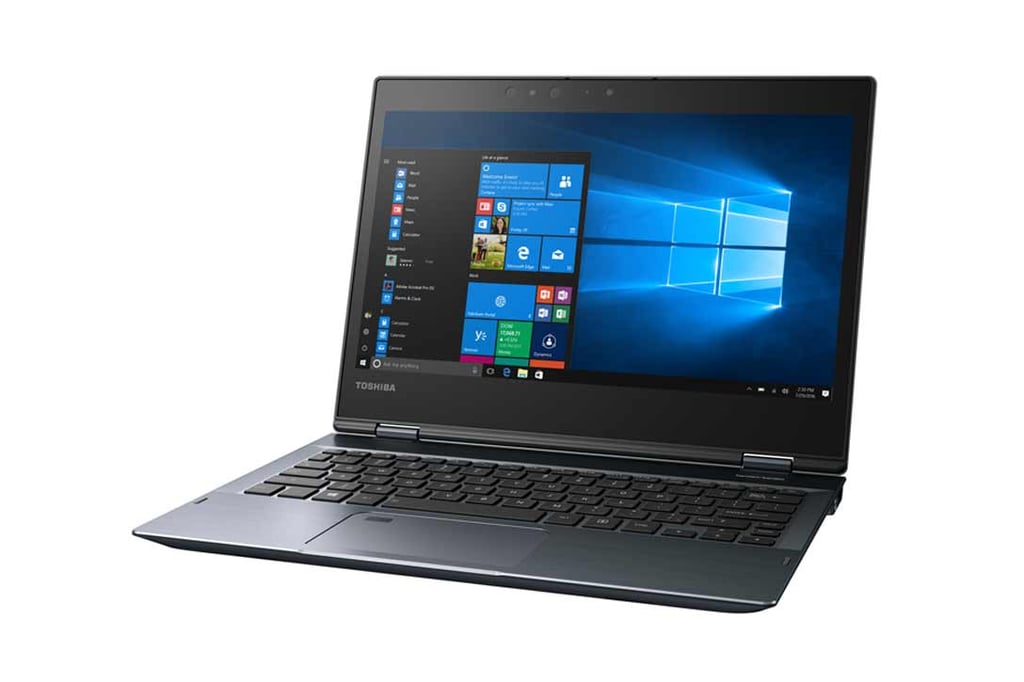
- Toshiba X20W-D Business Ultrabook Is Tough as it Is Versatile
- This is the X20W-D Ultrabook
- The Front End of This Ultrabook Is Clean
- Power Switch, USB 3.0 Port Are on the Right Side
- Two More Ports Are on the Left
- There Are Hinges and Vents on the Back
- Yes, It Also Works as a Tablet
- You Need a Docking Station to Get More Ports
- The Dock Provides Plenty of Ports
Toshiba X20W-D Business Ultrabook Is Tough as it Is Versatile
Toshiba’s new X20W-D ultrabook is part of a growing class of business computers that are designed for life on the road, but work well in the office, too. This is a 2–in–1 computer features a touch-sensitive screen that can fold back on the chassis to become a tablet. Like the Lenovo X1 Yoga and other similar computers that have emerged recently, the Toshiba X20W-D’s screen is optimal for viewing video and for giving presentations. The 12.5-inch full HD screen is bright and easy to view, and it responds well to multi-touch control. If this device has any drawbacks, it is the number of communications ports, which are limited to one USB 3.0 port on the right side of the computer and one USB Type-C on the left. You’ll need the docking station for any more.
This is the X20W-D Ultrabook
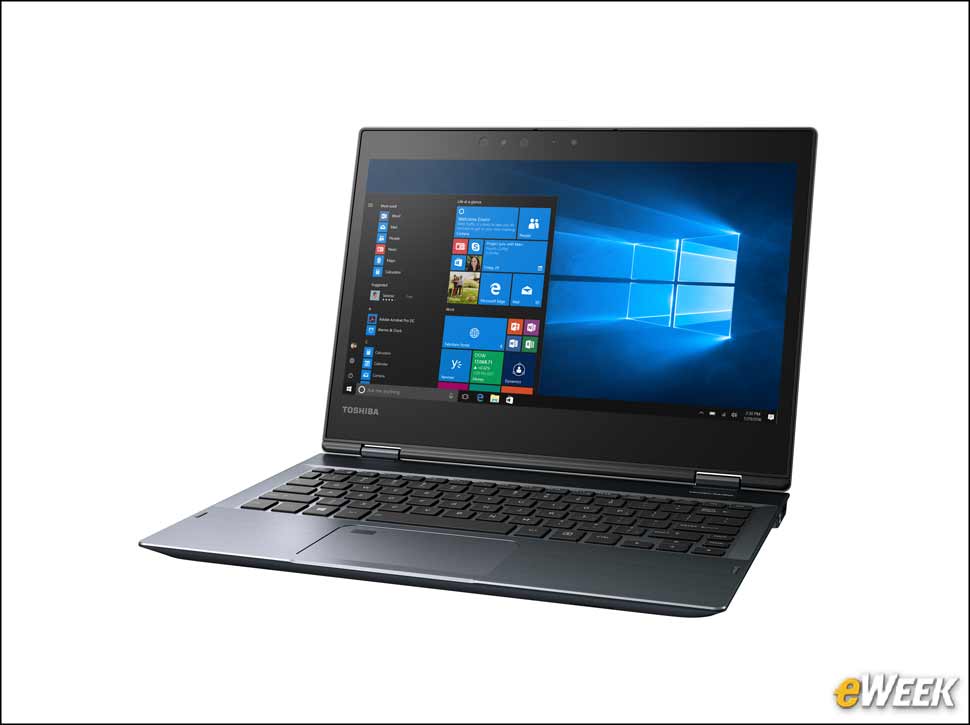
This ultrabook computer is thin, light and very portable, yet it has the ruggedness and security you’d expect in a business laptop. For example, the small rectangle in the upper left of the touchpad is the fingerprint reader for this device. The keyboard is well-designed and responsive, which is an achievement given its relatively small size.
The Front End of This Ultrabook Is Clean
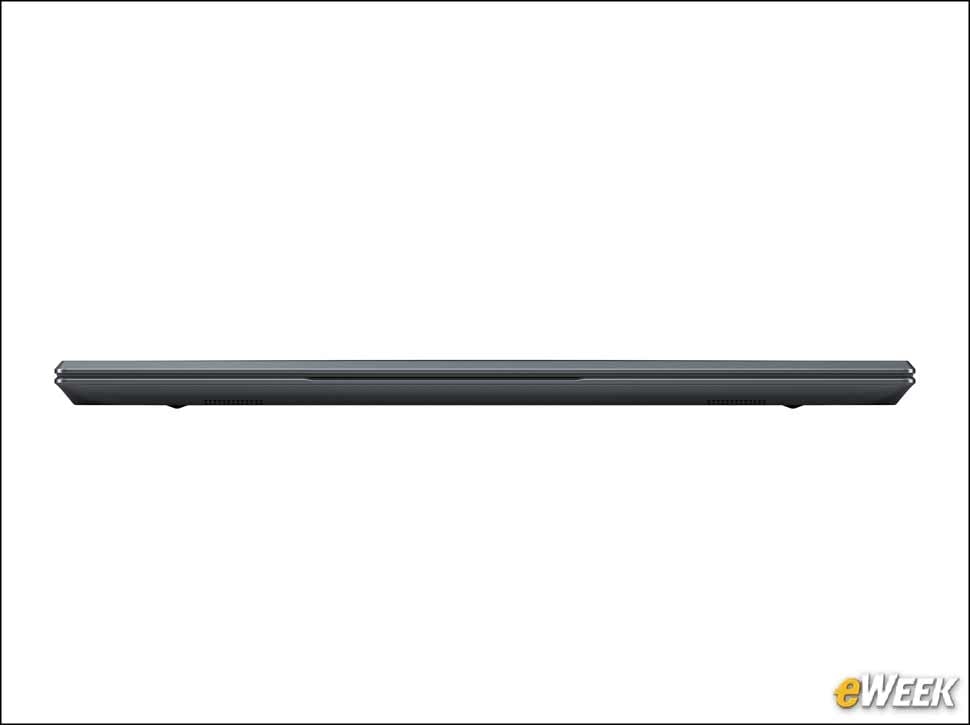
Unlike some laptops that have a few slots, controls or card readers on the front, the X20W-D is clean and smooth.
Power Switch, USB 3.0 Port Are on the Right Side
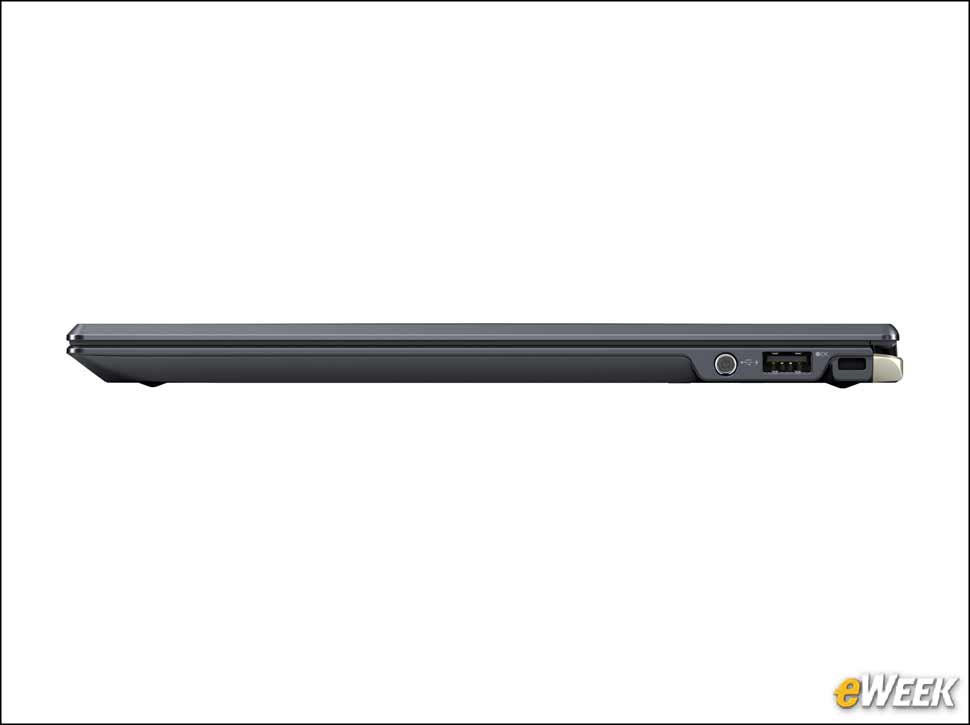
You’ll find the power switch on the right side of the laptop, next to the USB 3.0 port. The hole behind that is for a security cable.
Two More Ports Are on the Left
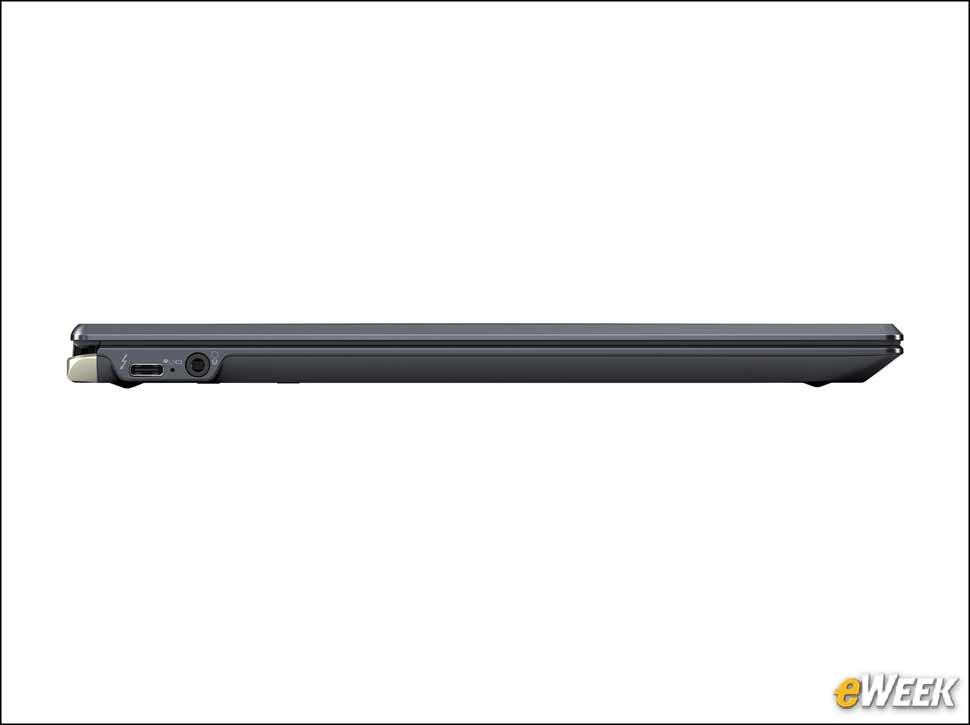
The headset jack and the USB Type-C port are located on the left side of the X20W-D. This port is Thunderbolt 3-compliant, to be used for either the power cable or for attaching the docking station.
There Are Hinges and Vents on the Back
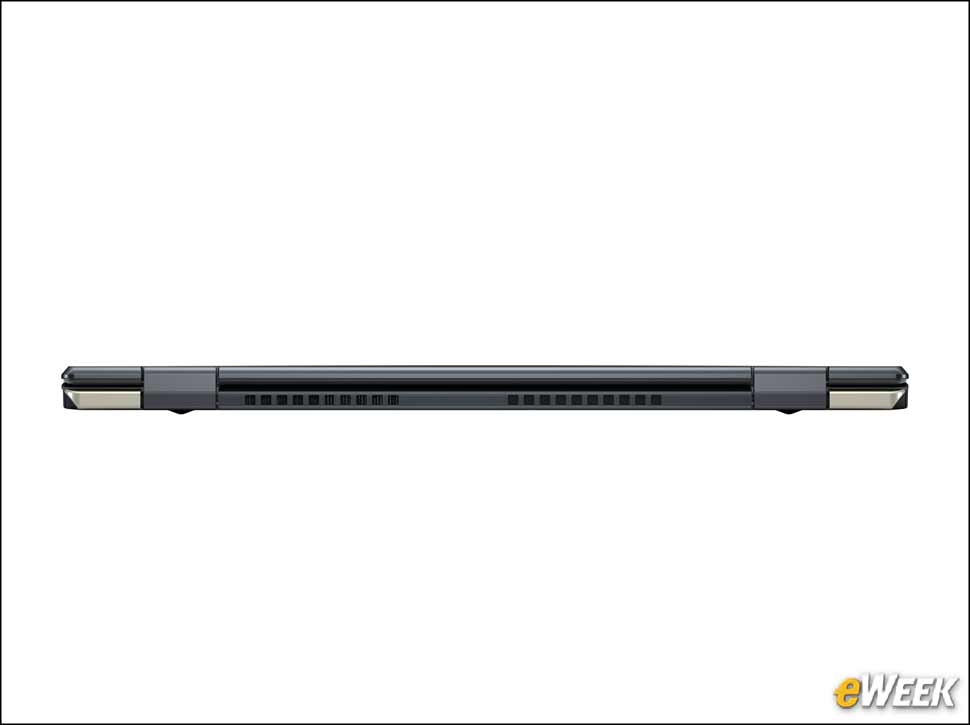
There are no ports on the rear of the computer because of its function as a 2-in-1 device, which requires there be nothing that can prevent the screen from folded back. What is there are the double hinges that allow the folding and the cooling vents.
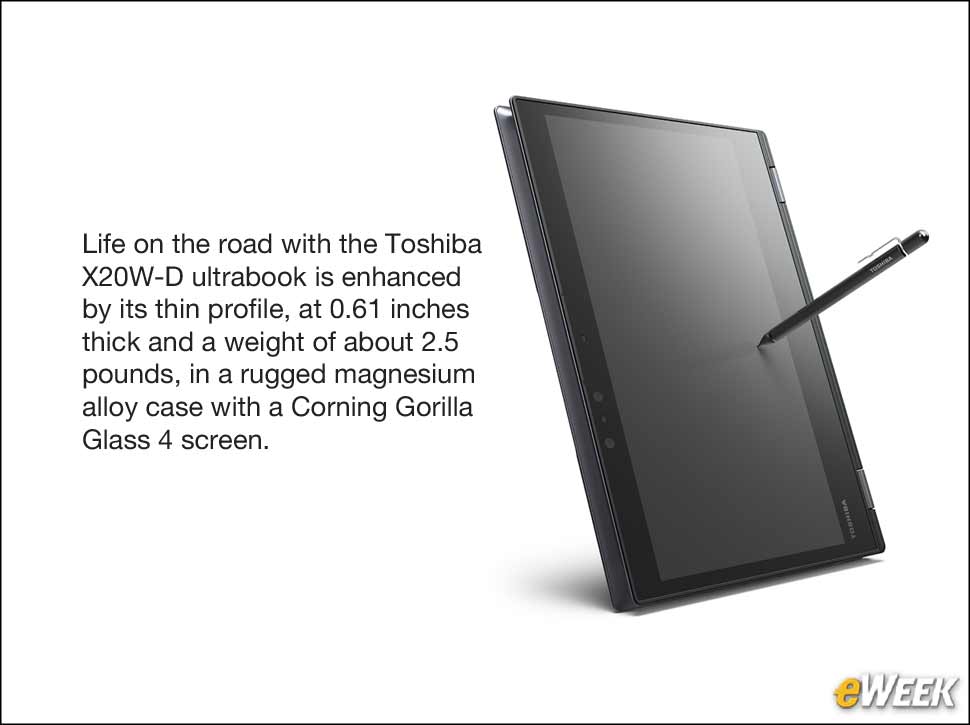
Yes, It Also Works as a Tablet
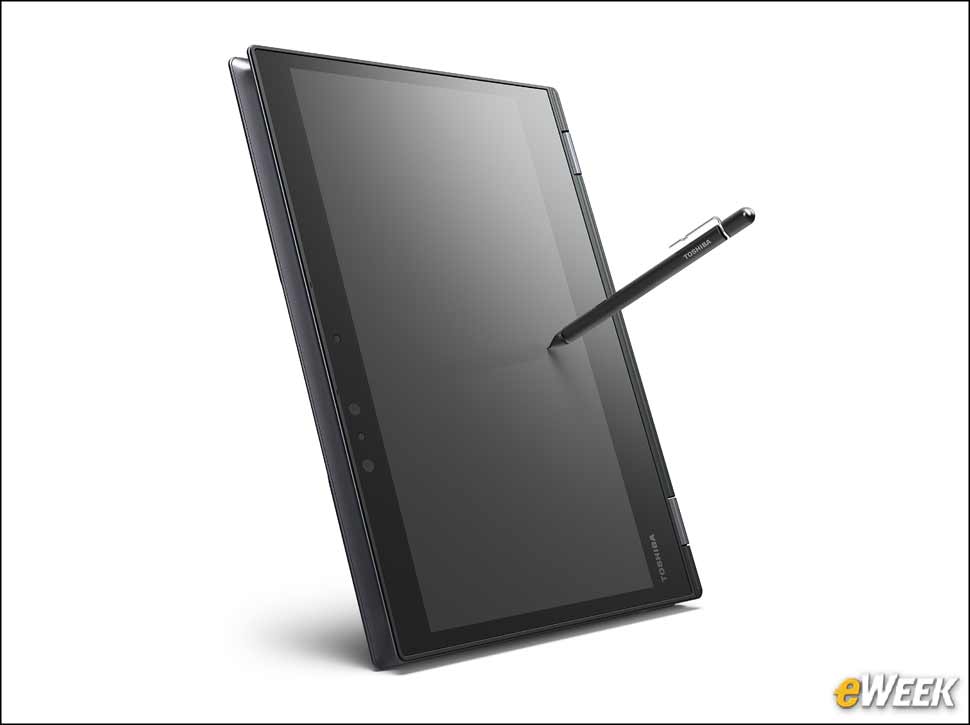
The X20W-D will fold back so that you can use it as a tablet, with an auto-rotating screen to accommodate landscape and portrait modes. It’s thicker and heavier than a dedicated tablet such as an iPad. The Wacom pen doesn’t normally levitate as it is in this photo, which is too bad.
You Need a Docking Station to Get More Ports
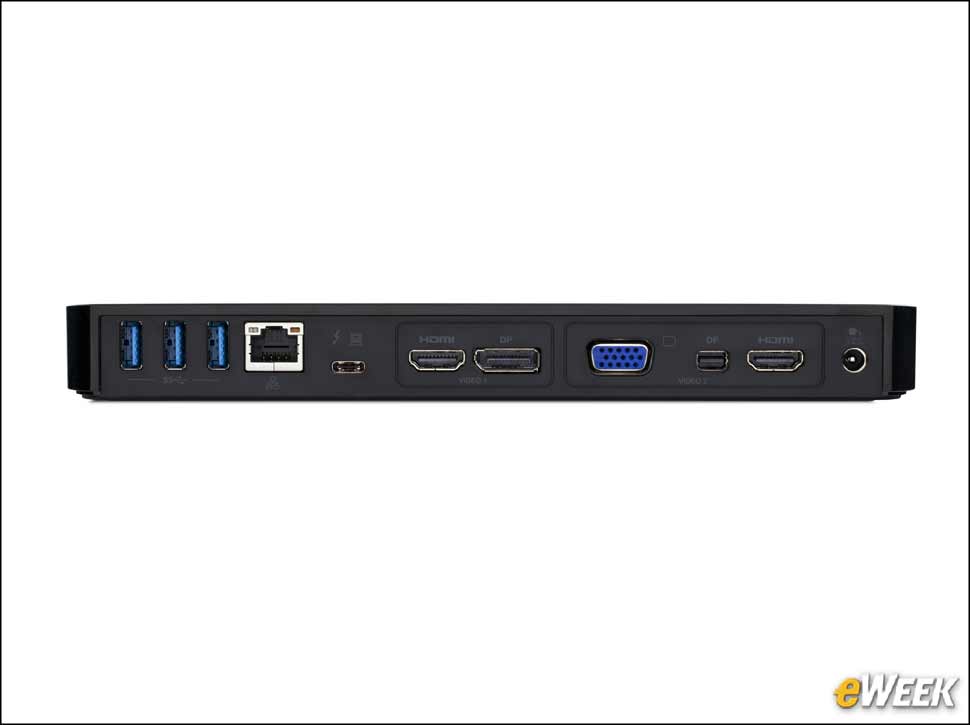
If you want more than two ports, you’ll need to get a docking station such as the Toshiba Thunderbolt 3 Dock, which is seen here and was included with the review unit. From left to right are three USB 3.0 ports; a Gigabit Ethernet port; a USB Type-C port to provide power and connectivity to the computer; an HDMI port and Display Port connector, which share the first video channel; and a VGA monitor connector, a mini Display Port and an HDMI port, which all share the second video channel. At the end is the power connector.
The Dock Provides Plenty of Ports
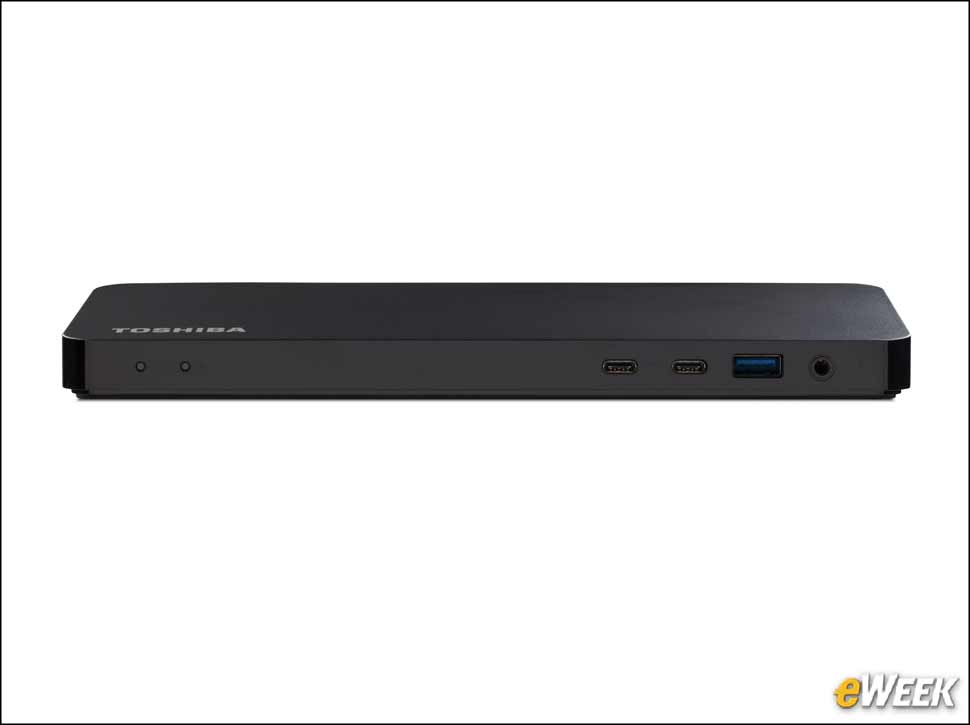
On the front of the Toshiba Thunderbolt 3 docking station are two power indicators—one showing whether the dock has power and one showing when it’s providing power to the laptop. On the other end are two USB Type-C ports, a USB 3.0 port and a headset connector.