








- 10 Requirements of a New-Generation Cloud Storage System
- Single Storage Platform a Good Place to Begin
- Use Software-Defined Storage
- A CIFS/NFS File System Gateway Can Be Beneficial
- Use Enterprise Authentication Integration
- Required: Built-In, Multi-Site Disaster Recovery
- Flexible Storage Policies a Must
- Heterogeneous Hardware Must Be Supported
- It Needs to Be Simple to Manage
- TCO That Can’t Be Beat
- Use a Private Cloud Infrastructure
10 Requirements of a New-Generation Cloud Storage System

by Chris Preimesberger
Single Storage Platform a Good Place to Begin
Using a single, centralized platform enables you to capture unstructured data from your storage islands into one storage environment, sometimes called a data lake. You can add the capacity you need, when you need it. You can drain data from the lake as needed, from wherever you need to do it.
Use Software-Defined Storage
It’s simple: Using software-defined storage gives you the ability to manage and scale your storage environment easily. Older systems have no way of providing this kind of agility.
A CIFS/NFS File System Gateway Can Be Beneficial
We all work with files and objects, and each storage system processes these differently. Why should you have to choose between the two? A file system gateway enables you to mix and match workflows between object and file interfaces. Data comes in as files, objects come out via the HTTP API, and vice versa.
Use Enterprise Authentication Integration
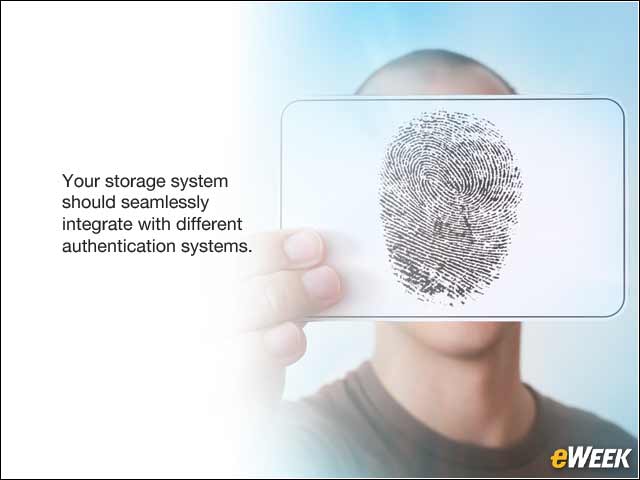
Each company uses various enterprise management systems, such as LDAP and Active Directory. Your storage system should seamlessly integrate with these authentication systems to provide secure, authenticated access to data.
Required: Built-In, Multi-Site Disaster Recovery
Everyone needs to back up data, but you shouldn’t have to sacrifice latency for data access or ingest—or from where your data is accessible. The best way to do this is to have a built-in, multi-site disaster recovery in your storage system. This enables you to create as many replicas as you want and distribute them across multiple geographic regions in a single cluster.
Flexible Storage Policies a Must
Having the flexibility to manage your data—from where it is stored geographically to who can access it—is invaluable. So instituting flexible storage policies enables you to control these things by consolidating storage tiers within a single cluster. You’ll have unprecedented freedom to provide the storage services that users and applications need.
Heterogeneous Hardware Must Be Supported
All companies want to get the most out of their capital investments while also making their users as productive as possible. With a hardware-agnostic storage system, you can build a durable, scalable system using standard hardware from multiple vendors; you can even mix storage node density and device size.
It Needs to Be Simple to Manage

Managing petabytes of data is a big task, but the process should be made as simple as possible. You want easy-to-use storage management tools, rolling and no-downtime upgrades, and cluster health monitoring. Make sure that’s what you have.
TCO That Can’t Be Beat
Total cost of ownership (TCO) is a financial estimate intended to help buyers and owners determine the direct and indirect costs of a product or system. Software-defined storage systems are much more cost-effective than legacy systems because they run on newer, leaner code, faster processors and larger data pipes. They also are faster and easier to configure.
Use a Private Cloud Infrastructure
Storing data internally and in the cloud gives more flexibility and is ultimately better for TCO, especially with software-defined storage. For disaster recovery, it’s better to have copies of the data on site and backed up somewhere else.