







- Eight Ways to Test a Site’s Holiday Shopping Readiness
- Begin Testing Early
- Thoroughly QA Your Pricing
- Tune Up Your Site Search
- Test Common Navigational Paths
- Optimize Your Product Detail Pages
- Check All Steps of Your Holiday Checkout
- Explore Remote Usability Testing
- Review Tech Stats to Ensure the Site Can Handle More Traffic
Eight Ways to Test a Site’s Holiday Shopping Readiness

by Darryl K. Taft
Begin Testing Early

Holiday promotions are fiercely competitive, so it’s little surprise that many retailers plan all seasonal activities in advance. To ensure you’re delivering an optimal user experience, consider testing the promotional campaigns you plan to run as early as October to be certain they run properly. A bonus? You can see which promotions your customers have a more favorable response to and adjust your strategy accordingly.
Thoroughly QA Your Pricing

Check all of your grid pages to ensure both full prices and discounted prices show up correctly. This goes hand-in-hand with testing your promotions.
Tune Up Your Site Search
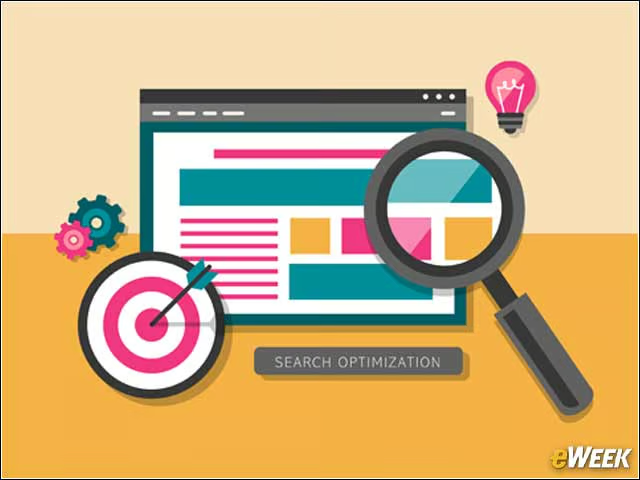
Anticipate what shoppers will be looking for by revisiting what they searched for last year. Knowing what was popular in the past will help optimize your site structure going forward.
Test Common Navigational Paths

When consumers shop for gifts, they tend to browse more than search. Test how they navigate your site to ensure you’re making the shopping experience as easy and seamless as possible. These insights can also give you the ability to help them find the products for which they may be searching.
Optimize Your Product Detail Pages
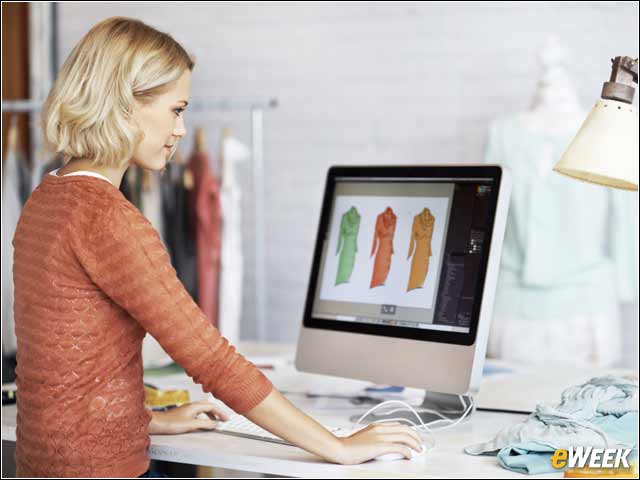
Be sure all promotions are displayed and decision-making criteria, such as warranty, key product details, size and color, are listed above the fold. Check images and pricing for accuracy and clarity.
Check All Steps of Your Holiday Checkout
Consider providing customer service numbers in case shoppers have a last-minute question, or offer a live chat session during the shopping experience. For customers who aren’t yet ready to buy, offer them the chance to save items to a wish list. And, if possible, consider extending your cart life since many shoppers may choose to return later to complete the transaction.
Explore Remote Usability Testing

Even though browsing your site may be simple and user-friendly to you, will holiday shoppers agree? You should consider doing some usability testing when your holiday catalog is ready in a staging or development environment to ensure it’s as easy to navigate as possible. There could be some issues you may have overlooked entirely.
Review Tech Stats to Ensure the Site Can Handle More Traffic

Even if you have done everything you can to merchandise your site for the holiday, it will all be for naught if the back-end can’t support the additional traffic. Work with your IT team to set up and schedule load testing to prevent downtime during the most critical holiday shopping times.