







- Google’s Chromecast: 10 Things Consumers Should Know About the Dongle
- It’s Very Inexpensive
- Most TVs Come With the Functionality Built-In
- It’s a Google-Centric Device
- Developers Aren’t Jumping at Chromecast
- There’s No Storage, Folks
- There’s No Remote With It
- There Are Other Cheap, More Capable Devices
- Yes, iPhones and iPads Work With It
- It Requires Power, Unfortunately
- A Sub-Standard AirPlay Competitor?
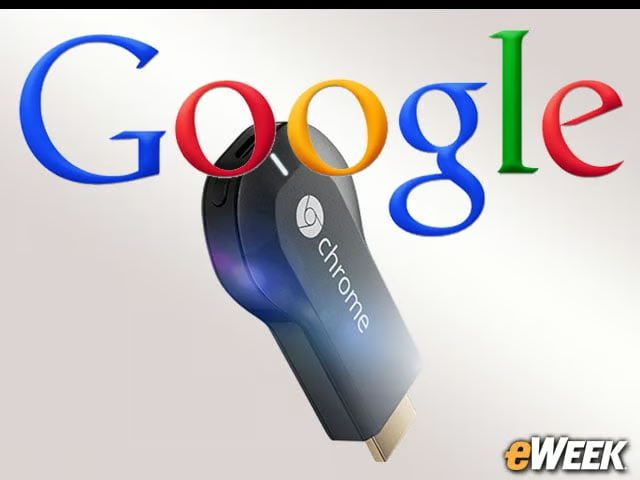
Google’s Chromecast: 10 Things Consumers Should Know About the Dongle
By Don Reisinger
It’s Very Inexpensive
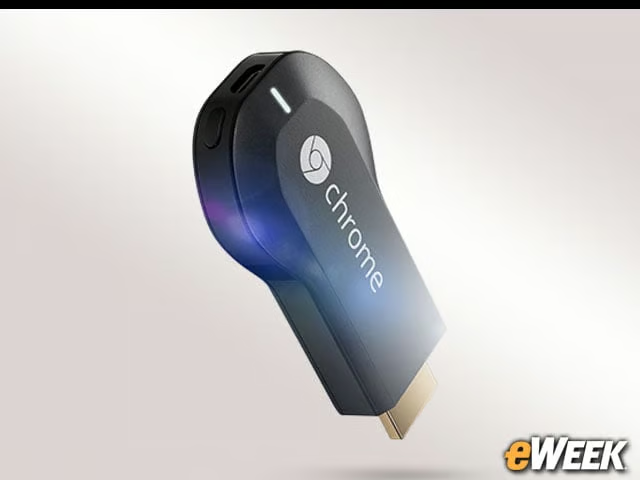
The first thing to know about the Chromecast is that it’s extremely cheap for a device that allows for streaming video and audio content to a television. At just $35, it’s cheaper than a Roku, Apple TV and any other set-top box designed to stream programming to a television.
Most TVs Come With the Functionality Built-In
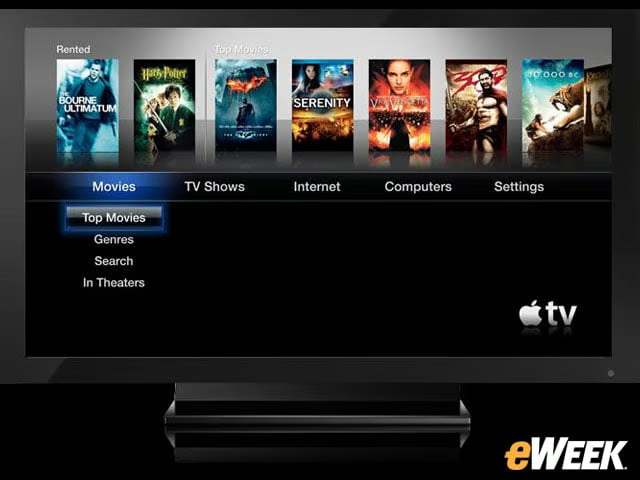
The Google Chromecast is not designed in any way for those who are planning to buy a new HDTV. After all, the vast majority of those products nowadays come with WiFi and application stores built in. The Chromecast is for older devices that didn’t ship with support for streaming applications.
It’s a Google-Centric Device
Those hoping to have access to services like iTunes, Amazon Instant Video and other streaming offerings will be out of luck right now with Chromecast. Google’s dongle is designed to allow users to download from the Google Play marketplace. It’s unfortunate.
Developers Aren’t Jumping at Chromecast

Google made a fuss recently that it has signed up Pandora for its Chromecast service. But what the company failed to point out was that its application marketplace for Chromecast is extremely small. Until the dongle gains broader appeal, it looks like Google won’t be attracting too many developers to the service.
There’s No Storage, Folks
Looking for a boatload of storage to place some of the content onto the dongle for viewing on the TV? Think again. Google’s Chromecast isn’t designed to be a media storage device; it’s a media extender. That means no storage.
There’s No Remote With It
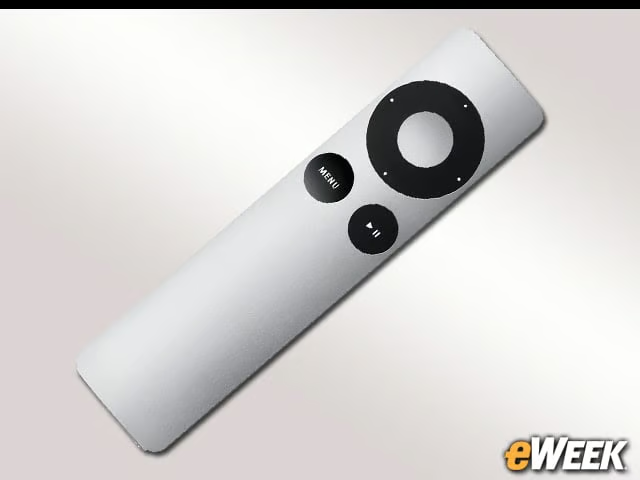
Google’s Chromecast ties its users to smartphones or tablets. So, those who might have left their mobile device in another room won’t be able to control the dongle until they get their hands on their handsets. Why Google didn’t include a remote with the Chromecast is unknown. But it should have done so.
There Are Other Cheap, More Capable Devices
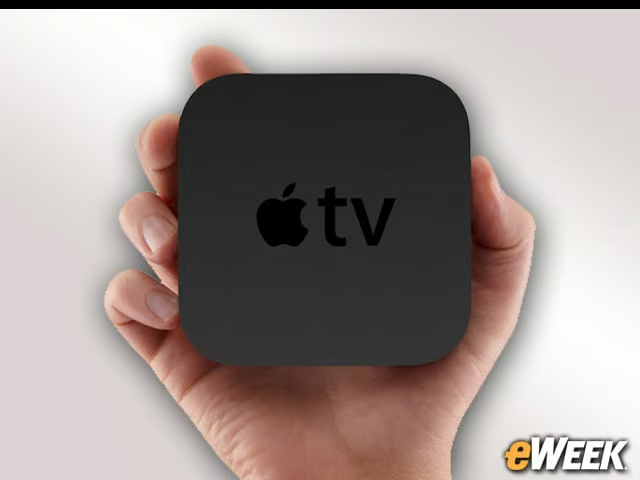
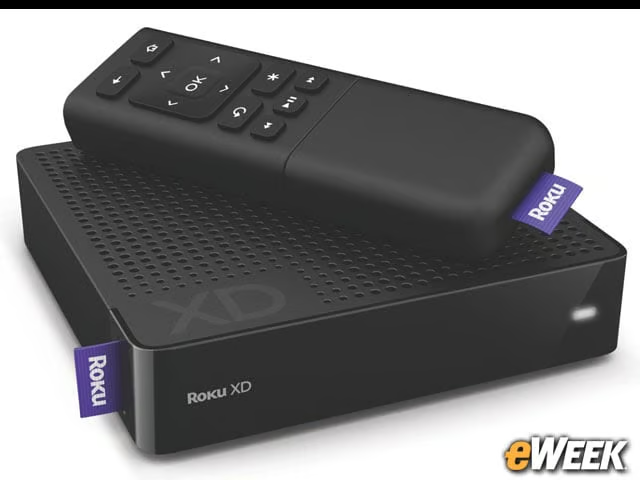
Let’s not pretend that the Chromecast is the only cheap device that can deliver programming to a television. Roku boxes can be purchased for as little as $50, and sometimes even less online. The Apple TV costs just $99. Better yet, both the Roku and Apple TV deliver better all around experiences for entertainment seekers. There’s something to be said for going with a cheap set-top box.
Yes, iPhones and iPads Work With It
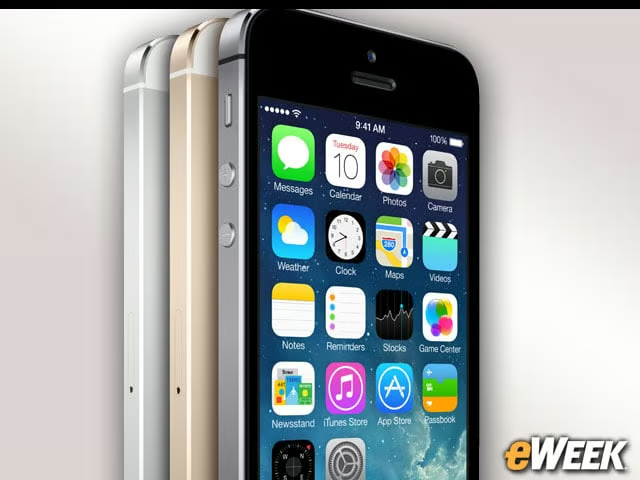
Although Google favors the use of its products with Chromecast—and smartphones and tablets are required to make it work—the company has made abundantly clear that iPhones and iPads can be used to control Chromecast. That’s important for Google and for consumers who aren’t so heavily invested in Android.
It Requires Power, Unfortunately
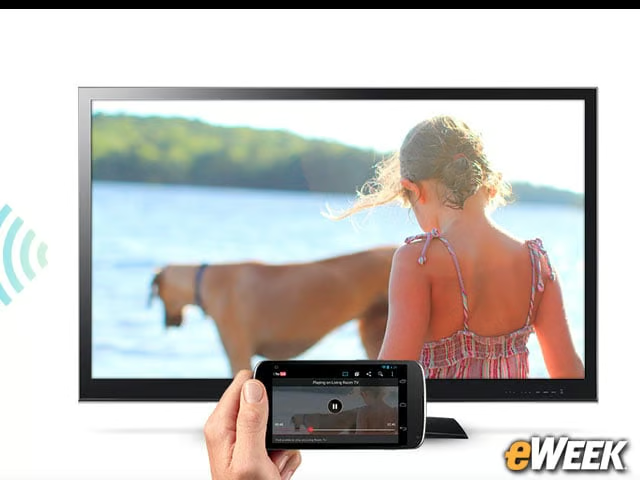
Google did a good job of sidestepping one very important thing to consider with the Chromecast: It requires power. The device comes with a USB port that can connect a television’s port and automatically draw power. The Chromecast also comes with an adapter to convert its USB port to a regular wall plug. So while Chromecast might save you room in your entertainment center, it might still take up room in your surge protector.
A Sub-Standard AirPlay Competitor?
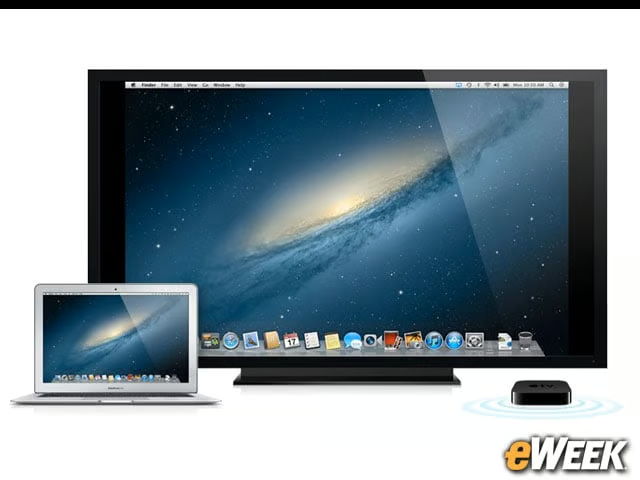
The big issue for Chromecast going forward will be overcoming the allure of Apple’s AirPlay. A huge number of products support Apple’s wireless streaming service, and as long as a person has an Apple TV, they can take apps from their Macs and iOS devices and stream those directly to their televisions without any other tinkering. Google needs to find a way around that mess.