








Concrete5 CMS Provides Useful Features for Web Developers
Installation
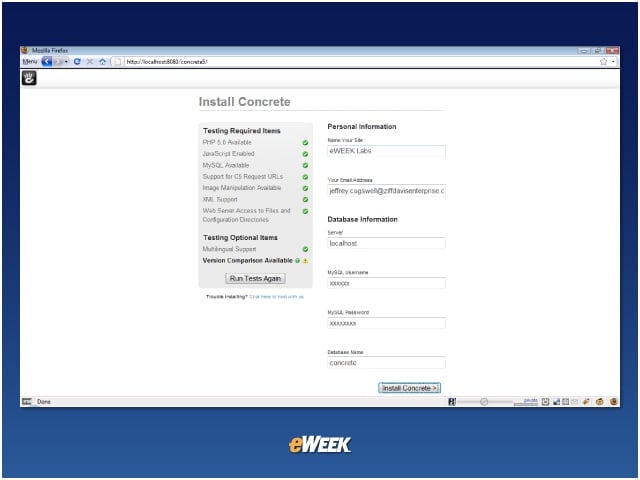
Installing Concrete5 is as simple as filling out form, specifying the information you’d expect: name of site, database information, and so on.
Default User Name and Password
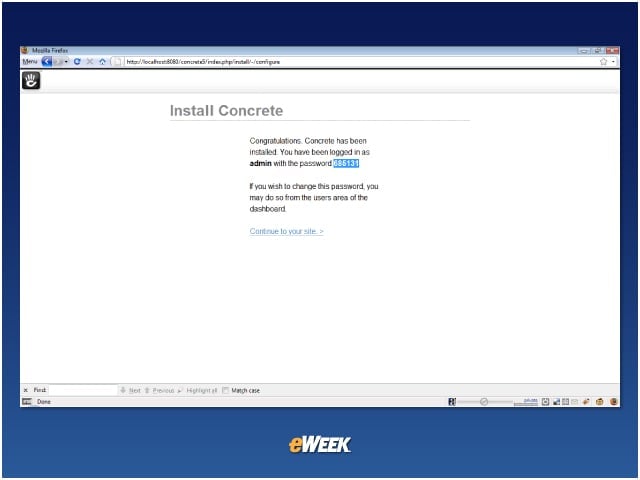
Concrete5 creates a default administrator user name and password for you.
Default Pages
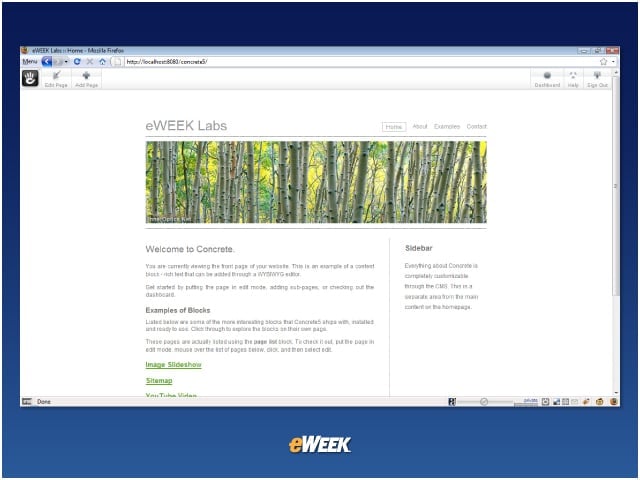
After installation, your site includes several default pages, such as this one.
Control Panel
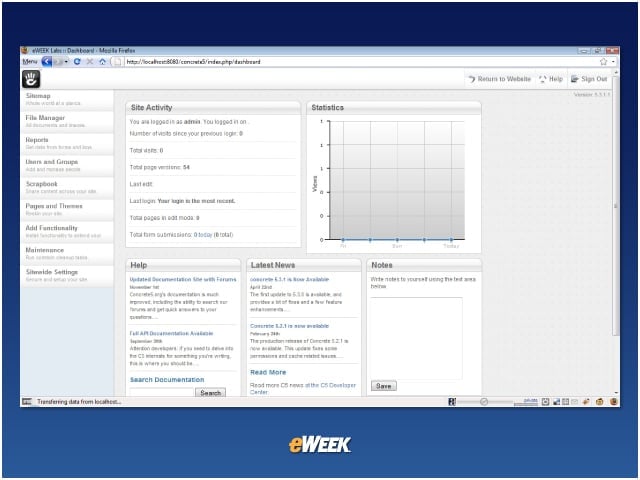
Concrete5 includes a feature-rich control panel that even includes site statistics.
Customized Sites
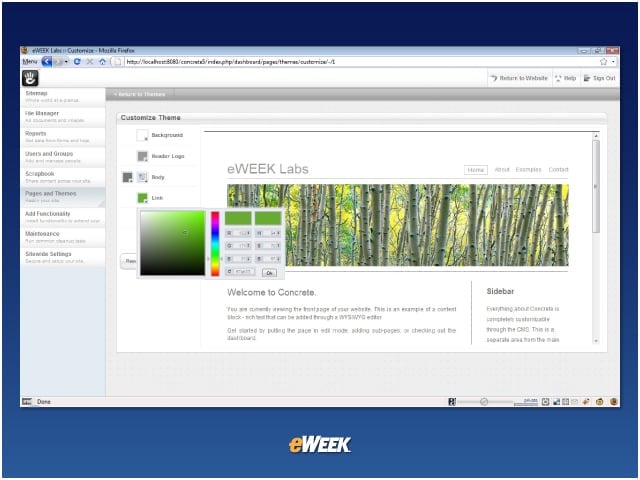
From within the control panel, you can customize your site, within the limitations of the templates you are using.
Online Help
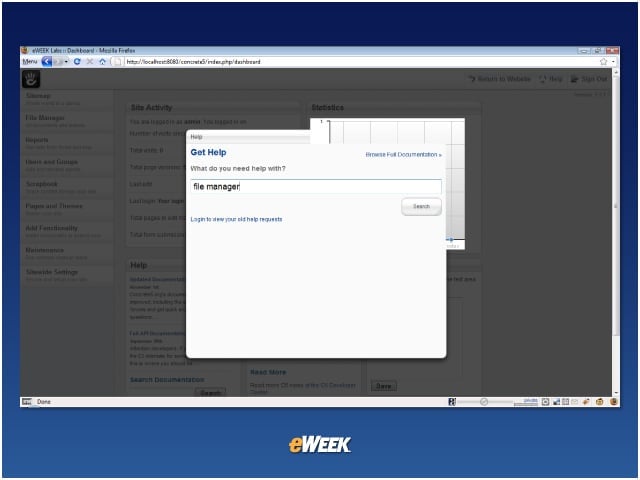
Concrete5 even includes a searchable online help feature, as well as access to the full documentation.
Listen to this article