







eWEEK Labs Walk-Through: Using jQuery in Microsoft Visual Studio 2008
by Jeff Cogswell
Object Name
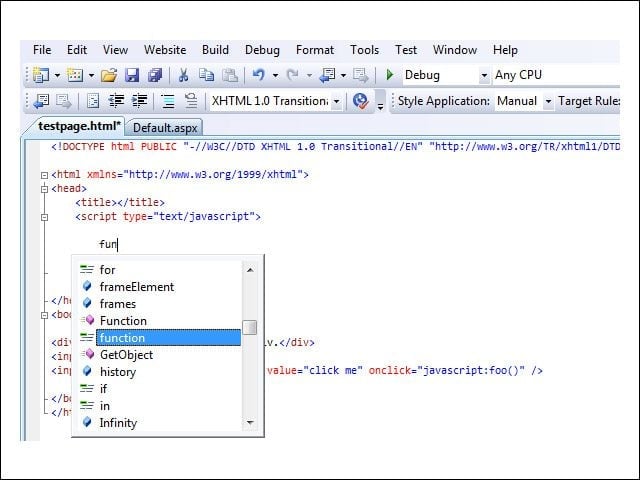
IntelliSense knows you’re inside a JavaScript code block and offers suggestions as you type.
Understanding Document
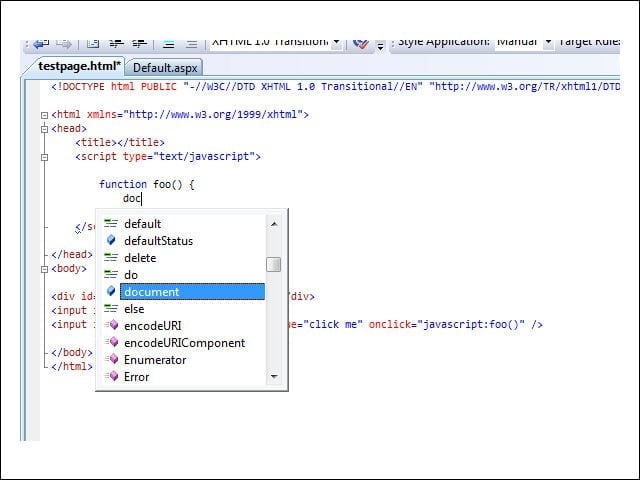
IntelliSense knows that “document” is an available object name. At this point, you can press the period key.
Available Members
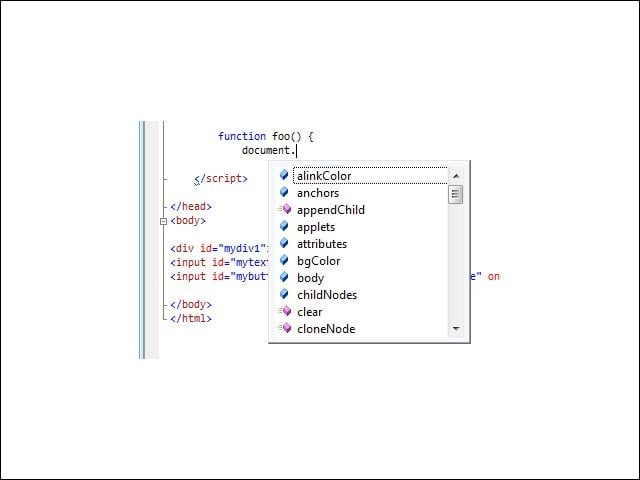
After typing the period, IntelliSense lists available members for the object.
Full Awareness
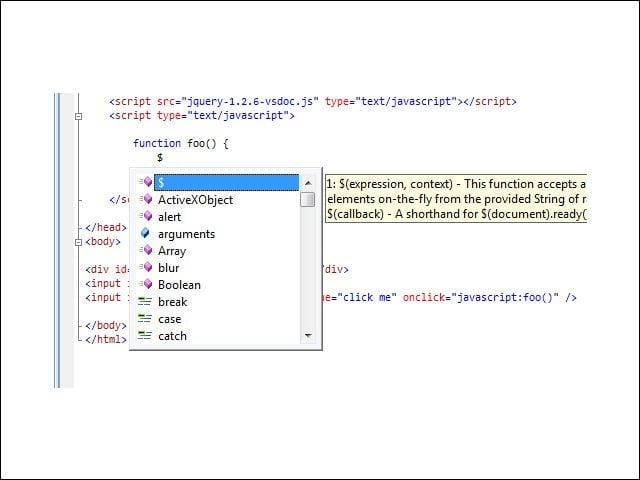
When you add the IntelliSense-annotated version of jQuery, IntelliSense becomes fully aware of the jQuery objects.
Return Type Detection
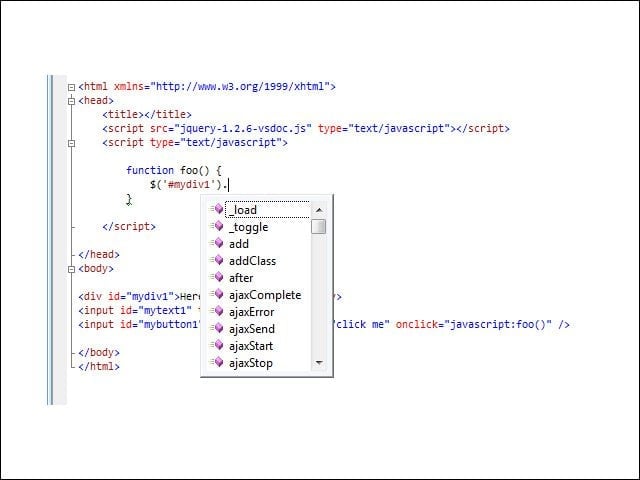
IntelliSense can detect the return type of the function and display members for that type based on the annotations.
Sample Web Page
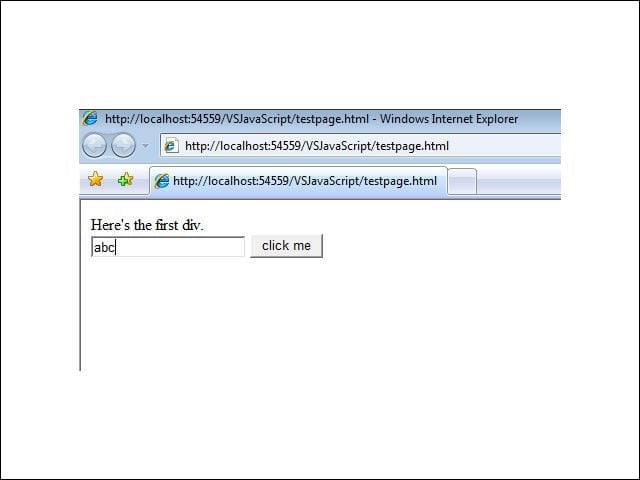
Here’s the sample Web page that will be debugged. Clicking the button opens the debugger at the breakpoint.
Advertisement
At the Breakpoint
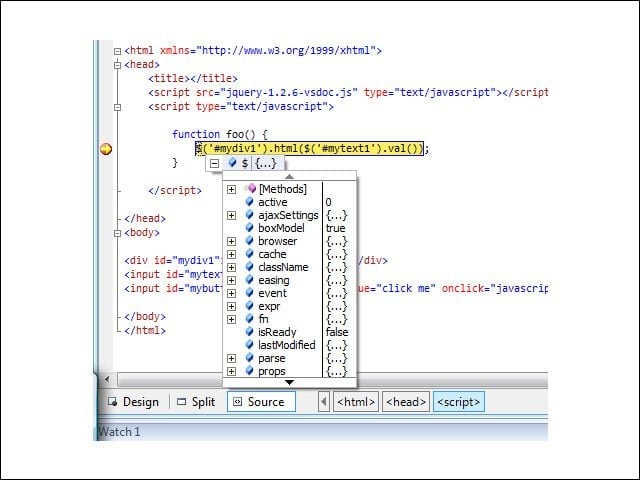
Visual Studio activates with at the breakpoint. Floating the mouse over the $ function reveals its members.
No Title

Listen to this article