







12 Windows 7 Features That Will Make Life Easier for IT Pros
BranchCache
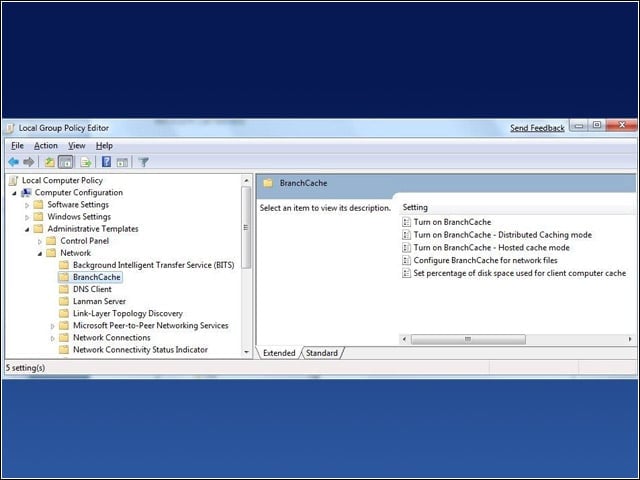
This program helps increase network responsiveness of applications, giving remote users with slower connections the ability to work as fast as their counterparts at a corporate headquarters; designed for companies with multiple interconnected branch offices.
BitLocker
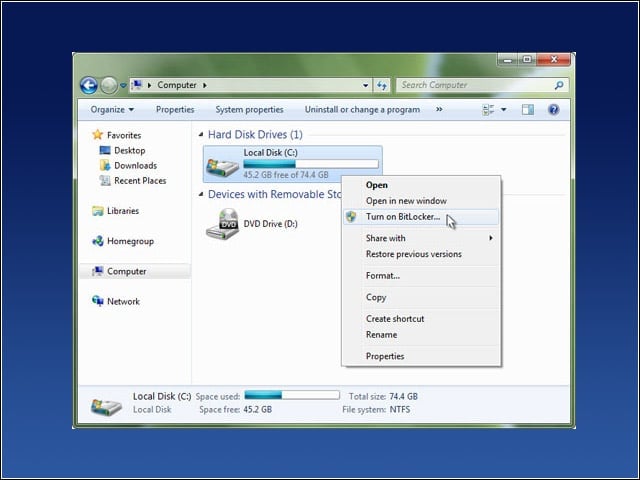
Drive encryption to protect hard-drive data from being accessed by unauthorized users, with more granular control for IT administrators over how that data is protected. The program can be enabled on drives running Windows 7 with a single mouse-click.
BitLocker To Go
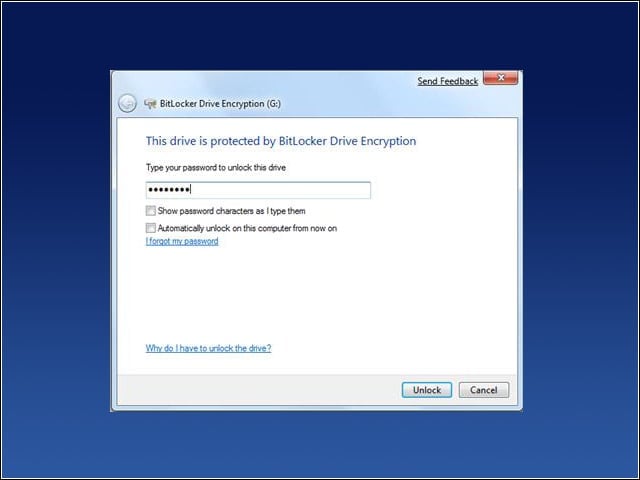
BitLocker To Go allows IT administrators to control security for removable storage such as USB devices, including the ability to impose passwords, smart-card access or domain-user credentials in order to use a portable storage device within a network.
AppLocker
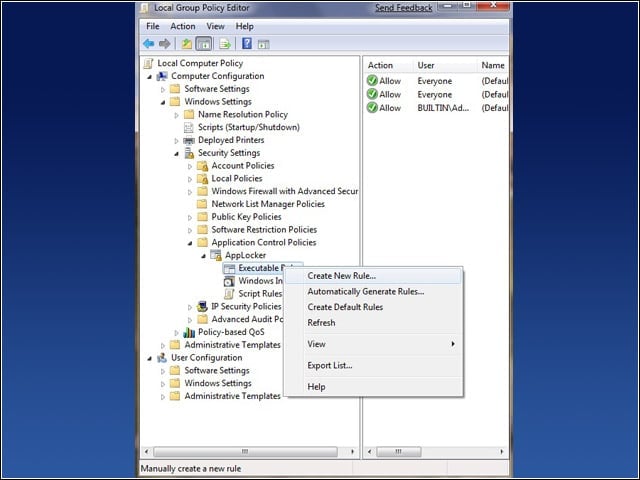
With AppLocker, administrators can dictate which applications can run on user desktops, and stop unauthorized software from running on those same systems. Specifying which applications can run, and which cannot, can be done via Group Policy.
Federated Search
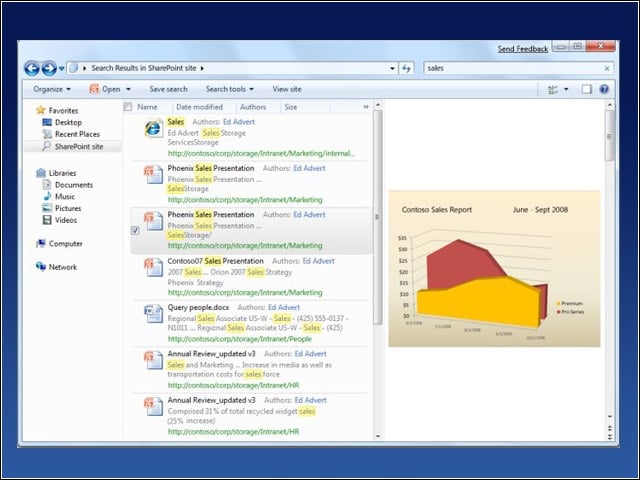
Federated Search is designed to make searching PCs for relevant information a more streamlined and robust process, with the ability to explore both local drives as well as networks. Search results are then presented in Windows explorer with rich views, file details and previews.
Windows XP Mode
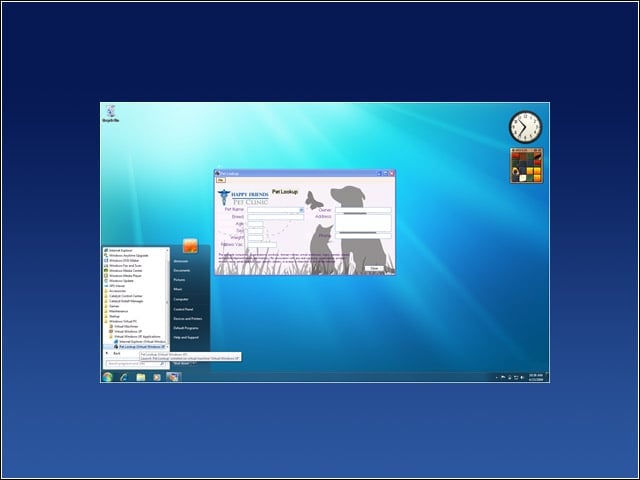
Referred to as a “last ditch” measure for legacy applications incompatible with Windows 7, Windows XP mode allows those applications to be run in a virtual XP-compatible environment.
User Account Control
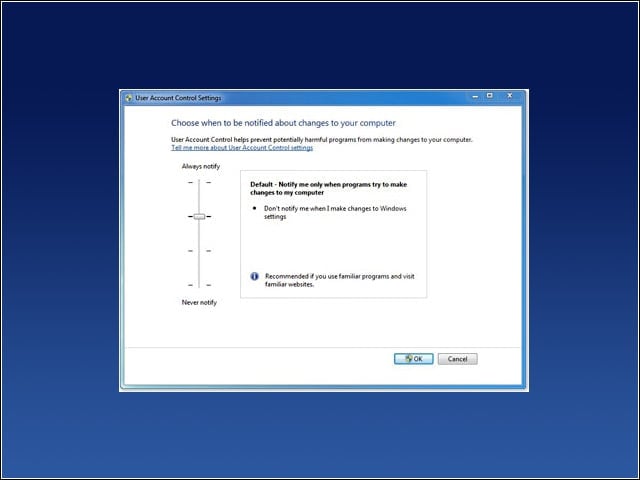
One of the more annoying features of Vista, which constantly peppered users with pop-up notifications, the Windows 7 version of User Account Control Settings lets users choose between Never Notify, Always Notify, and options in between those two poles.
Updated User Interface
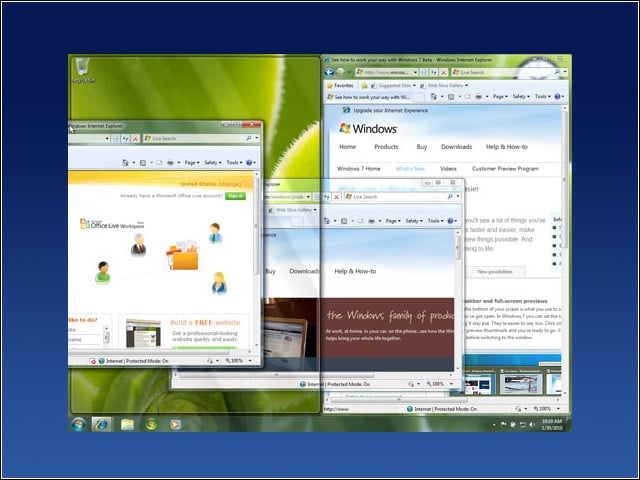
Windows 7 includes a variety of aesthetic improvements such as Aero desktop, which includes translucent glass windows, personalization options, thumbnail-sized previews in the taskbar, and the ability to turn desktop windows invisible.
Libraries
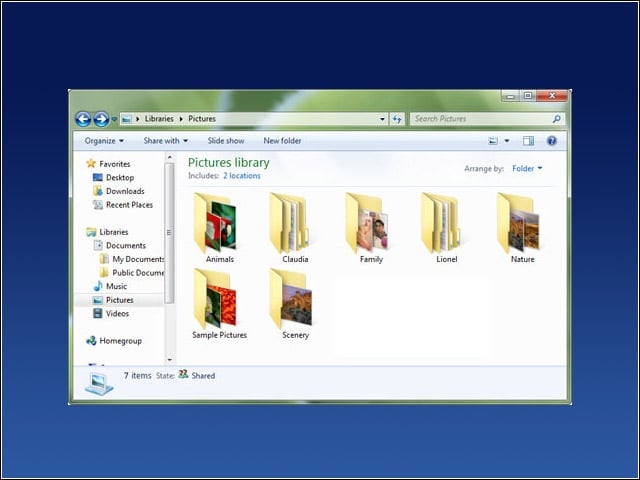
Content from across a user’s PC or network can be grouped within a Library for easier access, giving users and administrators a larger degree of control and customization over how they order information.
Windows Power Management
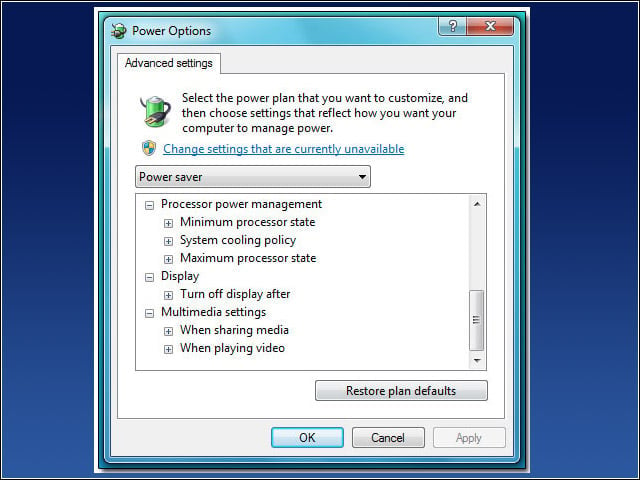
Microsoft claims that Windows 7 is the first Microsoft operating system to include a granular level of control over energy-saving options. IT departments can run power-efficiency diagnostics charts and centrally manage power settings.
Location Aware Printing
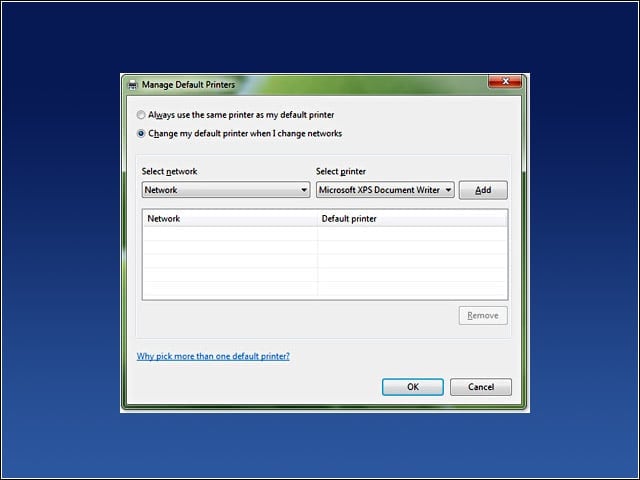
A feature included in both Windows 7 Professional and Ultimate editions, Location Aware Printing remembers your default printer on various networks, sparing you from needing to manually switch whenever you transport a laptop to a new location.
Remote Media Streaming
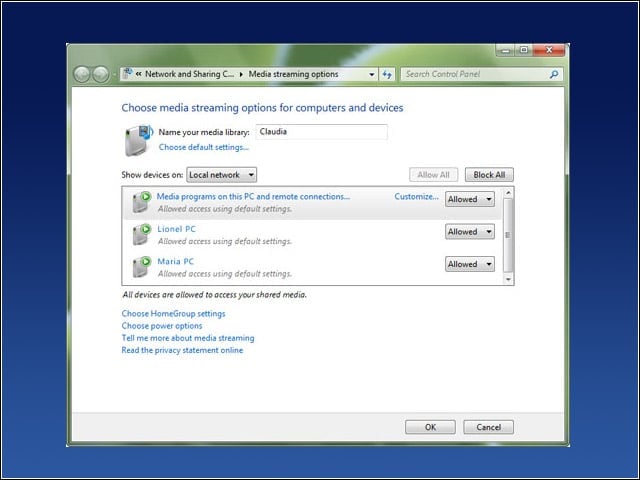
Provides easy access to media from a user’s Windows Media Player 12 over the Internet. The feature requires both the host and remote systems be running Windows 7, and be associated with an online ID such as a Windows Live account.