Cemaphore MailShadow Syncs Mail Accounts, but Interface Is Spartan - Messaging and Collaboration - News & Reviews - eWeek.com

Cemaphore MailShadow Syncs Mail Accounts, but Interface Is Spartan
Cemaphore MailShadow Syncs Mail Accounts, but Interface Is Spartan
Written By
Wayne Rash
Wayne Rash
Apr 21, 2009
1 minute read
eWeek content and product recommendations are editorially independent. We may make money when you click on links to our partners. Learn More


Cemaphore MailShadow Syncs Mail Accounts, but Interface Is Spartan

1

by Wayne Rash


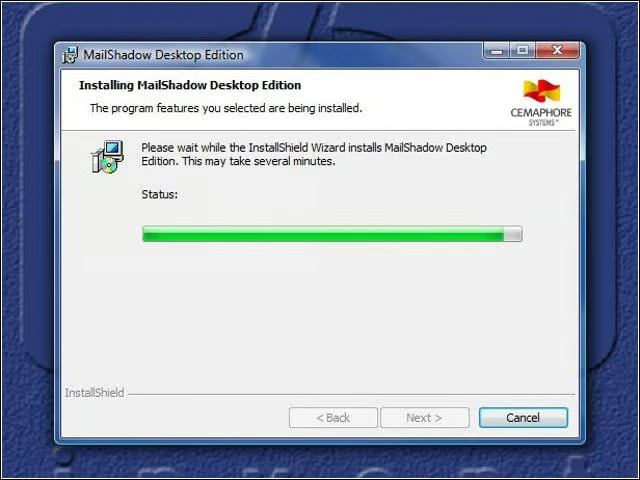
App of Few Words

2

You don’t get a lot of feedback from MailShadow when it installs. This is about as verbose as it gets.


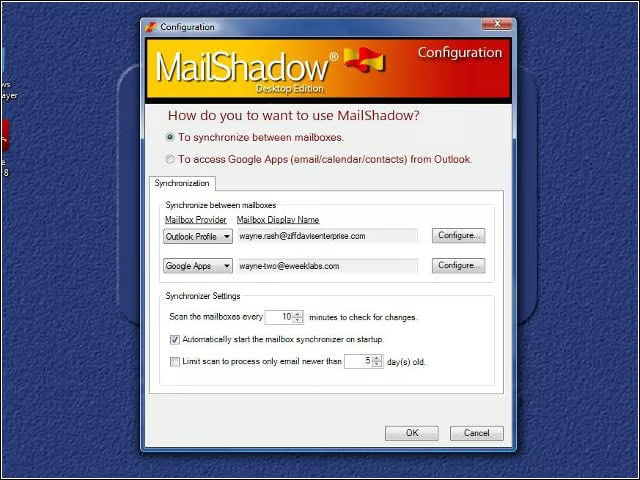
Configuration Menu
3

The MailShadow Configuration menu is the only thing the app offers in the way of an interface. Using the menu, you can indicate which e-mail sources need to be synchronized.


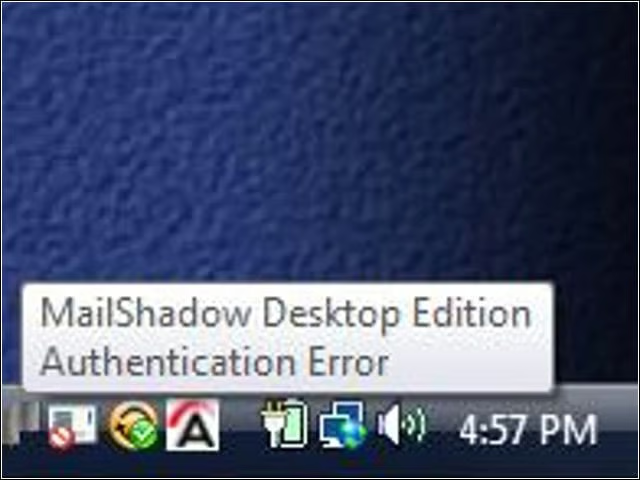
Error Message
4

You’ll frequently see this cryptic error message in the corner of your screen when MailShadow is loaded. What MailShadow is not telling you is that it needs Outlook to be running for it to work in situations in which Outlook needs a password.


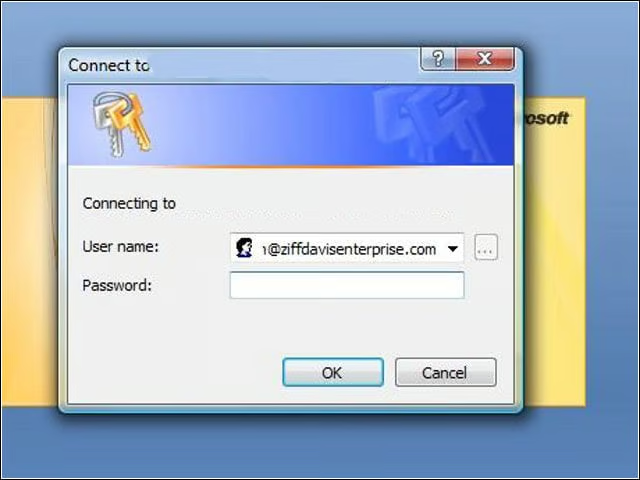
Outlook Log-in
5

You have to log in to Outlook to get MailShadow to work. While MailShadow can read your profile and use that if you aren’t required to authenticate yourself, the requirement to put in your password means you’ll have to sign in to Outlook and leave it open during the entire process.


Advertisement

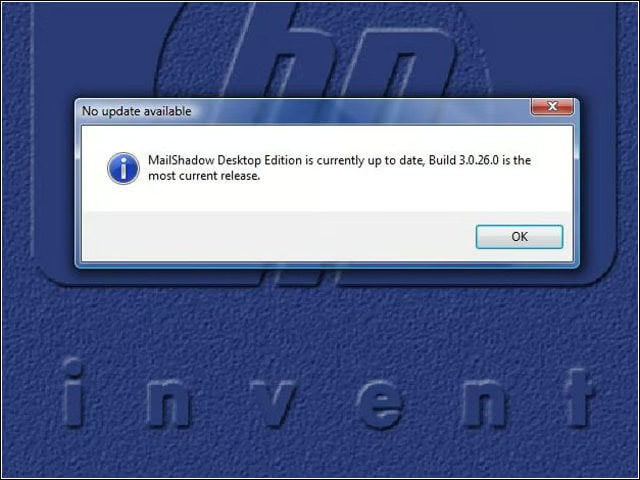
Update Inquiry

6

MailShadow will let you know if you need an update, but you have to ask.

eWeek Logo

eWeek has the latest technology news and analysis, buying guides, and product reviews for IT professionals and technology buyers. The site's focus is on innovative solutions and covering in-depth technical content. eWeek stays on the cutting edge of technology news and IT trends through interviews and expert analysis. Gain insight from top innovators and thought leaders in the fields of IT, business, enterprise software, startups, and more.

Property of TechnologyAdvice. © 2026 TechnologyAdvice. All Rights Reserved

Advertiser Disclosure: Some of the products that appear on this site are from companies from which TechnologyAdvice receives compensation. This compensation may impact how and where products appear on this site including, for example, the order in which they appear. TechnologyAdvice does not include all companies or all types of products available in the marketplace.