








- Eight Key Facts About Email Security in the Enterprise
- How Much Are We Using Email?
- Threats Associated With Email
- BYOD and Security
- Downtime Means Lost Productivity
- Lost Productivity Means Lost Money
- What Causes Downtime?
- Backups and Disaster Recovery
- How Does Your Organization Compare? Key Questions to Consider
Eight Key Facts About Email Security in the Enterprise
by Darryl K. Taft
How Much Are We Using Email?
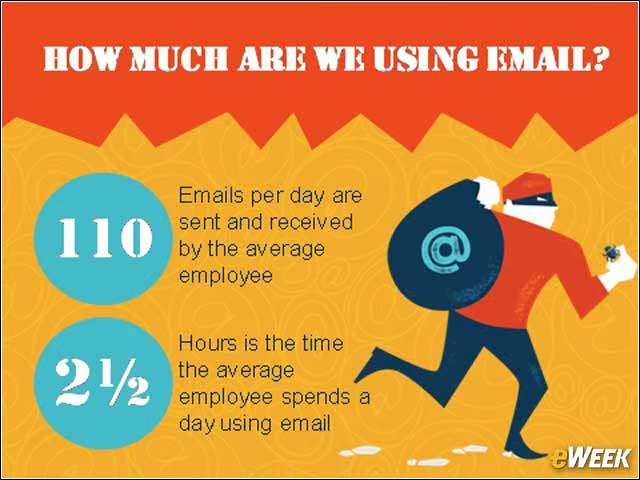
For the majority of employees, more time is spent using email than any other application. The average employee sends and receives 110 emails per day and spends approximately two-and-a-half hours per day using email (according to Osterman Research, “Results of a Survey with Email Users”). Stating the obvious, email is a business-critical application and organizations are devoting a substantial portion of IT resources to managing their email systems.
Threats Associated With Email
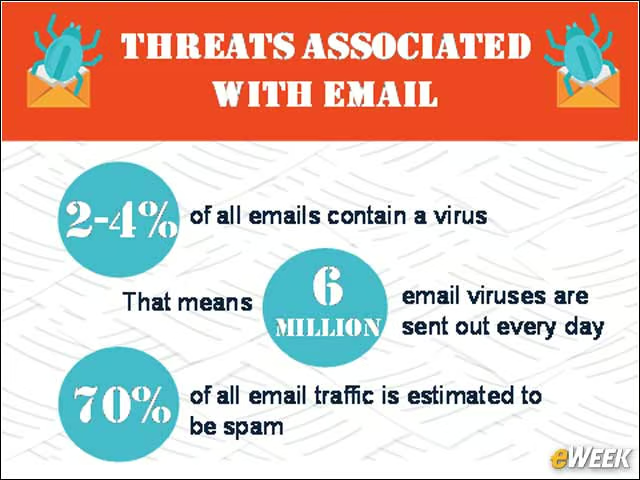
There are literally millions of computer viruses worldwide, and many of them are distributed via email. Current research indicates that 2 to 4 percent of all emails contain a virus. That represents more than 6 million email viruses being sent around every day, while 70 percent of email is estimated to just be spam. The nature of viruses is ever-evolving in an attempt to evade antivirus software. Many standard off-the-shelf antivirus solutions do not have the sophistication or capabilities to stay on top of the daily evolution of viruses and malware.
BYOD and Security
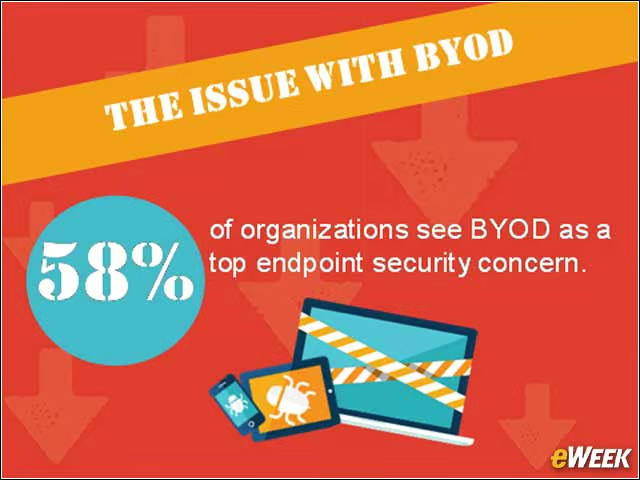
The ever growing bring-your-own-device (BYOD) trend also has IT execs stressed. Fifty-eight percent of organizations see an infected personal device connecting to the corporate network as a top endpoint security concern. Unregulated network access, lack of data management and disgruntled employees are just some of the concerns in terms of safeguarding data, even as employees use their mobile devices for work.
Downtime Means Lost Productivity
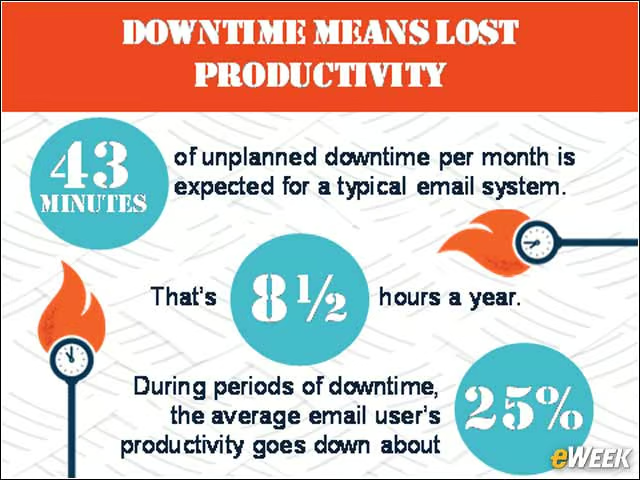
Security is an important issue that warrants serious attention from organizations, but companies also need to think about downtime. Given the importance of email to workers’ everyday tasks, minimizing downtime should be another high priority. A recent study by Osterman Research found that the typical email system experiences unplanned downtime for 43 minutes during a typical month, or eight hours and 36 minutes per year. All this time means lost work for employees and decreased efficiency for the organization as a whole.
Lost Productivity Means Lost Money
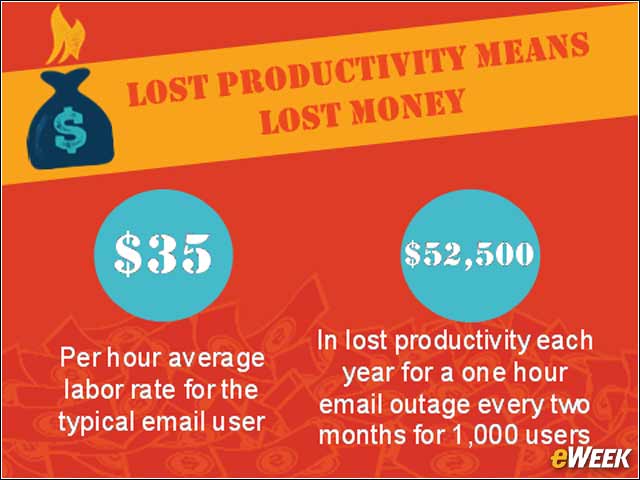
Osterman Research also estimates that the average email user is 25 percent less productive during periods of email downtime. Assuming that the fully burdened, average labor rate for the typical email user is $35 per hour, a one-hour email outage every two months for 1,000 users will cost $52,500 in lost productivity each year. Thus, minimizing unplanned downtime should be an important goal for IT, as even 99 percent availability represents more than 87 hours per year of unplanned downtime.
What Causes Downtime?
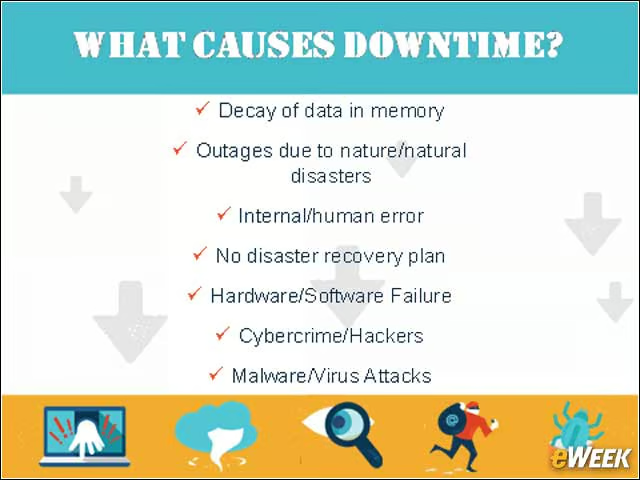
When people hear the word “disaster,” they tend to think of extreme events, such as earthquakes, hurricanes, tornados, floods or fire. In reality, these are low-probability events. Most causes of unplanned downtime for servers are much more common incidents, including human error, hardware and software failure, cyber-crime and hackers, malware and virus attacks and power outages.
Backups and Disaster Recovery
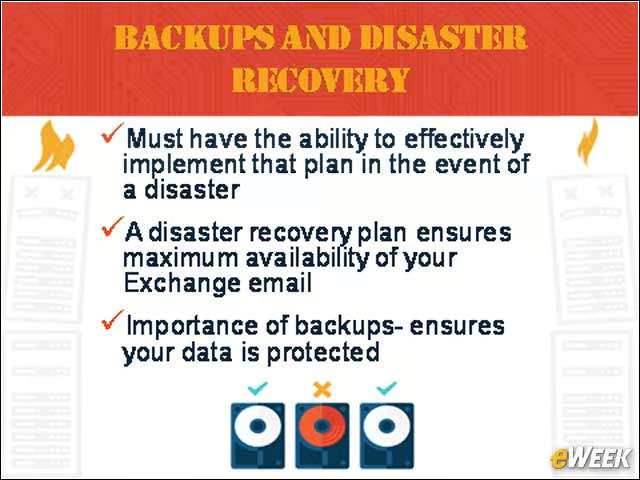
Having a backup and disaster recovery plan in place, and the ability to effectively implement that plan in the event of a disaster, ensures maximum availability of email, but it should also be noted that backups and disaster recovery are two different things. The backup process ensures that data is protected, but it usually lacks a “recovery” process. A disaster recovery plan and the ability to implement that plan effectively in the event of a disaster ensure maximum availability for organizations. Implementing the right solution on-premises should be based on cost of downtime, recovery point objective (how much data an organization can afford to lose) and recovery time objective.
How Does Your Organization Compare? Key Questions to Consider
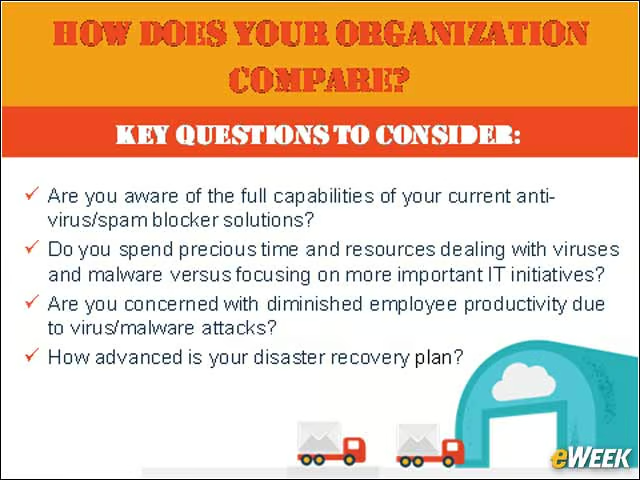
When evaluating email security solutions and backup and disaster recovering plan, there are several different aspects for companies to consider. They include whether you have a backup and/or disaster recovery plan in place; how advanced that disaster recovery plan is; if you are aware of the full capabilities of your current antivirus/spam blocker solutions; if you are concerned with diminished employee productivity due to virus/malware attacks; whether you are confident your backups actually work; and how long it would take to get back up and running after an event.