







- eWEEK Labs Walk-Through: Adobe Acrobat 8 Beta 1
- eWEEK Labs Walk-Through: Adobe Acrobat 8 Beta 1 – Getting Started
- eWEEK Labs Walk-Through: Adobe Acrobat 8 Beta 1 – Adobe Acrobat Connect
- eWEEK Labs Walk-Through: Adobe Acrobat 8 Beta 1 – Merge Files
- eWEEK Labs Walk-Through: Adobe Acrobat 8 Beta 1 – Package
- eWEEK Labs Walk-Through: Adobe Acrobat 8 Beta 1 – Head(er)s-up
- eWEEK Labs Walk-Through: Adobe Acrobat 8 Beta 1 – Adobe PDF forms
- eWEEK Labs Walk-Through: Adobe Acrobat 8 Beta 1 – Review with Reader
eWEEK Labs Walk-Through: Adobe Acrobat 8 Beta 1
eWEEK Labs installed Adobe Acrobat 8 Beta 1 on a Hewlett-Packard xw9300 workstation running Windows XP Professional. The software requires 256MB of RAM and at least a Pentium III or equivalent processor. The app also requires Microsoft Windows 2000 SP4
eWEEK Labs Walk-Through: Adobe Acrobat 8 Beta 1 – Getting Started
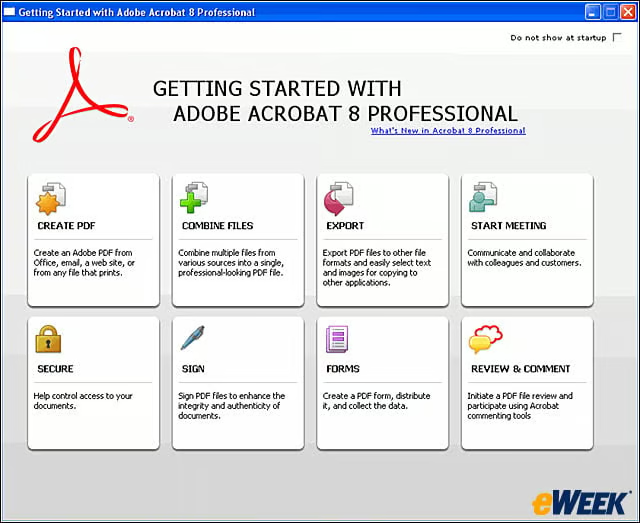
The Getting Started window provides users with a central starting point for all the things they can do in Acrobat 8. The window can be used to get more information about Adobe features; launch tasks, such as creating a new PDF; or start an online meeti
eWEEK Labs Walk-Through: Adobe Acrobat 8 Beta 1 – Adobe Acrobat Connect
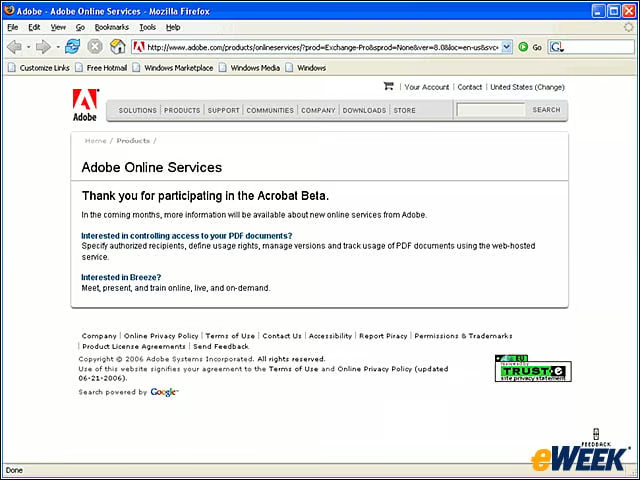
Adobe Acrobat Connect and Adobe Acrobat Connect Professional are new additions to the Adobe Acrobat line of products. Sold separately, the two products allow users to launch and partake in online meetings. Neither app was available at the time of testi
eWEEK Labs Walk-Through: Adobe Acrobat 8 Beta 1 – Merge Files
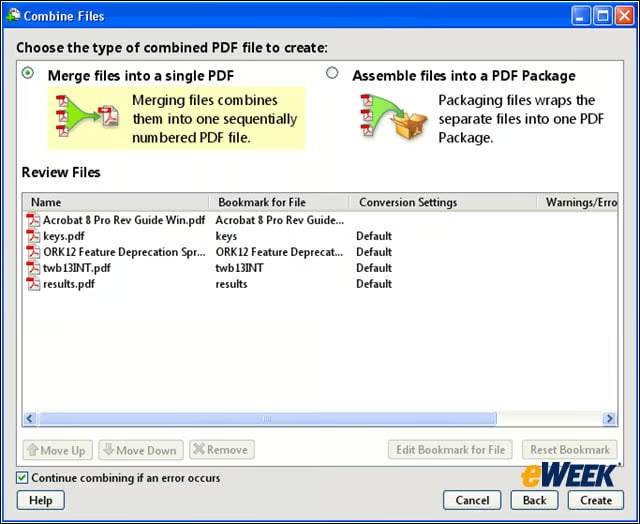
In Acrobat 8 Professional, users can take various proprietary-format documents and make them into PDF files. The files can either be merged together into one document or, in a new twist, assembled into a PDF package that groups the files together bu
eWEEK Labs Walk-Through: Adobe Acrobat 8 Beta 1 – Package
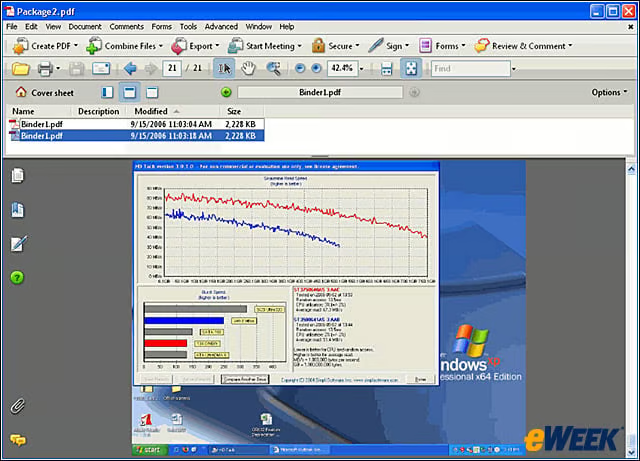
PDF packages can preserve the individual digital signatures and security settings of each individual document.
eWEEK Labs Walk-Through: Adobe Acrobat 8 Beta 1 – Head(er)s-up
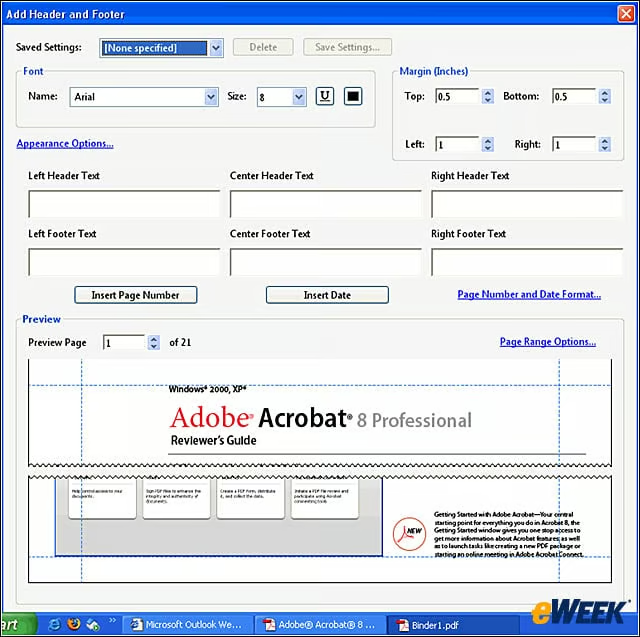
Acrobat 8 Professional gives users a live preview of how elements such as headers, footers and watermarks will appear as changes are made.
eWEEK Labs Walk-Through: Adobe Acrobat 8 Beta 1 – Adobe PDF forms
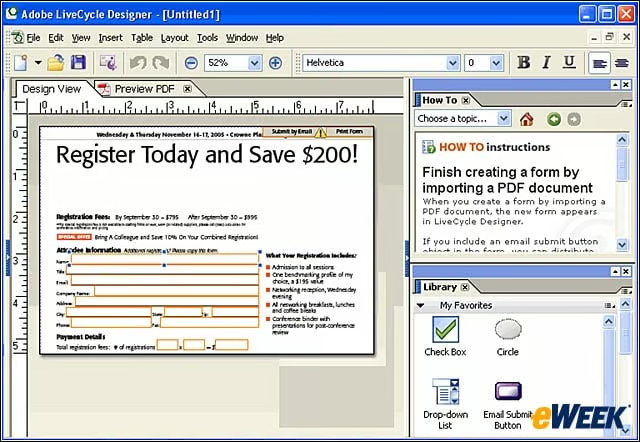
Acrobat 8 Professional can scan a document and automatically create fields where the application guesses they should be.
eWEEK Labs Walk-Through: Adobe Acrobat 8 Beta 1 – Review with Reader
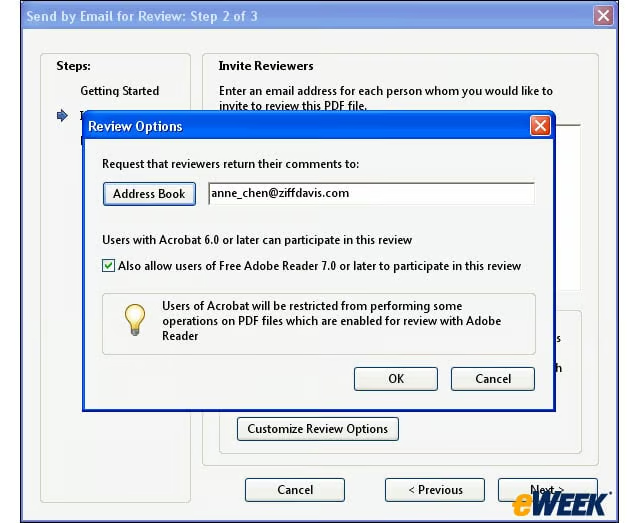
Once a PDF is created, it can be shared with reviewers via e-mail for comment. Users of the free Adobe Reader 7.0 or later can be given the ability to comment on PDFs by Adobe Acrobat 8 PDF creators. Users with Acrobat 6.0 or later are automatically el