







- eWEEK Labs Walkthrough: FileMaker 9 Professional
- eWEEK Labs Walkthrough: FileMaker 9 Professional – Quick Start
- eWEEK Labs Walkthrough: FileMaker 9 Professional – MySQL ODBC Driver
- eWEEK Labs Walkthrough: FileMaker 9 Professional – Database Relationships
- eWEEK Labs Walkthrough: FileMaker 9 Professional – Live SQL Links
- eWEEK Labs Walkthrough: FileMaker 9 Professional – Autosave Option
- eWEEK Labs Walkthrough: FileMaker 9 Professional – Conditional Formatting
eWEEK Labs Walkthrough: FileMaker 9 Professional
FileMaker 9 requires product activation, but its easy to deactivate the software for installation on a separate machine.
eWEEK Labs Walkthrough: FileMaker 9 Professional – Quick Start
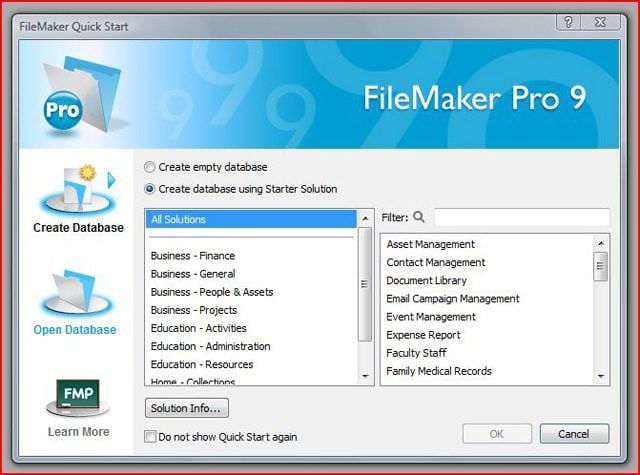
FileMaker 9 sports a quick start dialog that points users toward a variety of template database projects.
eWEEK Labs Walkthrough: FileMaker 9 Professional – MySQL ODBC Driver
FileMaker 9 links up with SQL databases through ODBC drivers.
eWEEK Labs Walkthrough: FileMaker 9 Professional – Database Relationships
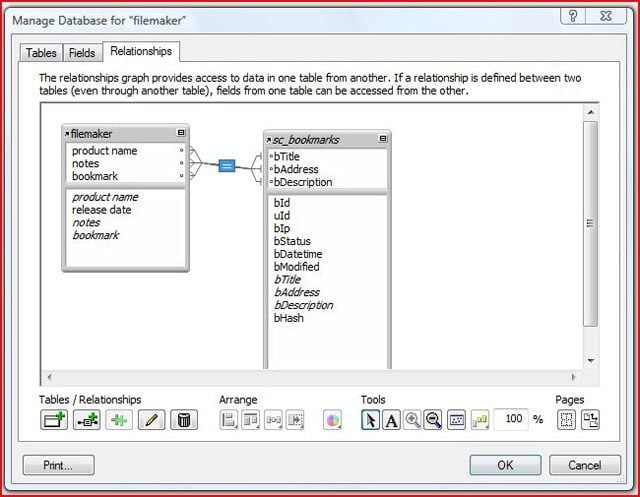
FileMaker 9 makes it easy to define relationships between native FileMaker and external SQL data sources.
eWEEK Labs Walkthrough: FileMaker 9 Professional – Live SQL Links
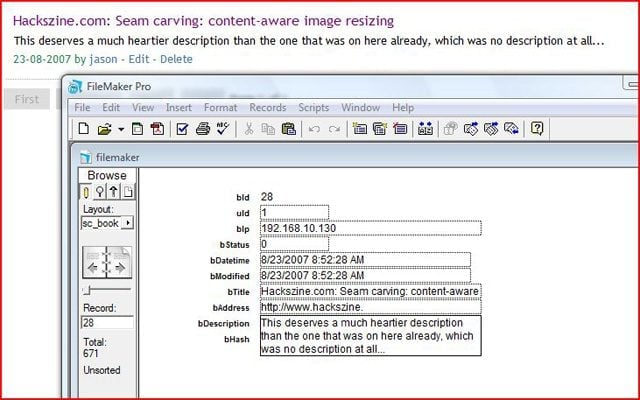
As I modified my records, the changes appeared immediately on the Web interface of my Scuttle instance.
eWEEK Labs Walkthrough: FileMaker 9 Professional – Autosave Option
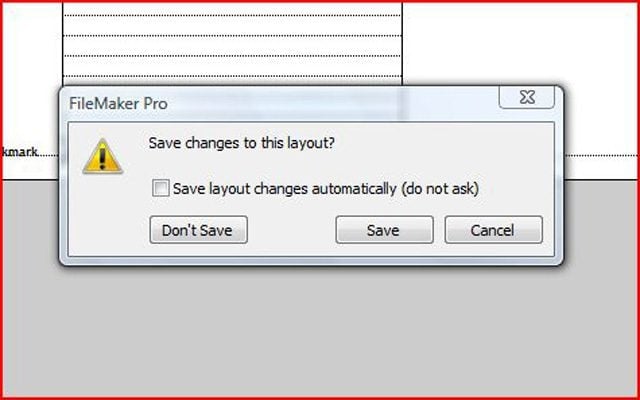
This autosave option dialog is a good example of the attention to usability on which FileMaker has built its reputation.
Advertisement
eWEEK Labs Walkthrough: FileMaker 9 Professional – Conditional Formatting
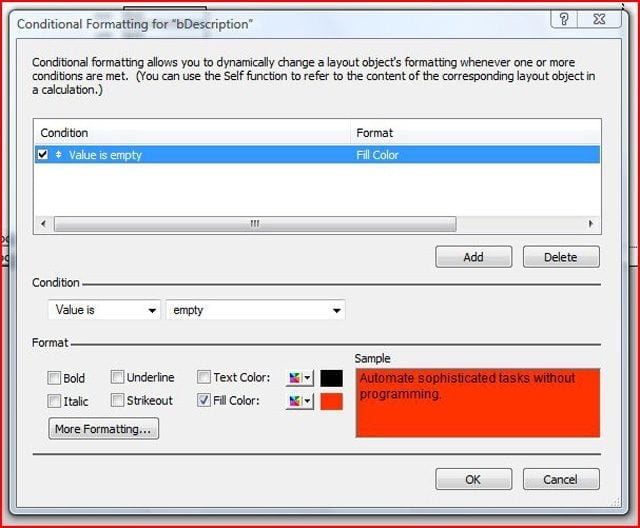
FileMaker 9 makes it easy to apply conditional formatting to its database forms.