








- Key Mistakes Organizations Make With Intranet IT Architecture
- A Lack of Overall Structure to Start
- Excessive ‘Parent’ Pages, Too Many Subcategories
- Hidden Navigational Tools
- Poor Tagging, Metadata and Labeling
- Old Content That Lacks Value
- Department Silos
- No Way for Users to Prioritize Content
- Permissions That Are Too Restrictive
- Duplicating Information for Different Groups
Key Mistakes Organizations Make With Intranet IT Architecture
by Chris Preimesberger
A Lack of Overall Structure to Start

Intranets that lack structure are ticking time bombs in practically every manner. If your intranet isn’t organized, it can easily turn into a muddled mess. Focusing on maintaining organizational structure can often mean the difference between an intranet that is well-suited for taking a company forward and one that simply will not stand the test of time.
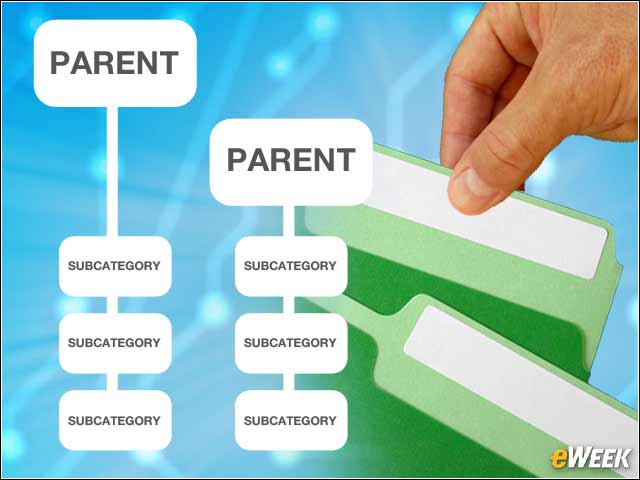
Excessive ‘Parent’ Pages, Too Many Subcategories
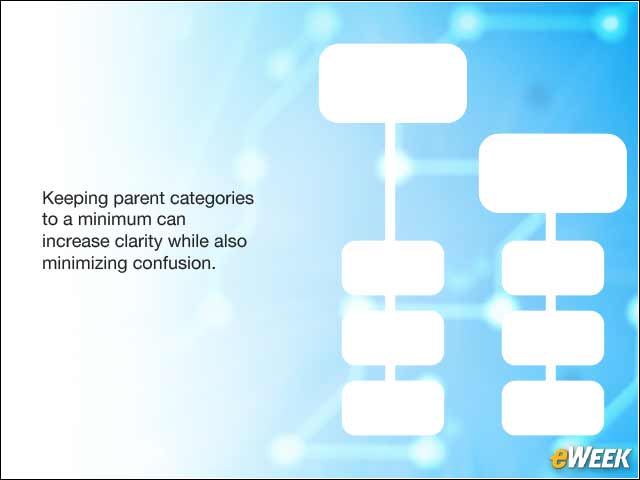
Too many parent pages and subcategories are common on corporate wikis and in software documentation, user guides and online help systems. Intranet administrators should keep parent categories to a minimum to ensure as much clarity as possible. Many people believe that this gives license to outfit parent pages with an endless array of subcategories. This is one of the biggest mistakes that can be made when attempting to keep an intranet running smoothly. Subcategories are no doubt useful, but going overboard will do nothing but cause problems for everyone in your organization.
Hidden Navigational Tools

As intranets grow in size, they can also become more difficult to navigate. Providing the right navigational tools is crucial in making an intranet easy to maneuver. No one should have to look high and low for buttons and drop-downs that allow for simple recall of content.
Poor Tagging, Metadata and Labeling

Poor tagging practices can cause confusion. This often results from either a) using terms that are too broad or b) not taking the time to focus on spelling your keywords properly (misspelled tags can easily get lost in the mix).
Old Content That Lacks Value

An intranet should always be composed of a fair amount of content, but content alone is simply not enough to get the job done. Old content that lacks value won’t do you or your social intranet’s community members any favors, as it will most likely appear to be watered down if it was written years ago. Since things are constantly in flux, keeping your intranet updated with the best in value-driven, applicable content is essential.
Department Silos

This is a classic that is still worth talking about. Having separately defined spaces for each of your company departments is fine, but building walls between them is not.
No Way for Users to Prioritize Content

Users who make everyone members of all spaces defeat the “My Spaces” and “My Account” filtering.
Permissions That Are Too Restrictive

Controlling information is old school. Once you allow people to choose which groups are most important, give a secondary path for folks to find information that they may need less often but still could save them from having to bother someone else for it. Permissions should not be used as a tool to reduce clutter and information overload; there are better tools for that.
Duplicating Information for Different Groups

This issue comes up often. Customers ask how they can post the same information in two different spaces, almost always indicating a new space is called for—one that represents the union of those two groups. This returns to the notion of tailoring information access and updates based on interests and job function, since it is also possible that not everyone in both those groups could be as interested in that shared content.