







- Linux Mint 18.3 ‘Sylvia’ Boasts Updated Software Manager, Backup Tools
- Linux Mint 18.3 Will Be Supported Until 2021
- Software Manager Gets Updated
- Backup Tool Gets a New Look
- Timeshift Does System Snapshots
- System Reports Provides Crash Information
- Login Screen Gets Improved Configuration
- Firefox Speeds Ahead
- ‘Sylvia’ Is Powered by Linux 4.10 Kernel
Linux Mint 18.3 ‘Sylvia’ Boasts Updated Software Manager, Backup Tools
Linux Mint has emerged to become one of the most popular desktop Linux operating systems, thanks in large part to the distribution’s Cinnamon desktop environment. The latest release—Linux Mint 18.3 “Sylvia”—which became generally available on Nov. 27, is based on the Ubuntu 16.04 long-term support (LTS) Linux distribution. As was the case with previous Linux Mint distribution updates, Sylvia comes with multiple desktop environment options, with Cinnamon 3.6, which is developed by Linux Mint, typically a primary deployment choice for users. Among the enhancements in the Sylvia release is an updated software manager to help users find and install new software. In addition, Linux Mint 18.3 includes two updated backup tools for both personal and system data. Because it is an LTS release, Linux Mint 18.3 will be supported until 2021.
Linux Mint 18.3 Will Be Supported Until 2021
Linux Mint 18.3 is a long-term support release and will be supported until 2021.
Software Manager Gets Updated
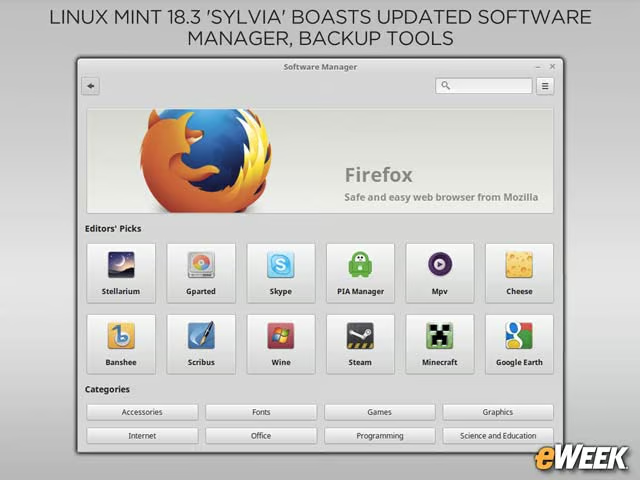
The Software Manager application in Linux Mint 18.3 is faster than its prior iterations and has a more lightweight interface. In addition, Software Manager now supports Flatpak software packages, which enable software vendors to package software that will run across different Linux distributions.
Backup Tool Gets a New Look
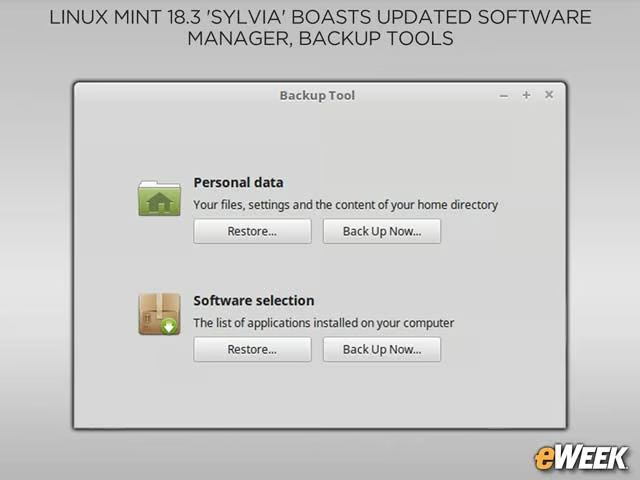
The integrated Backup Tool has also been revamped in the Linux Mint 18.3 release with an easier-to-use interface. In addition, the Backup Tool can now help users with personal data backup.
Timeshift Does System Snapshots
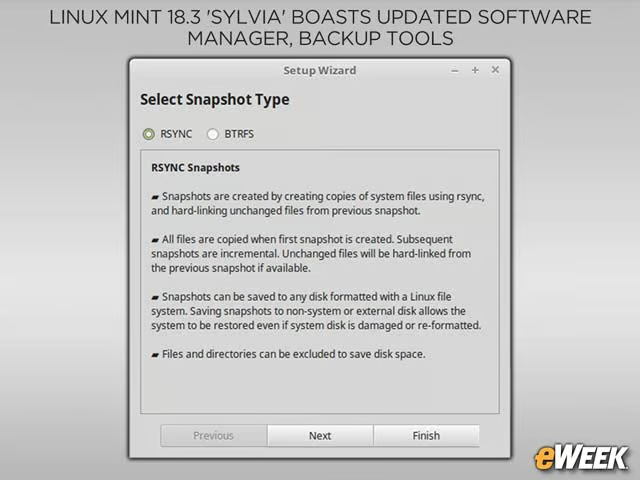
While the Linux Mint Backup Tool is all about users, the Timeshift tool is all about the overall system. With Timeshift, users can create a snapshot backup of the Linux Mint operating system.
System Reports Provides Crash Information
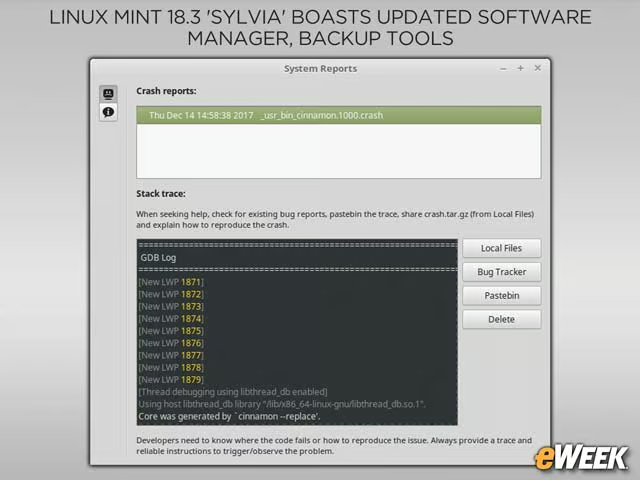
Linux Mint 18.3 now includes a tool called System Reports, which provides data on system crashes to help users understand and troubleshoot issues.
Login Screen Gets Improved Configuration
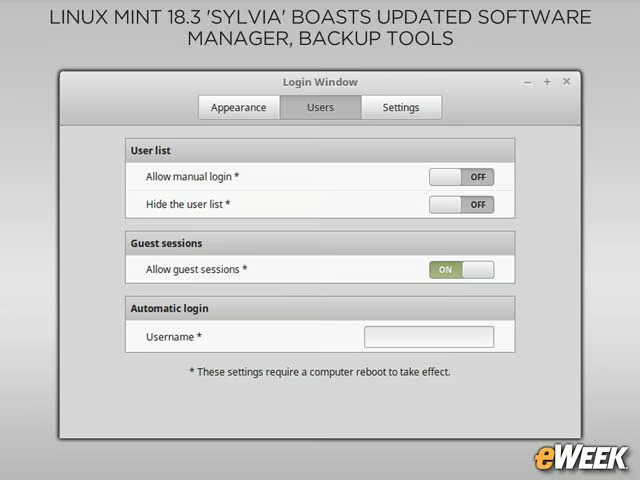
The Cinnamon login screen now provides new options for users to enable automatic logins.
Firefox Speeds Ahead
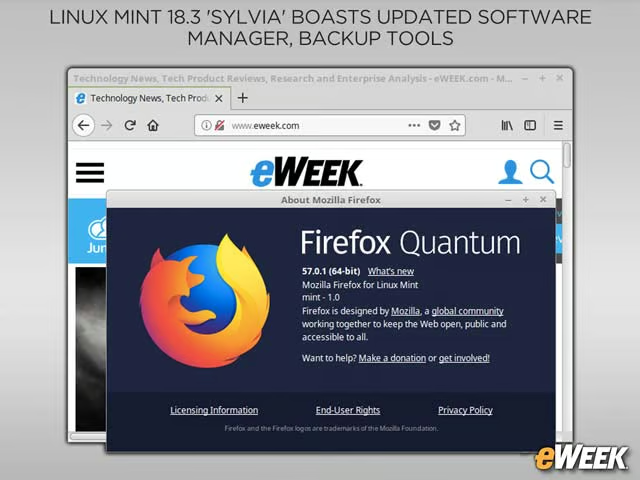
Linux Mint 18.3 includes the new Firefox Quantum web browser.
‘Sylvia’ Is Powered by Linux 4.10 Kernel
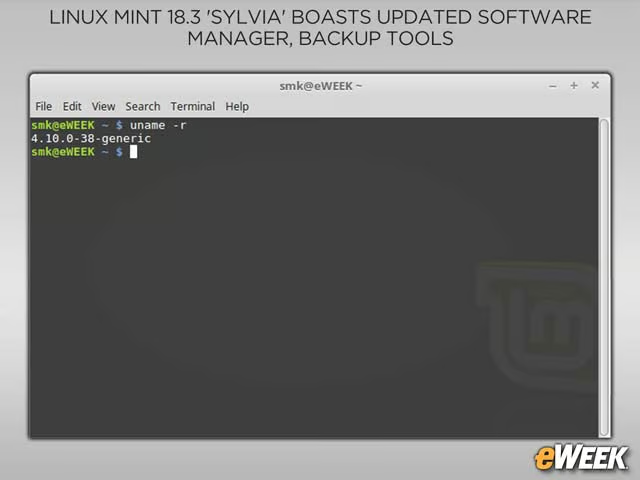
At the heart of Linux Mint 18.3 is a Linux 4.10 kernel.