







- Linux Mint 19 Improves Update Process With Timeshift Backup Tool
- A New Linux Mint Welcome Screen Greets Users
- Cinnamon Desktop Gets a New Look
- Timeshift Is More Deeply Integrated Into Linux Mint
- Automatic Updates Debut in Linux Mint 19
- Software Manager Boasts Enhancements
- Firefox Remains the Default Web Browser
- Linux Mint Is Powered by a Linux 4.15 Kernel
- Linux Mint 19 Will Be Supported Until 2023
Linux Mint 19 Improves Update Process With Timeshift Backup Tool
Linux Mint 19, code-named “Tara,” is expected to become generally available by the end of June, bringing a host of updates to the popular Linux desktop distribution. Linux Mint 19 is based on the Ubuntu 18.04 “Bionic Beaver” operating system and provides multiple desktop choices, including the new Cinnamon 3.8 desktop. Among the core improvements in Linux Mint 19 is the deep integration of the Timeshift backup tool that will make sure that a system snapshot is taken before any updates are made, enabling users to easily roll back, if a change fails. The Update Manager for updating existing components and the Software Manager for finding and installing new software both benefit from interface and performance improvements. Linux Mint 19 is a long-term support release and will be supported until 2023.
A New Linux Mint Welcome Screen Greets Users
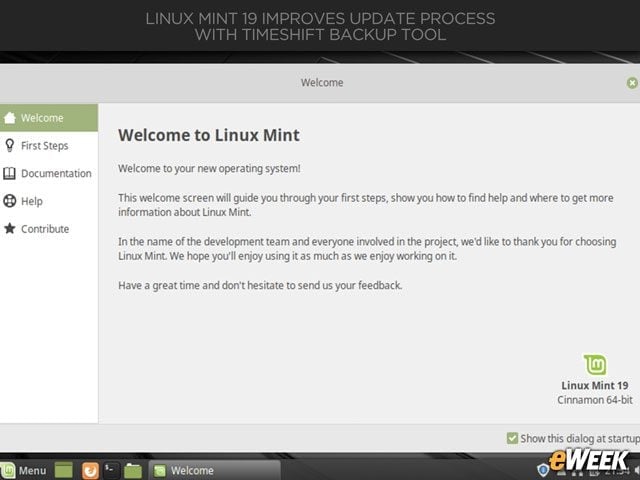
Users of Linux Mint 19 are greeted with a new welcome screen that provides links and resources to help them get started with the operating system.
Cinnamon Desktop Gets a New Look
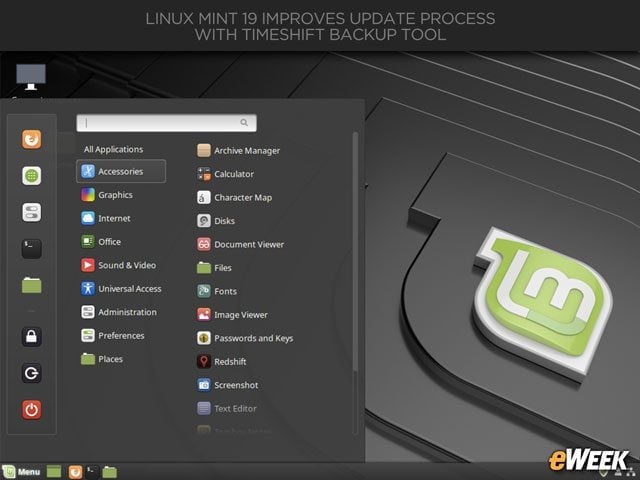
The Cinnamon desktop in Linux Mint 19 boasts a cleaner look and a new default background image.
Timeshift Is More Deeply Integrated Into Linux Mint
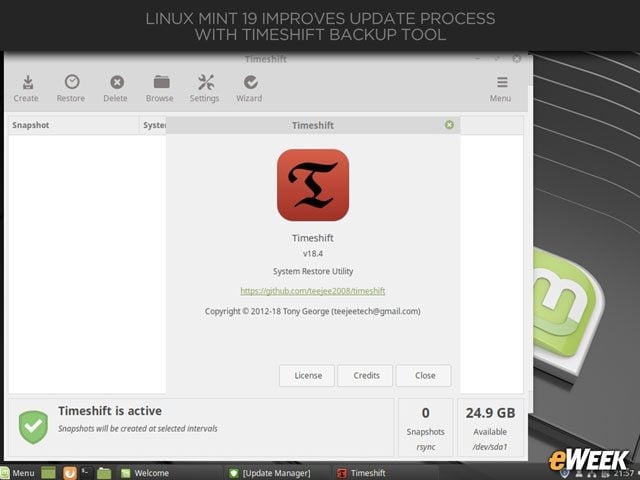
The Timeshift system snapshot and restore utility is more deeply integrated into the Linux Mint 19 release than it was in the prior 18.3 update. Timeshift enables users to go back to a previous snapshot if an update breaks any part of the system. In the new release, users are prompted to set up Timeshift before any updates are completed.
Automatic Updates Debut in Linux Mint 19
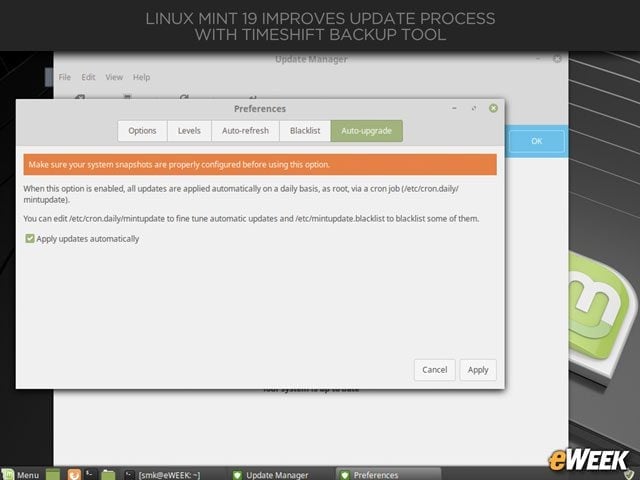
The Update Manager in Linux Mint 19 benefits from multiple improvements, including a refreshed interface and the new capability to enable automatic updates.
Software Manager Boasts Enhancements
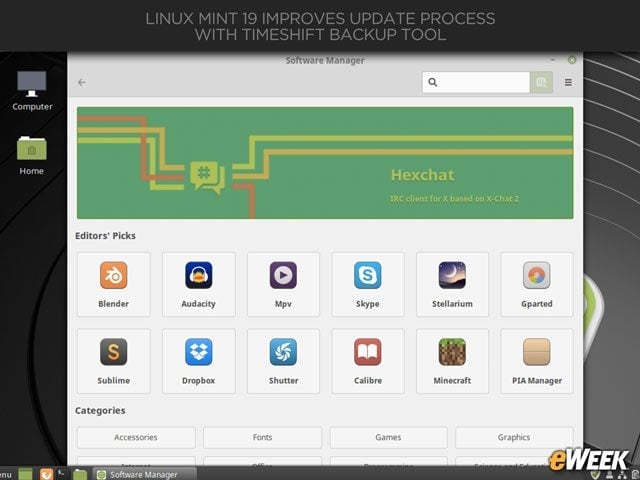
The layout of the Software Manager has been enhanced in Linux Mint 19 with transition animations and faster search capabilities.
Firefox Remains the Default Web Browser
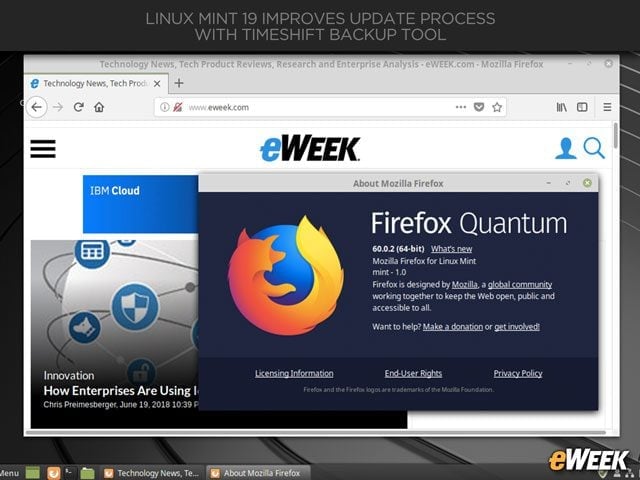
Once again, Firefox is the default web browser in Linux Mint.
Linux Mint Is Powered by a Linux 4.15 Kernel
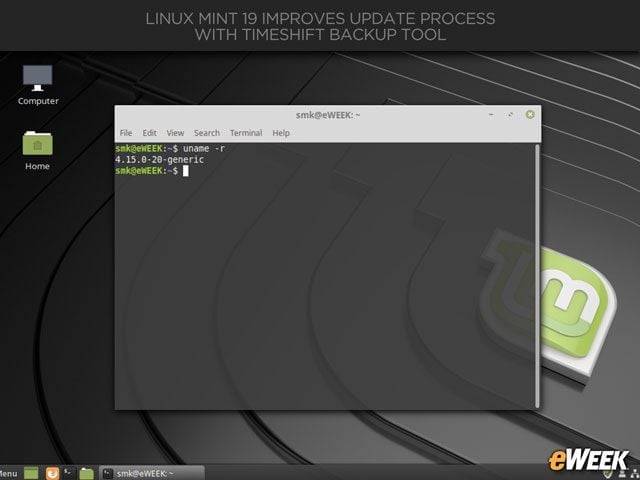
Linux Mint 19 is based on Ubuntu 18.04, and the core of the system is a Linux 4.15 kernel.
Linux Mint 19 Will Be Supported Until 2023
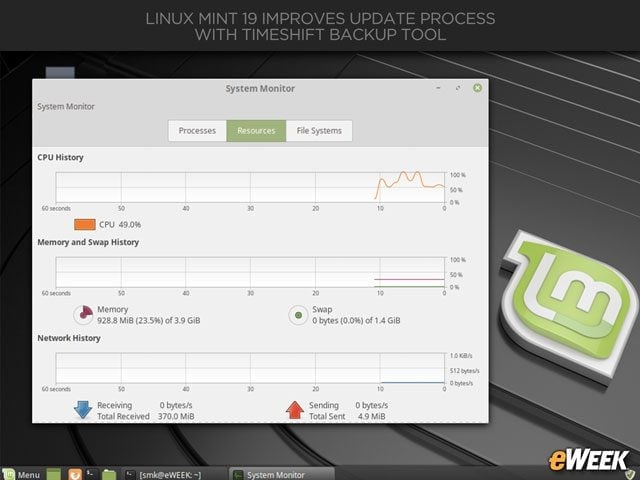
Linux Mint 19 is a long-term support release and so will be supported until 2023.