








Microsoft Office 2010 Top 10 Holiday Tips and Tricks
by Darryl K. Taft
Customize Holiday Greetings
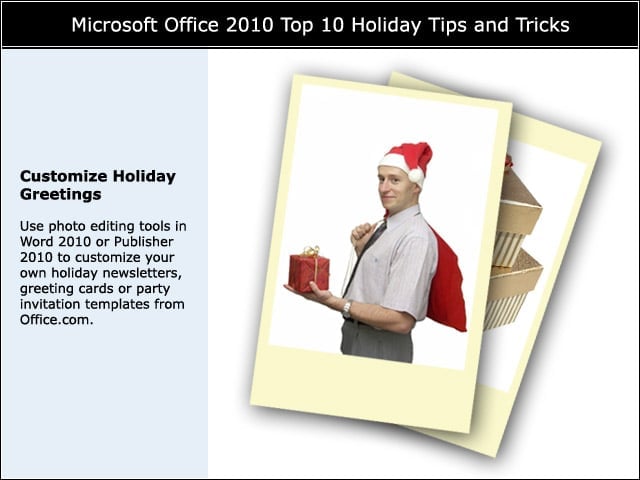
Use photo editing tools in Word 2010 or Publisher 2010 to customize your own holiday newsletters, greeting cards or party invitation templates from Office.com.
Why Dont You Slide?
Using PowerPoint 2010 with video and photos, create a slide presentation about someone special. Go to the Photo Layouts tool to select one of the built-in SmartArt picture styles to create photo layouts about that person.
Make a List. Check It Twice
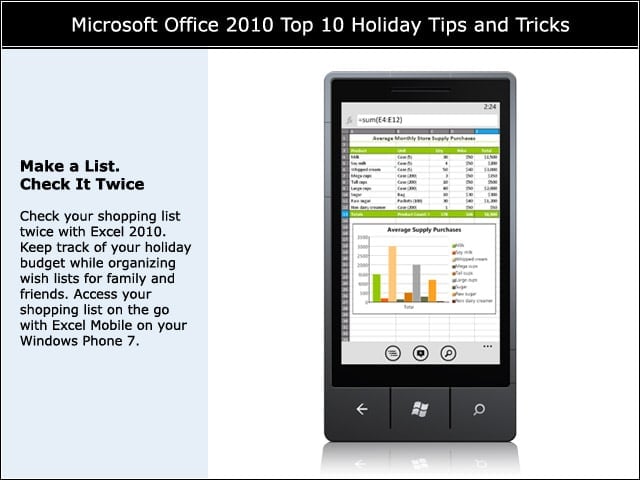
Check your shopping list twice with Excel 2010. Keep track of your holiday budget while organizing wish lists for family and friends. Access your shopping list on the go with Excel Mobile on your Windows Phone 7.
Get Seasonal
For a unique spin on classic holiday carols, apply seasonal images from the Office.com library of more than 200,000 high-quality, royalty-free images, and make the words big enough for everyone to follow along.
Plan the Menu
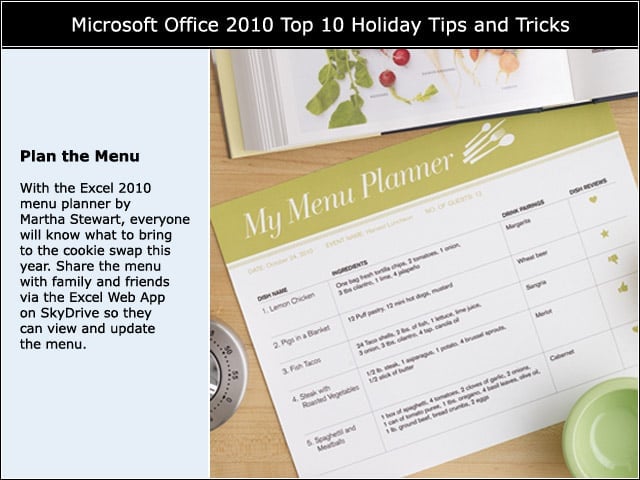
With the Excel 2010 menu planner by Martha Stewart, everyone will know what to bring to the cookie swap this year. Share the menu with family and friends via the Excel Web App on SkyDrive so they can view and update the menu.
Eggnog Anyone?
Save your recipes directly to OneNote 2010 by backing them in this digital notebook. You can use a keyword search to locate that beloved eggnog recipe.
Set the Table
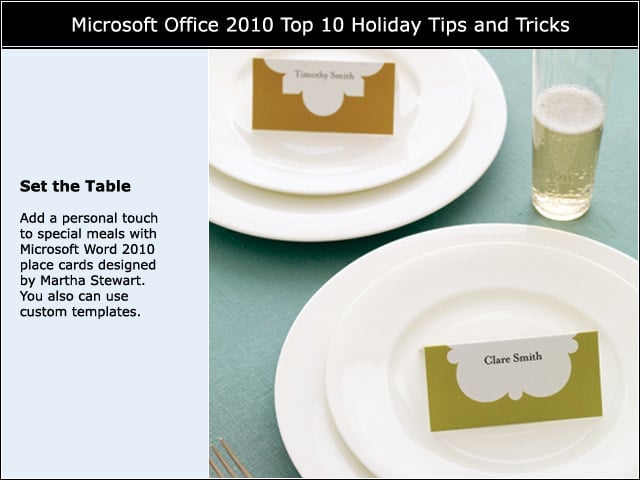
Add a personal touch to special meals with Microsoft Word 2010 place cards designed by Martha Stewart. You also can use custom templates.
New Years Resolutions
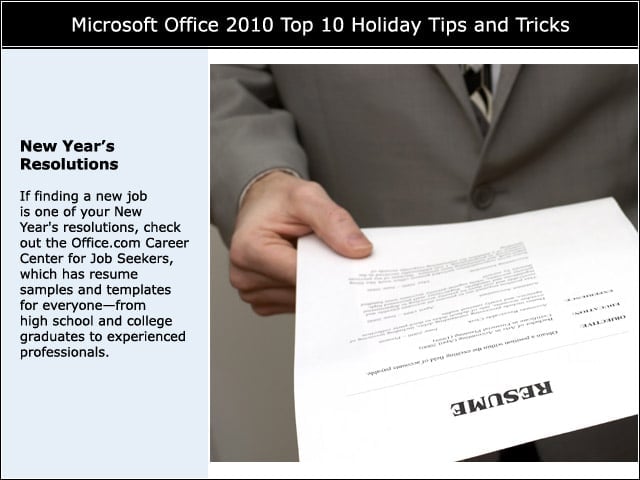
If finding a new job is one of your New Year’s resolutions, check out the Office.com Career Center for Job Seekers, which has resume samples and templates for everyone—from high school and college graduates to experienced professionals.
Holiday Mailing Lists
Use Outlook 2010 or Excel 2010 to convert contact information for your family and friends into a sheet of unique holiday mailing labels.
Mark Your Calendar
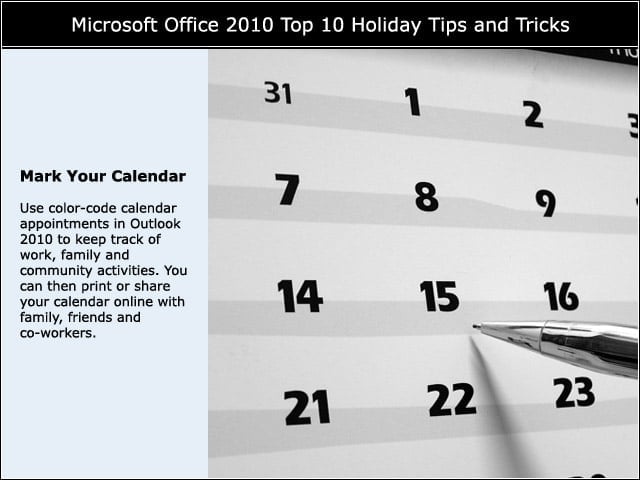
Use color-code calendar appointments in Outlook 2010 to keep track of work, family and community activities.??ÃYou can then print or share your calendar online with family, friends and co-workers.