








- Multitasker Alert: App Overload Leads to Onslaught of Errors
- Idle Time Drains Profits
- Multitasking Rules the Day
- Structured Apps Remain Underutilized
- Numerous Errors Linked to Unstructured Tools
- Marathon Days Create Abundance of Errors
- Employees Highly Tethered to In-Boxes
- Low Productivity Linked to Email Reliance
- Meetings Lead to Downtime
Multitasker Alert: App Overload Leads to Onslaught of Errors
Employees can’t get enough of their apps—using dozens in a day—and this is creating a large amount of work errors, according to recent research from Pegasystems. The resulting report, “Demystifying the Desktop,” primarily focuses on keystroke input errors, and there are plenty of them due to the dependence upon multiple apps during shifts, as well as the overuse of email. Pegasystems developed the research by analyzing more than 4.9 million hours of data from companies using its Pega Workforce Intelligence product, tracking employees performing routine back-office, data entry or contact center tasks. Additional research in the report was conducted by the University of Texas and Gallup. This slide show presents highlights from the report.
Idle Time Drains Profits
Employee idle time costs U.S. organizations more than $100 billion a year. Companies with highly engaged employees generate 140 percent in higher earnings per share than their competitors.
Multitasking Rules the Day
Workers switch applications more than 1,100 times a day. They toggle between as many as 35 apps per shift. Those who use at least 30 apps in a shift create 28 percent more keystroke input errors than those who use fewer apps.
Structured Apps Remain Underutilized
Employees spend only 28 percent of their active work day on structured apps (products specifically designed to support key business processes). This means they are spending most of their time avoiding programs that would be most productive for them.
Numerous Errors Linked to Unstructured Tools

Unstructured apps (those that can help perform tasks but are not designed for key business processes) lead to 50 percent more keystroke input errors than structured apps. On average, unstructured applications account for 74 percent of all scrolling, 60 percent of all keyboard activity and 68 percent of keystroke input corrections.
Marathon Days Create Abundance of Errors

On average, workers make mistakes with one out of every 14 keystrokes—or 845 a day. Work shifts are generally longest on Tuesday (as well as Friday), and long shifts lead to an average of 9 percent more of these mistakes than shorter ones.
Employees Highly Tethered to In-Boxes
Employees check email about 10 times an hour. Email accounts for 15 percent of their daily keystrokes.
Low Productivity Linked to Email Reliance
Only 34 percent of time spent with email results in actual productivity. Email apps also account for the highest keystroke input error rate, at 22 percent.
Meetings Lead to Downtime
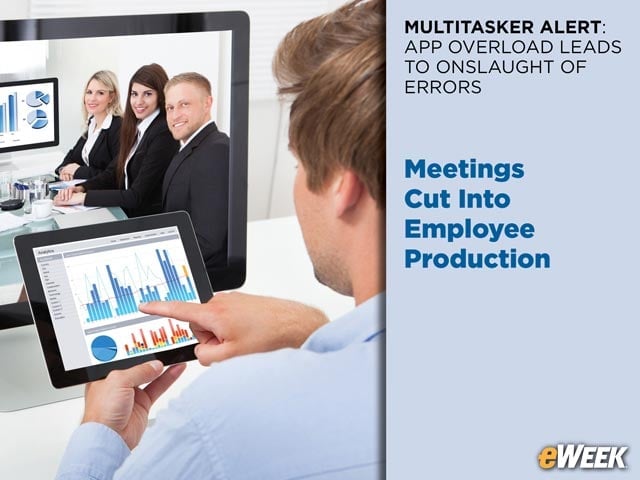
Companies lose one hour of production time per employee every day. This is due to miscellaneous internal meetings, training sessions and other activities that take staffers away from work.