







- Peppermint Five Linux Brings the Cloud to Linux Desktop
- Peppermint Five Provides a Lightweight Linux Desktop
- Users Get a New Control Center in Peppermint Five
- Chromium Is the Default Browser
- Ice Enables Site-Specific Browsers
- Dropbox Is Integrated With Peppermint
- Online Image Editing Is Enabled With Pixlr
- Online Gaming With Entanglement
- Steam Can Power Local Games
- Not All Software Is in the Cloud
- Linux Kernel 3.13 Powers Peppermint
Peppermint Five Linux Brings the Cloud to Linux Desktop

By Sean Michael Kerner
Peppermint Five Provides a Lightweight Linux Desktop
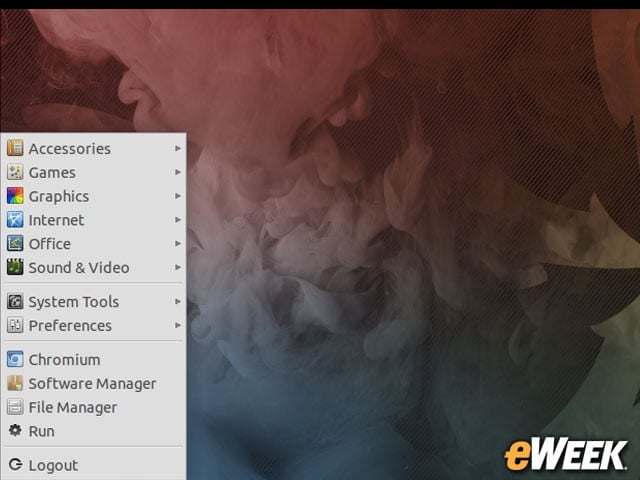
The main Peppermint Five desktop leverages the LXDE version of Ubuntu 14.04, known as Lubuntu, as its base.
Users Get a New Control Center in Peppermint Five

One of the features debuting in Peppermint Five is a control center that expands on the core LXDE components to give users more configuration options in one place.
Chromium Is the Default Browser

While Firefox is typically the default browser in many Linux distributions, Peppermint has chosen the open-source Chromium browser.
Ice Enables Site-Specific Browsers

With the Ice interface, Peppermint users can create site-specific browsers (SSBs) for online services.
Dropbox Is Integrated With Peppermint
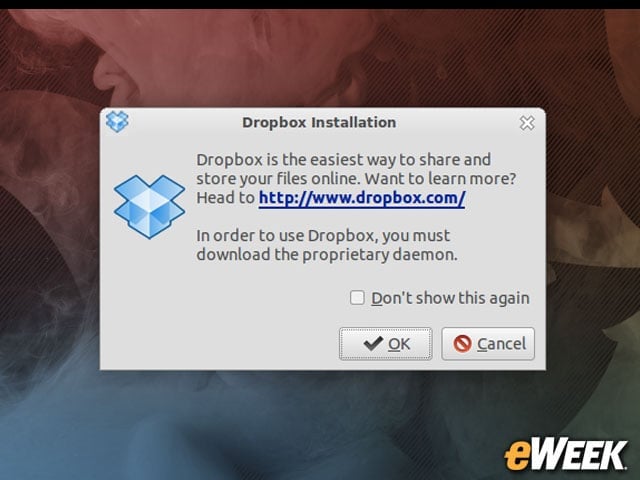
Dropbox is part of the desktop, providing users with cloud-based storage. Users can also choose to use Google Drive, which is also part of the default installation of Peppermint Five.
Online Image Editing Is Enabled With Pixlr
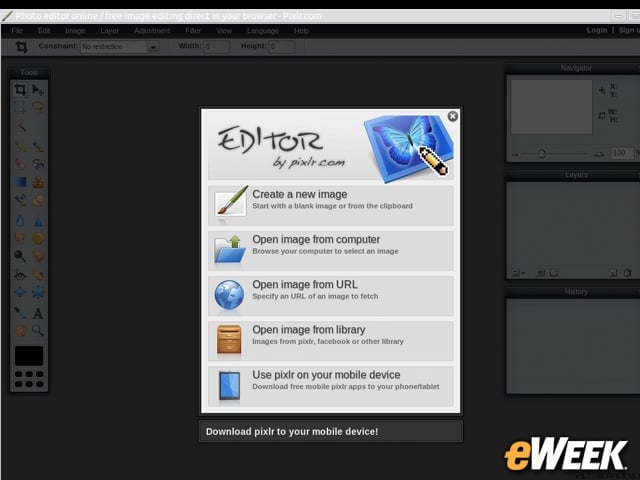
One of the SSBs in Peppermint Five is for the Pixlr online photo editing application.
Online Gaming With Entanglement

No desktop would be complete without some games, and in the spirit of its cloud focus, Peppermint provides an SSB for the online Entanglement game.
Steam Can Power Local Games
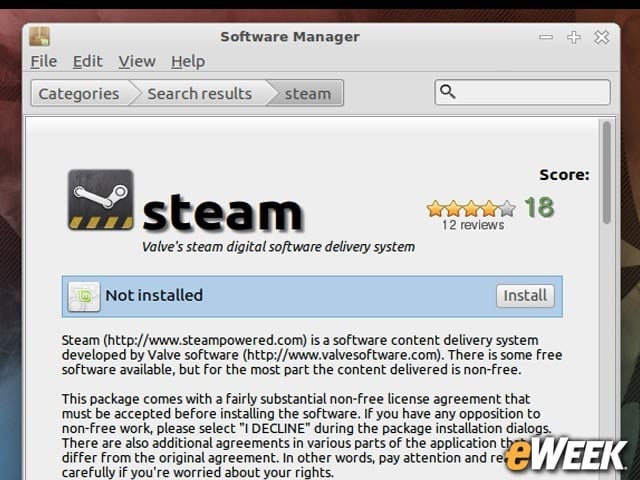
Peppermint OS users can also install the Steam gaming client from software vendor Valve, providing a gaming experience that runs locally on the user’s device.
Not All Software Is in the Cloud

While Peppermint has a strong cloud focus, the approach is a hybrid one in which non-cloud applications can also be installed and used on the desktop.
Linux Kernel 3.13 Powers Peppermint

As is the case with Ubuntu 14.04, a Linux 3.13 kernel is at the heart of the Peppermint Five OS.