






- Ubuntu 14.04 ‘Trusty Tahr’ Brings Long-Term Linux Desktop Support
- Basic Desktop Installation Needs Just 6.2GB of Space
- Ubuntu 14.04 Continues Tradition of Colorful Naming
- Main Desktop Takes a Minimalist Approach
- Users Can Customize Sizes of Unity Launcher Icons
- Locally Integrated Windows Now a User Option
- Windows Are Anti-Aliased
- Users Can Easily Search the Desktop
- Firefox Remains the Default Browser
- LibreOffice Provides Office Suite Applications
- Shotwell Helps Ubuntu Users Manage Photos
- Ubuntu One File Services Discontinued in New Release
- Linux 3.13 Kernel Powers the Trusty Tahr
Ubuntu 14.04 ‘Trusty Tahr’ Brings Long-Term Linux Desktop Support
by Sean Michael Kerner
Basic Desktop Installation Needs Just 6.2GB of Space
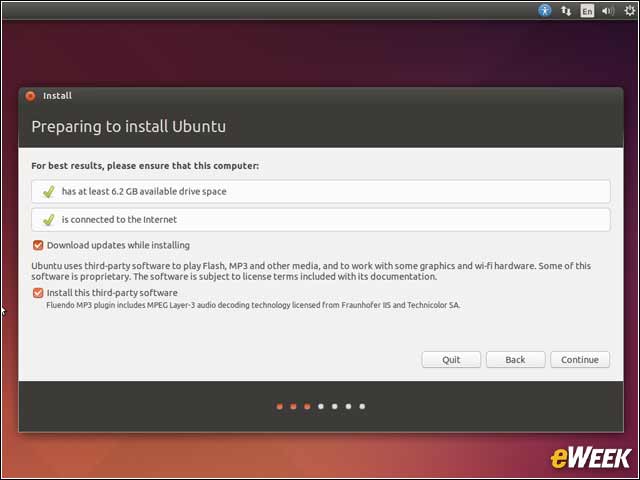
To install a fresh image of Ubuntu 14.04, the basic minimum drive space requirement is just 6.2GB. Users can also choose to run a live image from a CD or USB to demo Ubuntu 14.04 without installing anything on a hard drive.
Ubuntu 14.04 Continues Tradition of Colorful Naming
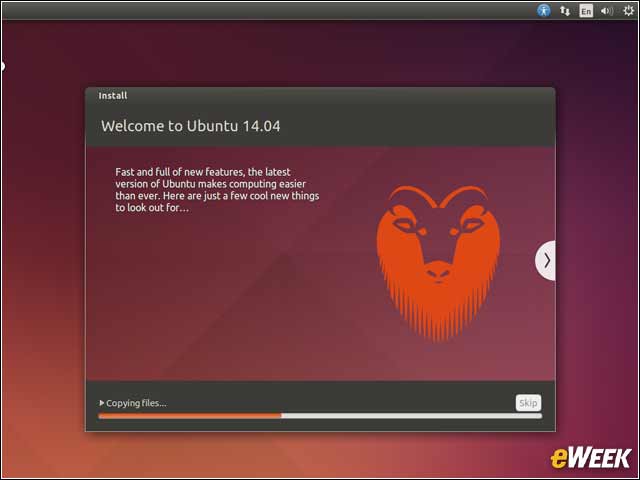
The code name for the Ubuntu 14.04 release is the “Trusty Tahr.” “The tahr navigates Himalayan heights, shaggily suited, sure-footed and steady,” Ubuntu founder Mark Shuttleworth noted in a blog post. “A small tourist tahr population lived on my favourite Table Mountain, and while they’ve made way for indigenous animals, for a long time they symbolized hardiness and fearlessness, perched as they were against the cliffs.”
Main Desktop Takes a Minimalist Approach
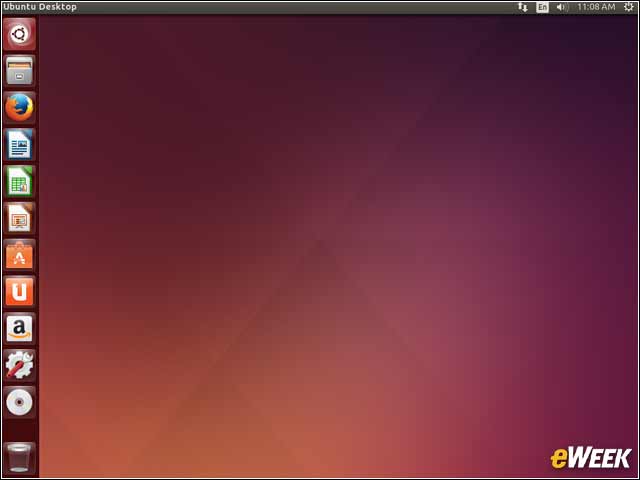
The Unity Linux desktop interface in Ubuntu 14.04 retains the core look and feel of prior Unity releases, providing a clean user experience.
Users Can Customize Sizes of Unity Launcher Icons
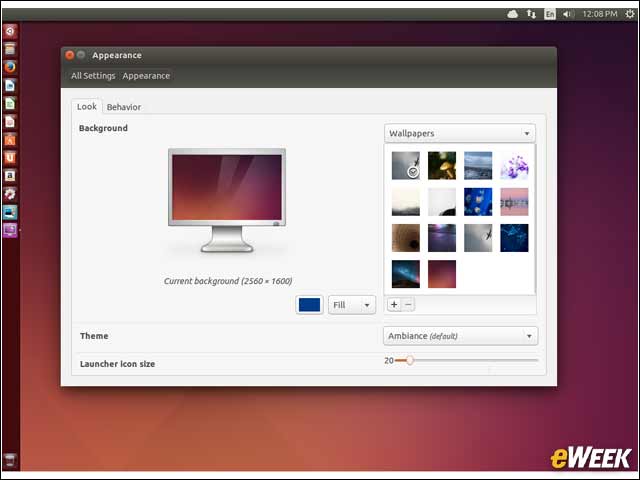
An enhancement in the Unity interface that ships with Ubuntu 14.04 is that users can now choose to adjust application launcher icon sizes as big or as small as they want.
Locally Integrated Windows Now a User Option
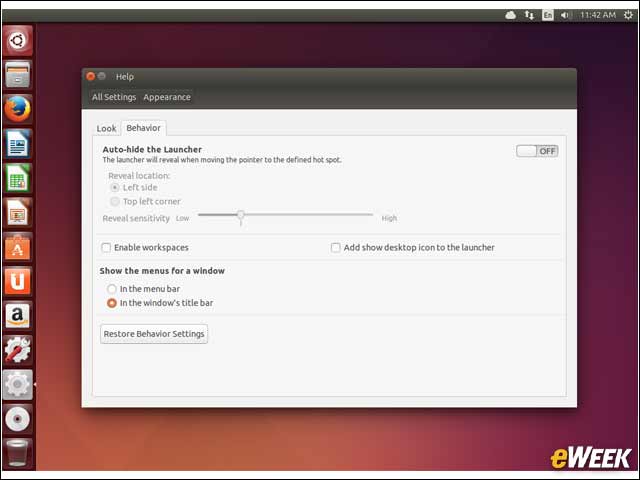
In previous releases of Ubuntu, Unity by default only enabled window application options to be displayed in the top menu bar of the operating system. With Ubuntu 14.04, users now have the choice to have menus listed in the window’s own title bar.
Windows Are Anti-Aliased
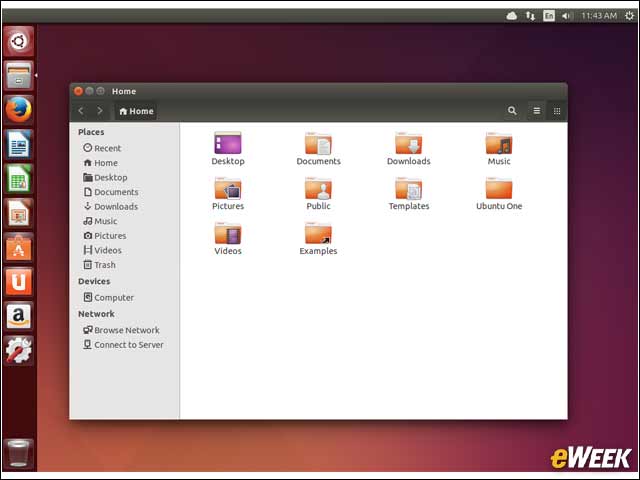
The Unity interface in Ubuntu 14.04 now displays anti-aliased windows, providing a more fluid folder and application window for users.
Users Can Easily Search the Desktop
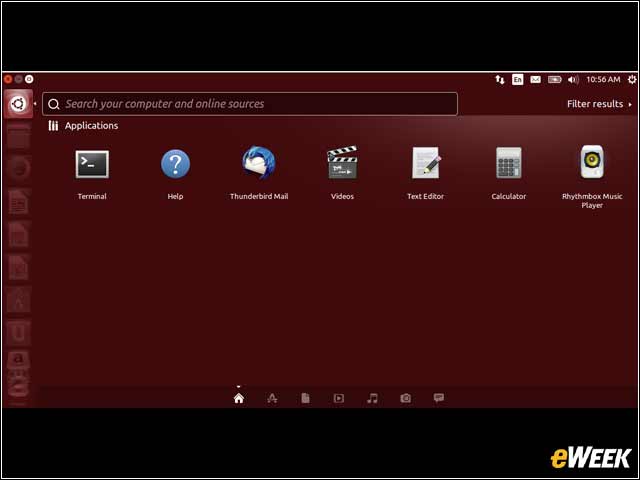
The integrated search capability enables users to easily search their systems and the web from a single interface.
Firefox Remains the Default Browser
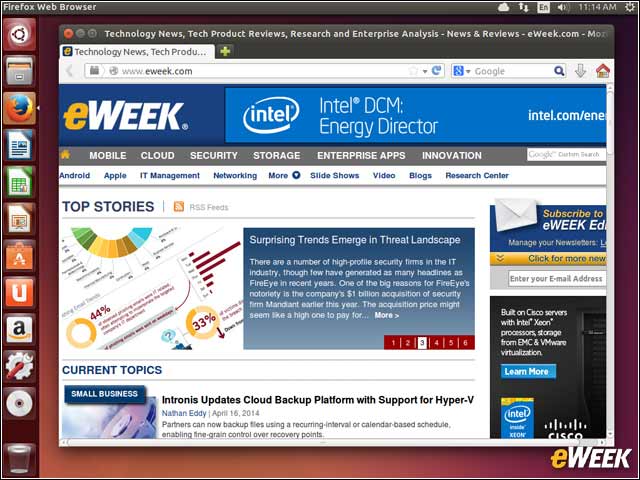
Mozilla’s Firefox Web browser is the default Web browser in Ubuntu 14.04, though users can choose to add other browsers, including Google Chrome.
LibreOffice Provides Office Suite Applications
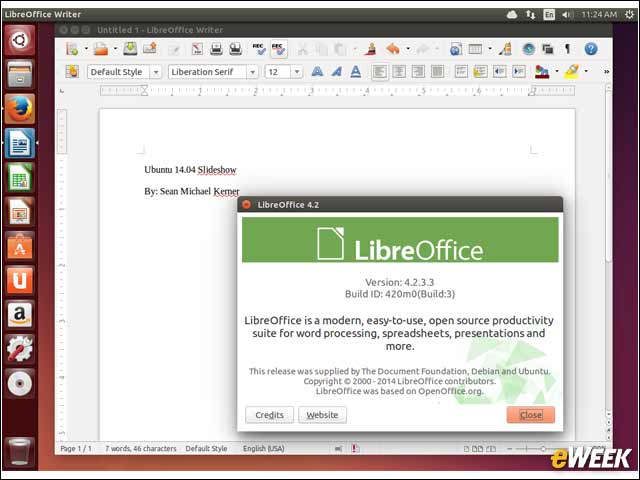
The Document Foundation’s LibreOffice is the default productivity technology in Ubuntu 14.04, providing word processing, spreadsheet and presentation applications.
Shotwell Helps Ubuntu Users Manage Photos
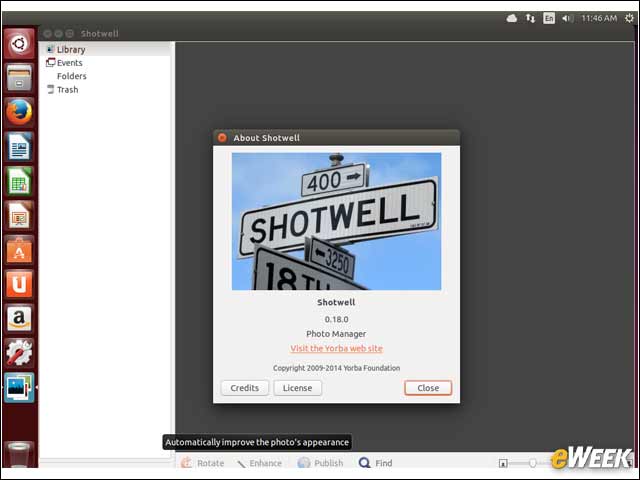
The default photo manager application in Ubuntu 14.04 is Shotwell, providing image management and enhancement features.
Ubuntu One File Services Discontinued in New Release
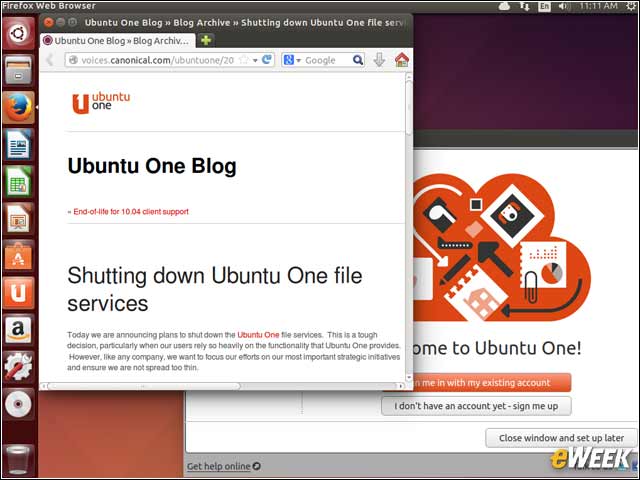
In past Ubuntu releases, the Ubuntu One account and file sharing service enabled users to save files in a cloud service. Starting with Ubuntu 14.04, file storage services are being discontinued.
Linux 3.13 Kernel Powers the Trusty Tahr
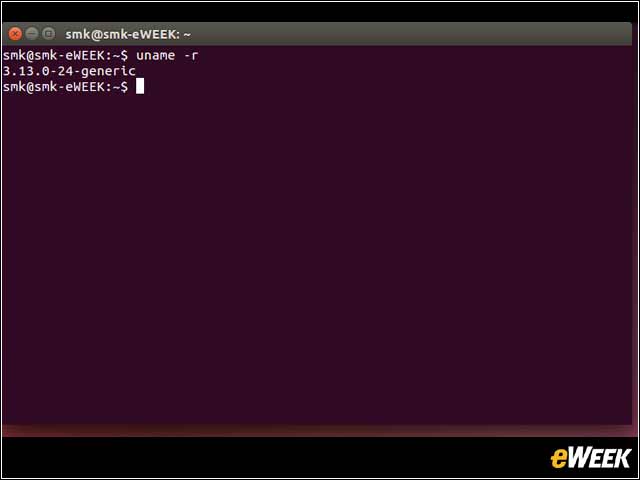
At the core of every Linux distribution is a Linux kernel. For Ubuntu 14.04, that kernel is the Linux 3.13 release that debuted in January.