







- Ubuntu 18.04 Bionic Beaver LTS Release Gets a New Linux Desktop
- Bionic Beaver Will Be Supported Until 2023
- Goodbye Unity, Hello GNOME
- Live Patching Comes to Ubuntu
- Minimal Desktop Install
- Firefox Remains the Default Browser
- Built-In Meltdown and Spectre Mitigation
- LibreOffice 6 Brings Open-Source Office Apps
- X Remains the Default Display Server—for Now
- Powered by Linux 4.15
Ubuntu 18.04 Bionic Beaver LTS Release Gets a New Linux Desktop
Canonical, the lead commercial sponsor behind the Ubuntu Linux distribution, officially released Ubuntu 18.04, the Bionic Beaver, on April 26. This is the first Long Term Support (LTS) Ubuntu release since the launch of Ubuntu 16.04 Xenial Xerus in 2016. In contrast to regular releases of Ubuntu, which Canonical supports for up to nine months, the company supports LTS releases for five years. One thing that desktop users will quickly notice in Ubuntu 18.04 is that the Unity desktop that was the default for 16.04 is not being used anymore. Instead, GNOME 3.28 is the default desktop in Ubuntu 18.04. In this slide show, eWEEK looks at some of the highlights of the Ubuntu 18.04 Bionic Beaver Linux release.
Bionic Beaver Will Be Supported Until 2023
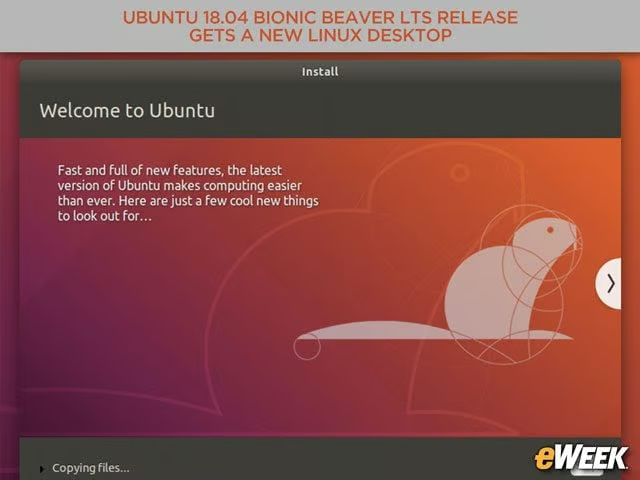
Ubuntu 18.04, also known as the Bionic Beaver, is a Long Term Support (LTS) release. Canonical plans on supporting Ubuntu 18.04 for five years, until April 2023.
Goodbye Unity, Hello GNOME
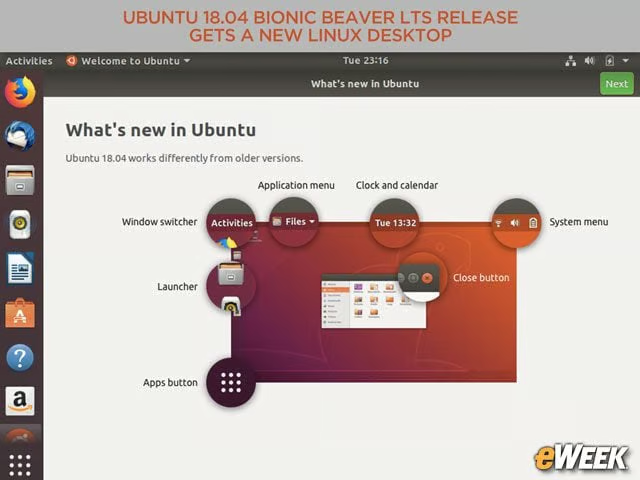
With the 18.04 LTS release, Ubuntu no longer uses the Unity desktop, which was the default for the 16.04 LTS release. The default desktop for the Bionic Beaver is the GNOME 3.28 desktop, which has a different layout and look from Unity.
Live Patching Comes to Ubuntu
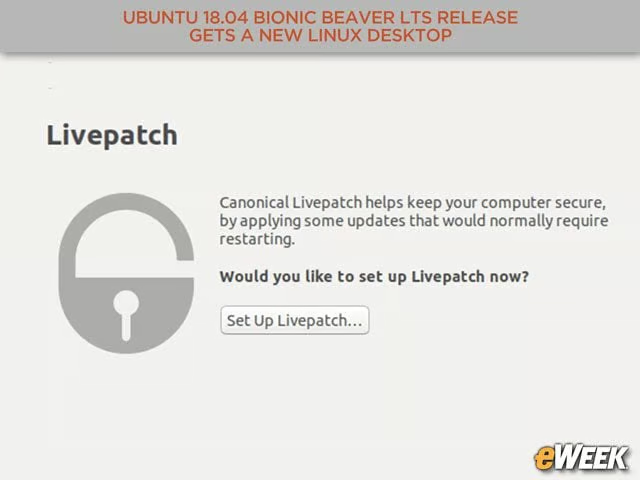
Among the optional capabilities that users can configure is the Canonical Livepatch service. With Livepatch, updates that would typically require a system reboot can be applied to a live system without the need to restart the system.
Minimal Desktop Install
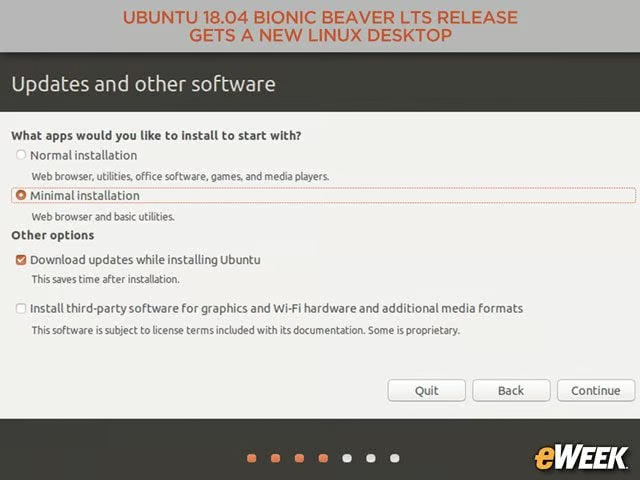
Ubuntu 18.04 also introduces a minimal desktop install option, which includes a web browser and a core set of desktop capabilities that can be customized for corporate workstations.
Firefox Remains the Default Browser
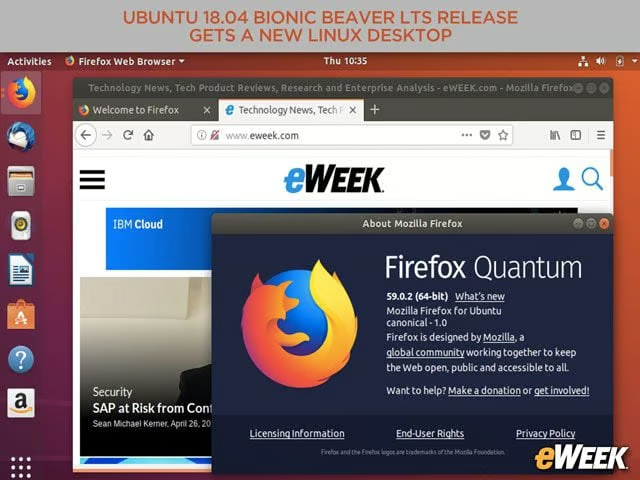
Although Ubuntu has changed desktops, it has kept Firefox as its default browser.
Built-In Meltdown and Spectre Mitigation
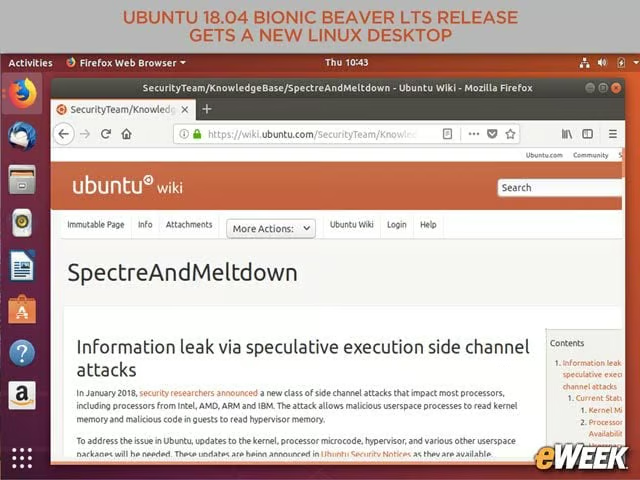
Ubuntu 18.04 benefits from mitigations to help protect against the Spectre and Meltdown vulnerabilities that were first disclosed in January 2018.
LibreOffice 6 Brings Open-Source Office Apps
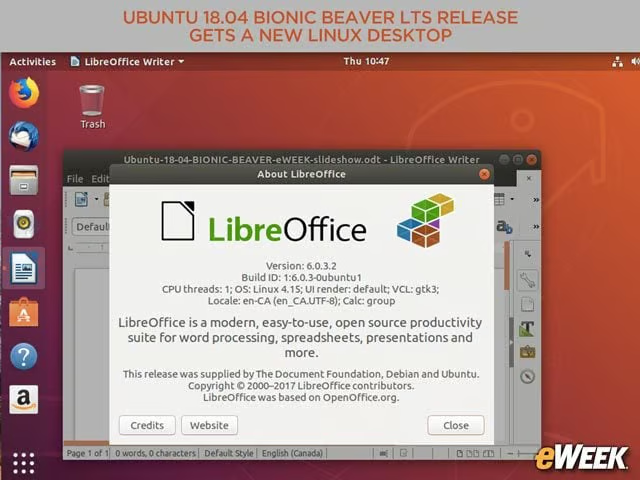
LibreOffice 6 is part of Ubuntu 18.04, providing users with an open-source office suite of applications.
X Remains the Default Display Server—for Now
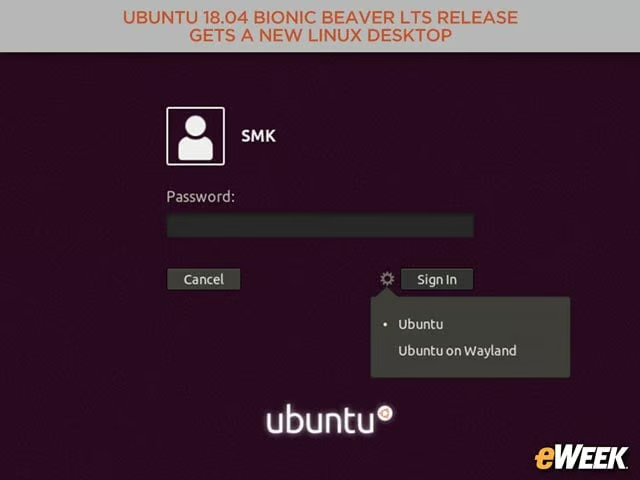
For now, Canonical is retaining the X display server as the default. However, Wayland, which is a next-generation display server, is provided as a technical preview and is set to become the default for the Ubuntu 20.04 LTS release.
Powered by Linux 4.15
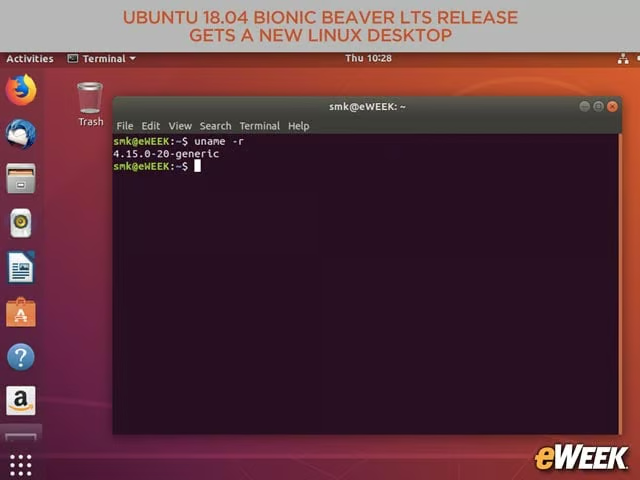
At the core of Ubuntu 18.04 Bionic Beaver is a Linux 4.15 kernel.