









- What the Wunderlist Buyout Brings to Microsoft Enterprise Apps
- Full Team Integration
- Wunderlist Can Track an Unlimited Number of Projects
- It Comes With High-End Encryption
- How Activity Center Works
- Email and Web Support Is Built-In
- It Has a Single Portal for IT Control
- Wunderlist Synchronizes Project Data Across Devices
- All Content Can Be Shared
- Notifications, Hashtags and Other Goodies
- So How Much Does Wunderlist Cost for Companies?
What the Wunderlist Buyout Brings to Microsoft Enterprise Apps

By Don Reisinger
Full Team Integration
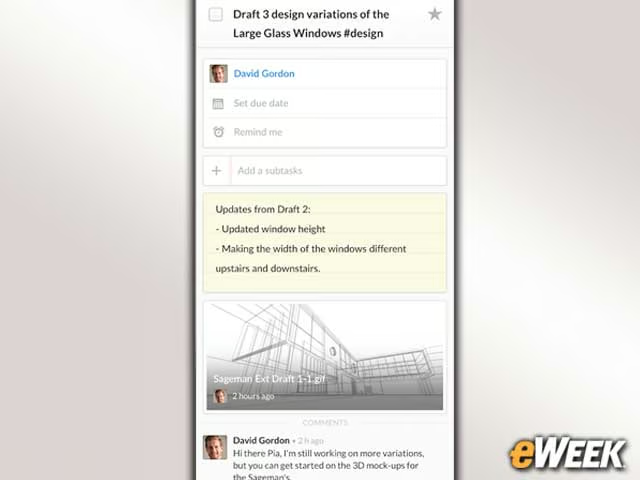
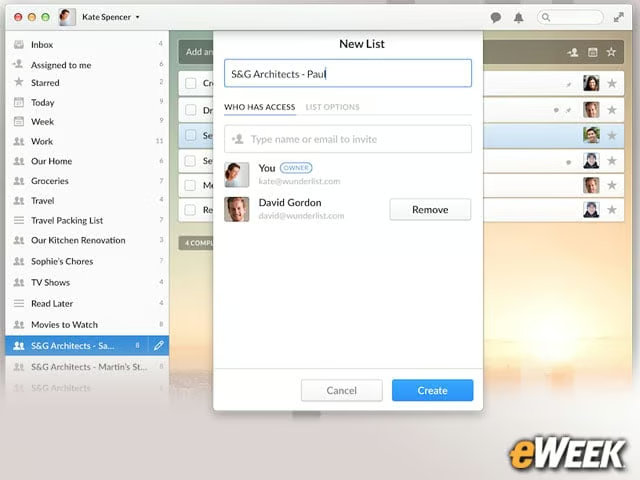
One of the key features in Wunderlist for Business is that it comes with flexible team sizes. That means that as more people come onboard, a company can easily add seats to the Wunderlist integration. As employees leave, they can be quickly taken off. Having the full team on Wunderlist is critical to getting the most value out of the platform.
Wunderlist Can Track an Unlimited Number of Projects

To get the most value out of the to-do list package, companies should add every project they have in the works to the Wunderlist service. The administrator creates projects as they pop up and then can add the team members involved, identify the tasks need to be completed and more. Wunderlist lets users create an unlimited number of projects.
It Comes With High-End Encryption
Security is a major concern to companies, so it’s perhaps a good thing that Wunderlist has built full end-to-end encryption into the platform. The service has 256-bit encryption and ensures there’s no breakdown in that security from the time a task is created on one device and synchronized to another.
How Activity Center Works
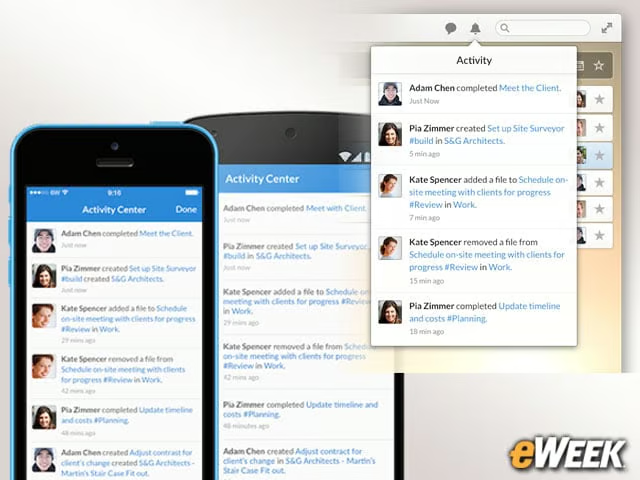
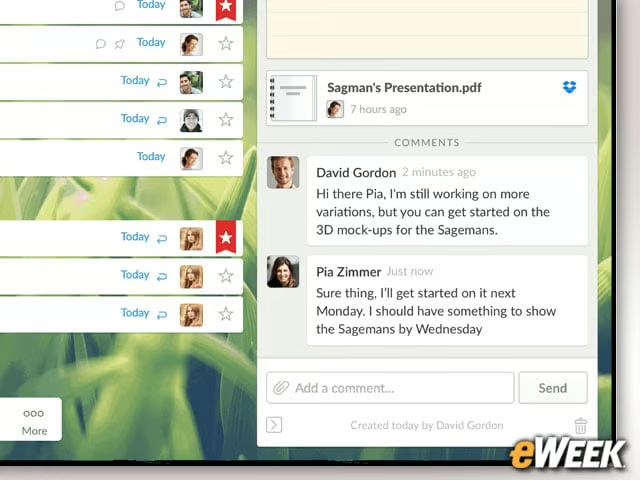
Activity Center is the central hub in the Wunderlist experience. The feature is designed to provide team members with all of the information they should know as soon as they log in. So, if someone has added a file to a project, team members on that project are notified. Wunderlist’s Activity Center also lists updates to the lists and more.
Email and Web Support Is Built-In
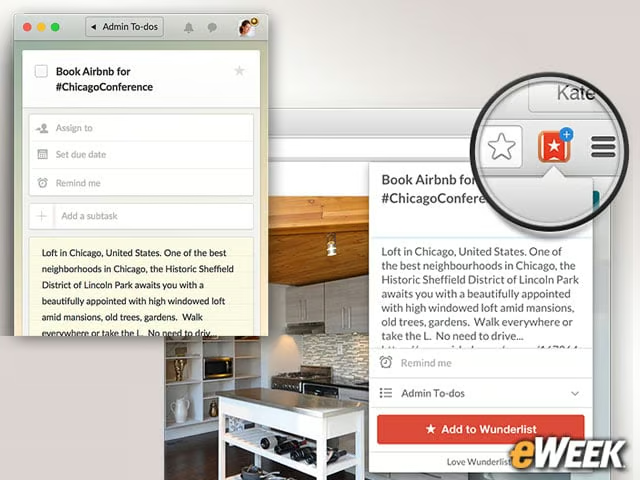
It’s easy to add to-dos to Wunderlist from within its apps, but it’s also possible to do so from a Web browser and via email. In the browser, users can install extensions and quickly tag a Web page to share on a Wunderlist project. Users can also send emails to Wunderlist, which are linked to a particular project or item. Having email support is extremely helpful as new tasks pop up in the Inbox.
It Has a Single Portal for IT Control
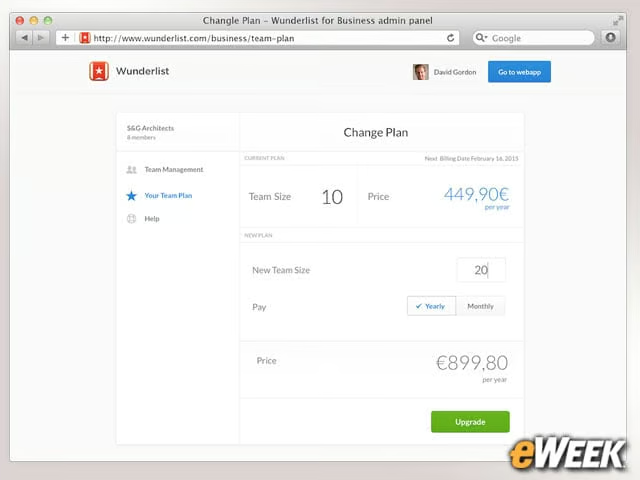
Wunderlist provides a centralized administration hub for IT to manage the size of its team, add new members, reduce headcount and more. The portal is also a handy way to determine which team members will be administrators and what roles they will have. The administration feature could be more capable, but it gets the job done.
Wunderlist Synchronizes Project Data Across Devices
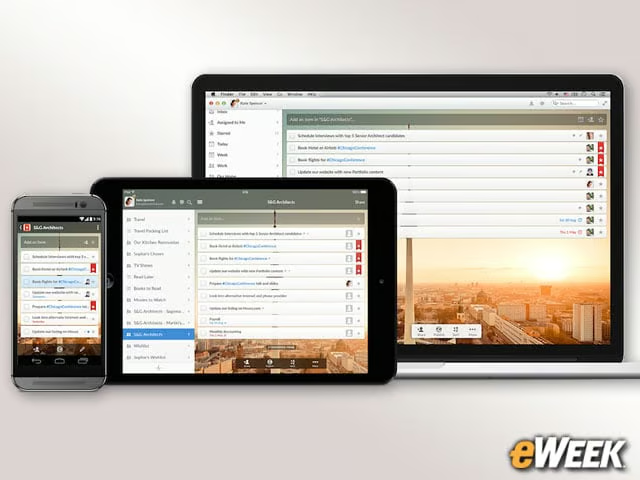
Synchronizing across devices is a useful feature for busy professionals who need to get work done. So, Wunderlist has brought its app to all kinds of products, including PCs, tablets, smartphones and even wearables. Best of all, the data shared in a Wunderlist installation is synchronized across all of those products.
All Content Can Be Shared
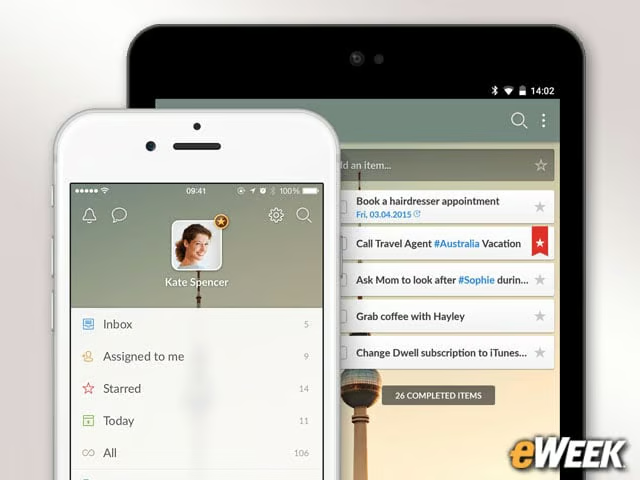
Sharing is an obvious feature for a to-do list app, but it’s not always handled well in these kinds of programs. Luckily, Wunderlist does a fine job of handling content sharing by making it easier for users to take a snippet of a respective project and share it with other team members, clients, third parties and more. Sharing also includes real-time collaboration to enhance teamwork.
Notifications, Hashtags and Other Goodies
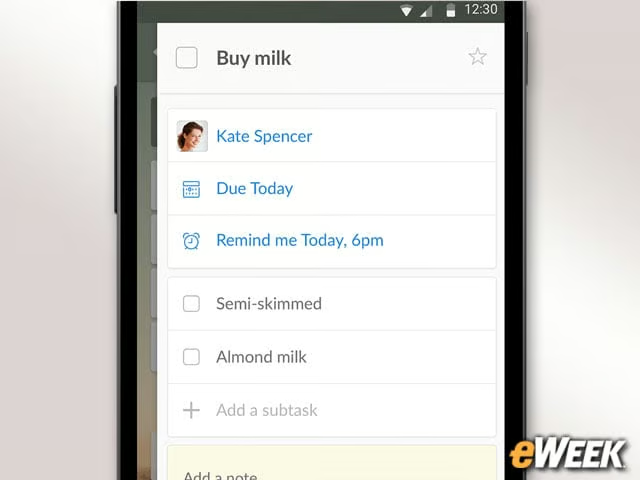
The sheer number of features built into Wunderlist is impressive and impossible to list in a single roundup. The app comes with full notification support so users can learn what’s happening at any time. The app also uses hashtags to enhance filtering of tasks. Plus, Wunderlist includes due dates and reminders and gives project managers full control over what individual team members can see.
So How Much Does Wunderlist Cost for Companies?
The last Wunderlist question is arguably one of the most important: How much does the platform cost for companies? Wunderlist is currently available for free to consumers, but those who want a higher-end experience can pay $50 a year. Businesses, however, could opt for Wunderlist for Business at $4.99 per user per month or $49.99 per user per year. It’s unknown at this time whether Microsoft will modify these prices.