








10 Current Apple Features That Could Show Up on the Tablet

by Don Reisinger
Multitouch

What would an Apple tablet be without multitouch? Apple has done the finest job in the business of delivering an intuitive and responsive touch experience in both the iPhone and the iPod touch. If it wants to be successful in the tablet space, it would only make sense for it to adapt that multitouch capability to a tablet.
iTunes
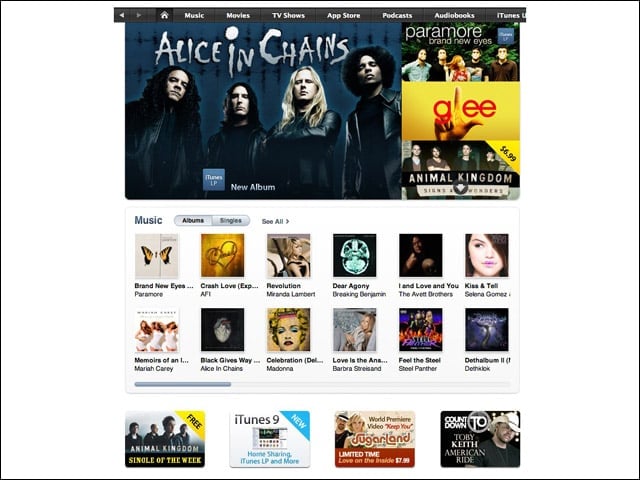
iTunes has been the key to Apple’s success in several areas. In the music space, it helped the iPod become the dominant player. The applications it offers—over 100,000 at last count—have provided users with even more value using their iPhone and iPod touch. But the software also features movies, television shows and podcasts. All that combines to make it an ideal application for a tablet.
Apple App Store
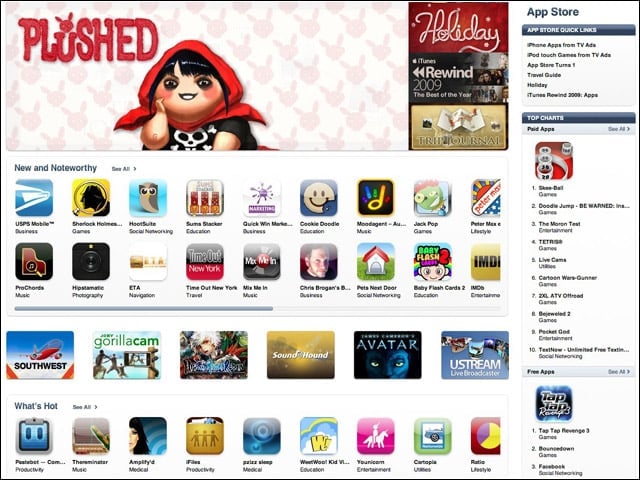
Like it does in the iPhone, Apple could make its App Store a key application in its tablet. So far, applications in the App Store only work on small screens. But if Apple plays its cards right, it can get developers to modify their apps to work with the new tablet. And what better way to deliver that functionality than with a readily available App Store?
Wi-Fi and 3G
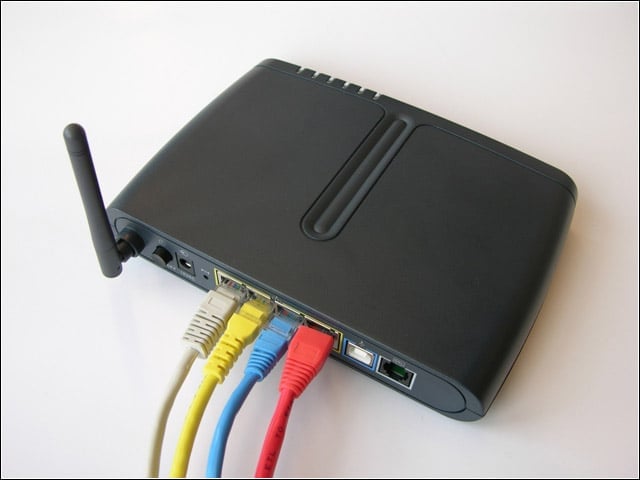
Without wireless connectivity, the Apple tablet is a useless device. It will undoubtedly feature Wi-Fi. But considering Apple’s close ties with AT&T, the company could partner with the carrier and offer access to AT&T’s 3G network on the tablet. With 3G built-in, users could access the Web away from home, making it even more appealing to the average consumer.
Modified iPhone OS
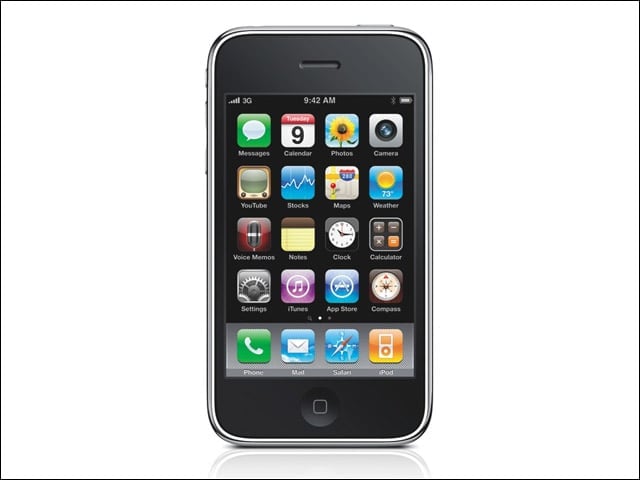
Instead of running Mac OS X, the Apple tablet could run a modified version of Apple’s iPhone OS. It makes sense. The company’s iPhone OS already features multitouch capabilities, more users are familiar with it than Mac OS X, and integrating key applications like Apple’s App Store would be a cinch.
Finder
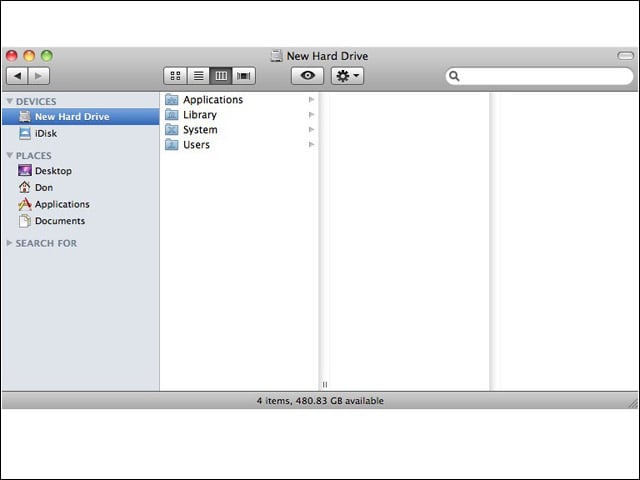
Although Finder isn’t available in Apple’s iPhone OS, the company could put it into a modified version of that software. In Mac OS X, Finder makes locating files and folders quite easy. And considering Apple’s tablet will likely be an iPhone-Mac hybrid, users will likely want to store files on the device. What better way to locate those than with the help of Finder?
Mail is a must-have in Apple’s tablet. By design, tablet computers are simple products that give users the chance to perform basic tasks, like surf the Web and check their e-mail. Users will want to have access to their e-mail on Apple’s tablet. Mail will provide them with that access.
Safari
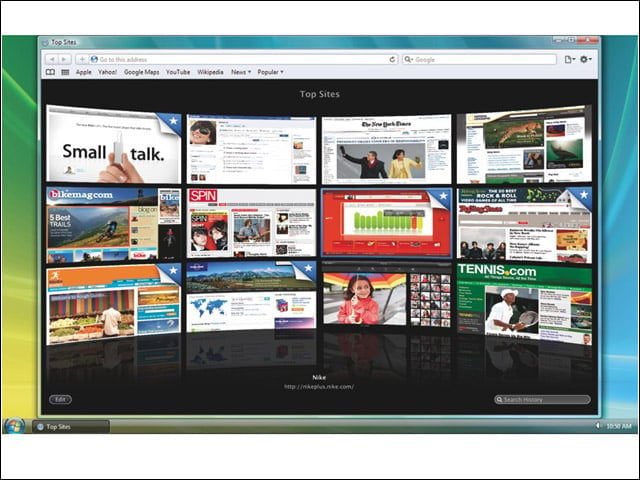
What good is a tablet without the ability to surf the Web? Apple’s tablet will almost certainly run Safari, giving users the ability to access the Internet from the device. Like Mail, Safari is a must-have. Expect to see it in Apple’s tablet.
E-Reader Functionality
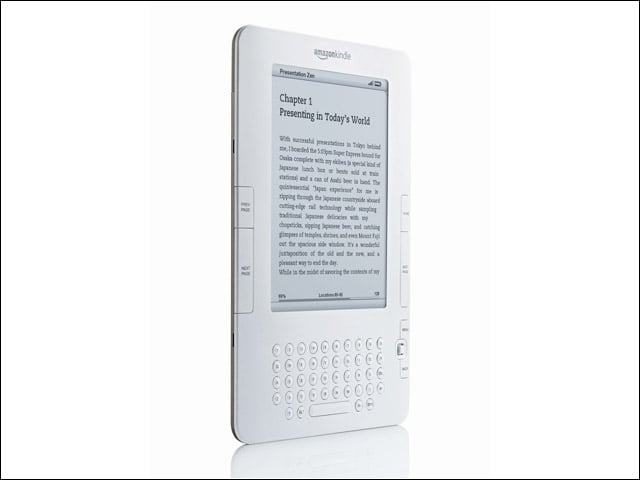
Although Apple doesn’t sell an e-reader itself, Amazon’s Kindle application in the Apple App Store gives users the option of viewing e-books on their iPhone or iPod touch. Considering Apple’s tablet will likely have a much larger screen than the iPhone, it could become an even more viable competitor to the Kindle or any other e-reader on the market. A built-in e-reader would be a nice offering.
Virtual Keyboard
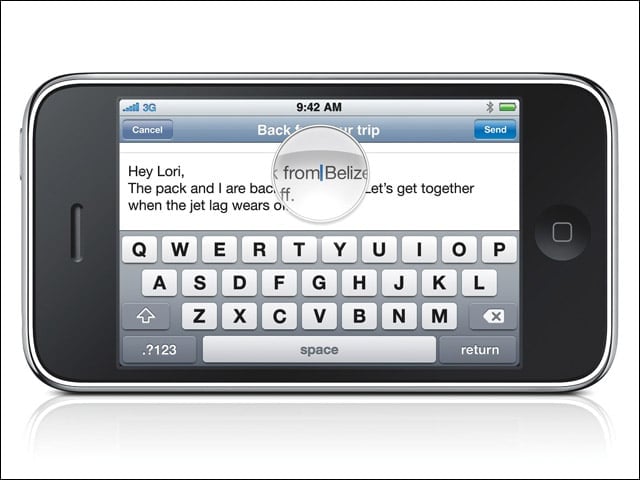
Although some (including myself) have had trouble with the iPhone virtual keyboard, it makes sense to offer it in Apple’s tablet. A tablet PC is about mobility and experience. If it features a full multitouch display, it would only make sense for it to also offer a virtual keyboard. Here’s hoping it adds to the device, rather than detracts from it.