








- 10 Handy Apps That Have Been Optimized for iOS 8
- Jawbone Goes Up for Fitness
- Drag Your Finger With Swype
- Post-it Finds a Way to Collaborate Offline
- HoursTracker Pro: Just What One Might Expect
- Handle Your Tasks With OmniFocus 2
- Another To-Do With Wunderlist
- Flipboard Tells You What’s Happening in the World
- 1Password for Those of Us Who Need More Security
- Manage Your Personal Finances With Mint
- A VNC Client Appropriately Named Screens VNC
10 Handy Apps That Have Been Optimized for iOS 8
By Don Reisinger
Jawbone Goes Up for Fitness

The Jawbone Up app is one of the newer options in this roundup and is available for free. The app, which requires no wearable, is capable of tracking activity, diet and sleep, and providing insight into how users can improve health. The app relies on Apple Health to work, so users with the iPhone 5S and higher will benefit most from the program. Still, its recommendations and tracking make it a nice option for many users.
Drag Your Finger With Swype
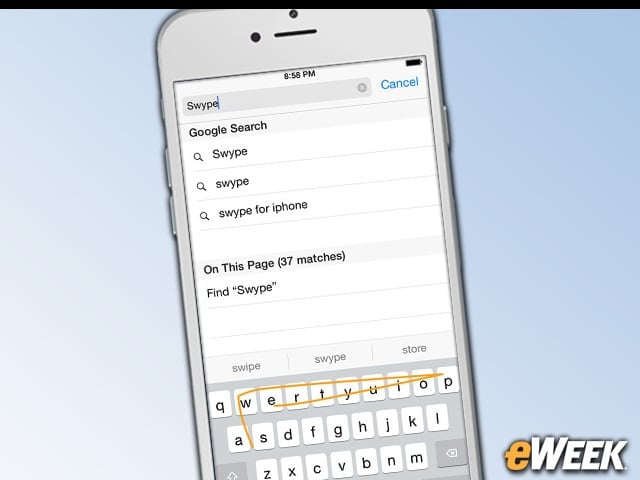
Don’t like Apple’s own keyboard built into iOS 8? There might be one out there that will suit your fancy. One such keyboard is the 99-cent Swype app. The app allows users to drag their fingers over the virtual keyboard in iOS 8 to type out messages. It also includes a personal dictionary feature that learns how users type and suggests adding or removing certain words to make it more accurate.
Post-it Finds a Way to Collaborate Offline
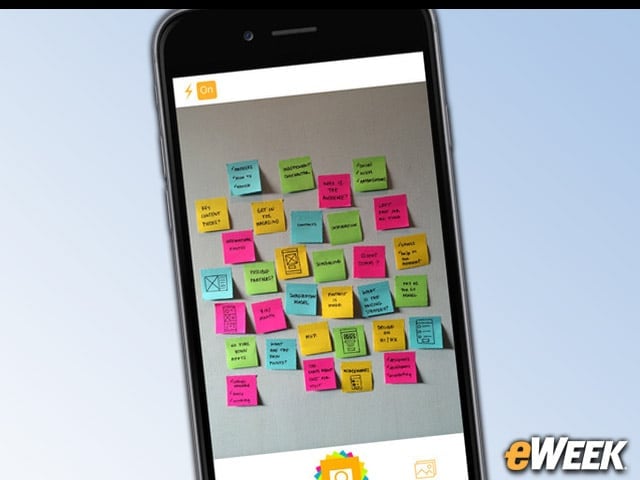
For those companies or individuals still using Post-it notes to stay on track, there’s another option out there if you want to go digital. Post-it Plus allows users to snap photos of their paper-based Post-it notes and then organize them from within the app. In addition, users can share those Post-it notes with others and move individual items around however they see fit. It’s a neat app and it’s free.
HoursTracker Pro: Just What One Might Expect
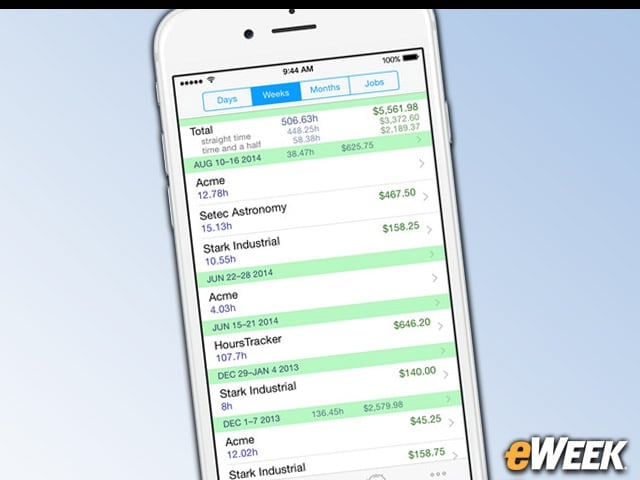
HoursTracker Pro is designed for those who want to quickly track time. The app, which costs $9.99, has a timer built in but also allows users to manually input time based on an activity. It will even group time by pay period. The app now works with Touch ID in iOS 8, allowing users to use their fingerprint to open their individual hours tracker. It’s a neat solution for small companies or individuals.
Handle Your Tasks With OmniFocus 2
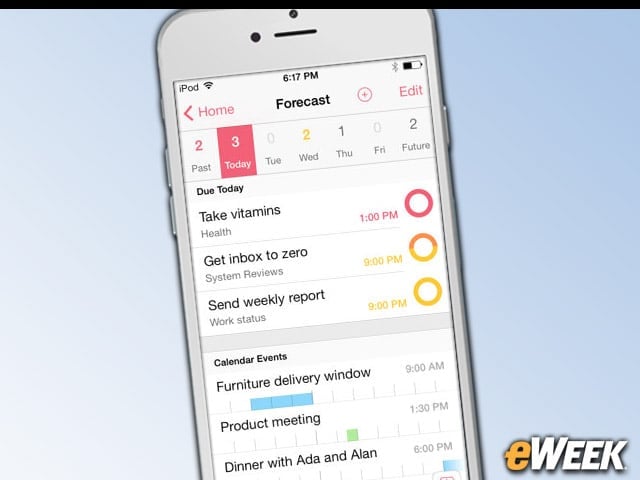
OmniFocus 2 might not be cheap at $19.99, but what it lacks in affordability, it makes up for in serious task management features. The app includes the ability to set up tasks, track them on a calendar, use location-based features to surface items that can be handled because they’re nearby and more. OmniFocus 2 will also provide a forecast for upcoming tasks to keep users properly scheduled. It’s a hefty app for a hefty price.
Another To-Do With Wunderlist
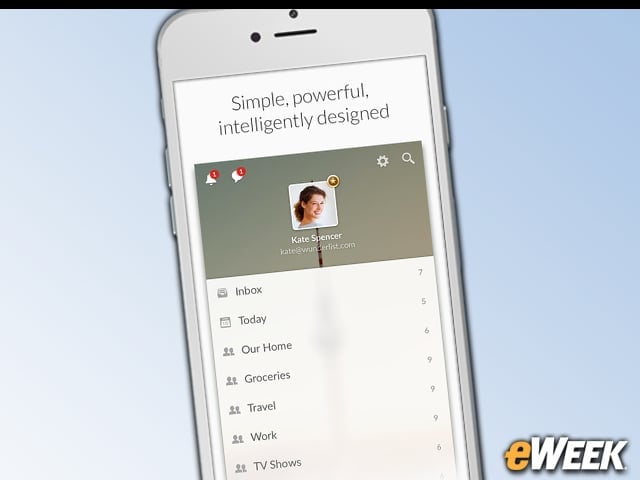
Wunderlist might not come with all of the features found in OmniFocus 2, but it will provide many of the same functions, including handling tasks and to-do lists. Users will receive notifications and can quickly tap on items to finish tasks. The app is available at no charge in Apple’s App Store.
Flipboard Tells You What’s Happening in the World
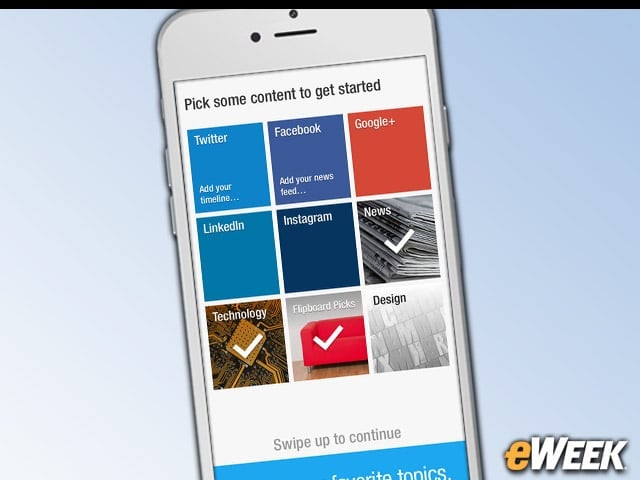
Flipboard is a popular app for those who want to stay abreast of what’s happening around the world. The app, which is available for free, allows users to add their Twitter timelines, Facebook newsfeeds, Instagram feeds and more to their homepage. In addition, news services can be added to the platform, giving users a single spot to find everything they need. It’s a great app that works quite well on iOS 8.
1Password for Those of Us Who Need More Security
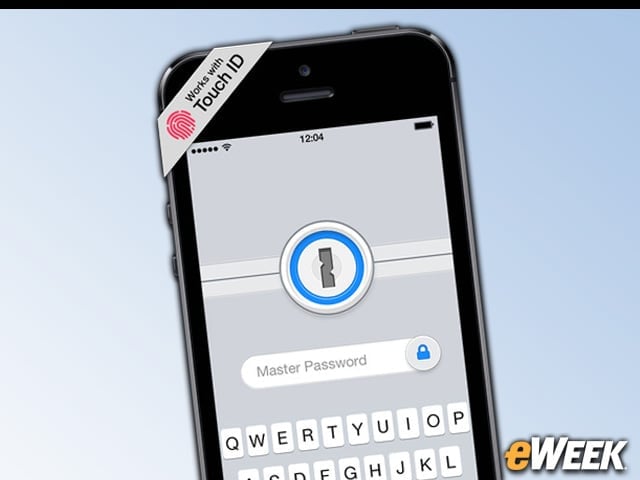
Security-seekers will be happy to know that 1Password works just fine with iOS 8. The app, which can be downloaded at no charge, allows users to put all of their passwords and other important information in a single digital locker. Users can open that with a master password or, if they have the iPhone 5S or newer, Touch ID.
Manage Your Personal Finances With Mint
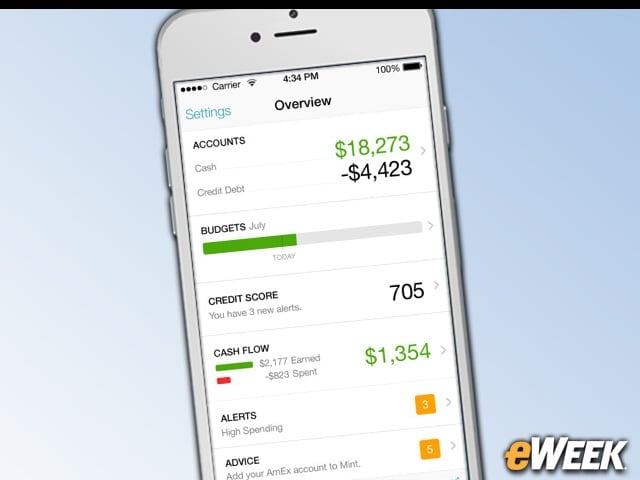
Mint has been offering personal finance solutions for years. Now, however, the company has an app that works with iOS 8 and Touch ID. The free app pulls in everything from bank to budget information and can even fetch users’ credit scores, if they so desire. With Touch ID support, users can safeguard their personal information and only get in with their fingerprint.
A VNC Client Appropriately Named Screens VNC
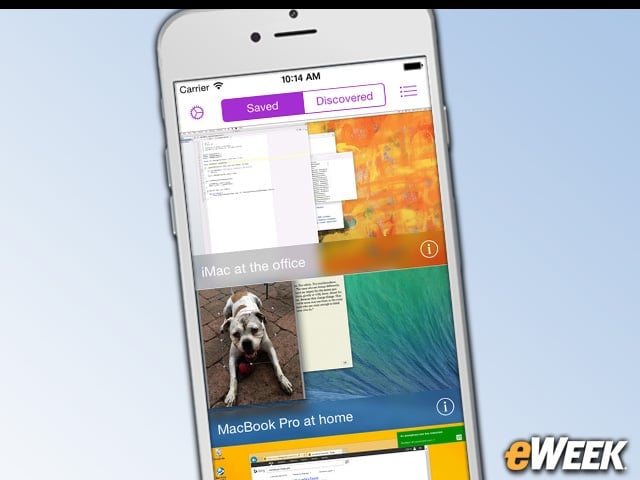
Screens VNC is designed for users who want to be able to access their computers at home or work. The offering allows users to use virtual network computing (VNC) technology to connect to remote computers and do everything from accessing content to saving images to the iOS 8-based device. The app works across all major desktop platforms, including Mac, Windows and Linux. There’s just one thing: It costs $19.99 in Apple’s App Store.