









- 10 Most Notable Enhancements to Apple iOS 9
- It’s Nice to Feel at Home
- The Wallet Move Seems to Make Sense
- Getting Back to Apps Is Easy
- News Is a Must-Have Feature
- There Are Notable Security Improvements
- The Notes App Is Actually a Useful Tool
- Search Is More Effective This Time
- There Really Is Better Battery Life
- Siri Is (Finally) More Intelligent
- Everything Feels More in Sync
10 Most Notable Enhancements to Apple iOS 9
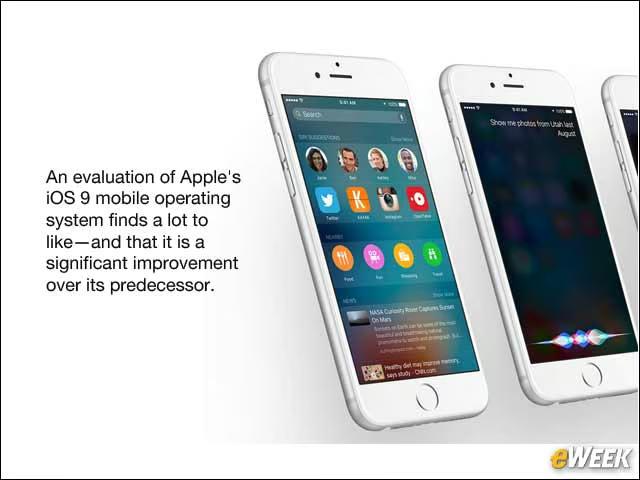
An evaluation of Apple’s iOS 9 mobile operating system finds a lot to like—and that it is a significant improvement over its predecessor.
It’s Nice to Feel at Home
Apple’s decision to keep the design of iOS 9 so similar to that of iOS 8 is a smart one. The operating system feels exactly the same as its predecessor, which means there’s no learning curve. Upon downloading the operating system and getting it up and running, I immediately knew how to get around the software and get things done. That will benefit a company seeking more employee productivity.
The Wallet Move Seems to Make Sense
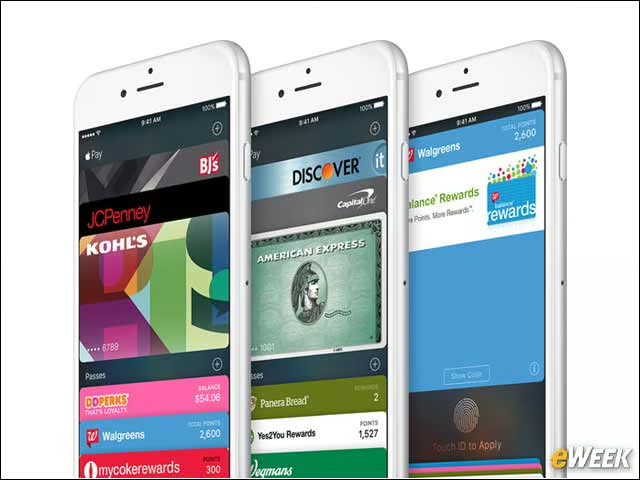
Apple’s decision to go with a new Wallet app to house its Apple Pay cards is a smart one. In iOS 8, cards were part of Apple’s ill-fated Passbook, which was supposed to be home for anything from cards to flight information. Instead, it was just a repository for cards. To change its name to Wallet makes it more intuitive for those who are new to Apple Pay and simply want to find where cards are stored and make payments.
Getting Back to Apps Is Easy
There’s a small feature built into iOS 9 that shouldn’t be overlooked: a small tag at the top of a screen that redirects users to the app from which they came. So, if users open a Web link from Mail, Safari will show a “Go back to Mail” tag at the top of the screen. Upon tapping it, users will go right back to where they were. It’s a handy multitasking function that shouldn’t be overlooked when deciding whether to download iOS 9.
News Is a Must-Have Feature
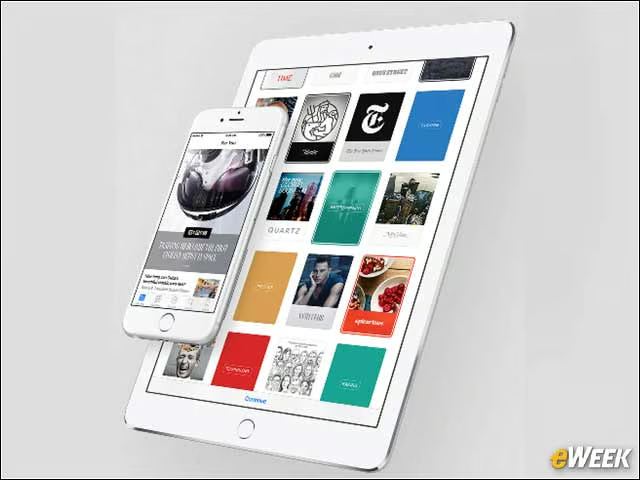
I’ve found myself using News in iOS 9 morning and night. The application lets users curate the content they want and displays that in a single pane. The feature works exceedingly well, and the wealth of content is welcome. News is an app that I prefer not to live without in iOS.
There Are Notable Security Improvements
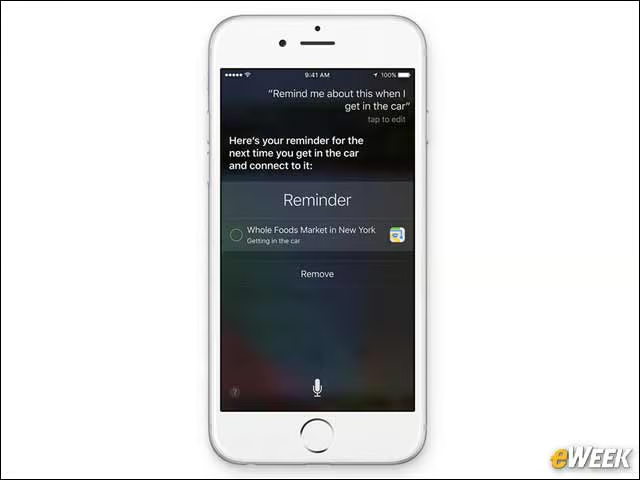
The security improvements baked into iOS 9 are notable, if nothing else. For one, the default passcode is now six digits, which boosts security. In addition, iOS 9 has built-in support for two-factor authentication—a welcome addition that makes the odds of losing sensitive data a bit longer.
The Notes App Is Actually a Useful Tool
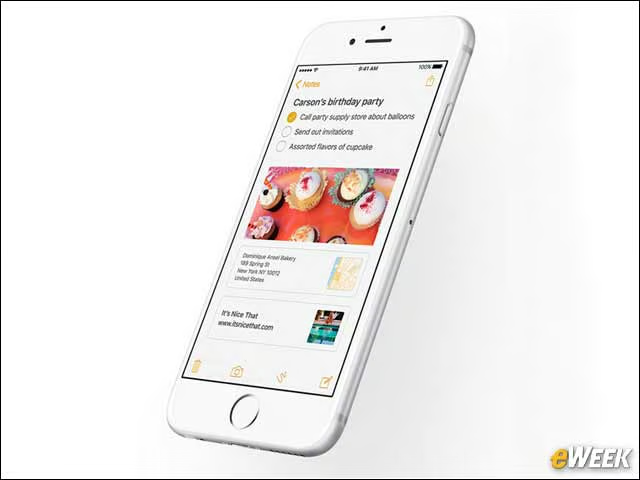
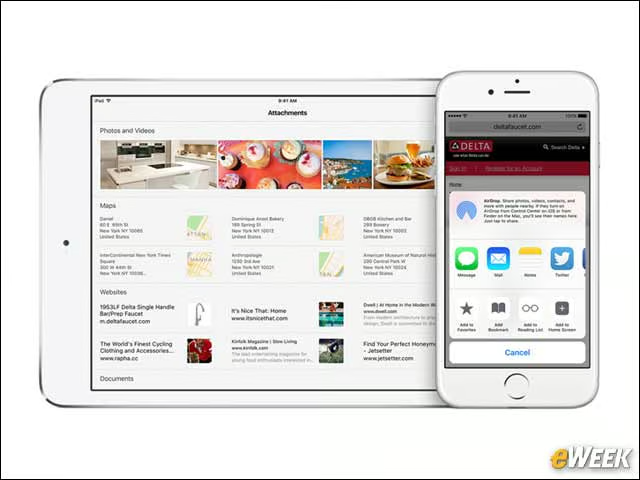
I’ve found Notes to be a surprisingly useful tool—something I wasn’t expecting. Notes now includes a rash of important features, including photo support, mapping and calendaring. I’ve used Notes extensively in the last week to keep information up to date and attach photos of emails that may relate to certain items. Notes’ makeover is a welcome addition to iOS 9.
Search Is More Effective This Time
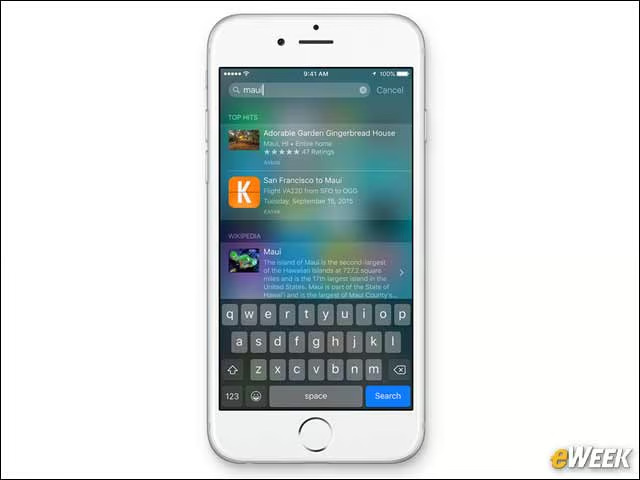
Search in iOS 8 was rather useless. In iOS 9, however, it’s far better. The operating system now includes Siri suggestions in an attempt to provide quick access to things most often accessed. In addition, Search now includes more services to find content and provides relevant content based on what’s nearby.
There Really Is Better Battery Life
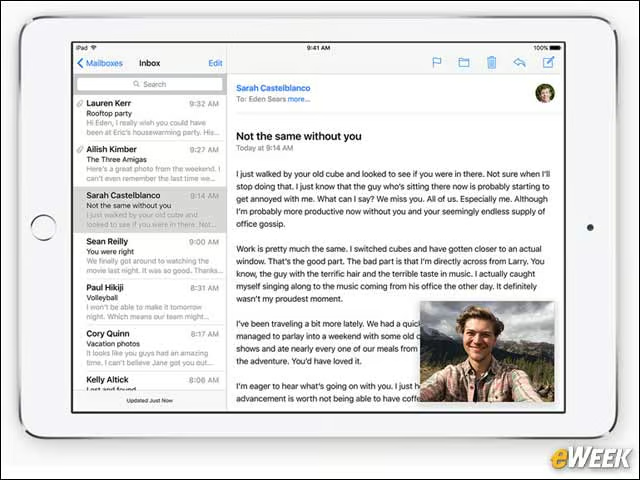
Apple promised better battery life in iOS 9, and it has delivered. While I haven’t clocked it to the second to determine whether battery life is indeed an hour longer than in iOS 8, as Apple claims, it certainly feels that way. In my daily use of iOS 9, which hasn’t changed since iOS 8, I’ve discovered that my iOS 9 device will last longer before I need to plug it in. Take that for what it’s worth, but the battery life in iOS 9 certainly seems improved.
Siri Is (Finally) More Intelligent
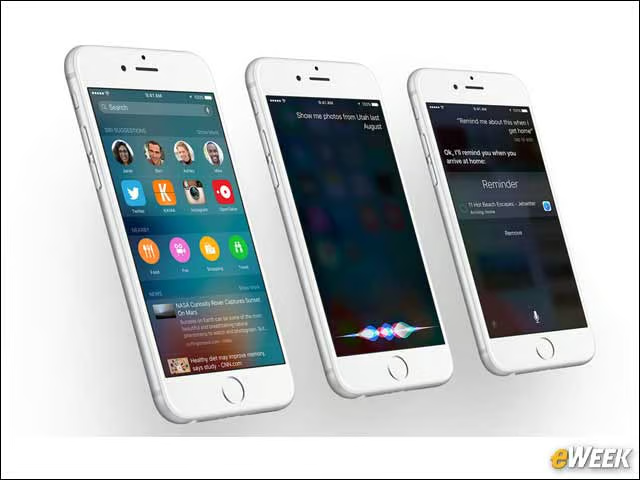
Apple’s Siri has been behind the times in the virtual personal assistant space, with Microsoft’s Cortana leading the way. Siri in iOS 9 is far better. For one, you can ask her many more questions and she’ll provide relevant results. The service also has a better sense of what users need and generally does a better job of getting users to something more quickly. It’s a major upgrade over the Siri users found in iOS 8.
Everything Feels More in Sync
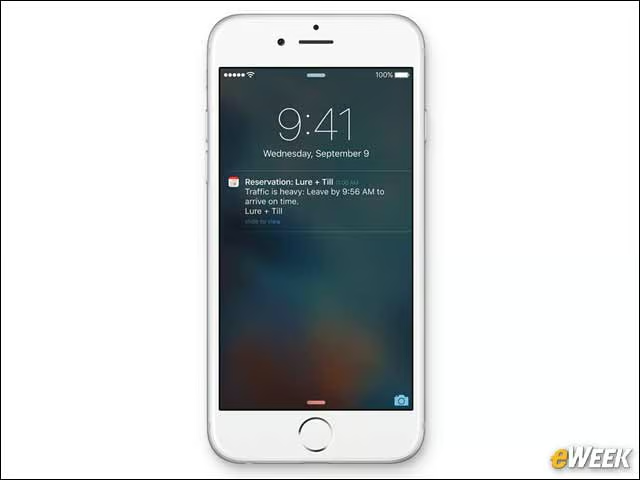
Apple has done a great job of making its operating system feel more in sync. When in Mail, for example, if a date is mentioned, an option is displayed at the top of the Inbox, allowing users to quickly add the date to Calendar. Similarly, there are tools in other built-in apps that tie in multiple programs to keep everything synchronized and using Apple apps. While some users may like third-party alternatives to the manufacturer’s built-in apps, Apple’s own programs do everything I need.