







- 10 Useful Apps to Add to Your New Samsung Galaxy S8 Smartphone
- DFNDR Antivirus Boosts Security
- TextNow Delivers Free Communication
- Improve Performance with Power Clean
- Go Mobile Retail with Amazon Shopping
- Nova Launcher Prime Delivers Productivity
- Mix Things Up with OnePX Icon Pack
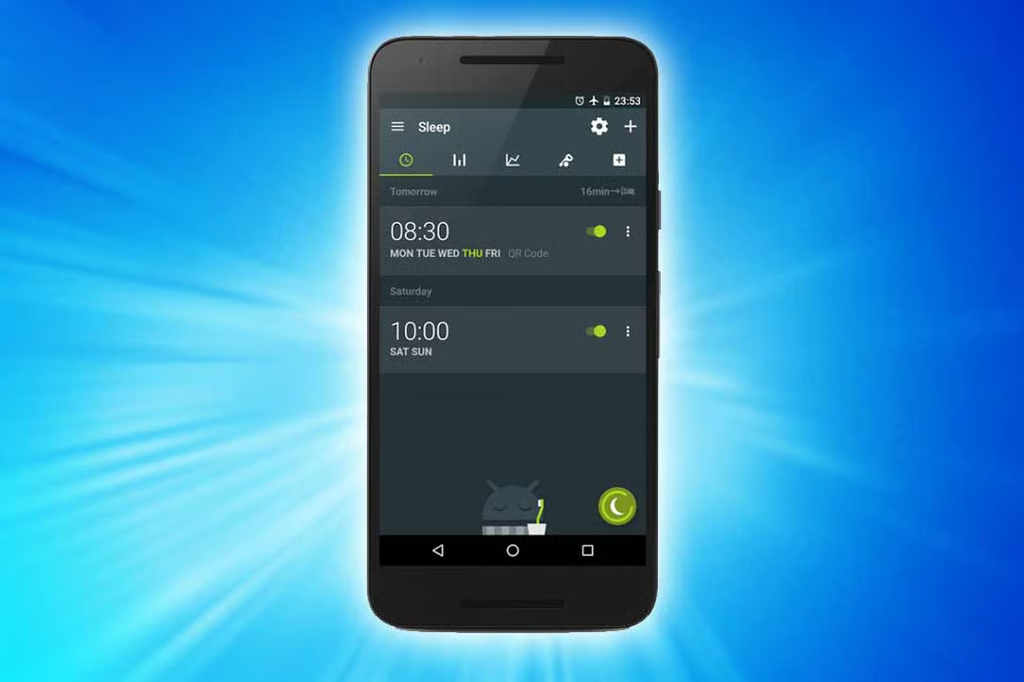
- Sleep as Android Unlock Is All About a Better Night’s Rest
- Invoice & Estimate On the Go for Road Warriors
- A New Calendar Option from aCalendar+
- Meditation Studio Brings Peace of Mind
10 Useful Apps to Add to Your New Samsung Galaxy S8 Smartphone
The Galaxy S8 smartphone will make its debut March 29 at another Samsung Unpacked media briefing in New York City. The device is expected to sport a large curved screen, a new design that eliminates the physical button and the Qualcomm Snapdragon 835 processor. But like any new smartphone, the Galaxy S8 won’t be ready to use out of the box until the proud owner decides what applications to install. Every new smartphone can use some new software to improve the user experience, bolster security or just make the handset more useful. The slide show includes a selection of mobile apps that can perform a variety of valuable tasks and make you more productive. Read on for more:
DFNDR Antivirus Boosts Security
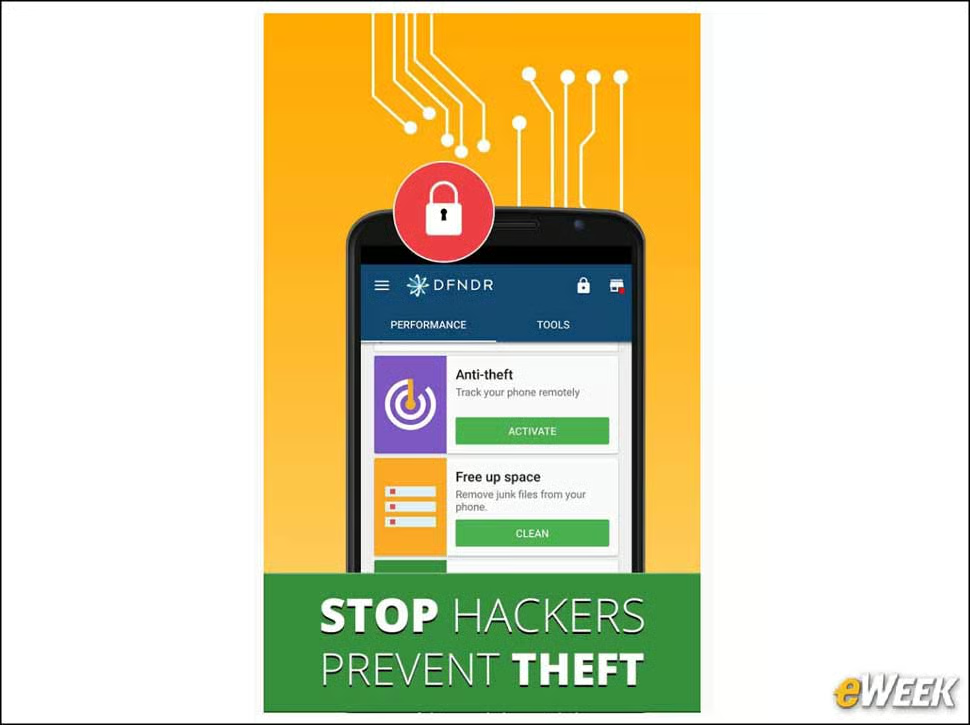
DFNDR Antivirus is a free mobile app designed to keep Galaxy S8 devices safe from potential problems. It seeks out and removes malware and spyware, and clears cache and other junk files.
TextNow Delivers Free Communication
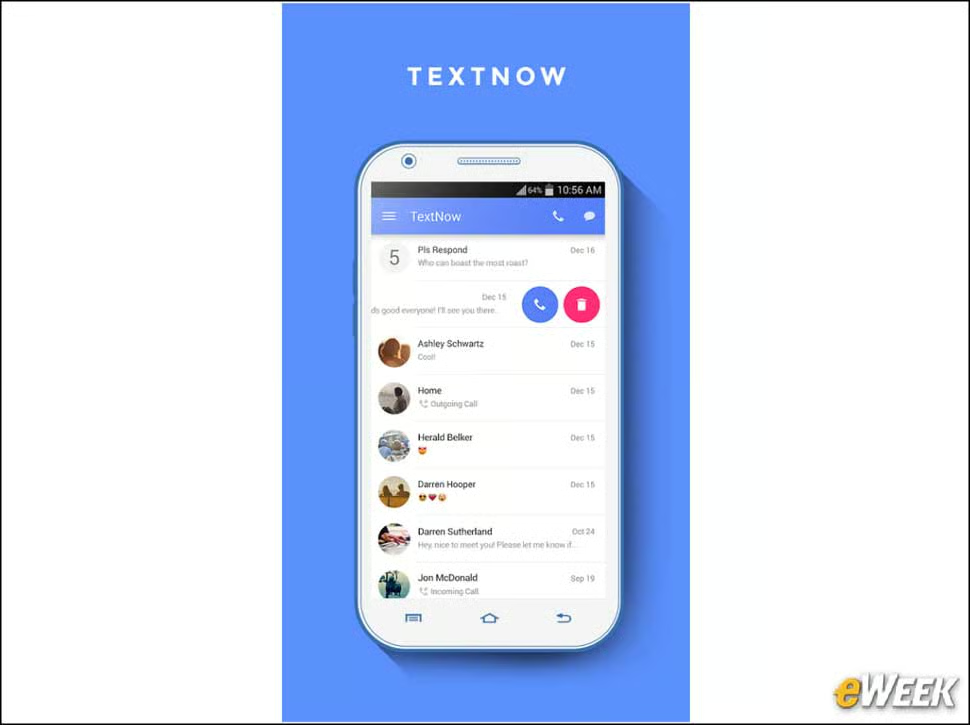
TextNow is a free app that lets users set up a free, alternative number to place free calls and send text and picture messages to people in the United States and Canada.
Improve Performance with Power Clean
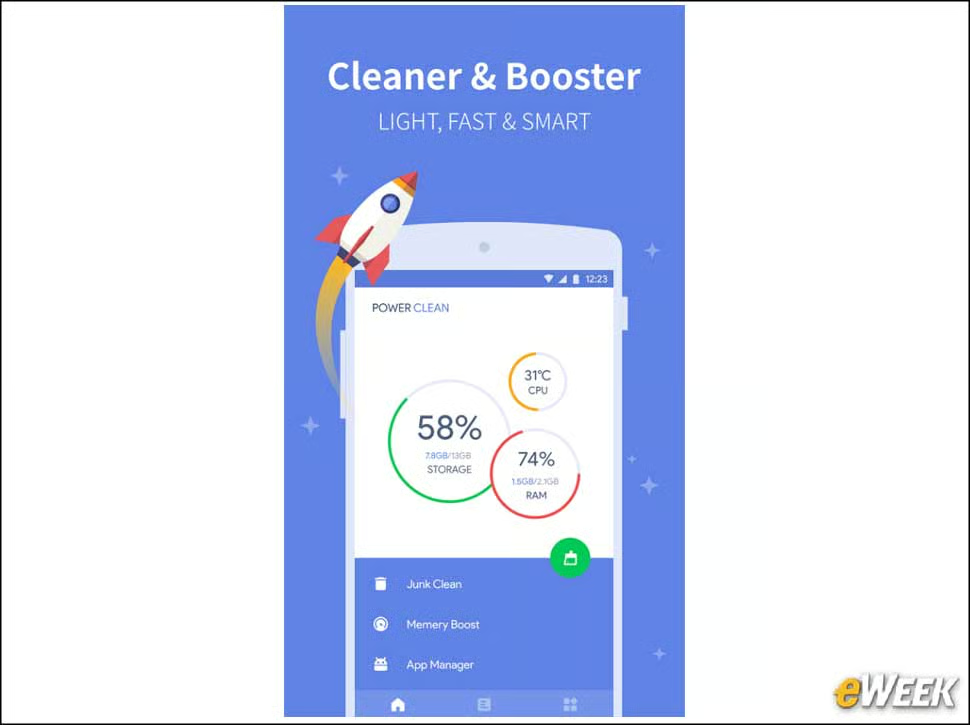
Power Clean is designed to reduce clutter. The free app removes junk files and closes power-draining apps, and can even stop the CPU from overheating.
Go Mobile Retail with Amazon Shopping
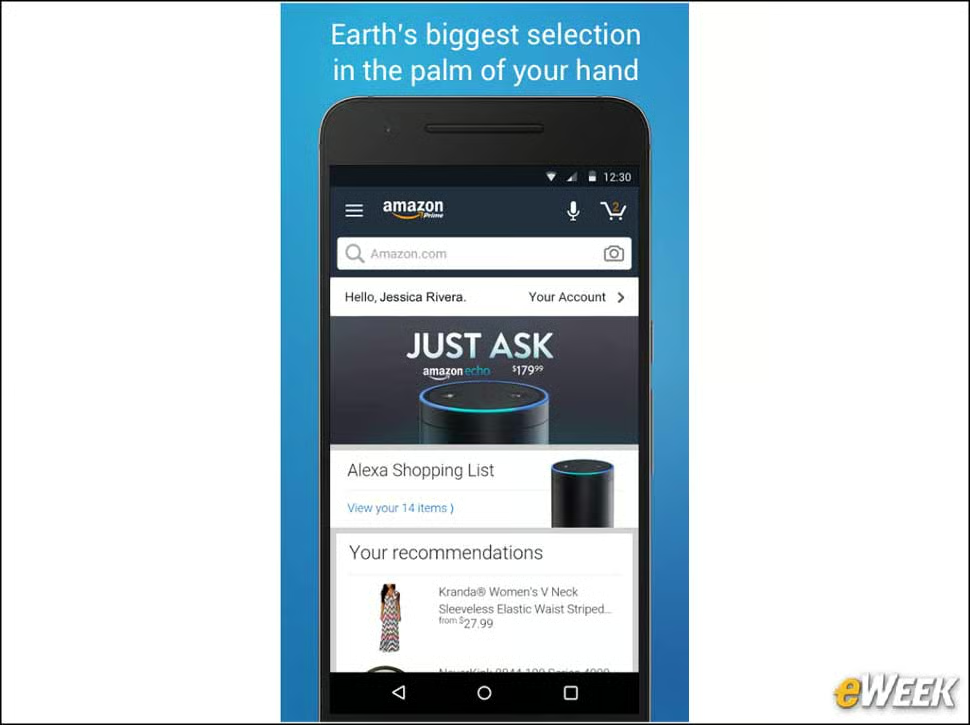
Amazon’s free shopping app enables users to place orders, compare prices to products in brick-and-mortar stores and access their Amazon account credentials. It’s handy for shopping.
Nova Launcher Prime Delivers Productivity
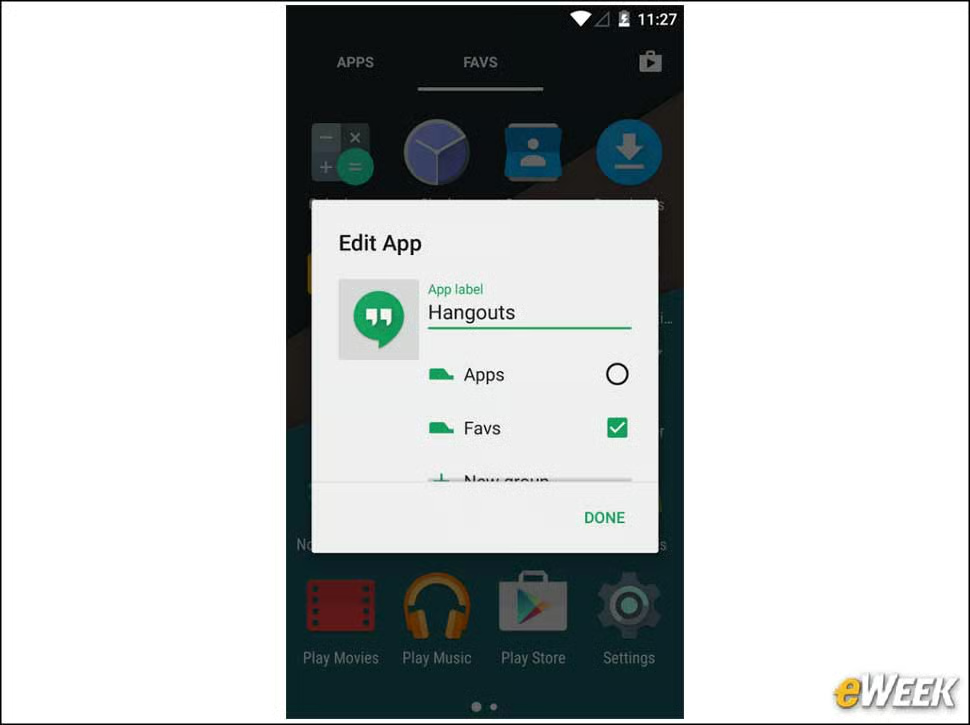
Nova Launcher is a $5 productivity app that offers customizable “drawers” to access apps and widgets easily, and includes a backup-and-restore function for maintaining layout choices.
Mix Things Up with OnePX Icon Pack
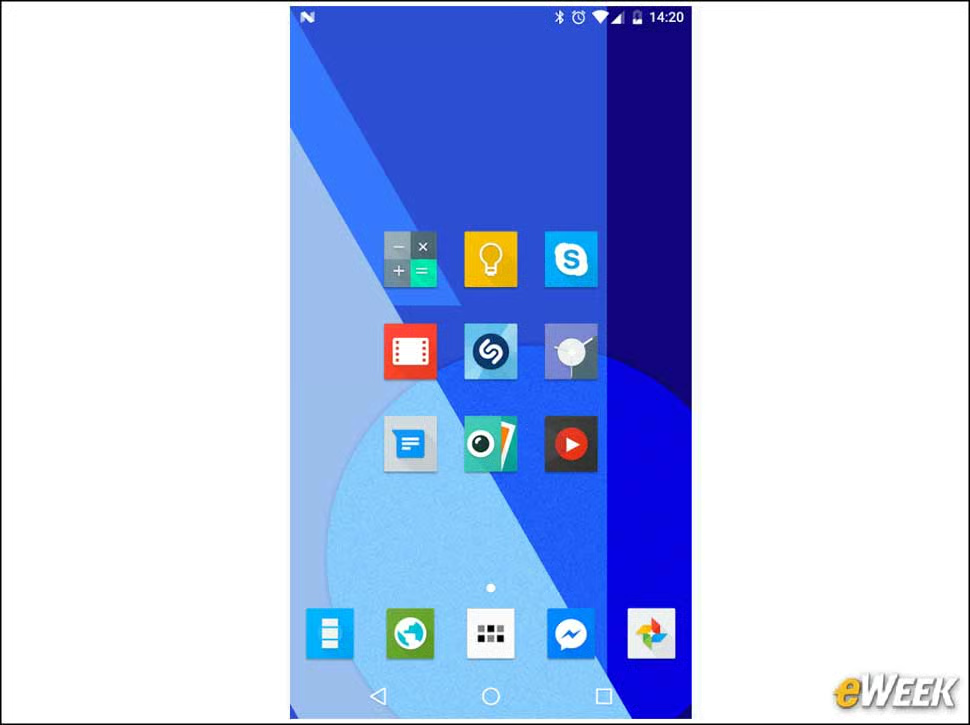
The OnePX Icon Pack costs 99 cents. For that, users get access to nearly 5,000 alternative icons to customize Android’s look and feel. It can be used as a privacy tool, as users can assign different icons to mask certain apps.
Sleep as Android Unlock Is All About a Better Night’s Rest
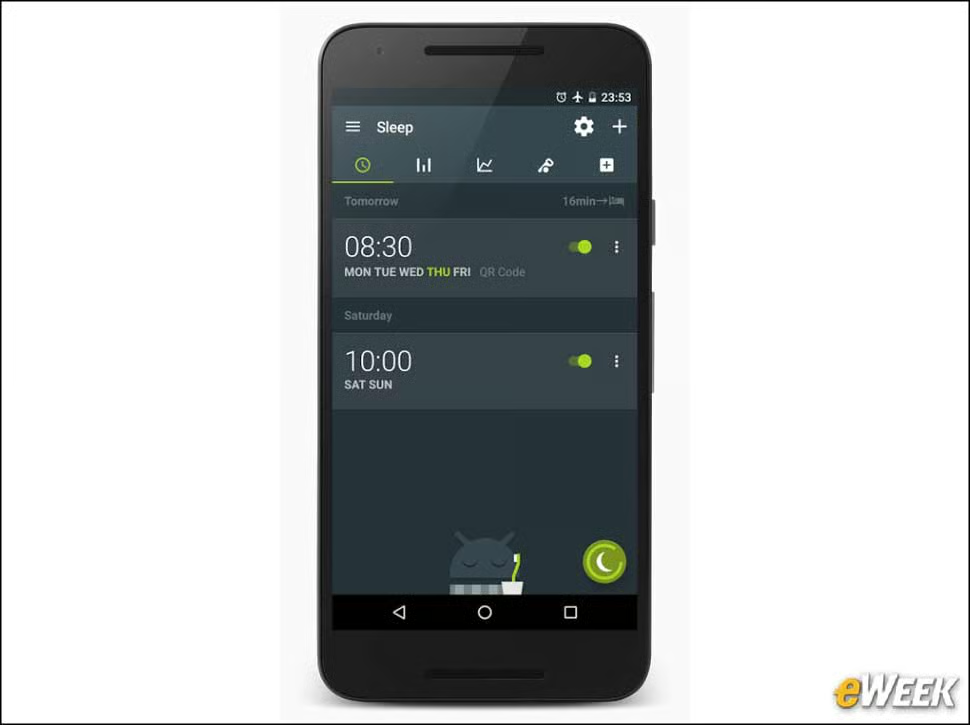
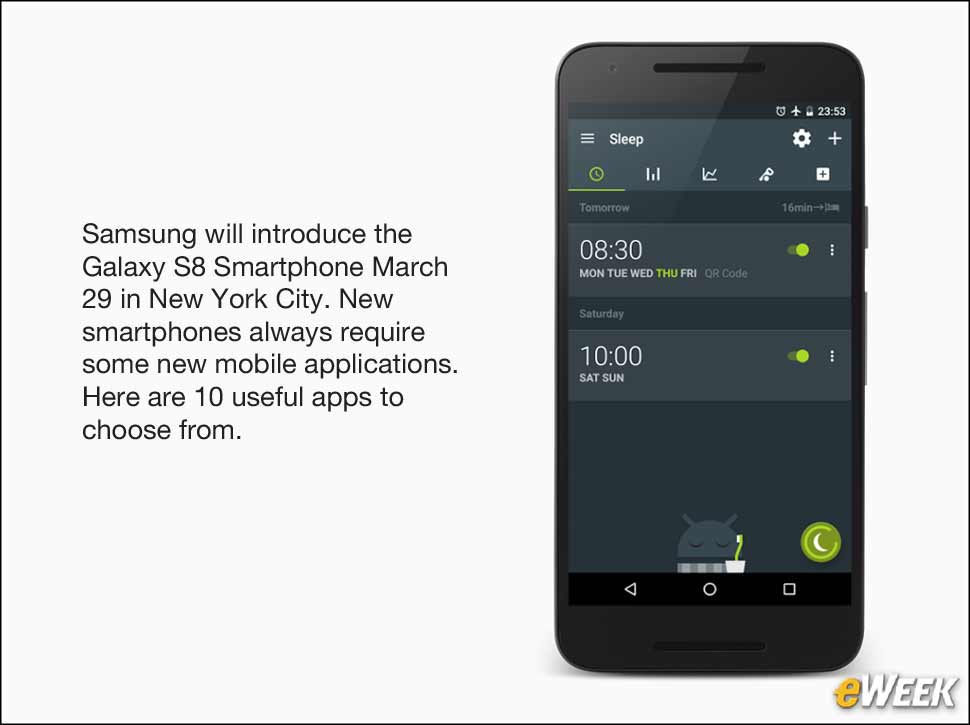
The Sleep as Android Unlock app is a high-powered alarm clock that tracks a user’s sleep cycle to wake them at the optimal time. The $4 app also analyzes deficits, snoring and other sleep issues.
Invoice & Estimate On the Go for Road Warriors
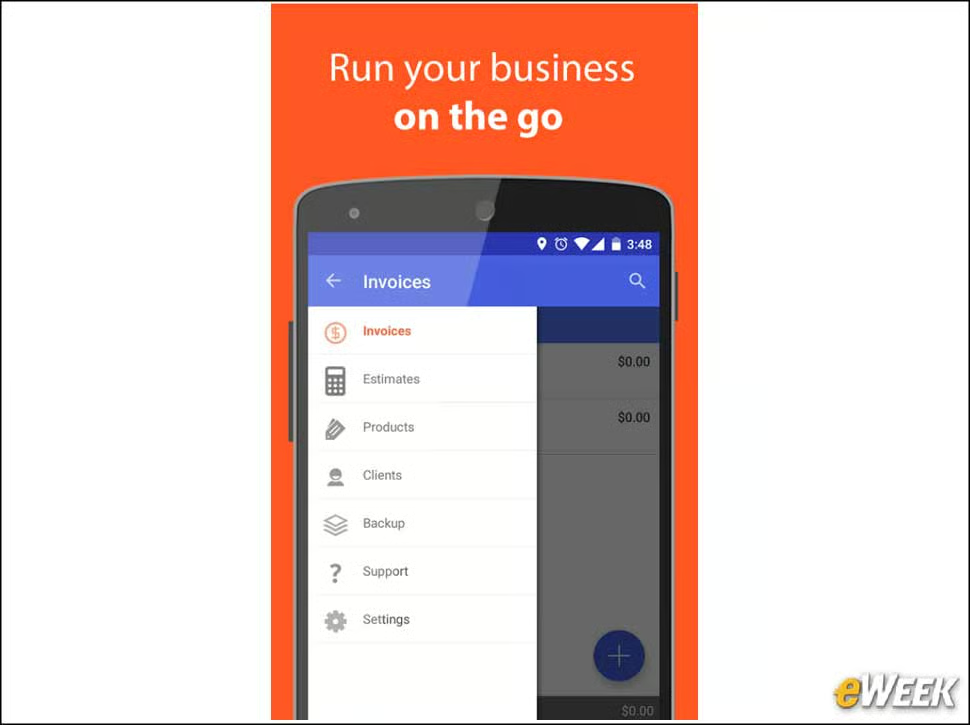
Invoice & Estimate On the Go is a free app designed to enable business users to estimate and bill jobs using preset templates without needing to leave the field. Documents can be saved as PDFs and sent directly from the device.
A New Calendar Option from aCalendar+
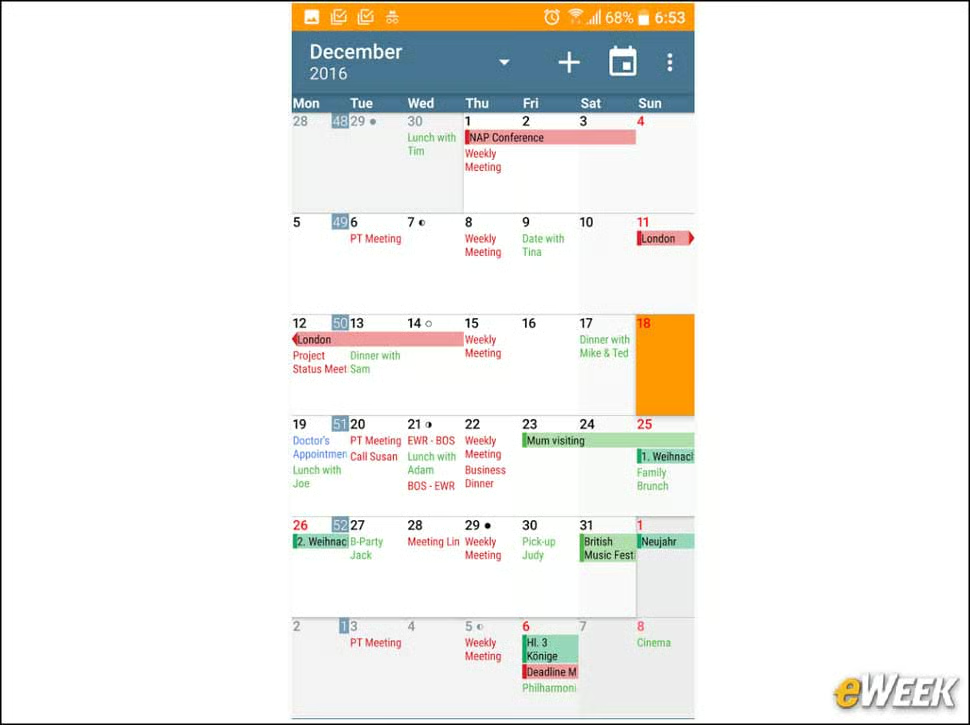
The $5 aCalendar+ has several features users won’t find in standard calendars, including task support and the ability to create themes for different topics. Its “business features” let users send invites, link contacts and set themselves as busy.
Meditation Studio Brings Peace of Mind
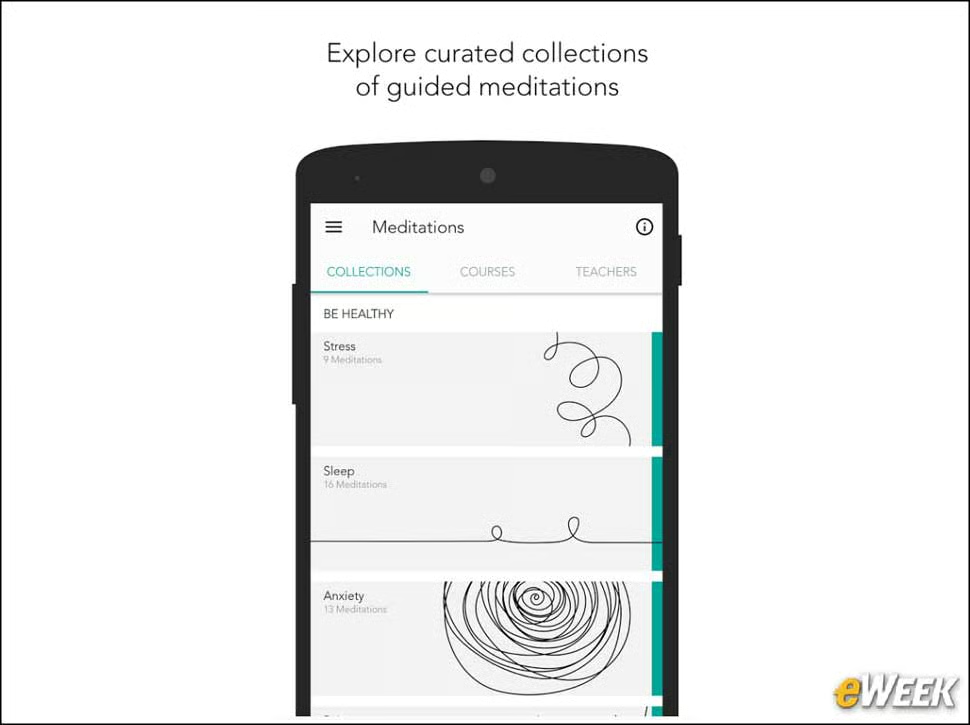
Meditation Studio, which costs $3, is designed to help users reduce stress, change dangerous habits and more. It includes guided meditations and lets users choose from more than 24 instructors.