







- Apple Accessories to Get the Most From Your iPhone, iPad and Macs
- The iPhone Smart Battery Case
- Check Out the Apple Pencil
- The Smart Keyboard Is Another Fine Option
- The Thunderbolt Display Is Nice
- Apple Goes Magic With the Mouse
- Apple Also Goes Magic With the Trackpad
- Apple Watch Wristbands Aplenty
- Beats Headphones Are Everywhere
- Don’t Forget About the Airport Time Capsule
- An Adapter for Just About Any Need
Apple Accessories to Get the Most From Your iPhone, iPad and Macs
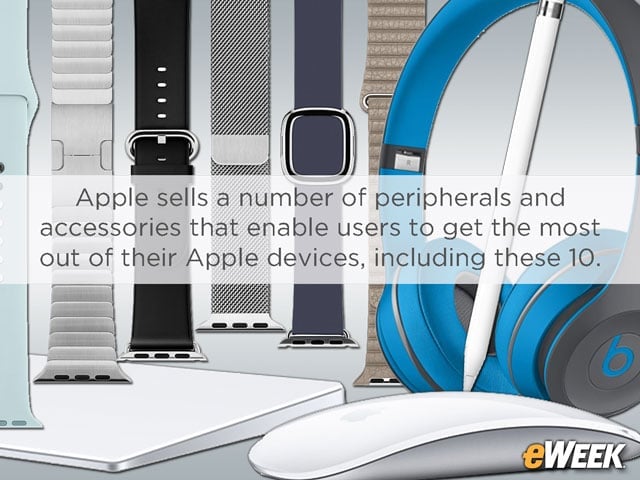
Apple sells a number of peripherals and accessories that enable users to get the most out of their Apple devices, including these 10.
The iPhone Smart Battery Case
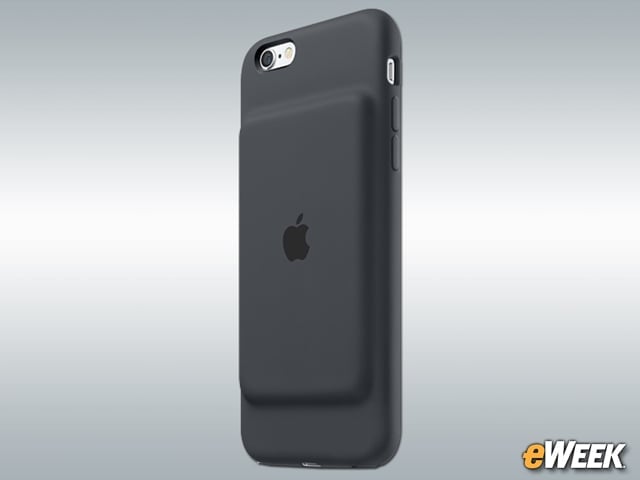
Apple recently launched its controversial Smart Battery Case. The device, which costs $99, comes in charcoal gray or white, and is designed not only to protect the company’s iPhone 6 and iPhone 6s handsets but to also provide additional battery life. According to Apple, the case, which is effectively a battery backup, can increase talk time by up to 25 hours and Internet use on LTE by up to 18 hours. But critics have decried the case’s design because they say it adds an unsightly “hump” to the iPhone’s otherwise trim profile.
Check Out the Apple Pencil
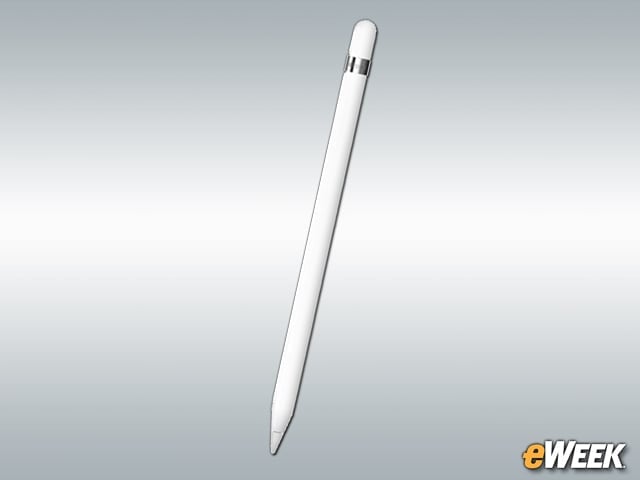
The $99 Apple Pencil is designed for the company’s iPad Pro, enabling users to write on the tablet’s display. In addition, the stylus can identify pressure to create shading, and it comes with an extra tip in the event the first one is lost or breaks. It’s a must-have for any iPad Pro owner.
The Smart Keyboard Is Another Fine Option
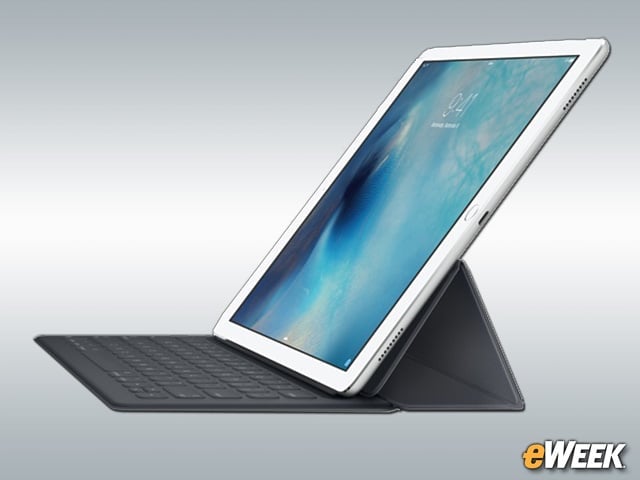
In addition to the Apple Pencil, Apple’s iPad Pro supports the Smart Keyboard, a $169 accessory that turns the tablet into a notebook. The Smart Keyboard features a full-sized keyboard and doubles as a stand for notebook-like use. The device connects to the iPad Pro via Apple’s Smart Connector that allows for a “two-way exchange of power and data.”
The Thunderbolt Display Is Nice
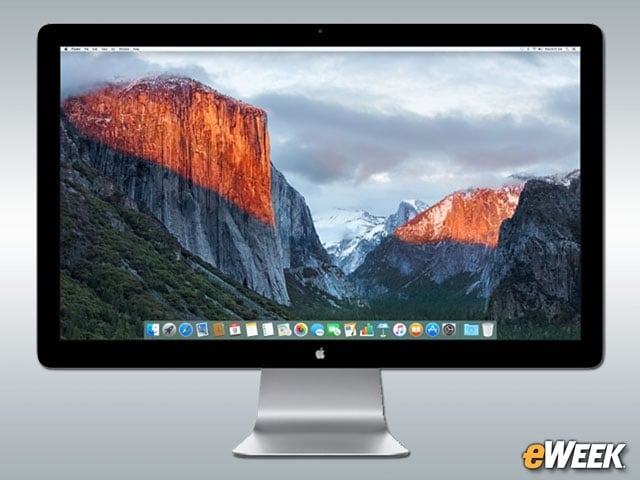
The 27-inch Thunderbolt Display is arguably one of the nicer monitors on the market. However, at $999, it will set customers back a sizable sum. The Thunderbolt Display features a black bezel and a wide range of ports on the back, including Thunderbolt and USB. Thanks to Thunderbolt ports across Apple’s Mac line, most customers who own relatively new Macs can connect the Thunderbolt Display to their computers and use it as a primary or secondary screen.
Apple Goes Magic With the Mouse
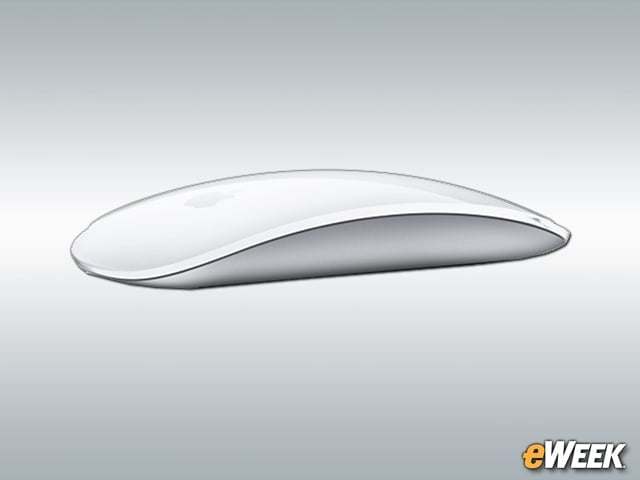
Apple’s $79 Magic Mouse 2 is a touch-sensitive accessory designed to bring some of the touch gestures found in the company’s iPhone and iPad lines to the computer. The Magic Mouse 2 has a rechargeable battery and new foot design to reduce resistance as it moves across the desk. The device’s surface supports full multitouch, so users can swipe between pages, scroll through documents and perform other gestures that interact with OS X.
Apple Also Goes Magic With the Trackpad
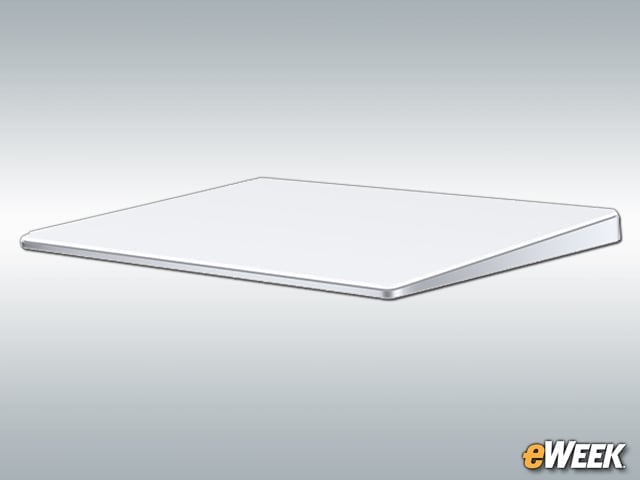
Some users may prefer instead of the Magic Mouse to opt for the Magic Trackpad 2. The $129 accessory is fully rechargeable and designed for Mac users who prefer a trackpad over a mouse. Because the device supports Force Touch, users can modify the pressure with which they press down on the accessory and have software interact accordingly. In addition, it has multitouch support and a larger surface than the previous Magic Trackpad, and its battery will last for over a month before requiring a recharge. Not bad.
Apple Watch Wristbands Aplenty
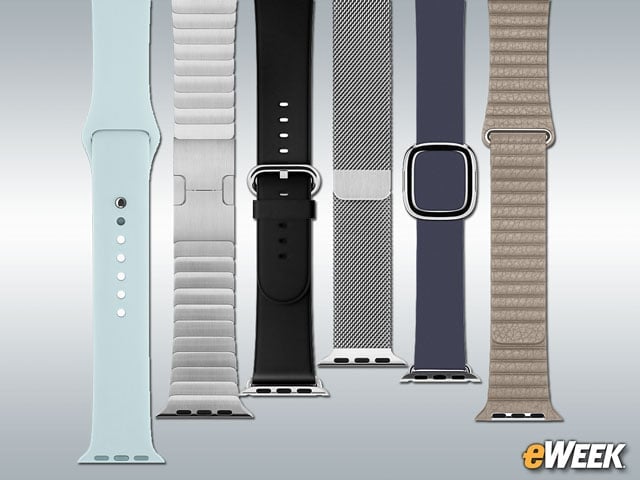
Apple gives users plenty of options for customizing their Apple Watches by offering a wide array of wristbands. Customers can choose fluoroelastomer bands for Apple Watch Sport and both leather and metal options for the Apple Watch line. Prices can range from a low of $49 to several hundred dollars.
Beats Headphones Are Everywhere
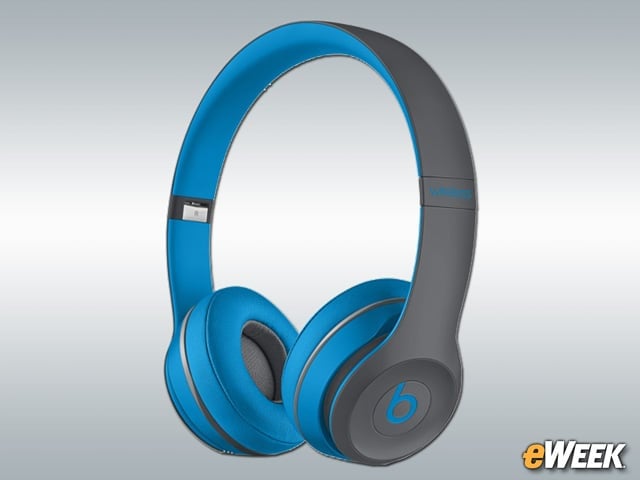
Although it’s been widely rumored that Apple bought Beats last year for its music platform, the company still offers Beats’ popular headphones. A quick search of the Apple Store reveals several popular Beats by Dre options. The Solo2 headphones (pictured here) go for $299.95 and come in blue, yellow or red. Like the other Beats headphones, Apple argues that the Solo2 delivers outstanding quality for even the most audio-obsessed customer.
Don’t Forget About the Airport Time Capsule
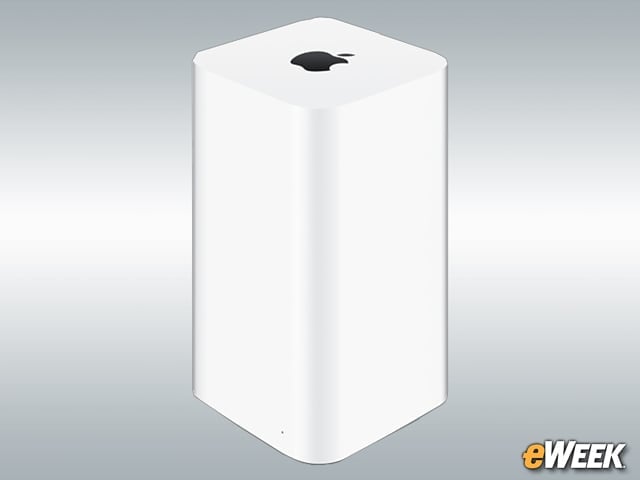
Apple’s Airport Time Capsule is one-part connectivity and one-part storage, enabling users to both access a wireless network and store data on the accessory. The Time Capsule comes in two versions—a 2TB model for $299 and a 3TB option for $399. It supports the latest WiFi connectivity options and, with help from Time Machine on the Mac, can be used to automatically back up data.
An Adapter for Just About Any Need
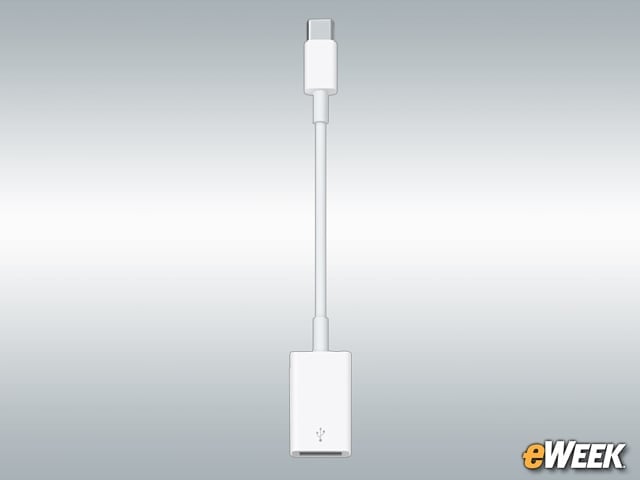
Apple sells just about any adapter its customers could need. It sells HDMI cables, of course, but also offers USB-C-to-USB adapters, converters for its MagSafe charging power and Gigabit Ethernet adapters. Depending on what customers are after, prices range from $9.99 to $99.