








- Third-Party Accessories to Get the Most From Your Apple Devices
- A Photo Adventure With Olloclip’s Active Lens
- Wacom’s Bamboo Spark Digitizes Handwriting
- Create the Right Ambiance With Philips Hue
- Ultimate Ears Also Markets a Wireless Speaker
- Measure Your Body With Help From a Scale
- Belkin Has a New Way to Charge Devices
- Backlit Keyboard Case Works With iPad Pro
- Everyone Needs a Reliable Wireless Mouse
- Stay Tidy With the Twelve South BookArc Stand
- Charge More iPhones at Once
Third-Party Accessories to Get the Most From Your Apple Devices
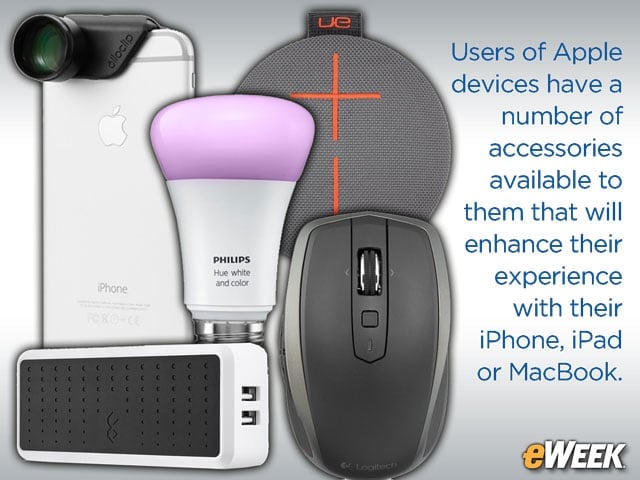
Users of Apple devices have a number of accessories available to them that will enhance their experience with their iPhone, iPad or MacBook.
A Photo Adventure With Olloclip’s Active Lens
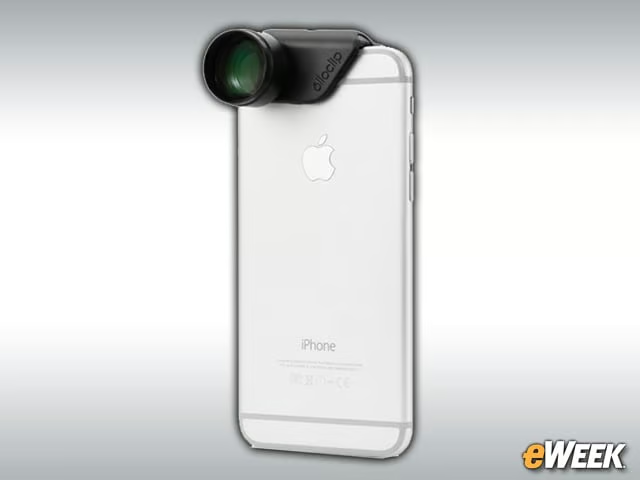
The iPhone 6 line isn’t known for its high-quality cameras, but the Olloclip Active Lens tries to address that. The accessory clips onto the handset and adds features to the cameras, including an ultra-wide lens and telephoto capabilities. Olloclip claims its device turns the iPhone’s camera into a digital SLR camera. Not bad for $100.
Wacom’s Bamboo Spark Digitizes Handwriting
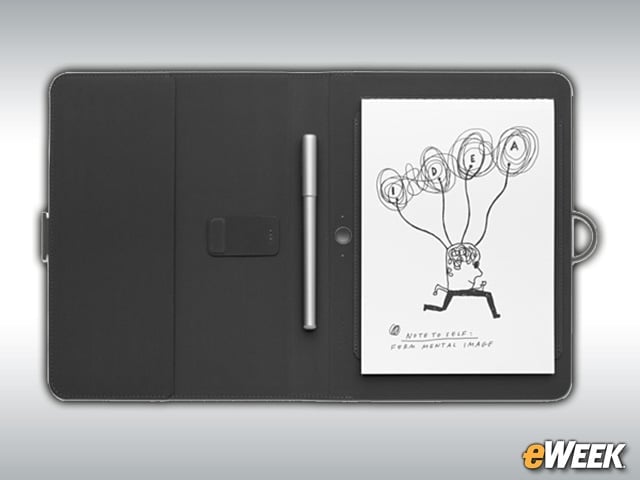
The $160 Wacom Bamboo Spark is a folio with a built-in digitizer that lets users convert handwritten notes or drawings into digital images on their Apple mobile device screens. The folio connects to an iPhone or iPad and includes a smart ballpoint pen. The Bamboo Spark iOS app automatically digitizes all handwriting and drawings. The feature also works with Evernote and Dropbox, and users can save up to 100 pages of handwritten notes on their devices before needing to scrub some of their old content.
Create the Right Ambiance With Philips Hue
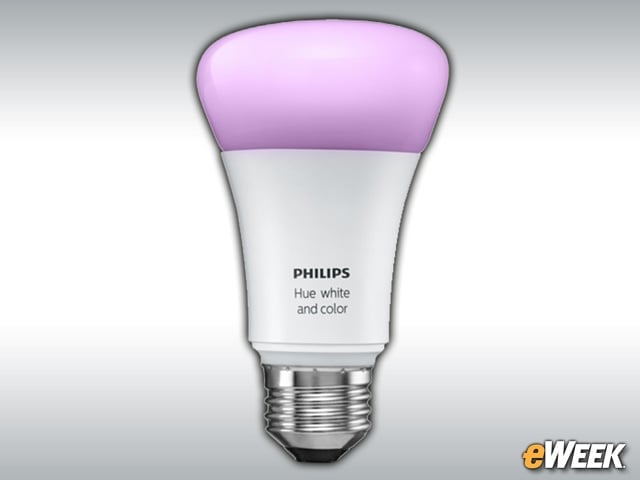
The Philips Hue smart light bulbs have long been a way for users to control their smart home with their iPhones or iPads. After plugging in a Philips Hue, users can choose how bright it gets and the color they want to project. That said, it can be a bit expensive: A white and color extension bulb goes for $60.
Ultimate Ears Also Markets a Wireless Speaker
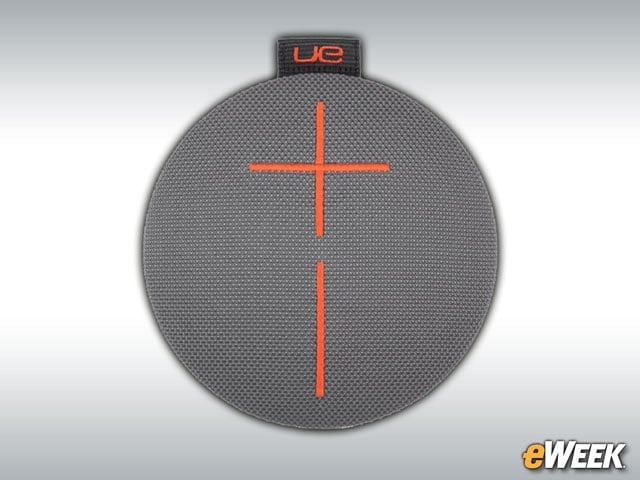
Ultimate Ears is known for its earbuds, but it also sells a wireless speaker that connects with the iPhone and iPad. The $100 speaker connects to an iPhone, iPad or iPod Touch via Bluetooth and boasts a connection range of 65 feet. It’s also waterproof and has a circular design for 360-degree sound. The Ultimate Ears wireless speaker even comes with an iOS companion app, so iPhones and iPads can be used as a remote.
Measure Your Body With Help From a Scale
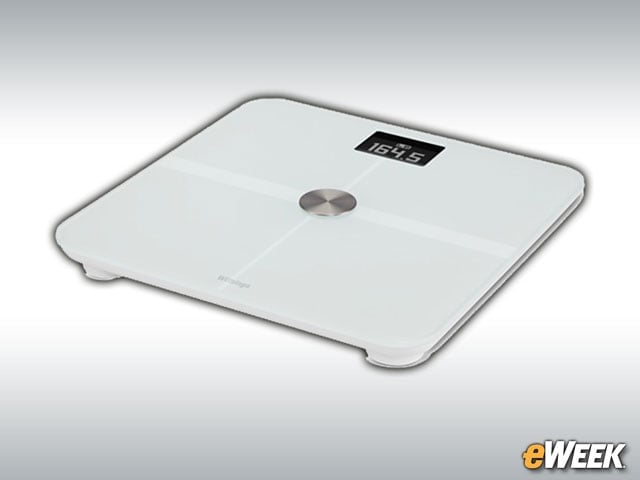
Withings’ $150 Smart Body Analyzer measures a person’s weight and body composition, including fat percentage. The data is then transferred to an attached iOS device, allowing users to keep track of their progress with exercise and weight-loss programs. The device even measures heart rate and indoor air quality, and its companion iOS app can set goals for users. Image 5: Please use this image:
Belkin Has a New Way to Charge Devices
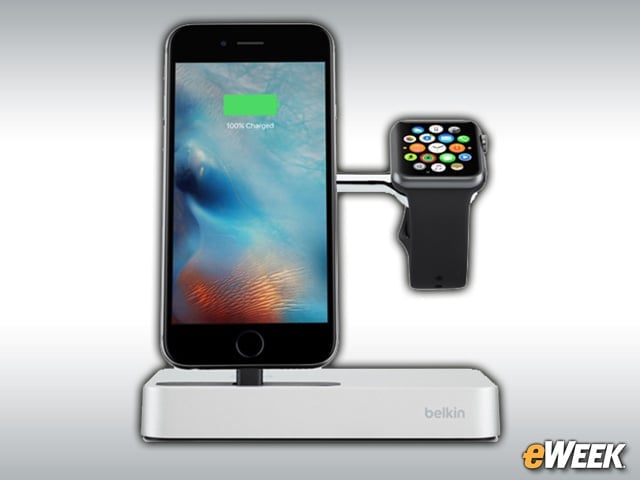
The $130 Belkin Valet Charge Dock works with both the Apple Watch and iPhone. With help from just a single cable, the device lets users simultaneously charge the iPhone and Apple Watch. To achieve that, the device has an integrated Lightning connector for the iPhone, as well as a magnetic charger for Apple Watch.
Backlit Keyboard Case Works With iPad Pro
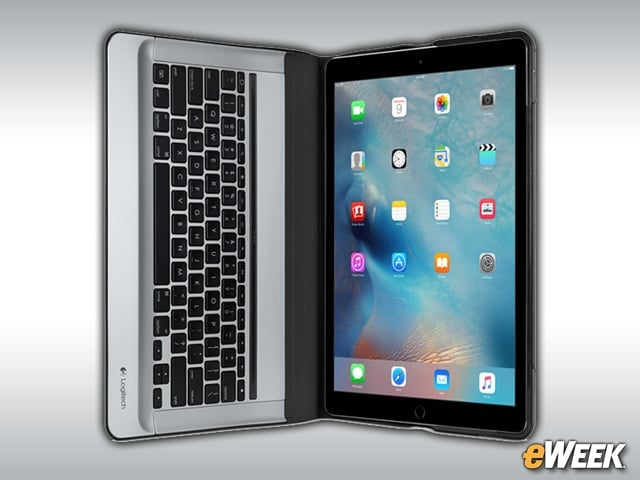
The Logitech Create backlit keyboard case is designed for Apple’s iPad Pro. Users connect the case to the iPad Pro’s Smart Connector, which powers the keyboard. Once the components are connected, the iPad automatically recognizes the accessory and users can start typing. Best of all, the case is full-sized and backlit. It’s a nice option for $150.
Everyone Needs a Reliable Wireless Mouse
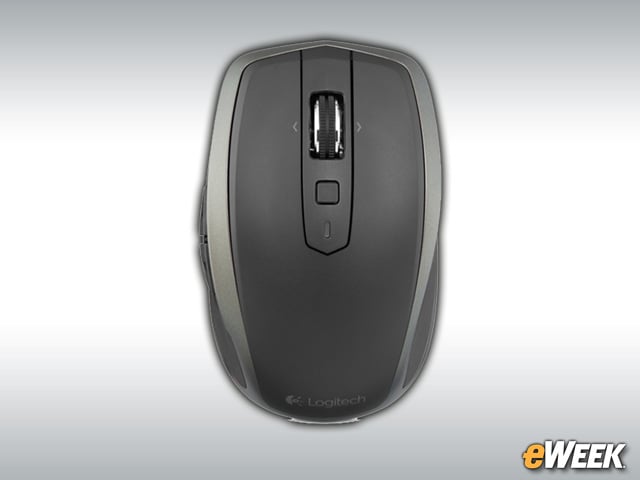
Logitech makes the list again thanks to its MX Anywhere 2 wireless mouse. The $80 mouse is designed for busy travelers who don’t want to carry around a big accessory. The device connects to the MacBook and works on every surface, including glass. The MX Anywhere 2 is a must-have for anyone who doesn’t like Apple’s own mice.
Stay Tidy With the Twelve South BookArc Stand
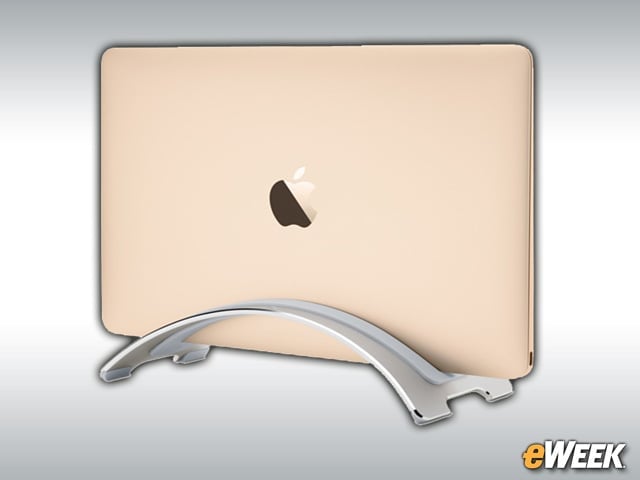
Those who want to keep their desks a bit tidier should check out the Twelve South BookArc. The stand holds the MacBook when closed, allowing users to reduce desktop clutter. If the Mac is set to stay on even if its case is closed, users can connect an external monitor, keyboard and mouse while it’s in the dock and keep computing. That’s not bad for $50.
Charge More iPhones at Once
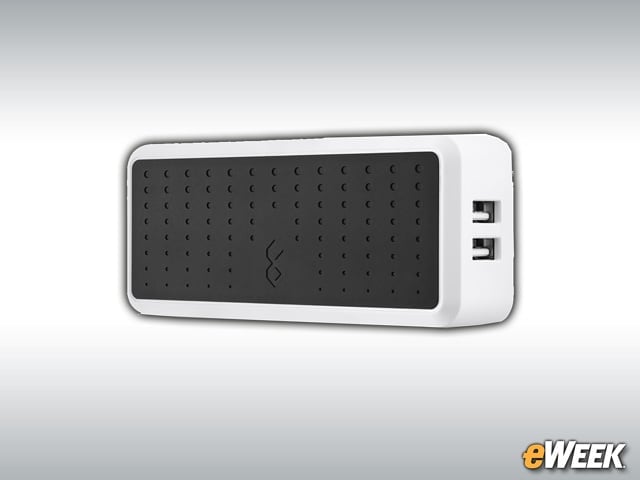
The BlueFlame Four-Device Wall Charger is a must-have for any family that has several iOS devices in the home. The charger connects to a single wall outlet, but includes four USB ports on the sides. Users can then plug in their iOS devices and charge all four of them at once. It’s another useful accessory for $50.