








Apples Slim, 3G-Connected iPad Packs a Lot
of Punch

by P. J. Connolly
Auto-rotate
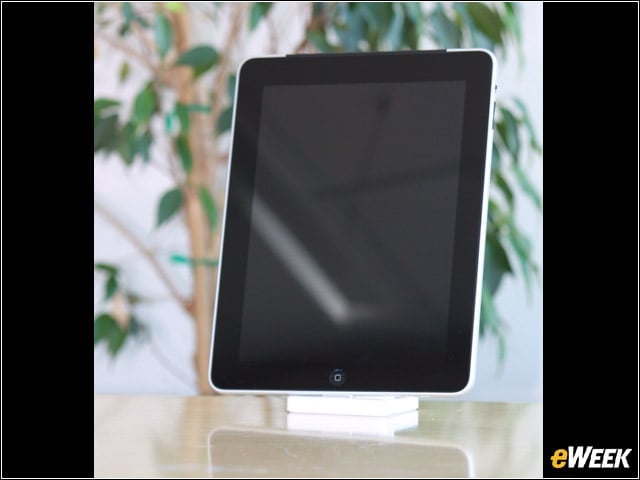
A view of the iPad from the user’s perspective; the image rotates automatically as the device is turned and can be locked at the touch of a button.SOURCE: eWEEK Labs (Sturdevant)
Wireless Antennas
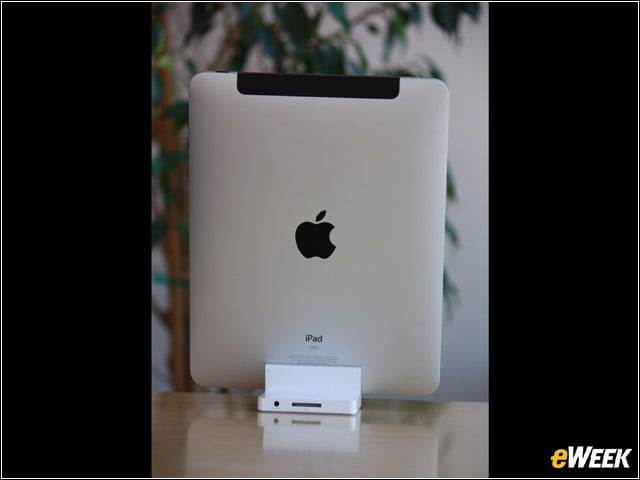
The iPad as everyone else sees it; the antennas for the WiFi and 3G radios are located at the upper corners of the device.SOURCE: eWEEK Labs (Sturdevant)
Ports and Buttons
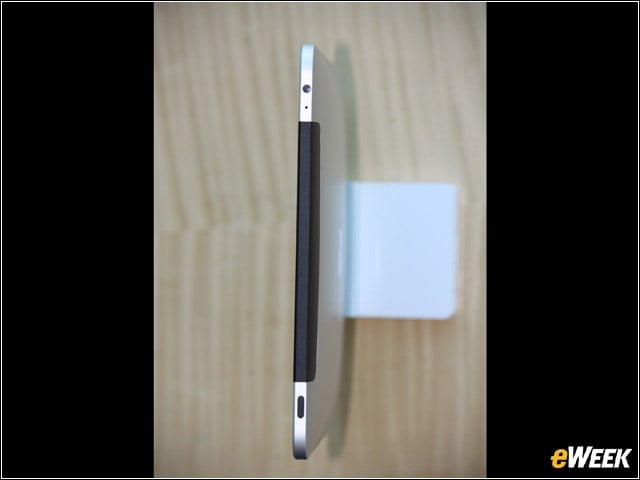
On the top edge of the iPad there are (top to bottom) an earphone jack, a microphone, the antenna housing and a button that provides on/off or sleep/wake functions.SOURCE: eWEEK Labs (Sturdevant)
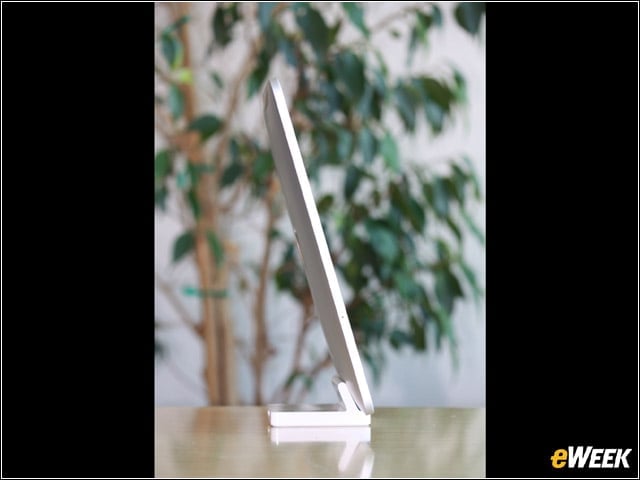
iPad in Profile
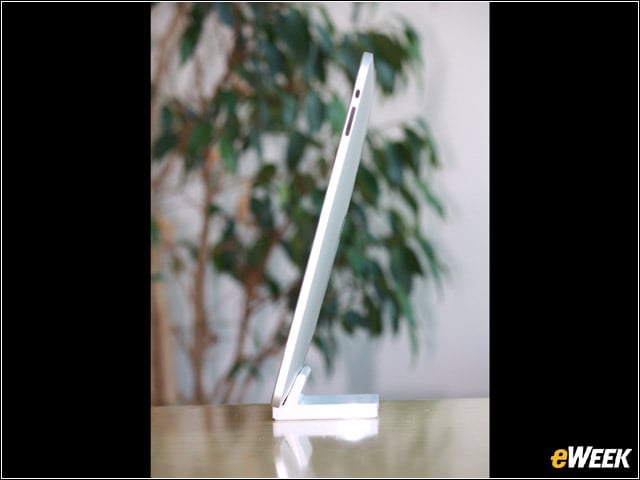
The iPad in profile; the larger button controls volume and the smaller one locks the screen rotation feature.SOURCE: eWEEK Labs (Sturdevant)
MicroSIM Slot
The iPad from the other side; the hole in the side of the case allows access to the iPad’s MicroSIM card.SOURCE: eWEEK Labs (Sturdevant)
MicroSIM Removal
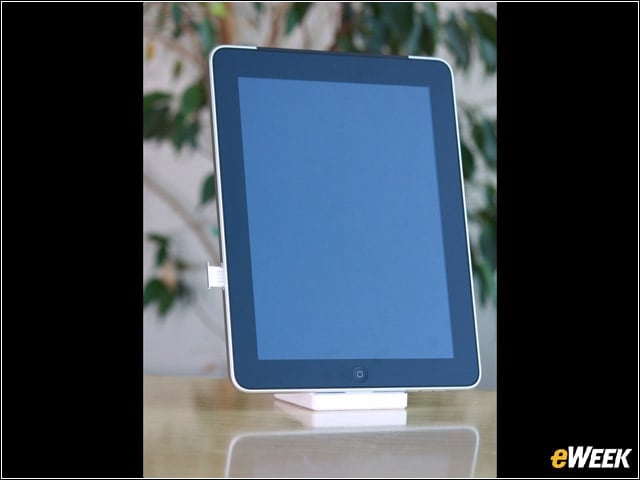
The iPad’s MicroSIM card can be removed with the help of a paperclip, or the factory-supplied tool.SOURCE: eWEEK Labs (Sturdevant)
Docking Port and Speaker
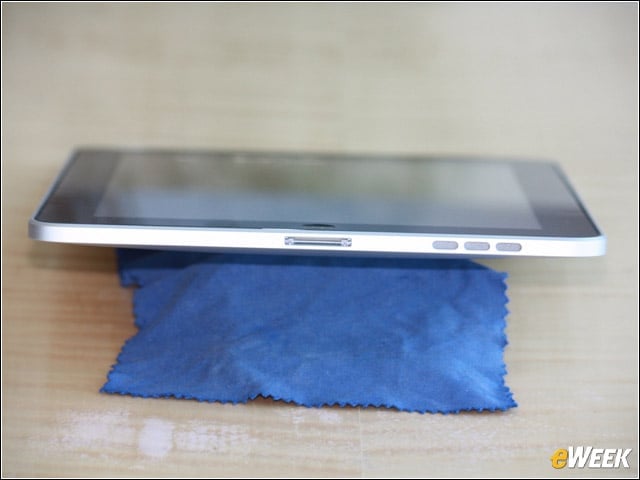
The iPad’s docking port and speaker are located on the bottom edge of the device.SOURCE: eWEEK Labs (Sturdevant)
More MicroSIM
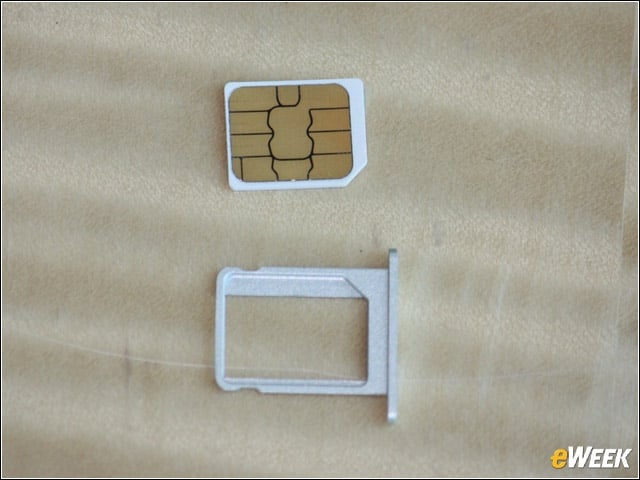
The iPad’s MicroSIM card and its tray.SOURCE: eWEEK Labs (Sturdevant)
iPad in Use

Senior Analyst P.J. Connolly, putting the iPad through its paces.SOURCE: eWEEK Labs (Garcia)
Apples Numbers
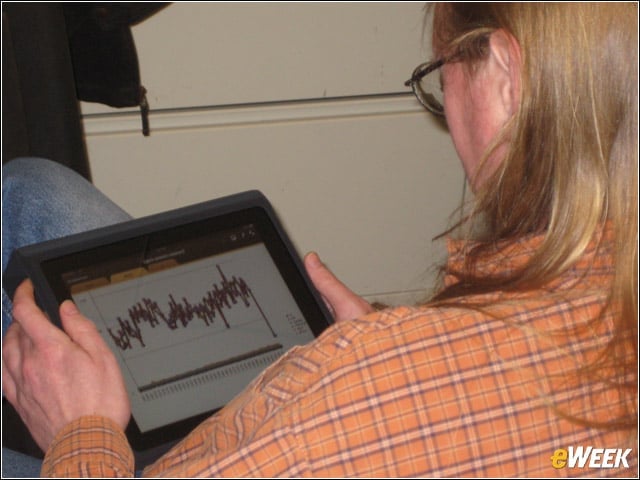
Senior Analyst P. J. Connolly examines a spreadsheet using Apple’s Numbers for iPad.SOURCE: eWEEK Labs (Garcia)
