








- Cortana vs. Google Now: Picking the Best Assistant for Android Users
- Microsoft Cortana: It’s All About Bing
- Google Now Voice Command Support Is a Big Advantage
- Cortana Has a General Understanding of Its Surroundings
- Google Now Fully Integrates With Google Services
- Cortana Runs Across All Windows Devices
- Google Now ‘Cards’ Integrate Third-Party Applications
- Users Control How Cortana Interacts With Them
- Google Now Is All About Delivering Relevant Information
- Cortana Keeps Learning About the Users’ Interests
- Google Now Learns Too
Cortana vs. Google Now: Picking the Best Assistant for Android Users
Microsoft’s Cortana allows users to activate the service on an Android device. Should Android users pick the virtual personal assistant over Google Now?
Microsoft Cortana: It’s All About Bing
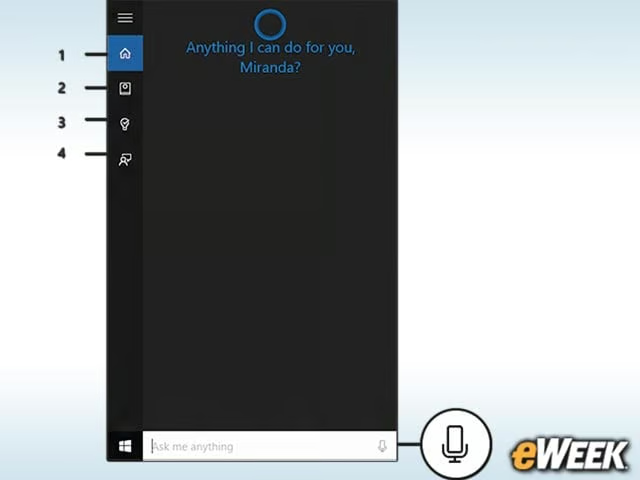
Cortana runs on Bing search, relying on Microsoft’s search engine to serve up answers to user questions. That’s an essential factor in the choice between Cortana and Google Now. Some people prefer Google search, while others are used to working with Bing. Those who aren’t impressed with Bing search or aren’t even used to working with it may not be inclined to pick Cortana as their Android virtual personal assistant.
Google Now Voice Command Support Is a Big Advantage
Although Cortana can respond to voice commands on Windows 10, it’s not available on Android. That’s likely to be a problem for Android users who prefer their virtual assistant to respond to voice commands. It’s extremely convenient to call out to a virtual personal assistant to get something done. In this case, the advantage rests with Google Now.
Cortana Has a General Understanding of Its Surroundings
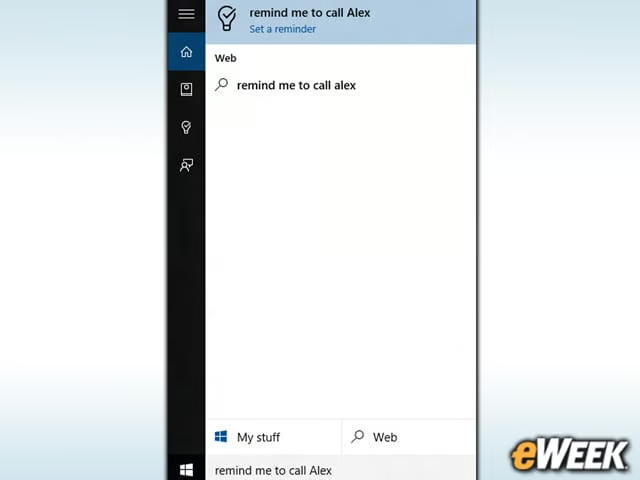
One of the nice things about Cortana is its ability to maintain a basic level of situational awareness. It’s able to keep track of things like a user’s upcoming appointments, provide directions on how to get to meeting locations and estimate the optimal time to head to a meeting based on information collected from the Web. Cortana’s potential is really unleashed when location data is plugged in so it can put information into context with users’ geographical location.
Google Now Fully Integrates With Google Services
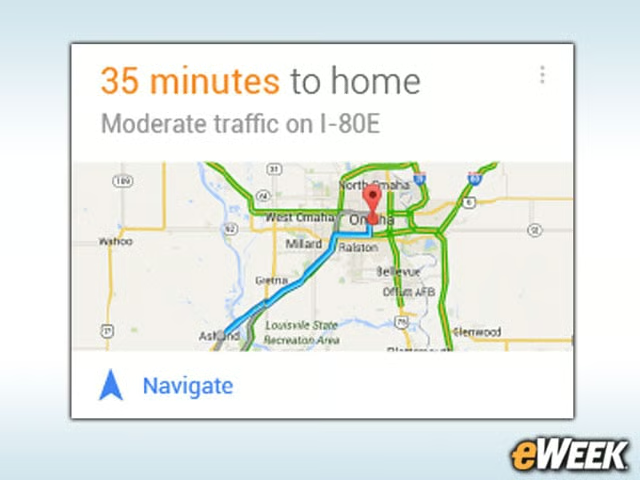
While Cortana relies on Microsoft’s Bing, Google Now relies on Google services in order to work. So, users will find that Google Now will use Google search to get answers to questions and Google Maps to get the users to specific locations. If you are already used to working with Google services, there may not be a lot of incentive to switch to Cortana.
Cortana Runs Across All Windows Devices
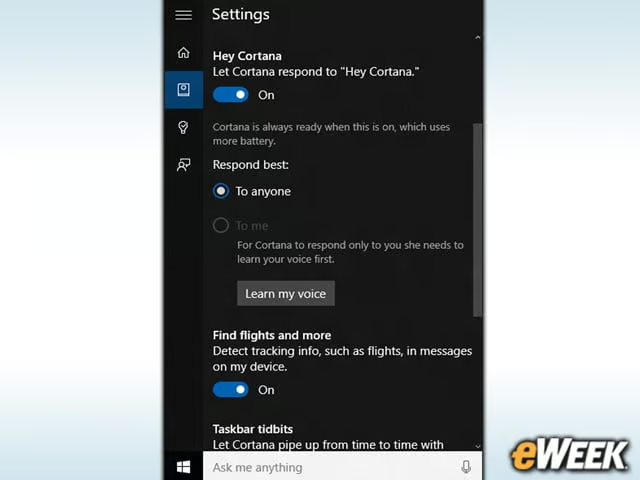
Those who are already heavily invested in Windows will find a lot to like in Cortana. The application, after all, is integrated across all Windows 10 devices, which means users can keep Cortana synced and on the same page if they switch from a smartphone to a tablet. The same holds true for Android. Therefore, those who use Cortana on other devices won’t need to teach it all over again when they boot it up on Android.
Google Now ‘Cards’ Integrate Third-Party Applications

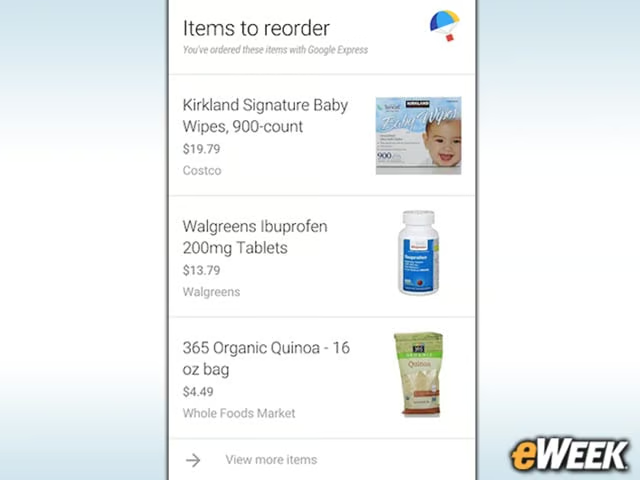
One of the nicest features of Google Now is its Cards support. Users can choose from a host of Cards and see, in a single pane, all the Cards the user has downloaded. So, if a user is interested in world news, he or she can have that on a Card. Those interested in sports can have the latest sports information fed to them on another Card. Cards’ integration is made possible with third-party apps and content, creating a Flipboard-like virtual magazine.
Users Control How Cortana Interacts With Them
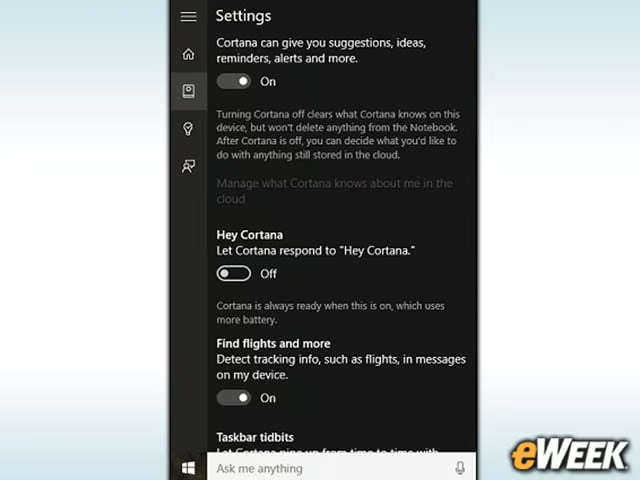
One of the nice things about Cortana is that Microsoft provides support for users to establish their own settings on the platform. So, if a user wants Cortana to respond to voice commands, it can. If the user doesn’t want Cortana to provide suggestions and reminders, it won’t. Having some control over what Cortana says is central to the feature’s functionality.
Google Now Is All About Delivering Relevant Information

Google Now is big on relevance and providing information that in some way relates to a person’s surroundings. With help from Cards, users can find information that is relevant to their immediate surroundings, including photos of nearby locations, where to make reservations at local restaurants and more. Like Cortana, Google Now has location-aware features and works best when they’re turned on.
Cortana Keeps Learning About the Users’ Interests
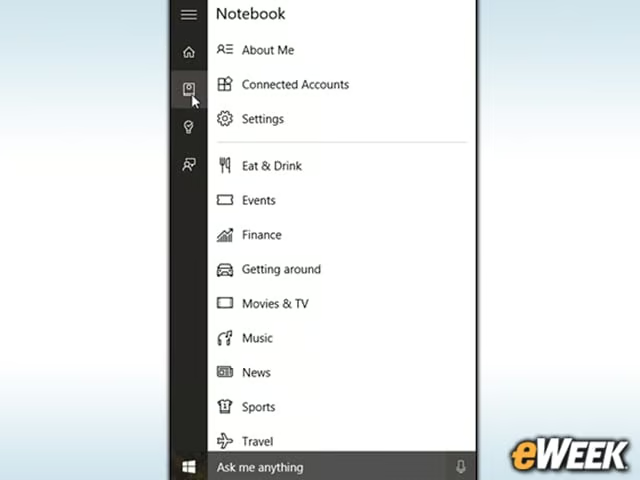
Ultimately, Cortana is a learning app that examines a person’s activities and responds accordingly. So, if Cortana knows that a person happens to like to spend time in a particular location, it may provide additional suggestions about what’s available around that location. A Notebook feature also lets users provide information about themselves and their interests, and Cortana can refine and expand on the information it provides to users. It’s a critical feature in Cortana’s offering.
Google Now Learns Too
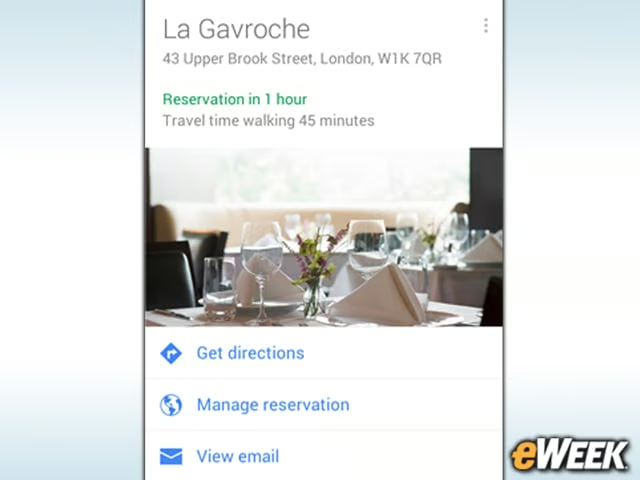
Like Cortana, Google Now is always learning. The app tracks a person’s activities and serves up related information. The app can be made aware of when the user is heading home, and it will provide the most efficient routes home. Besides providing information on the day’s weather, Google Now can be prompted to provide reminders based on location and the user’s schedule to help keep the user on time.