







Droid Incredible Swaps Its Keyboard
for a Better Touch Screen, More Horsepower
by Wayne Rash
Droid Incredible
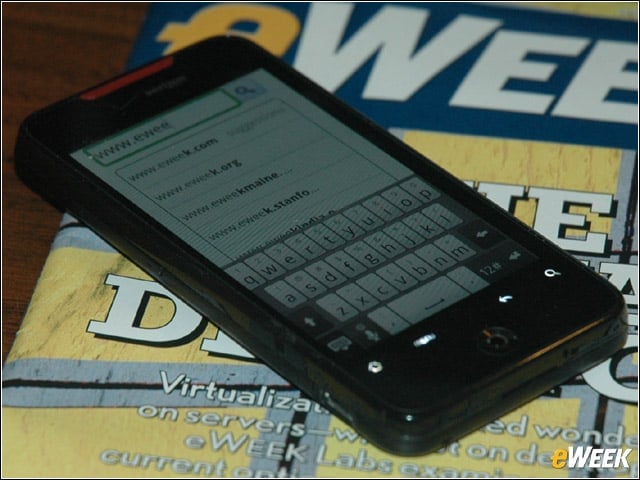
The HTC Droid Incredible from Verizon Wireless is a touch-screen-only device that runs Android 2.1. Unlike its older brother, the Motorola Droid, it does not have a slide-out keyboard, depending instead entirely on the one that appears on the screen.
Optical Joystick
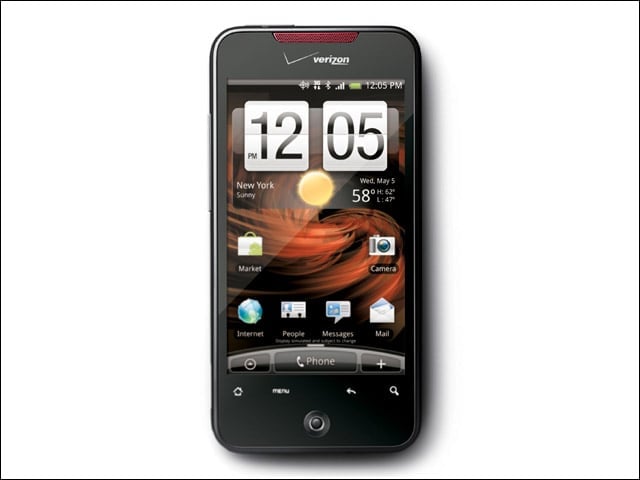
The round device below the screen is an optical joystick that lets you control movement of the screen, but unfortunately it does not provide a mouse pointer like the one you’d find on the BlackBerry. The only buttons on the device are the volume control on the left side and a power button on top. The device is about the same size as an iPhone, and like other similar devices, has a position-sensitive screen. As on the Droid, the home screen does not rotate with the orientation of the phone, although most other screens do.
Getting to Know You
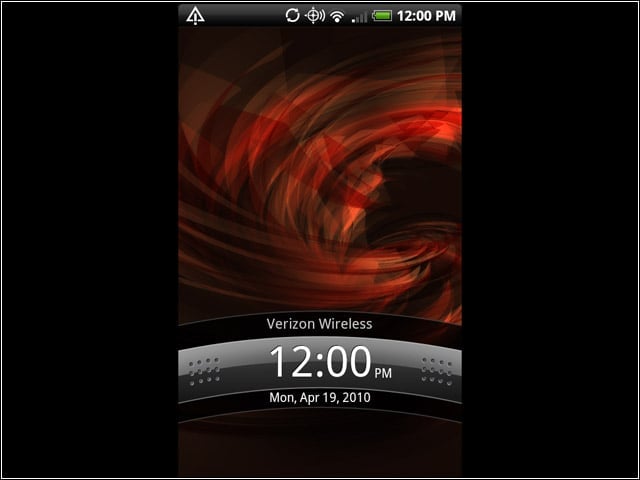
The opening screen of the Droid Incredible shows you the time and date, and tells you whether you have a signal. To perform any functions you must move this out of the way (by flicking it down with your finger) or replace it with the home screen (by pressing the Home icon). Most of the predecessor Droid’s physical buttons have been replaced by touch-sensitive areas marked like buttons.
Home Screen
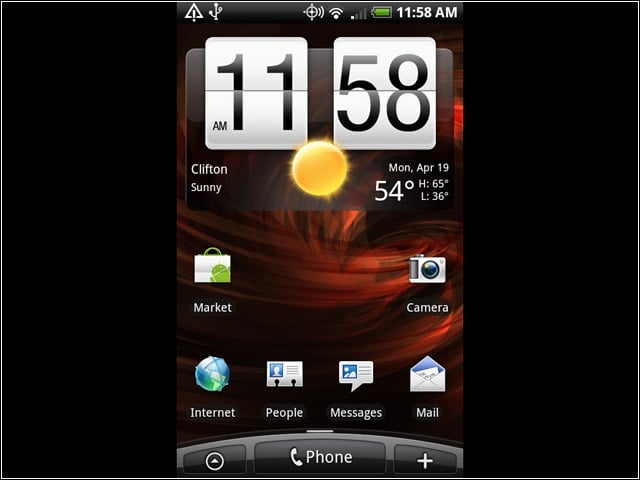
You can move more icons onto the standard home screen, and you can change the appearance of the clock. You can also control what actually appears on the screen, so if you want to banish the weather or choose a different location you can. Note that there’s a more prominent phone button on this version of Android than on some other versions.
Menu
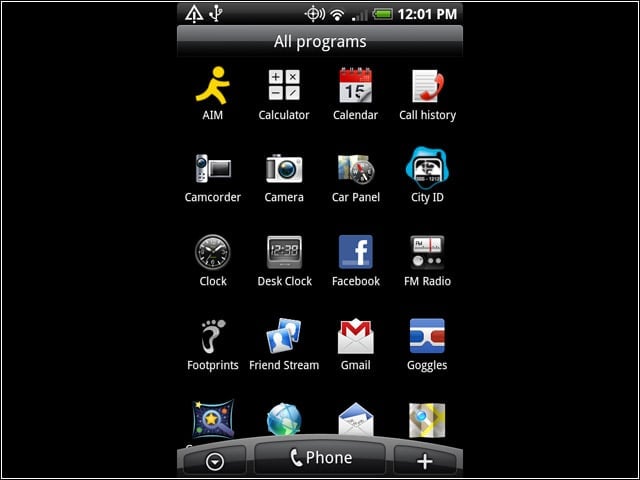
Tap the button at the bottom left with the pointer inside of a circle and you get the menu. Note that there is no tab to pull in this version of Android 2.1. You’ll notice some new icons in this version, including the Car Panel, which collects in one place the applications you might want to use while driving.
HTC Sense
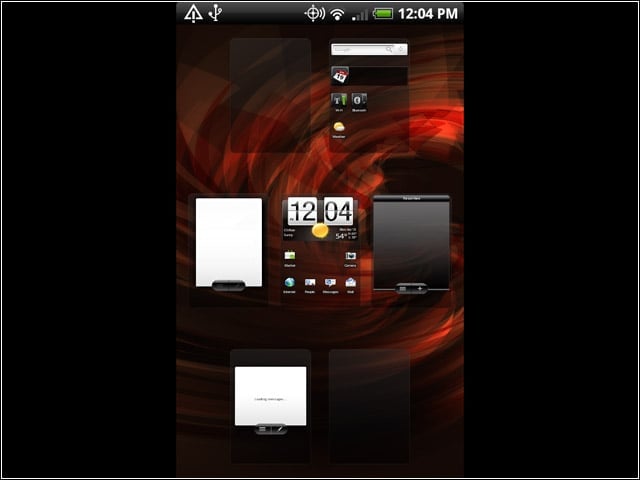
HTC Sense is the name the company uses for its view of multiple screens that the user can bring up by performing a pinching motion on the home screen. You can navigate to one of these screens by touching it.
Event View
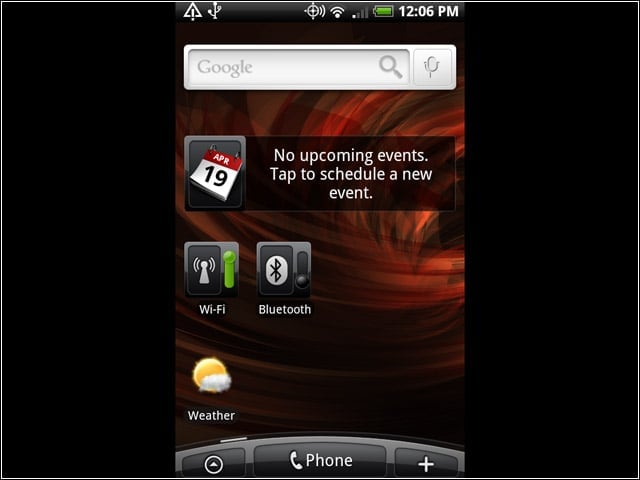
This is one of the five home screens available with HTC Sense. This one provides a simplified view, plus showing you the events you have planned. You can also get here by using the optical joystick.
Quick E-Mail Access
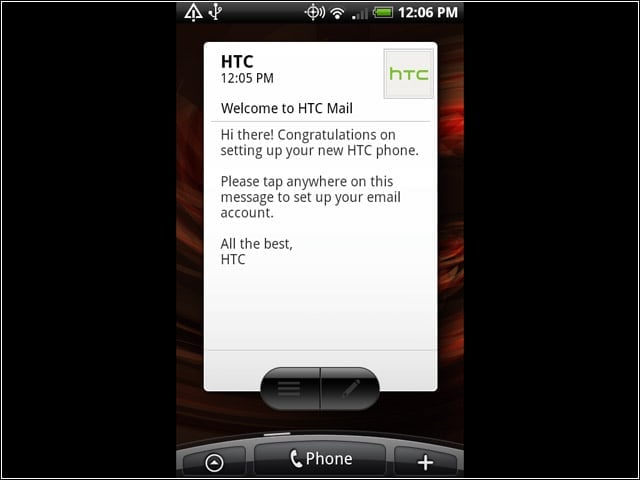
Another of the available home screens provides direct access to e-mail without having to first locate an e-mail icon. This is a nice convenience.
Landscape Mode

As you’d expect from a device like this, there is a landscape mode and you can view regular Web pages. What’s nice about the Droid Incredible is the screen is clear enough that you can actually read the text. You might need your reading glasses, however.
FM Receiver
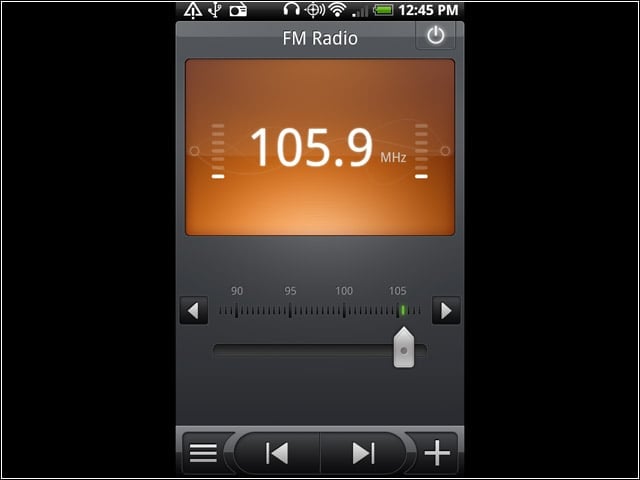
Unlike most of its competition, the Droid Incredible contains an FM Radio receiver. It requires that you have headphones attached to function as an antenna, but even with that it has poor reception. Unless you’re in a strong signal area, don’t plan on listening to the radio much.