








eWEEK Labs Takes a First Look at Microsoft Windows Mobile 6.5
by Andrew Garcia
Start Menu
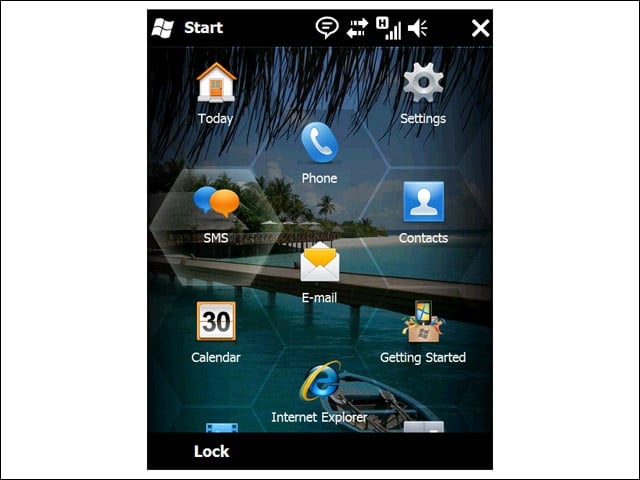
Gone is the drop-down Start Menu from previous versions of Windows Mobile, replaced by a full-screen, scrollable display.
Honeycomb
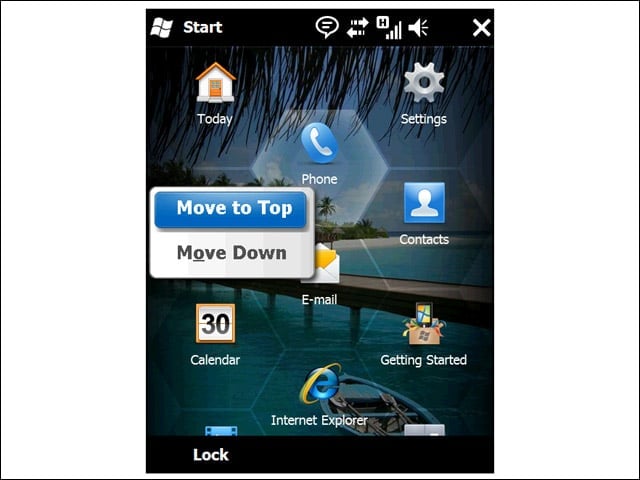
The on-screen icons are designed to be manipulated with the finger—not a stylus—so Microsoft architected the touch zones as wide hexagons (rather than small squares) to compensate for frequent fat fingering.
Scrolling
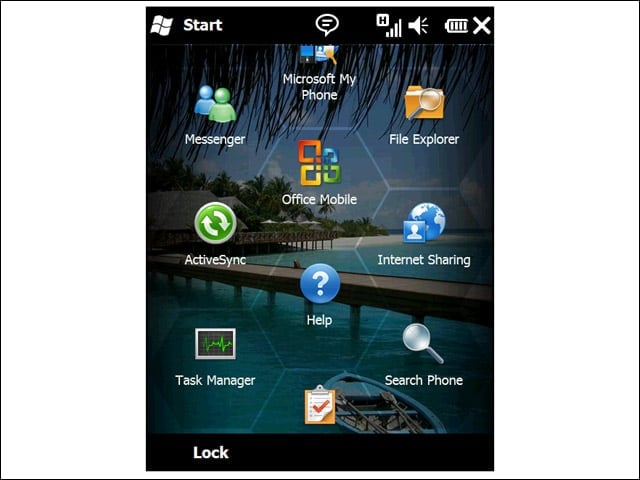
The Start Menu extends downward from what you see right off the bat, accessible with an upward flick of the finger. In the alpha version we saw, on-screen scrolling was sluggish.
Lock Screen
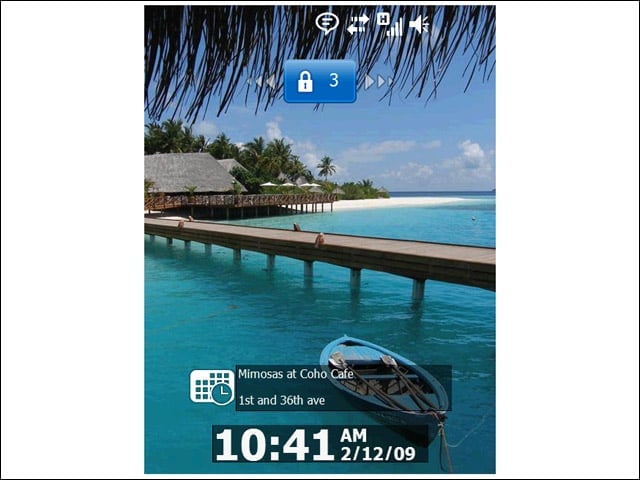
Windows Mobile 6.5 delivers more information to locked devices. For instance, users can now see their next appointment without having to unlock the unit.
Direct Access
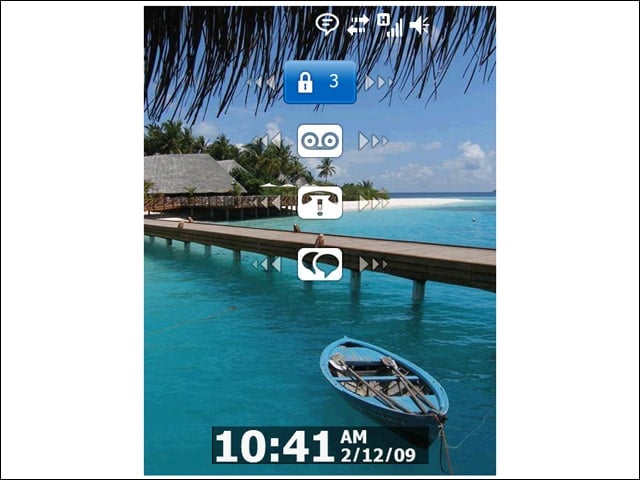
From the lock screen, users can get a sense of what is new on the device. On-screen displays indicate new incoming voicemails, e-mails or text messages. Therefore, users can go directly to the application with new content from the lock screen rather than having to navigate a menu first.
Unlock
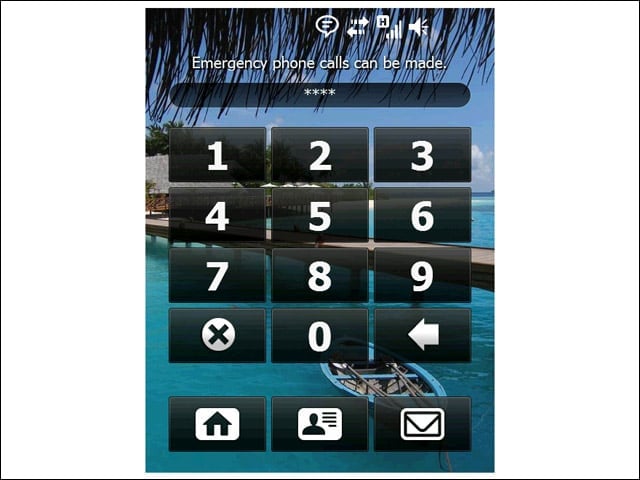
Of course, if the users want to create an unlock PIN, they can do so. The device will then require a log-in attempt before diplaying the status-enabled lock screen.
Full Internet
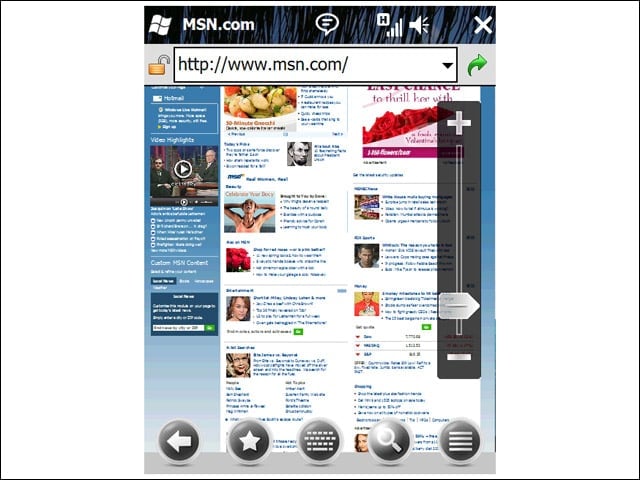
Users can choose between full Web mode (including integrated Flash support) or a mobile-optimized view. To zoom, users need simply to adjust the slider bar on the right, then follow the on-screen markers to finger-navigate to the desired location on the page.