







- eWEEK Labs Walk-Through: Toshiba’s Tecra M7
- eWEEK Labs Walk-Through: Toshiba’s Tecra M7 – Convertible
- eWEEK Labs Walk-Through: Toshiba’s Tecra M7 – Slate
- eWEEK Labs Walk-Through: Toshiba’s Tecra M7 – Buttons
- eWEEK Labs Walk-Through: Toshiba’s Tecra M7 – Biometric Authentication
- eWEEK Labs Walk-Through: Toshiba’s Tecra M7 – Back
- eWEEK Labs Walk-Through: Toshiba’s Tecra M7 – Left
- eWEEK Labs Walk-Through: Toshiba’s Tecra M7 – Front
- eWEEK Labs Walk-Through: Toshiba’s Tecra M7 – Right
eWEEK Labs Walk-Through: Toshiba’s Tecra M7
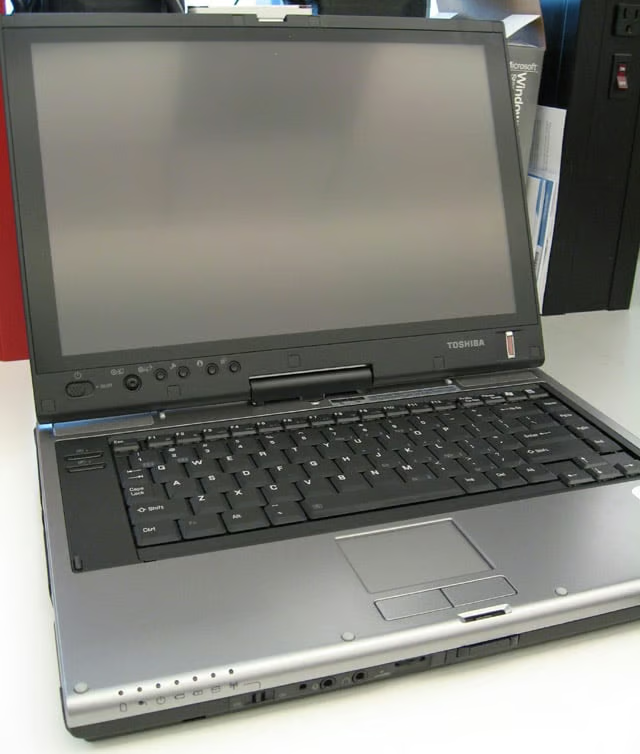
The Tecra M7 we tested featured Intel’s Core Duo T2400 processor, 1GB RAM and a 100GB hard drive. Toshiba says the Tecra M7 will be available built to order with Intel’s latest Core 2 Duo processor by the end of 2006.
eWEEK Labs Walk-Through: Toshiba’s Tecra M7 – Convertible
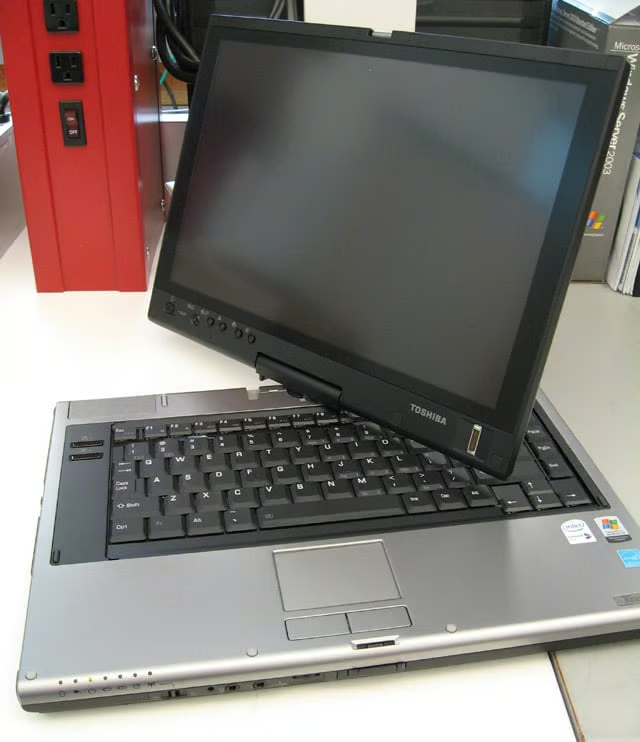
The Tecra M7 is a convertible tablet PC and runs Windows XP Tablet Edition 2005. When the Vista operating system is released, tablet functionality will be built into the operating system, eliminating the need for a separate tablet OS.
eWEEK Labs Walk-Through: Toshiba’s Tecra M7 – Slate
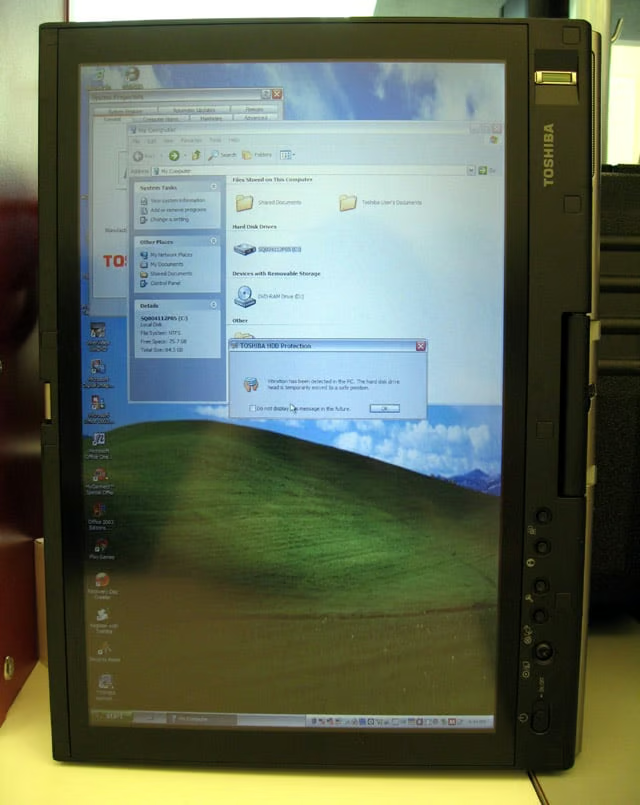
The Tecra M7 features a 14.1-inch widescreen display with a 1,440-by-900-pixel native resolution.
eWEEK Labs Walk-Through: Toshiba’s Tecra M7 – Buttons
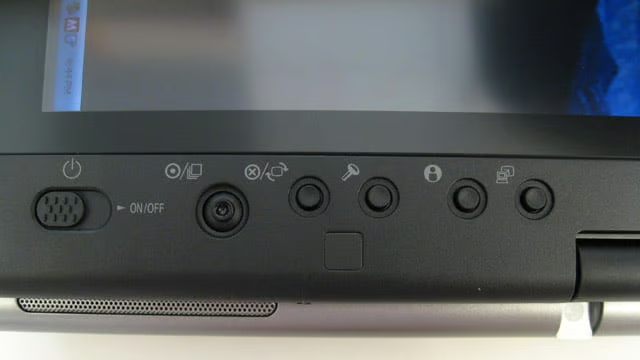
Alongside the display is the on/off button, as well as a scroll button that allows the user to navigate the cursor in tablet mode.
eWEEK Labs Walk-Through: Toshiba’s Tecra M7 – Biometric Authentication
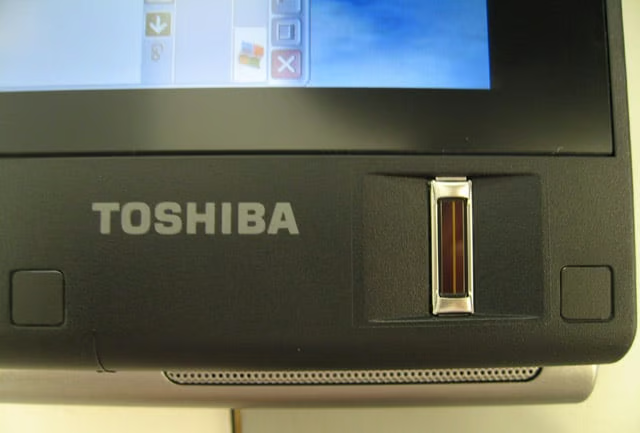
The Tecra M7 comes with a biometric fingerprint reader next to the display, allowing users to authenticate themselves regardless of what mode they are using the system in.
eWEEK Labs Walk-Through: Toshiba’s Tecra M7 – Back
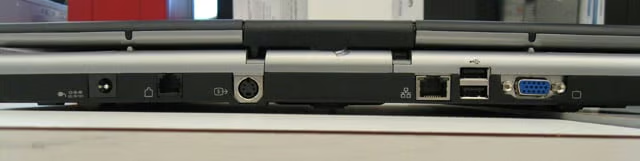
The back of the Tecra M7 features two of four USB 2.0 ports.
eWEEK Labs Walk-Through: Toshiba’s Tecra M7 – Left
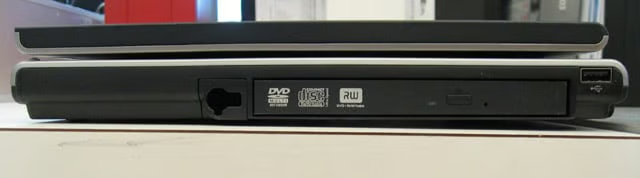
The left side of the Tecra M7 features a dual-layer DVD burner, one of four USB 2.0 ports and a slot to hold the stylus.
eWEEK Labs Walk-Through: Toshiba’s Tecra M7 – Front
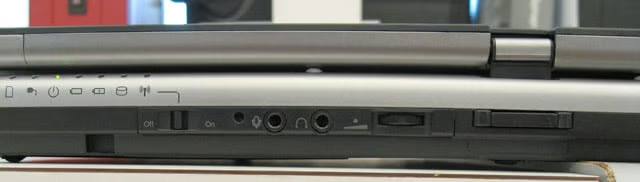
The front of the Tecra M7 has an internal microphone, a microphone jack, a wireless antenna on/off switch and a volume control dial.
eWEEK Labs Walk-Through: Toshiba’s Tecra M7 – Right
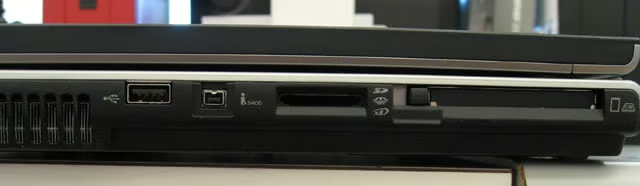
The right side of the Tecra M7 features one of four USB 2.0 ports, the Bridge Media Adapter slot and the PC Card slot.