








- How Android for Work Will Help Google Enter More Corporate Doors
- A Single Android Device Can Be Used at Home or Office
- The Platform Works on Smartphones and Tablets
- Android for Work Provides a Mobile Device Management Console
- There Is a Modified Google Play Store for Business
- The Basis Is BYOD
- Mobile Device Management Works Locally and Abroad
- Security Is the Supreme Concern of Android for Work
- Don’t Forget About the VPN Partnership
- Google Promotes the Use of Extra-Secure Devices
- The Software Experience Won’t Change for End Users
How Android for Work Will Help Google Enter More Corporate Doors
Google is hoping its Android for Work MDM platform will open up more corporate doors to Android mobile devices, thanks to the following features.
A Single Android Device Can Be Used at Home or Office
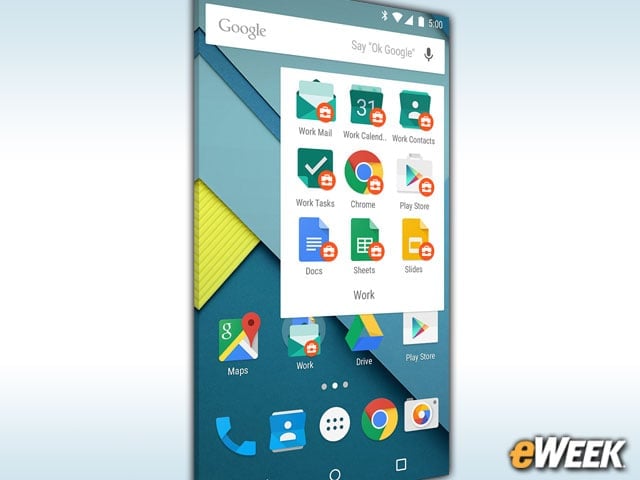
The main benefit of Android for Work, like other mobile management platforms, is that it allows companies and employees to have just one device for both personal and work use. Android for Work runs atop the product to separate the two and effectively create two environments in one.
The Platform Works on Smartphones and Tablets
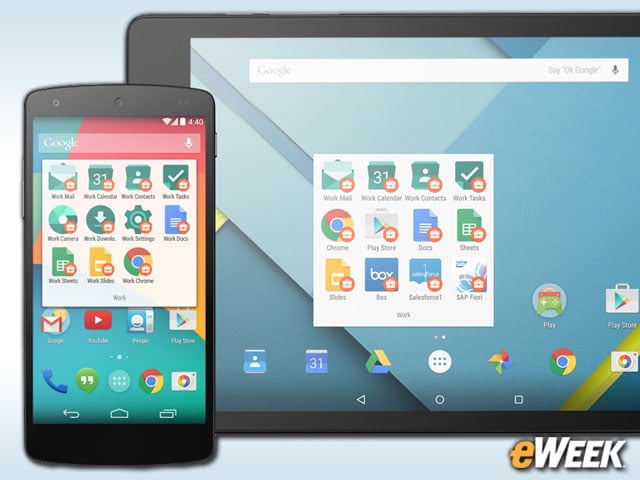
Google was quick to point out that Android for Work can be used on both smartphones and tablets. Historically, most mobile device management platforms worked on just smartphones until the iPad changed that forever. Now, a service that doesn’t run on both device types is dead in the water. Google knows it and has ensured that the service can run on handsets and slates.
Android for Work Provides a Mobile Device Management Console
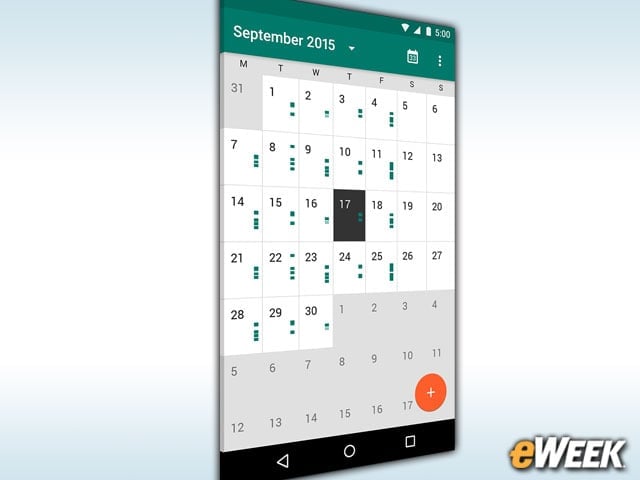
Android for Work provides a console that will enable IT managers to remotely manage devices from a single location. The console is a full mobile device management platform, allowing IT administrators to locate devices, switch on and off access to business apps, and automatically deploy software updates as needed.
There Is a Modified Google Play Store for Business
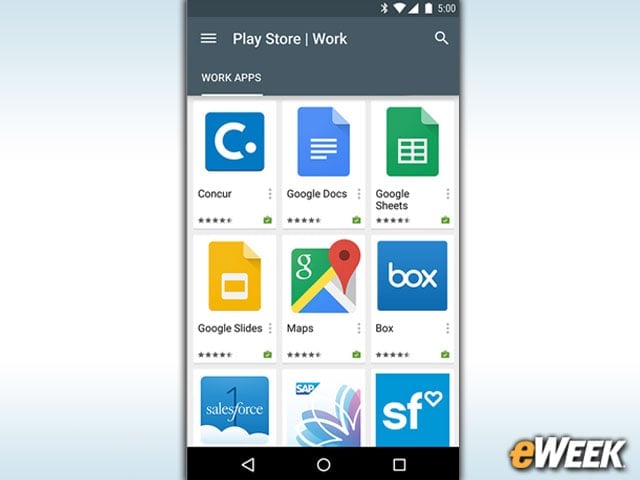
Google’s Android for Work comes with a modified Google Play store that features specialized apps designed for enterprise customers. The app marketplace is also where Android device users can access and download proprietary software if IT administrators haven’t already done that in house.
The Basis Is BYOD

Google is attempting to address the bring-your-own-device (BYOD) craze with Android for Work. Google saw BYOD becoming a cause for concern among some CIOs and realized that companies were increasingly allowing personal devices in the office. With Android for Work, Google is trying to make it easier on those CIOs to allow Android into the workplace by giving them more control and security.
Mobile Device Management Works Locally and Abroad
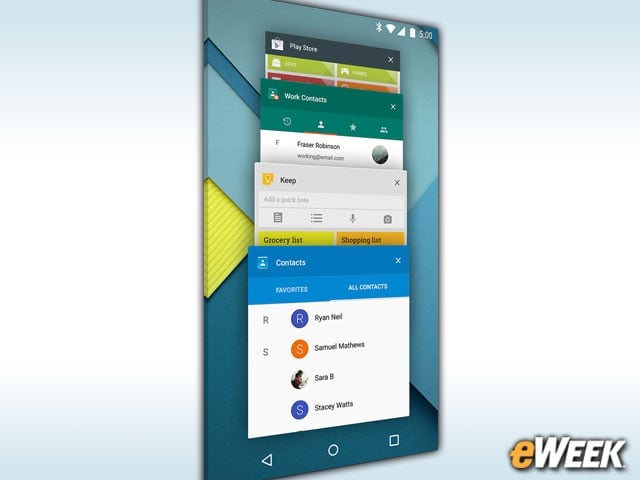
Once installed, Android for Work provides administrative controls of the work features of a mobile device regardless of where it is. Even if an employee is on vacation halfway around the world and somehow loses a smartphone, the user can call the IT department to remotely lock or wipe out data stored on the device. This is mainly due to the partnerships Google has formed with carriers, ensuring that remote control is available on nearly every major network.
Security Is the Supreme Concern of Android for Work
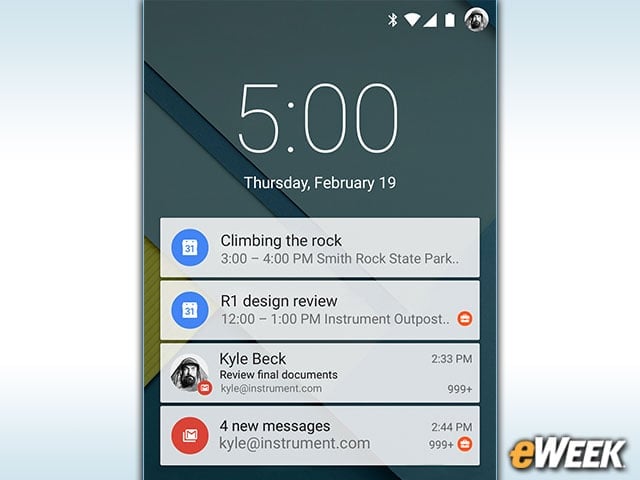
Google has pressed hard for companies to find devices that come with enhanced on-device security, but it has also strengthened Android on the software side. There’s automatic encryption, the ability to set data-leakage prevention policies and software features that require extra credentials to access certain apps. Think of Android for Work as a standard Android installation with a bevy of extra security features tossed in for good measure.
Don’t Forget About the VPN Partnership

Giving company employees remote access to the network can be a dual-edged sword. On one hand, it’s an important feature for enhancing productivity, but without the right security, it can wreak havoc on a company. To address that, Google inked deals with several companies, including Cisco, Palo Alto Networks and F5 Networks, to integrate support for their virtual private networks directly into Android for Work. Depending on the platform of choice, employees can get security network access through Android for Work.
Google Promotes the Use of Extra-Secure Devices
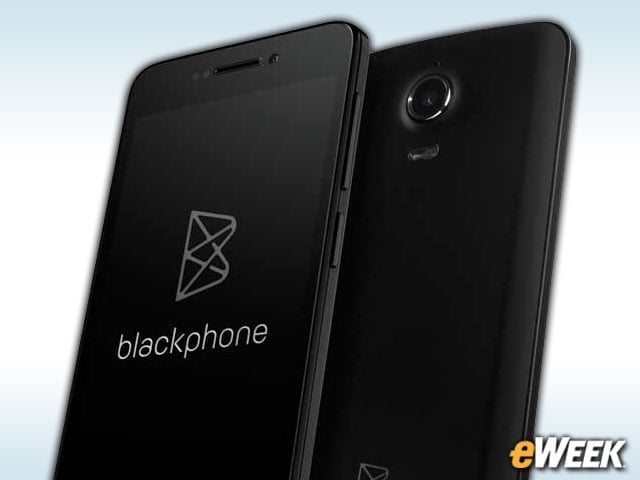
Samsung’s Galaxy S6 and Silent Circle’s Blackphone 2 are among the devices that Google says are ideal for those companies that want high-level device security. Google argues that those handsets’ on-device encryption and other security features make them the most secure Android for Work devices. However, Android models support the platform, including the Google Nexus 6, Sony’s Xperia line and more.
The Software Experience Won’t Change for End Users
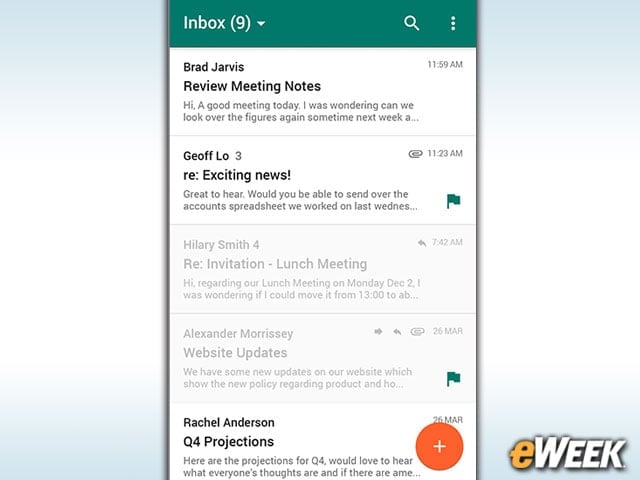
Android users who haven’t tried Android for Work will quickly find that they feel right at home with the platform. Google has designed its enhanced features to look and behave like any other Android installation. Again, that’s an important factor. If Android for Work created a different environment that prompted a learning curve, Google would have a hard time selling companies on the solution if competing offerings, like Apple’s own MDM, create a uniform experience.