








New BlackBerry AppWorld Lets Users Buy Apps from PC and Sync to Smartphone
by Andrew Garcia
AppWorld in a Browser
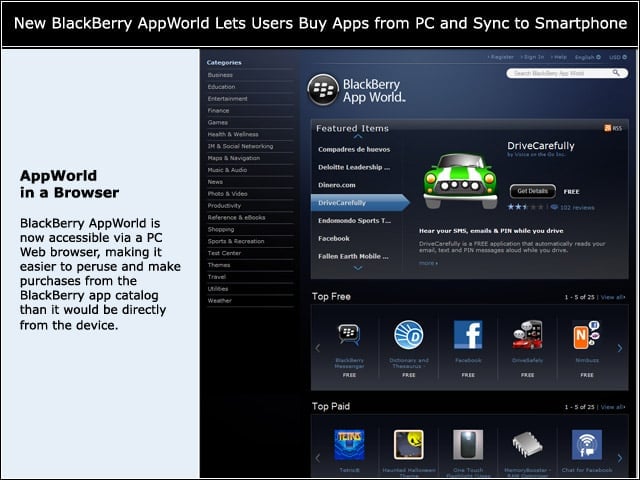
BlackBerry AppWorld is now accessible via a PC Web browser, making it easier to peruse and make purchases from the BlackBerry app catalog than it would be directly from the device.
BlackBerryID
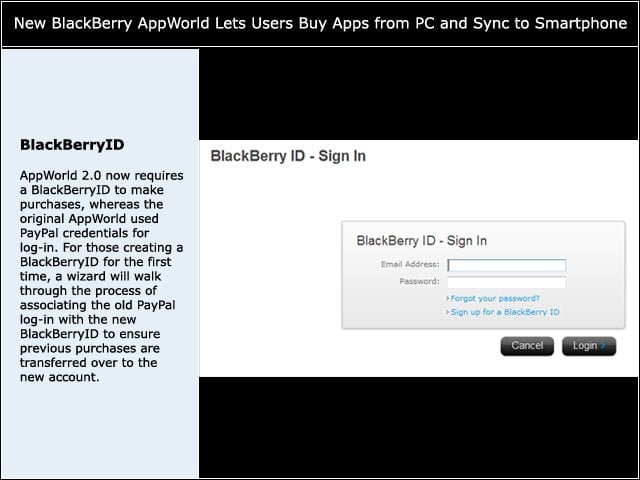
AppWorld 2.0 now requires a BlackBerryID to make purchases, whereas the original AppWorld used PayPal credentials for log-in. For those creating a BlackBerryID for the first time, a wizard will walk through the process of associating the old PayPal log-in with the new BlackBerryID to ensure previous purchases are transferred over to the new account.
Supported Devices
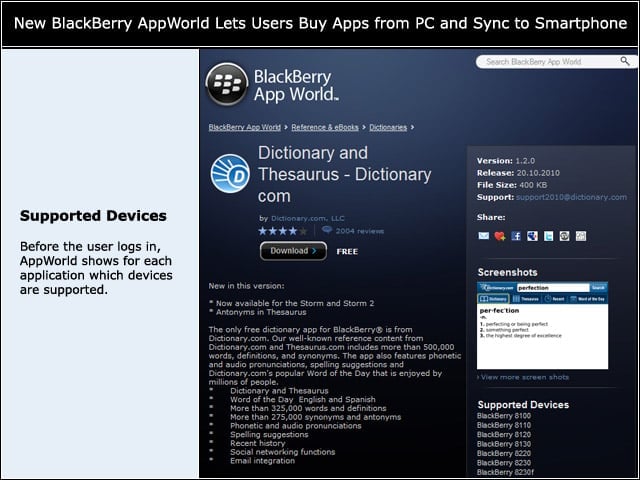
Before the user logs in, AppWorld shows for each application which devices are supported.
Logged In
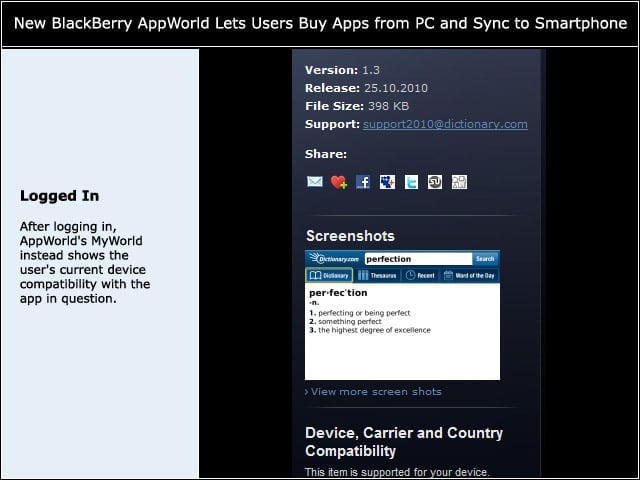
After logging in, AppWorld’s MyWorld instead shows the user’s current device compatibility with the app in question.
Device Recognition Failure
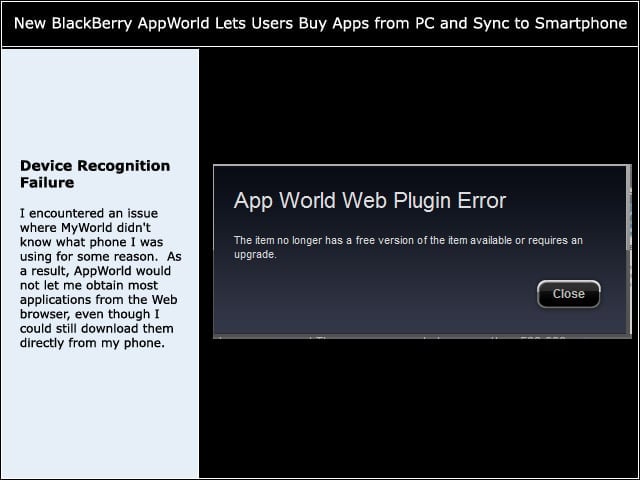
I encountered an issue where MyWorld didn’t know what phone I was using for some reason. As a result, AppWorld would not let me obtain most applications from the Web browser, even though I could still download them directly from my phone.
Plug-in
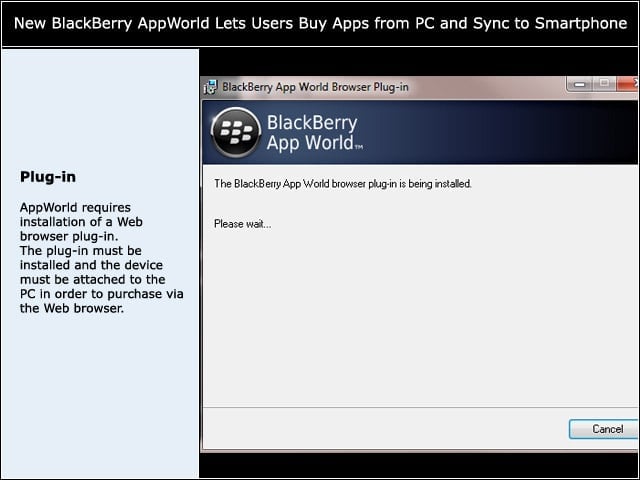
AppWorld requires installation of a Web browser plug-in. The plug-in must be installed and the device must be attached to the PC in order to purchase via the Web browser.
In Progress
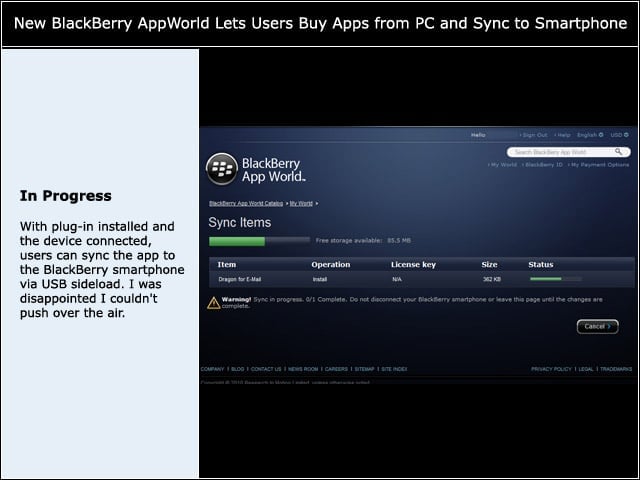
With plug-in installed and the device connected, users can sync the app to the BlackBerry smartphone via USB sideload. I was disappointed I couldn’t push over the air.
MyWorld
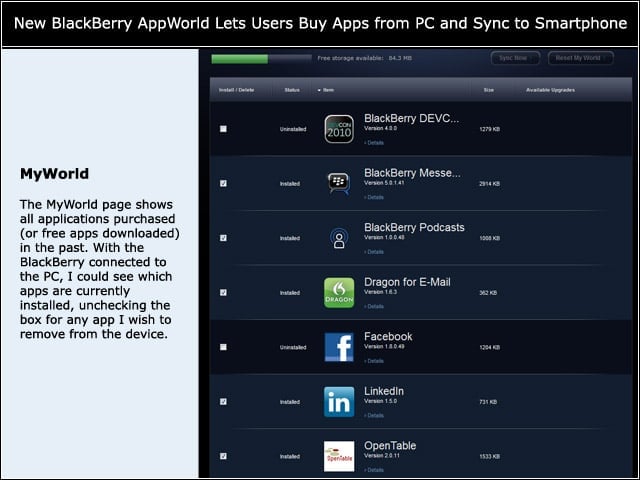
The MyWorld page shows all applications purchased (or free apps downloaded) in the past. With the BlackBerry connected to the PC, I could see which apps are currently installed, unchecking the box for any app I wish to remove from the device.