







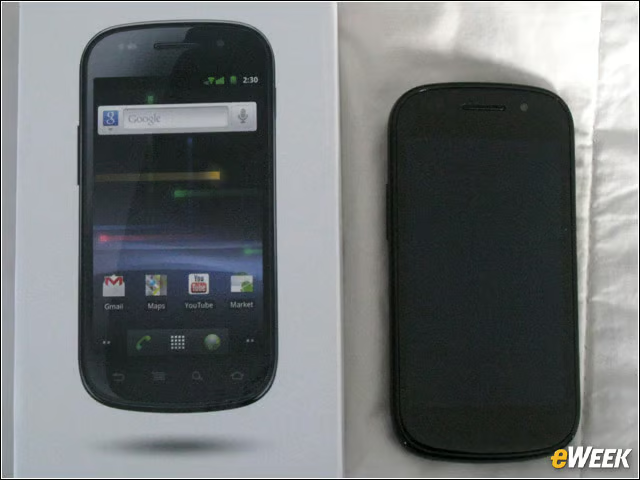
Nexus S 4G Unboxed
Sprint is selling the Nexus S 4G for $199.99 with a two-year contract this spring from Sprint retailers and Best Buy stores in the United States. Like the Nexus S, Sprint’s Nexus S 4G is powered by a 1GHz Samsung chip and runs Android 2.3.
Nexus S 4G
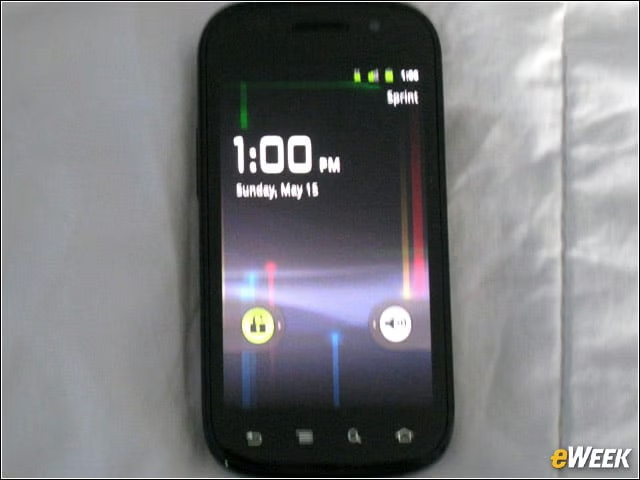
The Nexus S 4G offers 4-inch contoured display (480 by 800 resolution encased by thin glass panel), brightened by Samsung’s Super AMOLED (active-matrix organic LED) touch-screen technology.
Dimensions

The Nexus S 4G measures 4.88 inches long and 2.48 inches wide, and is 0.44 inches thin. The handset, at a light 4.6 ounces, feels comfortable in the hand.
Camera
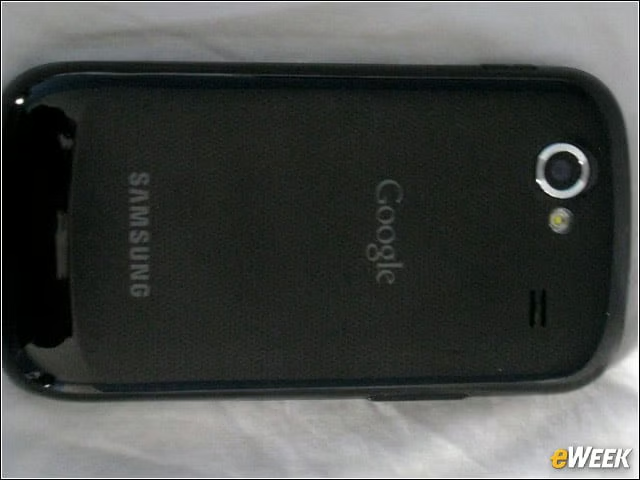
The Nexus S 4G, like its predecessor, also sports a 5-megapixel rear-facing camera and front-facing VGA camera. Video shoots for this review were taken at 720 by 480 resolution.
4G
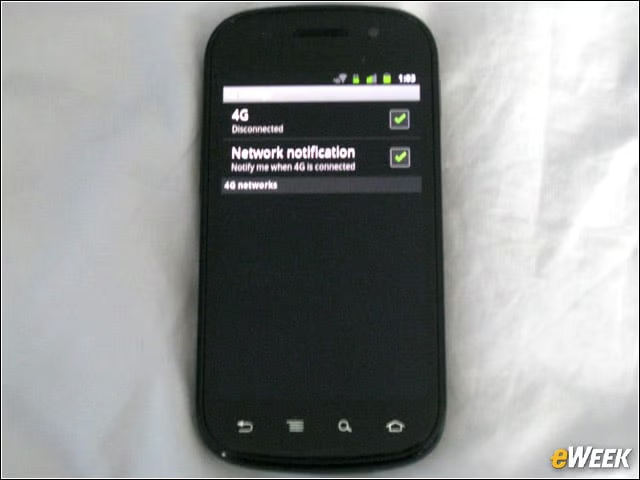
Sprint’s 4G WiMax network is promising data speeds of up to 10M bps, compared with 3.1M bps for its 3G service. Like others before us, we found the 4G service on the Nexus S 4G solid, though unspectacular compared with Verizon Wireless’ newer 4G LTE (Long-Term Evolution) network-powered HTC Thunderbolt and Samsung Droid Charge.
Apps
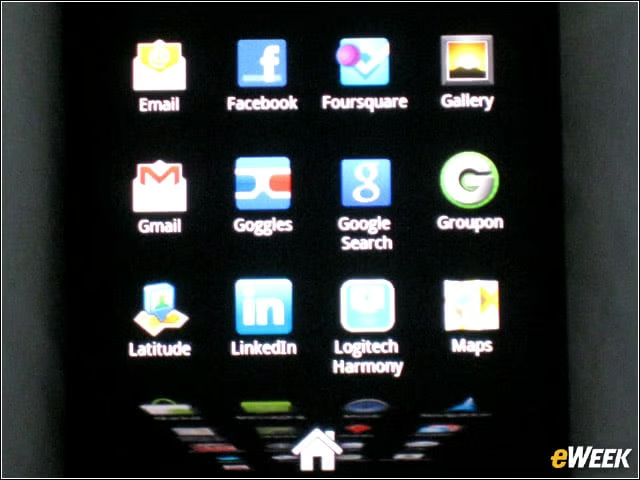
Nexus S 4G offers the Android application carousel seen in the Nexus S. Sprint is also offering its 3G/4G Mobile Hotspot to handle up to 6 WiFi-connected devices at once.
Google Mobile Apps
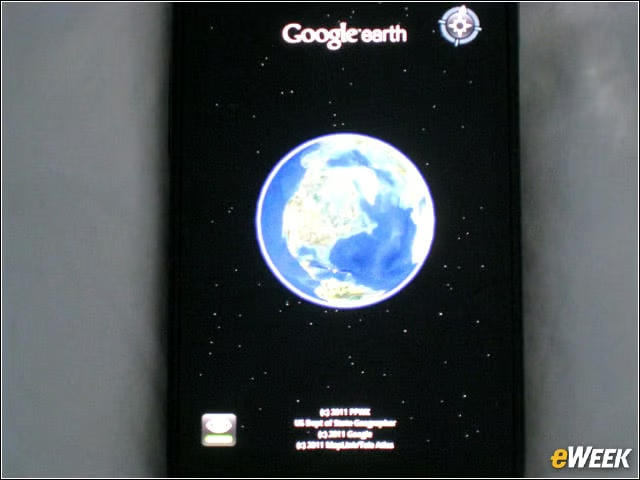
Of course, the Nexus S 4G offers the pure Google experience, which means preinstalled Google Search, Gmail, Google Maps with Navigation, Google Earth Google Calendar, Voice Actions and YouTube. The device offers 16GB of internal memory and a 1,500mAh battery.
Latitude
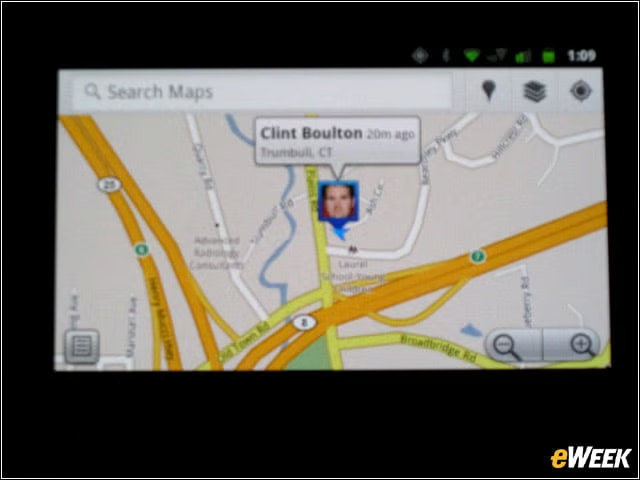
Google Latitude as seen on the Nexus S 4G.
Checking in
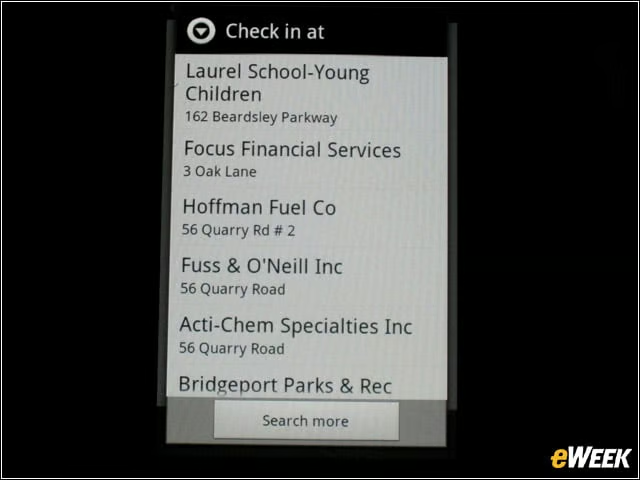
Checking into Latitude from the Nexus S 4G is not as pretty as doing so on Foursquare. Google has gone for function over form here.
NFC
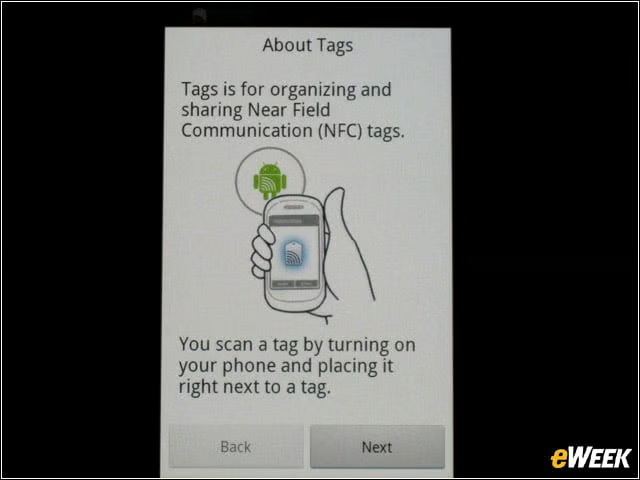
The Nexus S 4G application launcher boasts the tag-reading application you see here. NFC tags can include URLs, text and images. While eWEEK is excited about NFC, the potential currently outweighs the promise. There just aren’t enough NFC supporters to make NFC communications super-useful and, ultimately, ubiquitous.
Google Voice
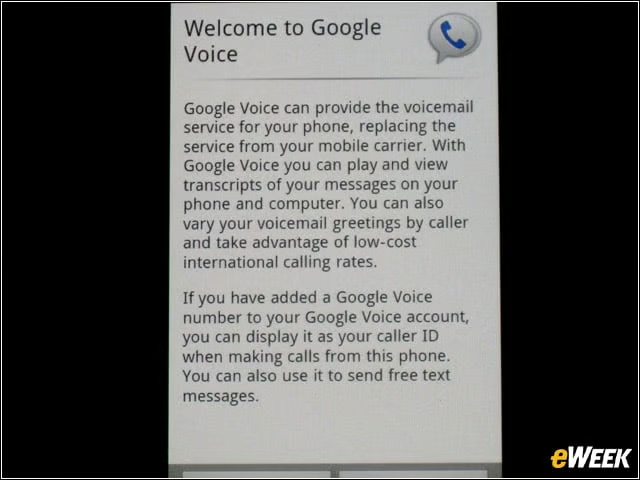
Google Voice is a phone-call-management application, allowing users to route calls to up to six different phones using one number; and receive transcribed voice-mail messages, and read or listen to them online.
Set-up
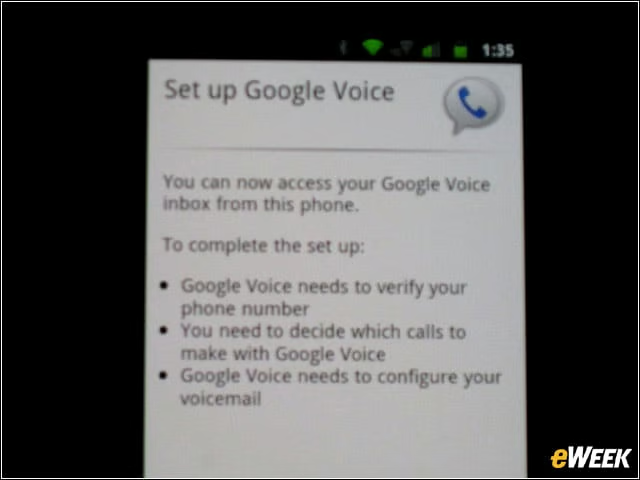
Set-up just takes a few clicks as long as a Nexus S 4G owner is already a Google Voice account holder. Calls from Gmail and text messages sent from Google.com/voice will display the users’ Sprint number.
Options
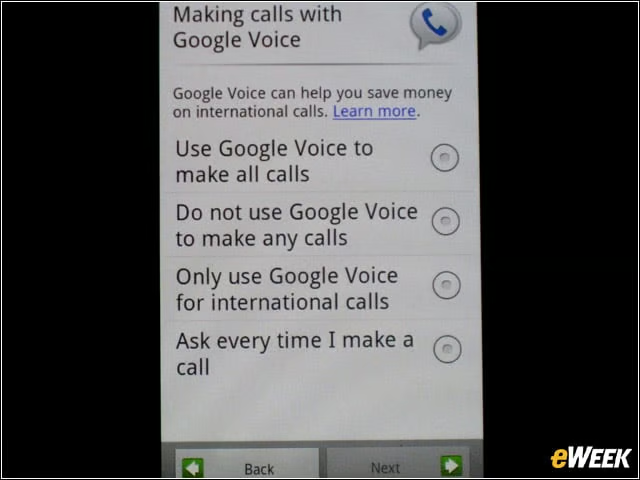
What’s nice about the smartphones range of voice options is that users may choose how they want to use Google Voice for their calls. The user can use the service for all calls, international, none or on a per-call basis.
Google Voice in Action
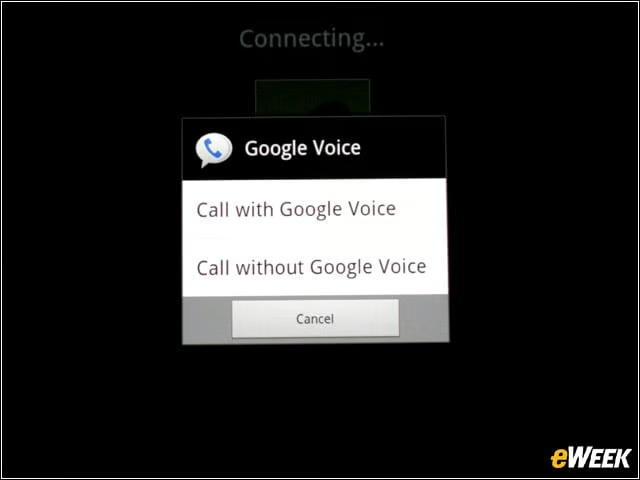
eWEEK provisions Google Voice to handle some calls. Google Voice users may also replace their Sprint numbers with their Google Voice numbers when placing calls or sending text messages from their Sprint handsets.