






Samsung Galaxy Tab 4 Education Aims to Aid Teaching, Learning
by Michelle Maisto
Samsung Galaxy Tab 4 Education
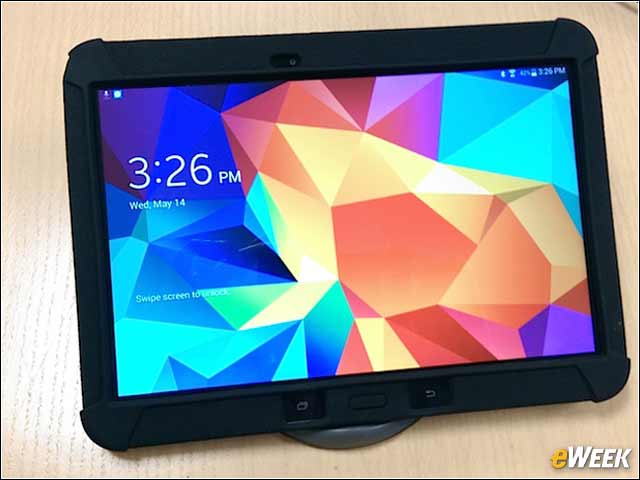
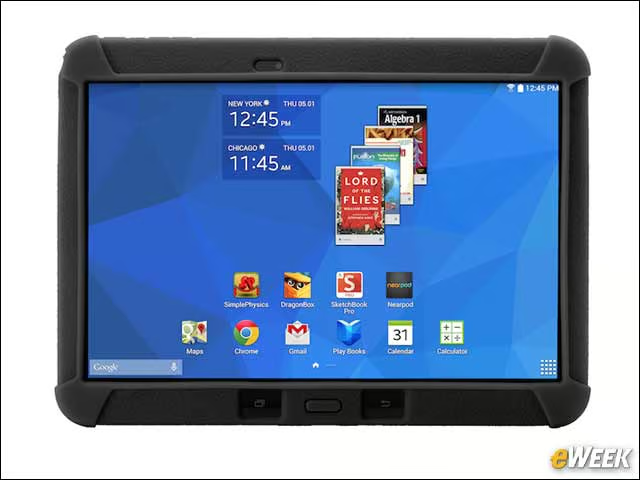
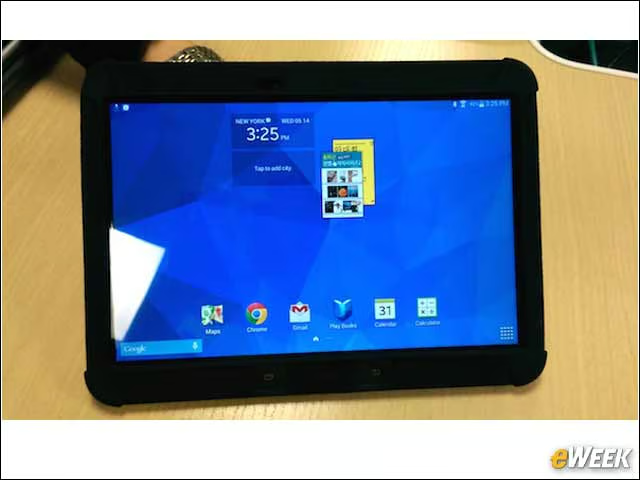
The Galaxy Tab 4 Education is Samsung’s first tablet designed for K-12 classrooms. Samsung’s Langan says there’s a trend to give out a tablet to each student and have them be responsible for it for the year. Expecting the device be thrown into backpacks, Samsung ruggedized it with Gorilla Glass and an easy-to-grip protective rubber case.
Easy to Use, Easy to Hold

The rubber case comes standard and is removable. Like earlier Galaxy Tab devices, this one runs Android 4.4 (KitKat), has front and back cameras, comes standard with 16GB of memory and has a battery that lasts well through the school day (10 hours).
Form and Function
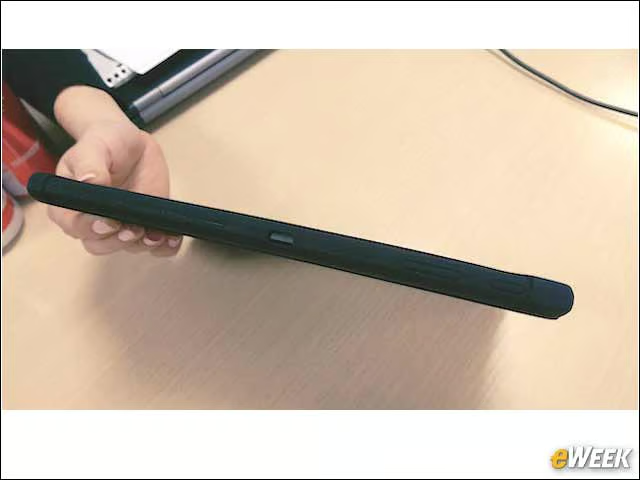
The case adds a bit to the size of the tablet, but the trade-off is worth it.
Optional Accessories
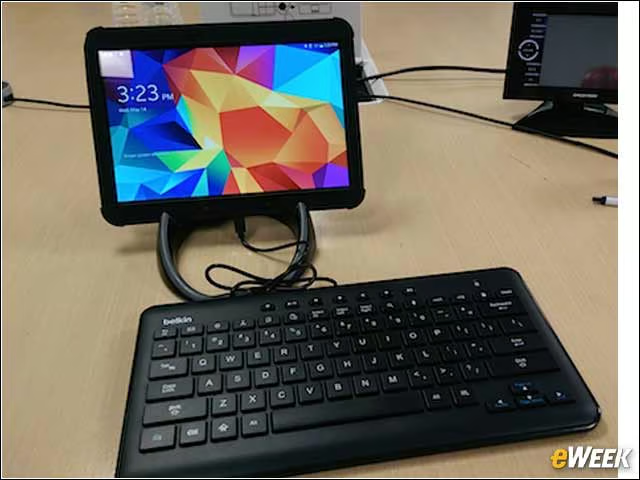
To keep the price low, Samsung decided not to include an integrated stylus. However, schools that would like a stylus can purchase them from a third party. Other optional accessories include a plug-in keyboard and plastic stand. The tablet starts at $370.
Keeping Hassles to a Minimum
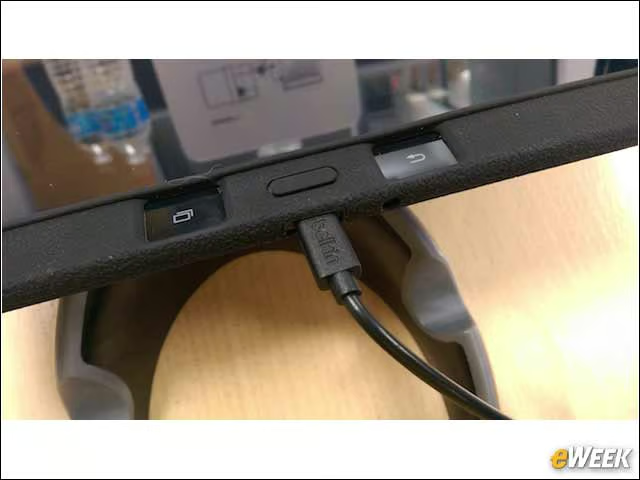
Samsung designed the rubber case so that it doesn’t have to be removed for a keyboard to be attached. Bluetooth-connected keyboards are less ideal in a classroom setting, where unintended tablets and keyboards might be paired.
Flexible Solutions
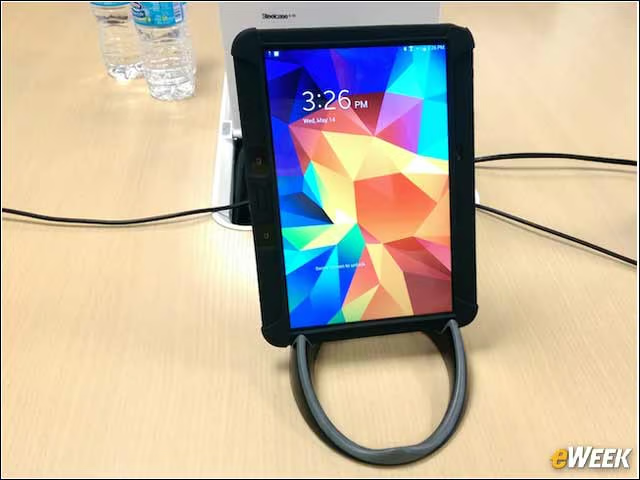
The stand can hold the tablet in three positions: vertically, horizontally and slightly raised off the desk. As a class is working on an assignment, a teacher using Samsung School can see each of their displays on her own and better understand which students need extra help.
Samsung School
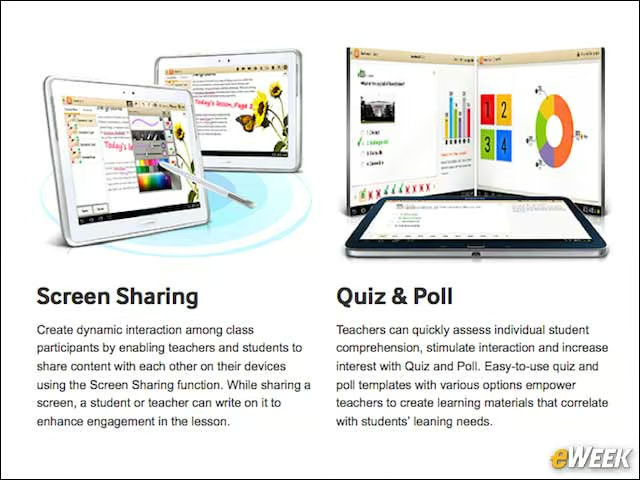
With Samsung School, teachers can, among a number other things, push out quick polls at the end of a class, to make sure the lesson was understood, and push the display of one tablet to a larger screen in front of the class, so a student can display work or show her classmates how to solve a problem.
Google Play for Education
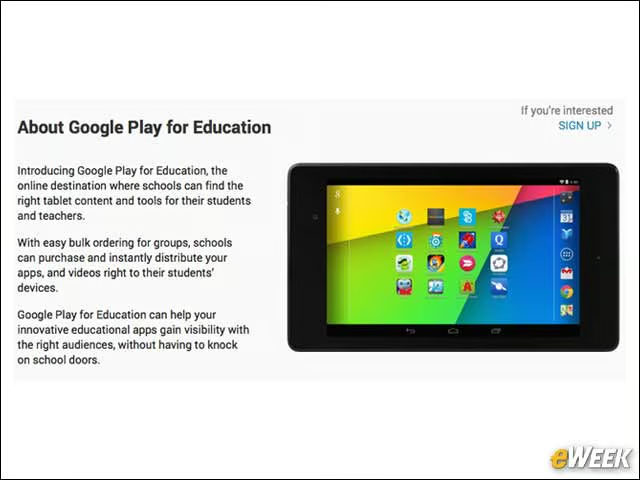
Play for Education is Google’s app store exclusively for educators. The day before teaching a lesson, a teacher can search for an app to complement it, download it and push it to all the devices in her classroom. Technology is enabling educators to offer far more differentiated learning and drive lesson plans based on intriguing ideas, instead of a single textbook.
Education at the Speed of the Internet
The Galaxy Tab 4 Education includes NFC technology, enabling a teacher to set up one device instead of 30 or more. Once one tablet is set up, it just needs to be quickly placed on top of another tablet to share its content and settings. Said Langan, “You could practically do this on the first day of school and have [the tablets] ready to go by the time everyone sits down.”