








Start Small
Identify two to three mobile applications that are the most widely used or have the biggest effect on revenue, and mobilize those key applications first. This introduces employees to the idea of using mobile business apps and gets any skeptics on board once they see successful productivity and return on investment
Design for Short Attention Spans
Mobile users are often pressed for time, so a mobile app needs to allow the user to get in, perform a task and get out. Mobile users just want the pertinent facts and procedures, as they are often multi-tasking when accessing a business app on the go. Mobile apps should typically involve no more than two or three screens.
Take Full Advantage of the Mobile Device
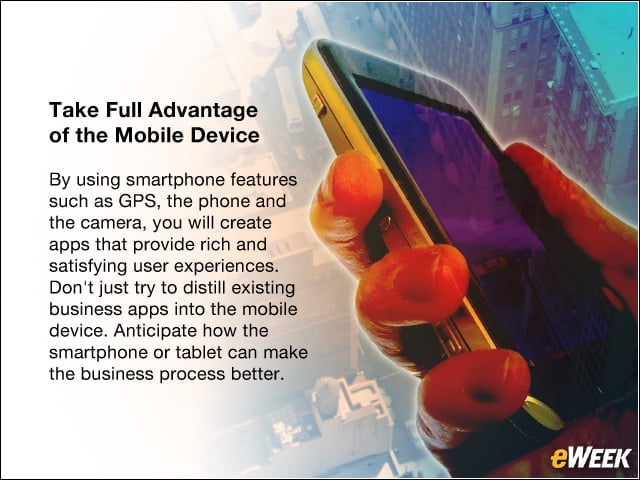
By using smartphone features such as GPS, the phone and the camera, you will create apps that provide rich and satisfying user experiences. Don’t just try to distill existing business apps into the mobile device. Anticipate how the smartphone or tablet can make the business process better.
Leverage Back-End Data Properly
The ability to leverage back-end data by accessing the database directly is tempting but rarely recommended. Use the application programming interfaces (APIs) provided so that table relationships are properly maintained. In this manner, you access the full back-end business processes that are important to the mobile user, who must be able to stay fully connected to the business without having to interact directly with enterprise IT systems. Consider using a mobile mashup where a single mobile app accesses data through the APIs of two to three existing systems such as ERP and CRM. Mashups can increase app acceptance by 35 percent.
Personalize the User Experience

Users expect a personalized experience from a mobile app that allows them to interact when, where and how they want. A smart mobile app will be able to automatically learn user preferences to provide a personalized experience without the user having to set preferences.
Use a Native Look and Feel
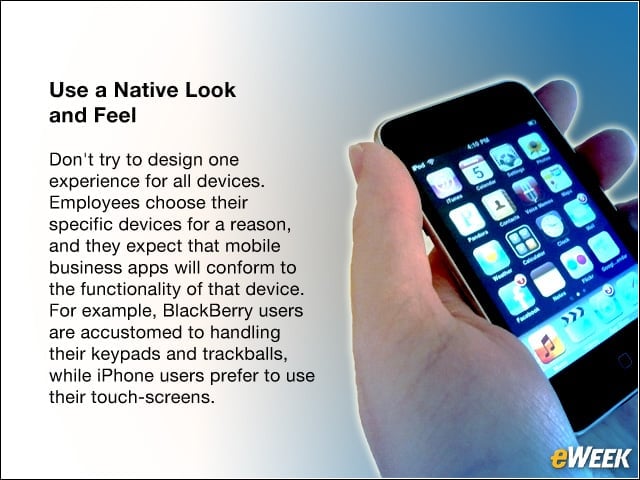
Don’t try to design one experience for all devices. Employees choose their specific devices for a reason, and they expect that mobile business apps will conform to the functionality of that device. For example, BlackBerry users are accustomed to handling their keypads and trackballs, while iPhone users prefer to use their touch-screens.
Legacy Applications Are Not Obsolete
To implement a successful mobile app, companies do not need to completely abandon legacy applications that took years to build. After all, legacy applications provide value and proven environments for reliability and security. Even IBM mainframes, for example, are suitable as the server environment for mobile apps.
Try It Before You Buy It
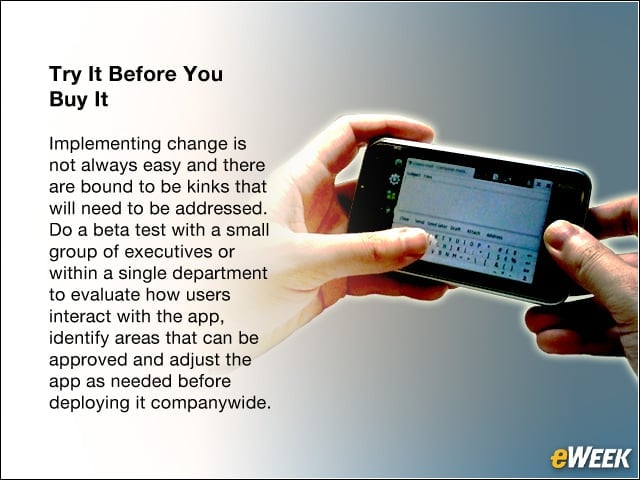
Implementing change is not always easy and there are bound to be kinks that will need to be addressed. Do a beta test with a small group of executives or within a single department to evaluate how users interact with the app, identify areas that can be approved and adjust the app as needed before deploying it companywide.
Keep It Simple
Mobile apps should be simple to use and simple to develop. Avoid expensive add-ons and time-consuming customizations by relying on tools your company is already using instead of creating new ones.
Keep Up with the Technology
The mobile revolution is just beginning. So make sure you design apps now that can adapt to new technologies in the future by using a Mobile Enterprise Application Platform (MEAP) such as the Magic Application Platform provided by Magic Software. For example, if a new mobile device or operating platform enters the market, your business apps should not have to be rebuilt in order to comply.