








Verizon Droid Boasts Google Android 2.1
by Wayne Rash
Home Screen
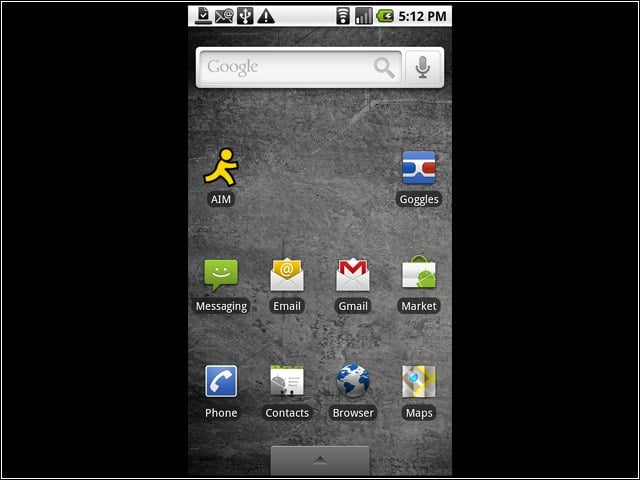
This is the home screen for the Verizon Droid. You’ll see your most commonly used icons here if you copy them from the main menu screen, a task that’s intuitive.
Menu Options
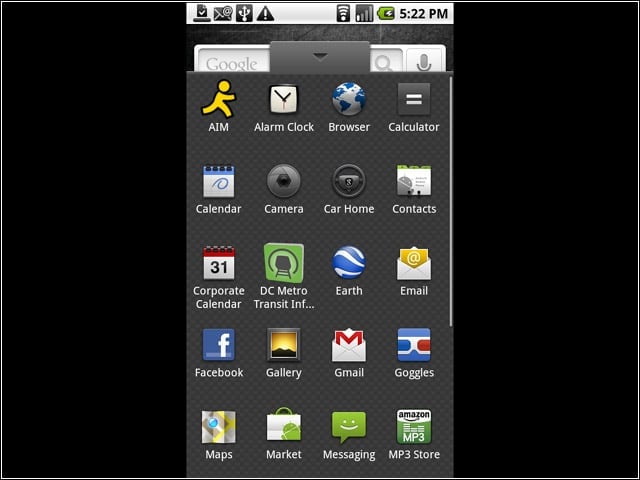
If you flick open the tab at the bottom of the home screen, the main menu screen slides open to reveal all of your choices. You can use your fingertip to scroll down for more choices.
Landscape
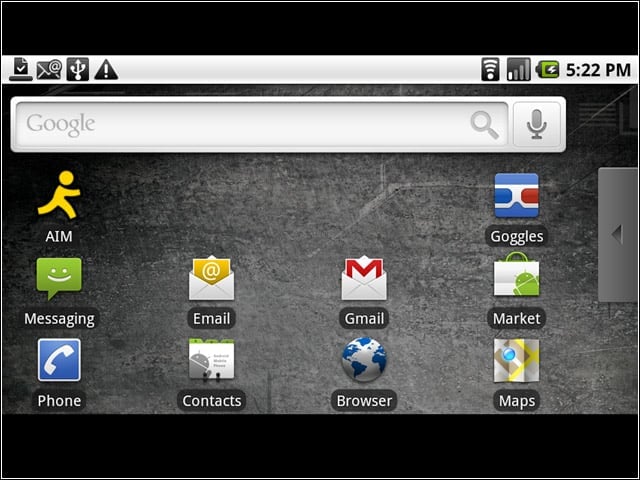
This is the home screen in landscape mode. It’s supposed to do this automatically if you rotate the phone counter-clockwise, but that didn’t work. However, it does rotate when you open the keyboard.
Google Goggles
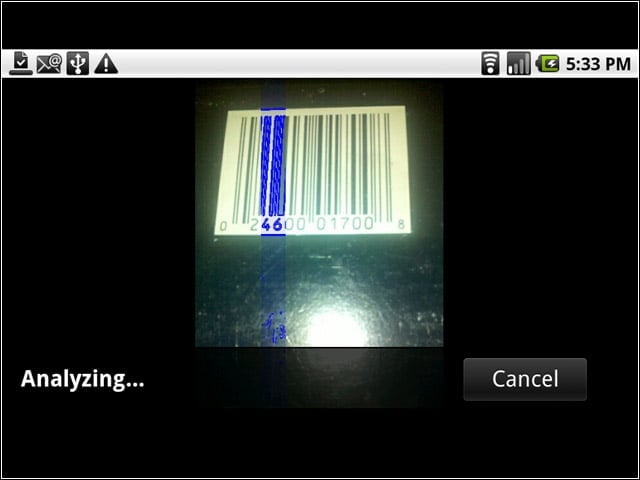
You can use Google Goggles to perform a number of tasks, including to read bar codes.
More Goggles
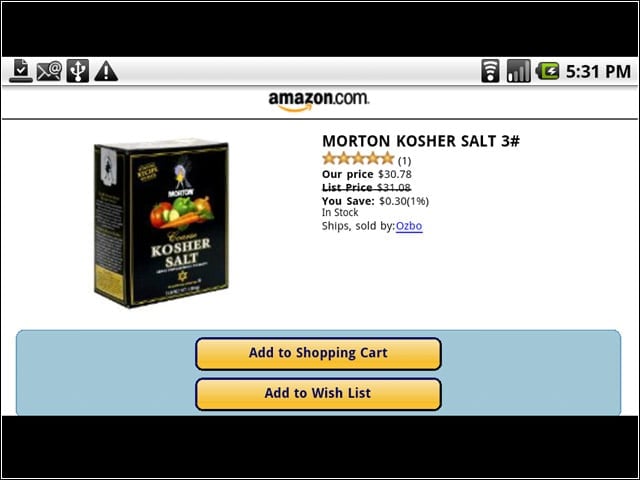
When you scan a bar code that Google can find in its database, you’ll get links to the product, and in some cases a list of places where you can find it nearby for a lower price. Unfortunately, this depends on a good 3G signal (which seems to be missing from a lot of stores) and the item being in the database. We found a lot of things that weren’t recognized.
Android Browser

The browser that comes with Android 2.1 will let you display entire Web pages, so you’re not just restricted to mobile sites. You can zoom in using the multitouch capabilities of the new OS.
Android Market
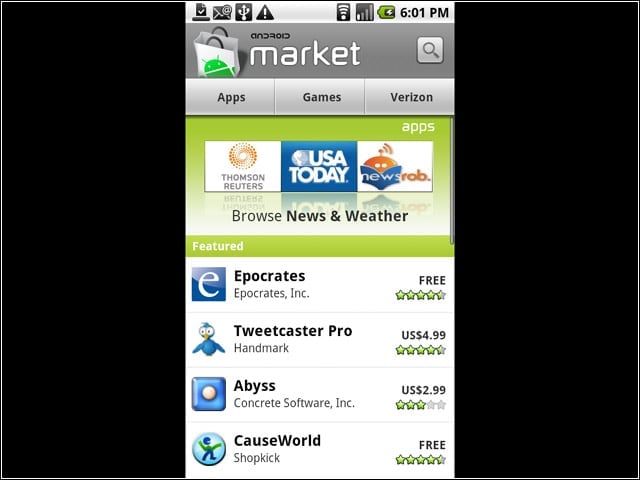
The Android Market is a great source for software for Android phones.Unlike some of its competitors, however, you can also load software from third-party sites, although you have to agree to take any related risk of malware.
Google Maps
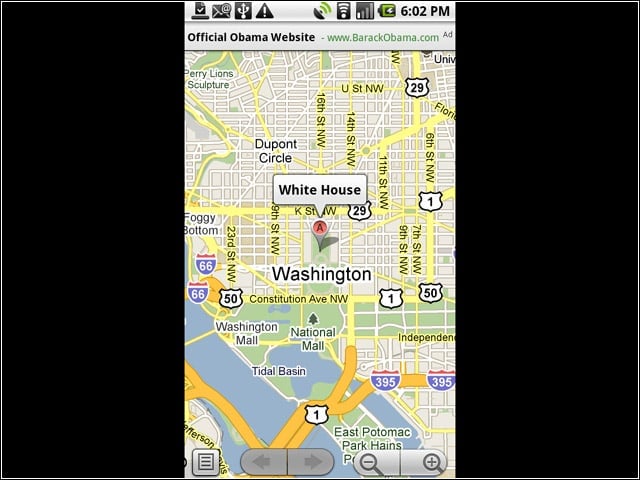
Google Maps is part of the package, and it’s nicely integrated with the Droid. When you look for a specific address, you will also get information related to it. In this case, we got the occupant’s Website.
Droid as a Phone
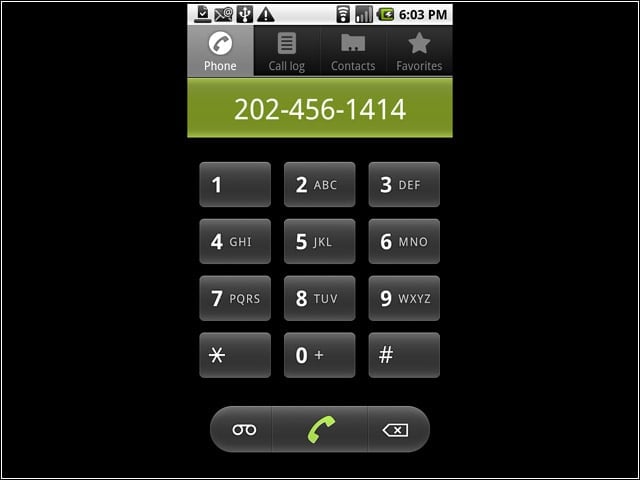
And, as strange as it may seem, the Droid also works as a phone. You can put numbers into the dialing screen manually, or by getting them from a Website or a geographic search. In this case we have the number of the occupant in the dwelling on the previous screen.
Slide-out Keyboard
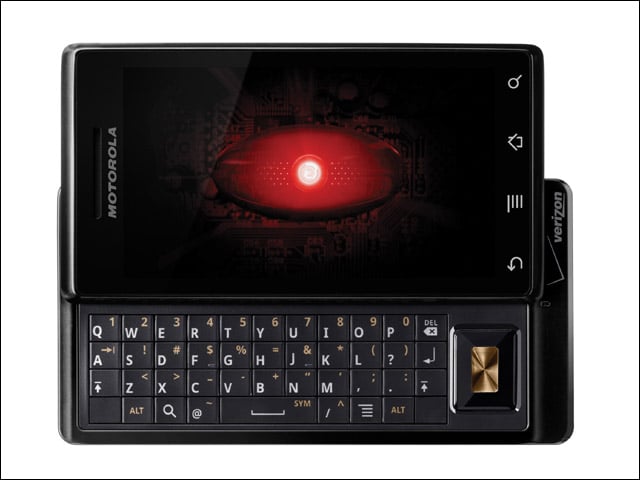
The Droid features a slide-out keyboard, as well as an on-screen keyboard for use when the slide-out keyboard is closed.
