








- eWEEK Labs Must-Have Tools
- eWEEK Labs Must-Have Tools – Audacity
- eWEEK Labs Must-Have Tools – Azureus Bittorrent client
- eWEEK Labs Must-Have Tools – Barts Boot Disk
- eWEEK Labs Must-Have Tools – Dreamweaver
- eWEEK Labs Must-Have Tools – Filezilla
- eWEEK Labs Must-Have Tools – Gaim
- eWEEK Labs Must-Have Tools – Ghost
- eWEEK Labs Must-Have Tools – Gimp
- eWEEK Labs Must-Have Tools – Iometer
- eWEEK Labs Must-Have Tools – iPerf
- eWEEK Labs Must-Have Tools – Kismet/NetStumbler
- eWEEK Labs Must-Have Tools – Knoppix
- eWEEK Labs Must-Have Tools – LogMeIn
- eWEEK Labs Must-Have Tools – Metasploit
- eWEEK Labs Must-Have Tools – Nagios
- eWEEK Labs Must-Have Tools – Nero 7
- eWEEK Labs Must-Have Tools – Nessus
- eWEEK Labs Must-Have Tools – Net Snippets
- eWEEK Labs Must-Have Tools – Nmap
- eWEEK Labs Must-Have Tools – OneNote
- eWEEK Labs Must-Have Tools – Prime95
- eWEEK Labs Must-Have Tools – Power meter/data logger
- eWEEK Labs Must-Have Tools – Putty
- eWEEK Labs Must-Have Tools – Small GigE switches/routers
eWEEK Labs Must-Have Tools
Each year, eWEEK Labs evaluates hundreds of enterprise-class products on test beds that mimic real-world environments. To maintain the systems that comprise these environments, and to properly put products through their paces, the analysts rely on a c
eWEEK Labs Must-Have Tools – Audacity
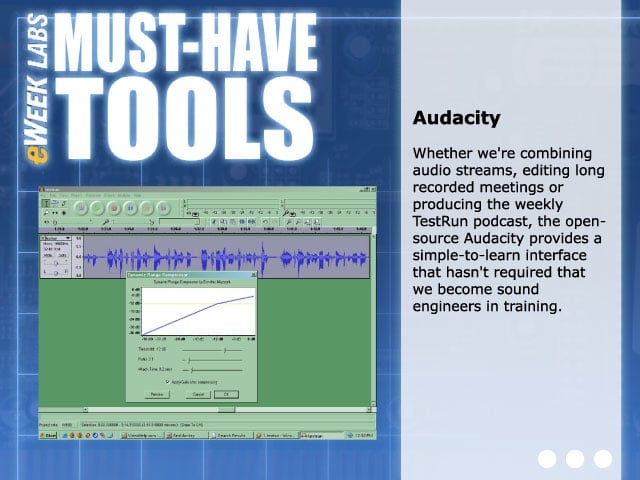
Whether were combining audio streams, editing long recorded meetings or producing the weekly TestRun podcast, the open-source Audacity provides a simple-to-learn interface that hasn?t required th
eWEEK Labs Must-Have Tools – Azureus Bittorrent client
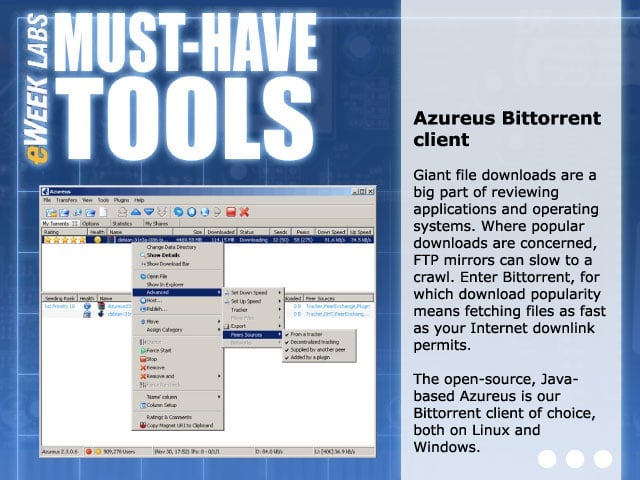
Giant file downloads are a big part of reviewing applications and operating systems. Where popular downloads are concerned, FTP mirrors can slow to a crawl. Enter Bittorrent, for which download popularity means fetching files as fast as your Internet down
eWEEK Labs Must-Have Tools – Barts Boot Disk
When dealing with an eclectic variety of systems, sometimes all you want to do is boot to DoOS and have system and network access. The free Barts Boot Disk has been a lifesaver in this respect, allowi
eWEEK Labs Must-Have Tools – Dreamweaver
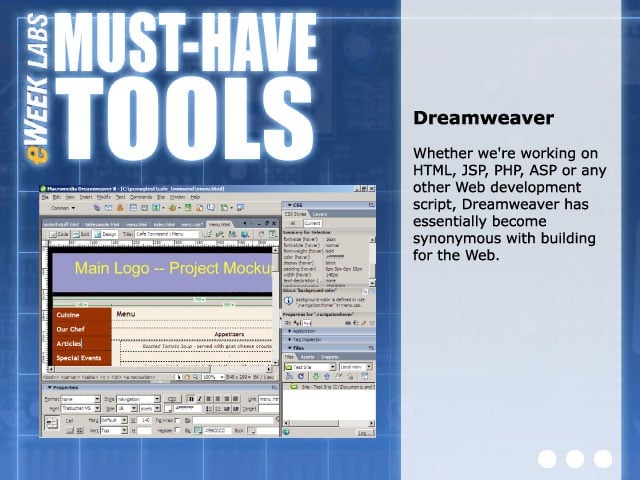
Whether were working on HTML, JSP, PHP, ASP or any other Web development script, Dreamweaver has essentially become synonymous with building for the Web.
eWEEK Labs Must-Have Tools – Filezilla
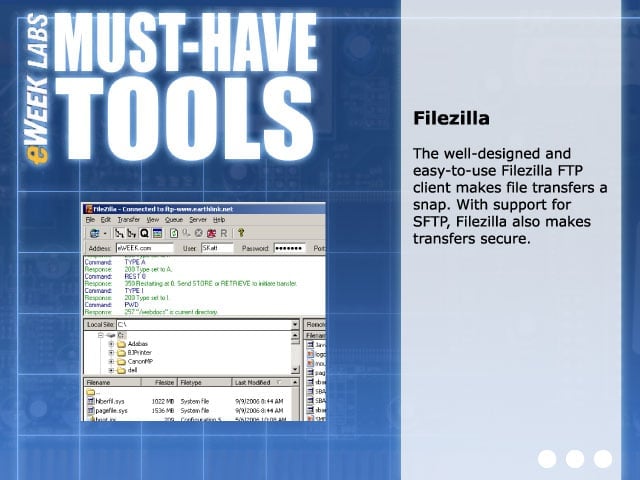
The well-designed and easy-to-use Filezilla FTP client makes file transfers a snap. With support for SFTP, Filezilla also makes transfers secure.
eWEEK Labs Must-Have Tools – Gaim
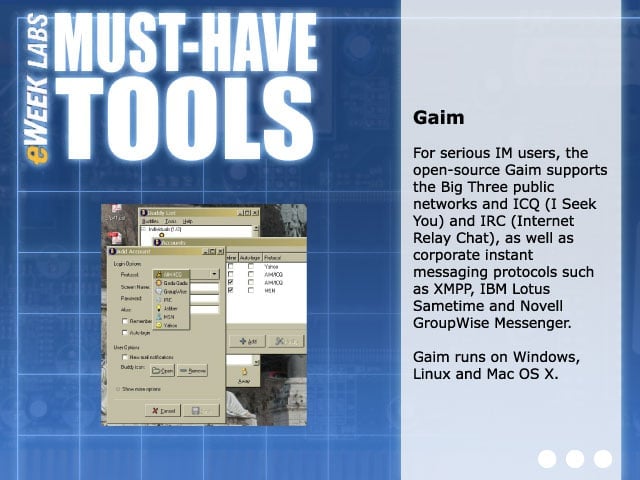
For serious IM users, the open-source Gaim supports the Big Three public networks and ICQ (I Seek You) and IRC (Internet Relay Chat), as well as corporate instant messaging protocols such as XMPP, IBM
eWEEK Labs Must-Have Tools – Ghost
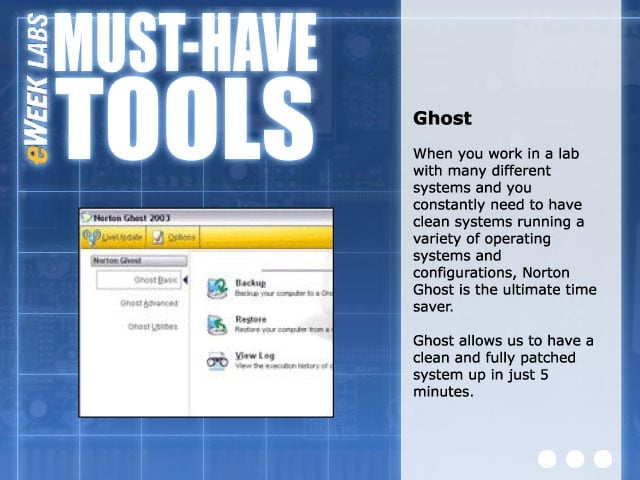
When you work in a lab with many different systems and you constantly need to have clean systems running a variety of operating systems and configurations, Norton Ghost is the ul
eWEEK Labs Must-Have Tools – Gimp
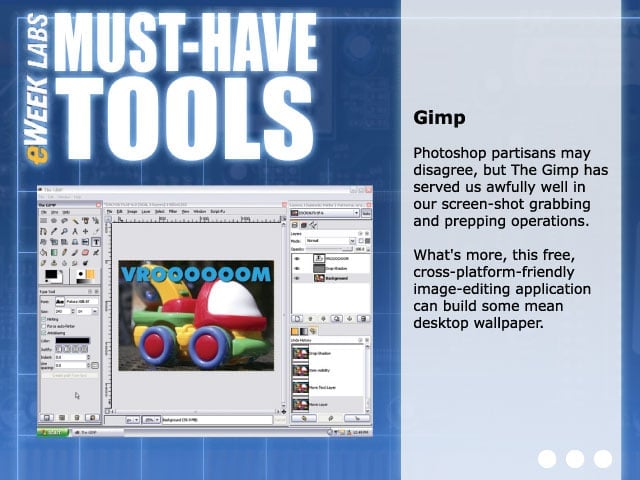
Photoshop partisans may disagree, but The Gimp has served us awfully well in our screen-shot grabbing and prepping operations. Whats more, this free, cross-platform-friendly image-editing application can bui
eWEEK Labs Must-Have Tools – Iometer
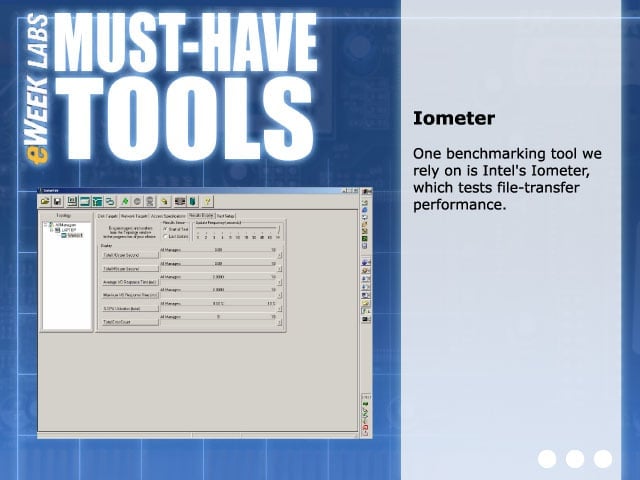
One benchmarking tool we rely on is Intels Iometer, which tests file-transfer performance.
eWEEK Labs Must-Have Tools – iPerf
The National Laboratory for Applied Network Researchs iPerf is invaluable for performing quick network performance tests of wired and wireless networks alike. Although not as fully featured
eWEEK Labs Must-Have Tools – Kismet/NetStumbler
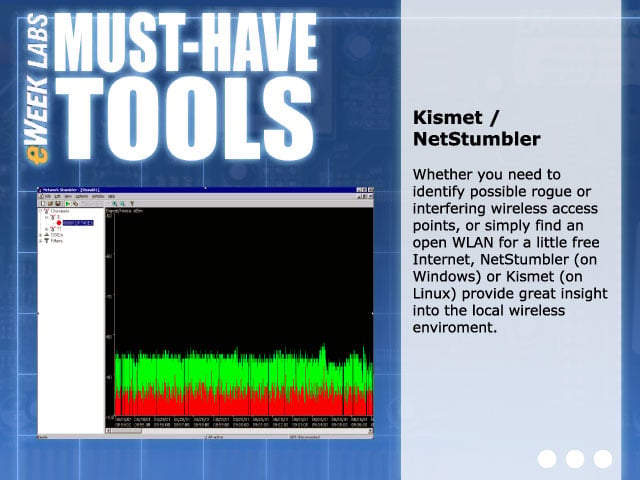
Whether you need to identify possible rogue or interfering wireless access points, or simply find an open WLAN for a little free Internet, NetStumbler (on Windows) or Kismet (on Linux) provide great in
eWEEK Labs Must-Have Tools – Knoppix
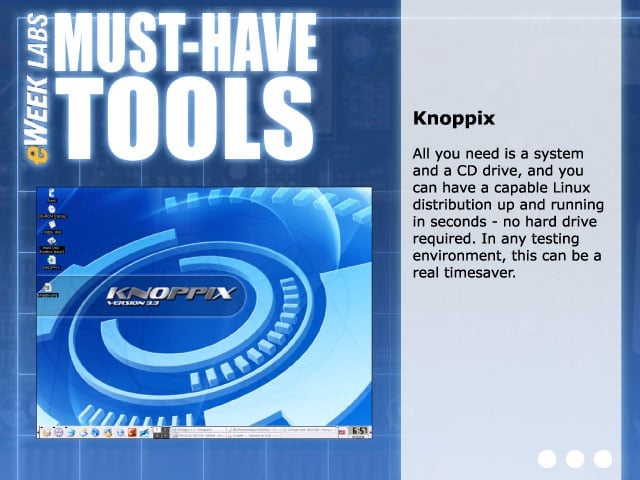
All you need is a system and a CD drive, and you can have a capable Linux distribution up and running in seconds–no hard drive required. In any testing environment, Knoppix can be a r
eWEEK Labs Must-Have Tools – LogMeIn
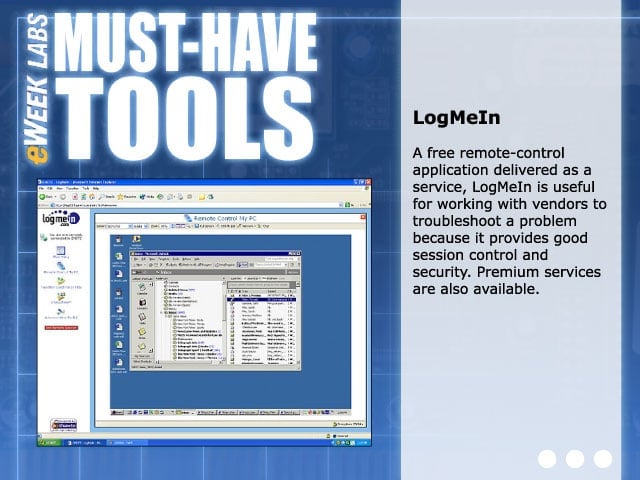
A free remote-control application delivered as a service, LogMeIn is useful for working with vendors to troubleshoot a problem because it provides good session control and security. Premium services are als
eWEEK Labs Must-Have Tools – Metasploit
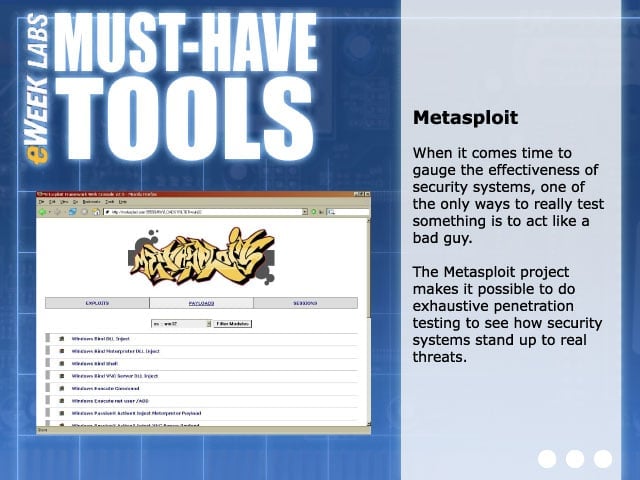
When it comes time to gauge the effectiveness of security systems, one of the only ways to really test something is to act like a bad guy. The Metasploit Project makes it possible to do exhaustive penet
eWEEK Labs Must-Have Tools – Nagios
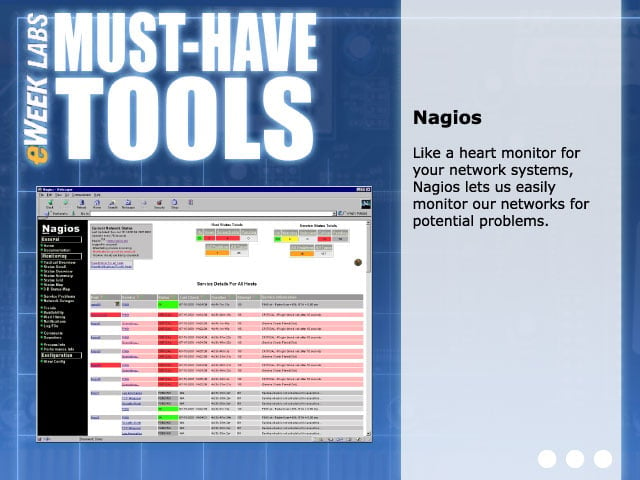
Like a heart monitor for your network systems, Nagios lets us easily monitor our networks for potential problems.
eWEEK Labs Must-Have Tools – Nero 7
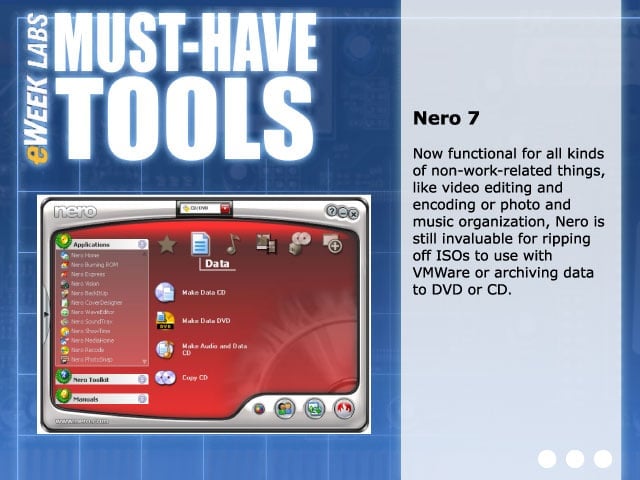
Now functional for all kinds of non-work-related things, like video editing and encoding or photo and music organization, Nero is still invaluable for ripping off ISOs to use with VMWare or archiving data to
eWEEK Labs Must-Have Tools – Nessus
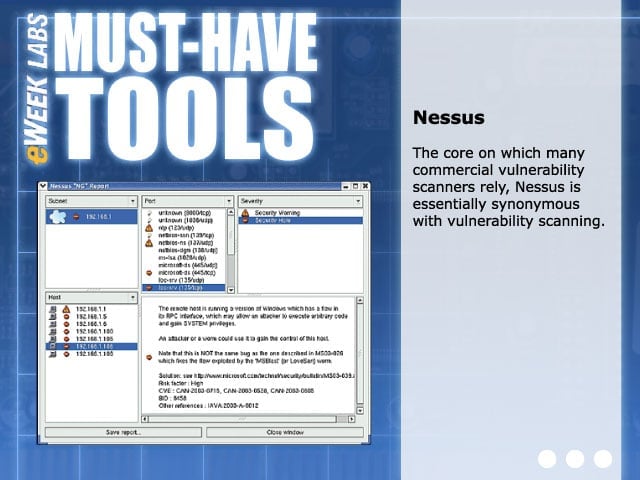
The core on which many commercial vulnerability scanners rely, Nessus is essentially synonymous with vulnerability scanning.
eWEEK Labs Must-Have Tools – Net Snippets
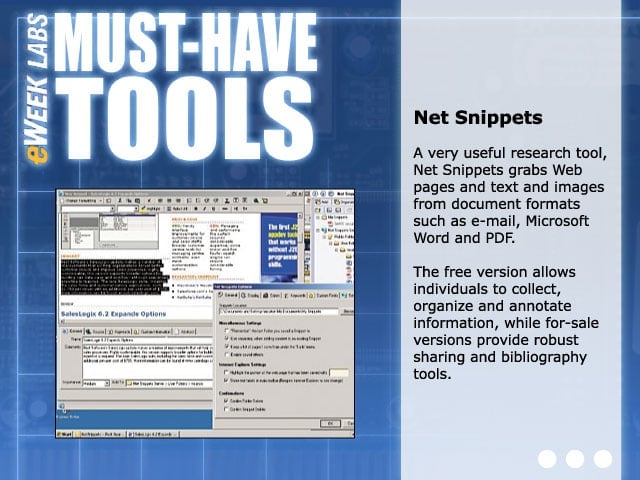
A very useful research tool, Net Snippets grabs Web pages and text and images from document formats such as e-mail, Microsoft Word and PDF. The free version allows individuals to collect, organize and
eWEEK Labs Must-Have Tools – Nmap
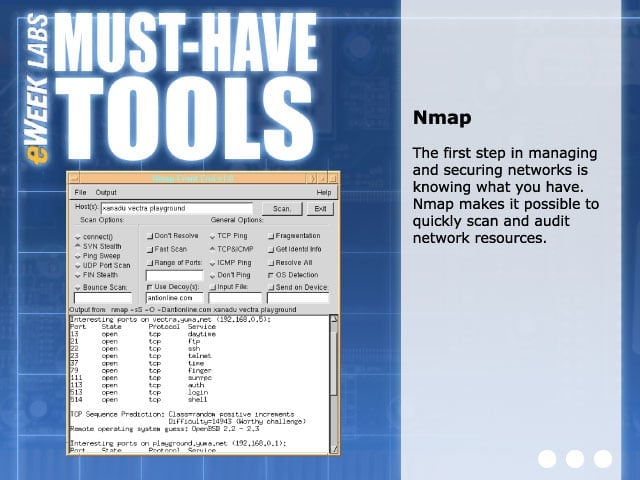
The first step in managing and securing networks is knowing what you have. Nmap makes it possible to quickly scan and audit network resources.
eWEEK Labs Must-Have Tools – OneNote
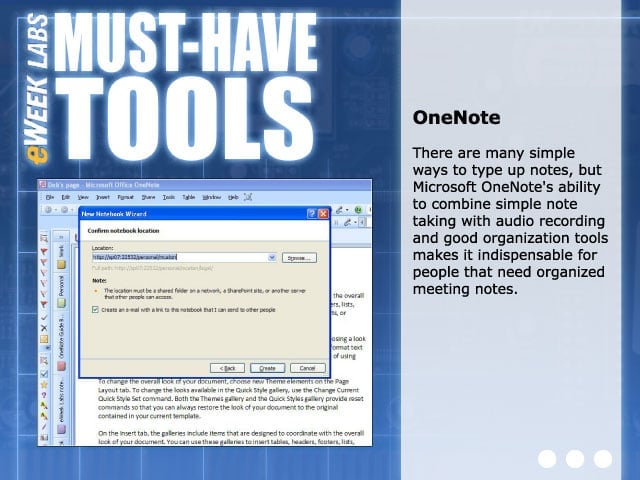
There are many simple ways to type up notes, but Microsoft OneNotes ability to combine simple note taking with audio recording and good organization tools makes it indispensa
eWEEK Labs Must-Have Tools – Prime95
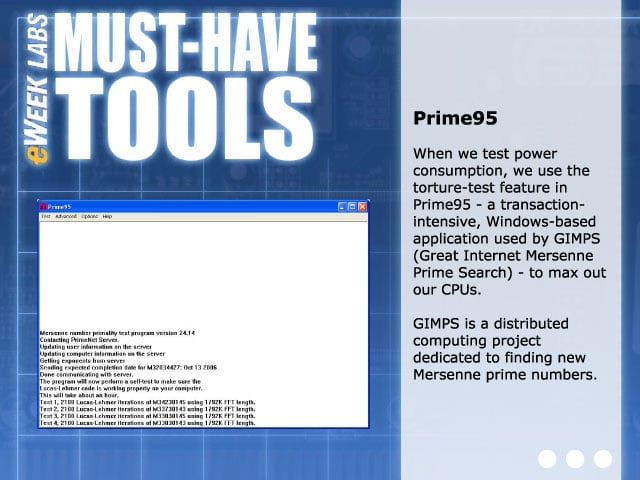
When we test power consumption, we use the torture-test feature in Prime95;a transaction-intensive, Windows-based application used by GIMPS (Great Internet Mersenne Prime Search);to max out ou
eWEEK Labs Must-Have Tools – Power meter/data logger
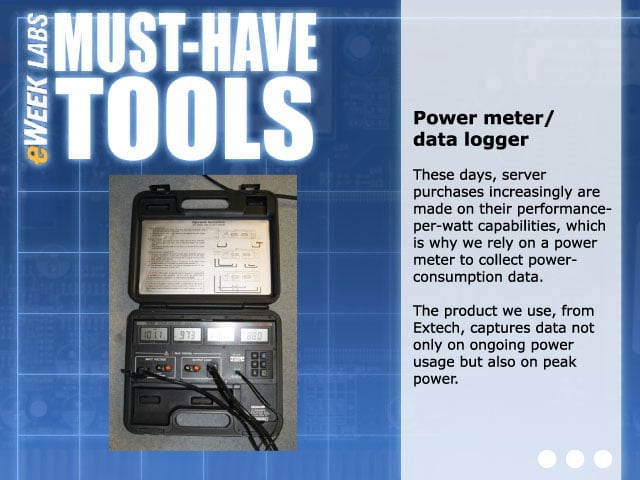
These days, server purchases increasingly are made on their performance-per-watt capabilities, which is why we rely on a power meter to collect power-consumption data. The product we use, from Extech, captu
eWEEK Labs Must-Have Tools – Putty
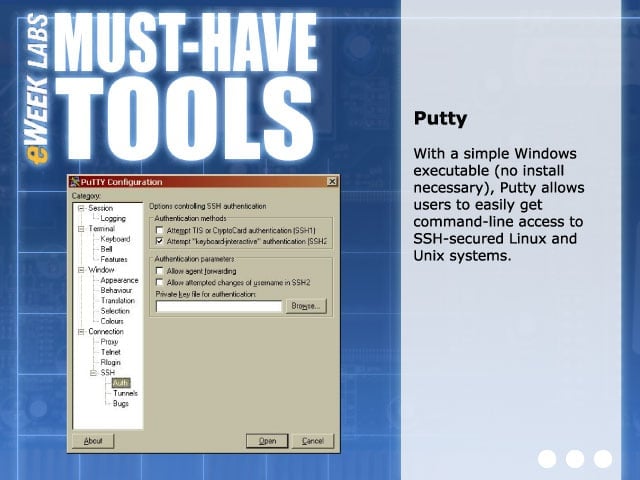
With a simple Windows executable (no install necessary), Putty allows users to easily get command-line access to SSH-secured Linux and Unix systems.
eWEEK Labs Must-Have Tools – Small GigE switches/routers
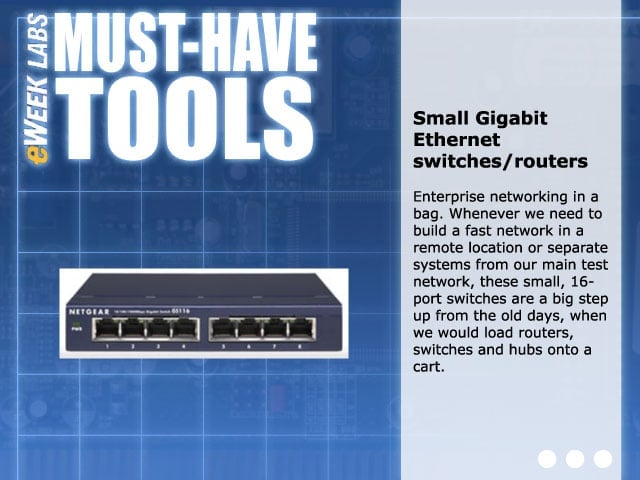
Enterprise networking in a bag. Whenever we need to build a fast network in a remote location or separate systems from our main test network, these small, 16-port switches are a big step up from the old days, when we would load routers, switches and hubs