







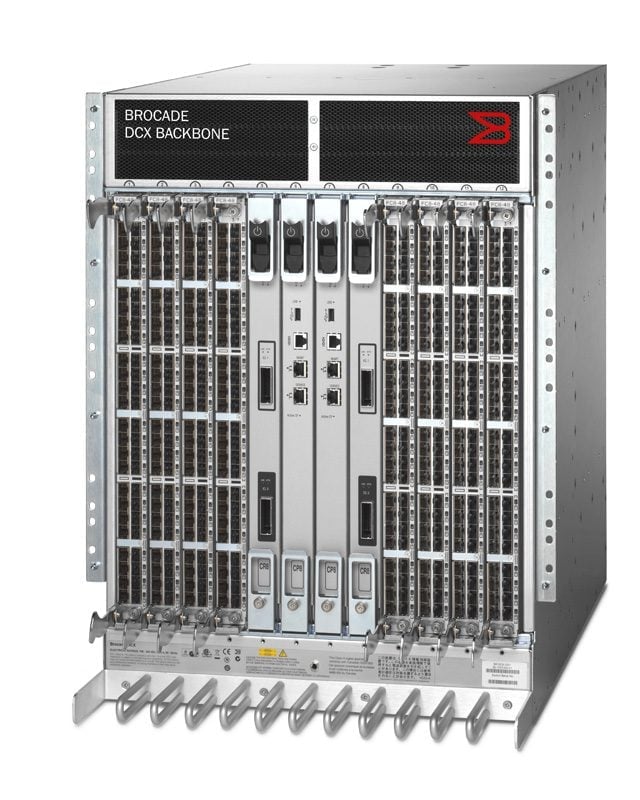
- eWEEK Labs Walk-Through: Brocade DCX Datacenter Backbone
- eWEEK Labs Walk-Through: Brocade DCX Datacenter Backbone – Ingress Rate Limiting
- eWEEK Labs Walk-Through: Brocade DCX Datacenter Backbone – Top Talkers Tell Tale
- eWEEK Labs Walk-Through: Brocade DCX Datacenter Backbone – DCX Traffic
- eWEEK Labs Walk-Through: Brocade DCX Datacenter Backbone – Before QOS
- eWEEK Labs Walk-Through: Brocade DCX Datacenter Backbone – After QOS
eWEEK Labs Walk-Through: Brocade DCX Datacenter Backbone
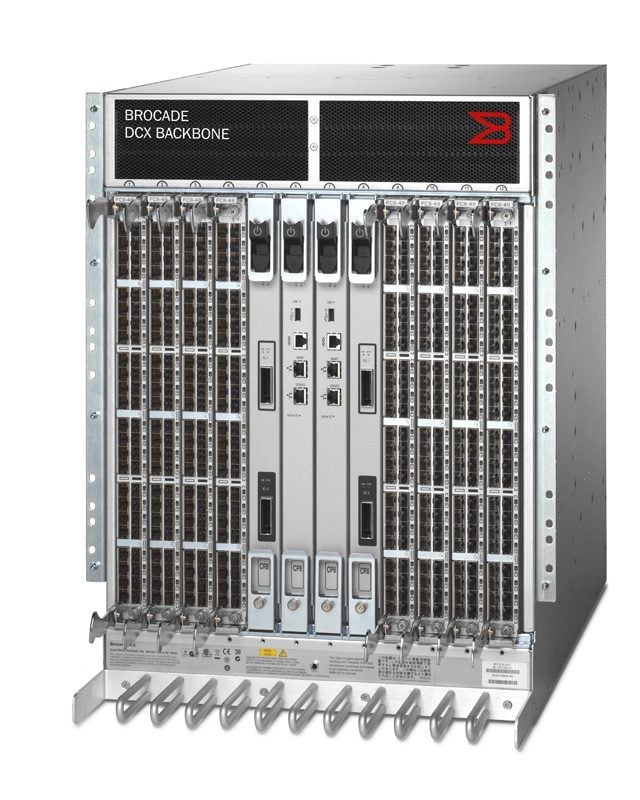
The DCX chassis is a 16U (28-inch) box with a maximum of 448 ports. Two chassis can be used in tandem, increasing the maximum number of ports to 896.
eWEEK Labs Walk-Through: Brocade DCX Datacenter Backbone – Ingress Rate Limiting
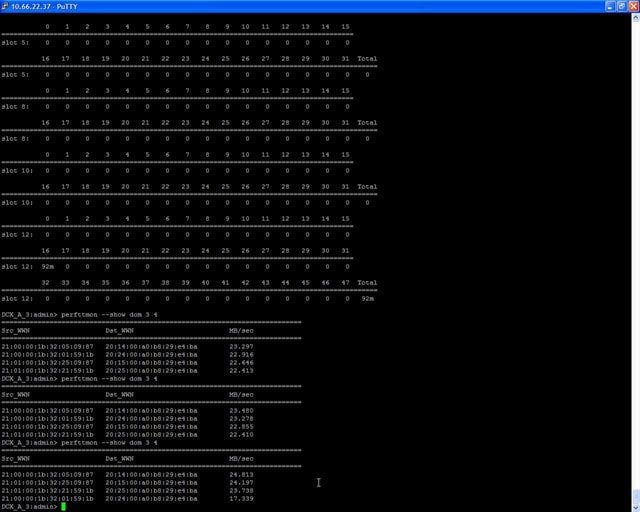
Link 3 Port 2 with ingress rate limiting sends data at 17M bps; the other ports take advantage of the extra bandwidth over the ISL (Inter-Switch Link) and send data at rates of between 23.7M and 24.8M bps.
eWEEK Labs Walk-Through: Brocade DCX Datacenter Backbone – Top Talkers Tell Tale
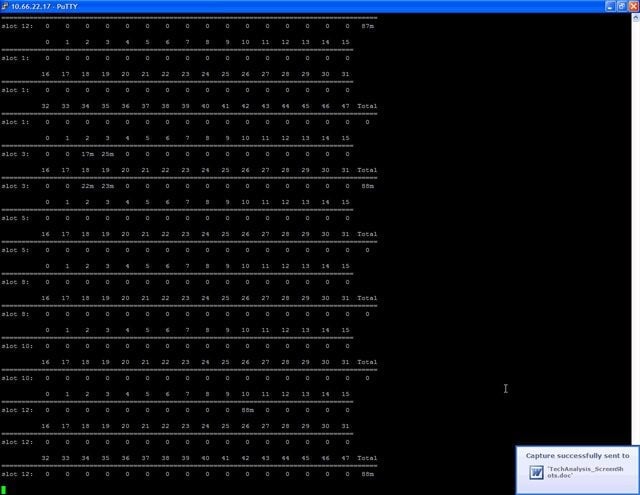
Brocade engineers used the Top Talker feature, available in the FOS (Fabric Operating System), to show how traffic was redistributed after a rate-limiting policy was put in place.
eWEEK Labs Walk-Through: Brocade DCX Datacenter Backbone – DCX Traffic
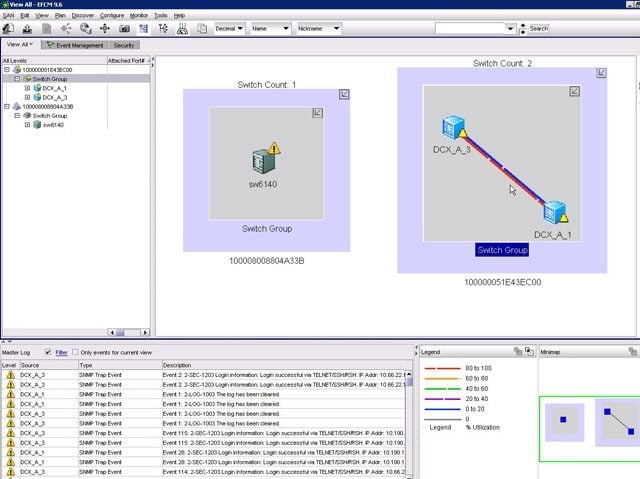
The red line between the two DCX chassis (shown on the right side of the screen) indicates that traffic is at 80 to 100 percent of the link and that congestion is occurring. Shortly after this condition developed, Adaptive Networking Services reconfigured traffic patterns to prioritize workloads according to a predetermined priority.
eWEEK Labs Walk-Through: Brocade DCX Datacenter Backbone – Before QOS
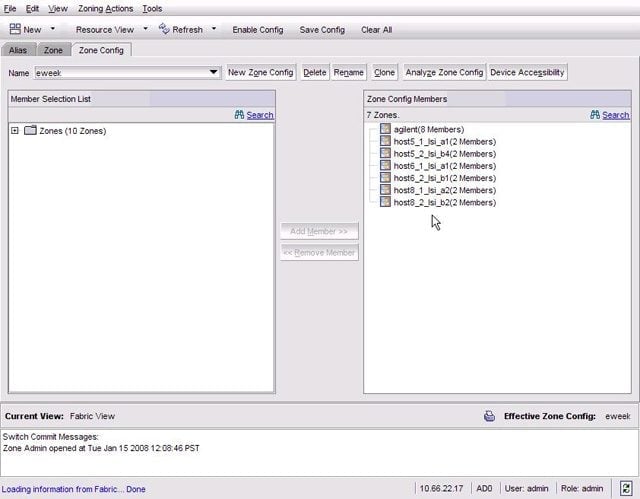
Zones before QOS (quality of service) policies are applied.
eWEEK Labs Walk-Through: Brocade DCX Datacenter Backbone – After QOS
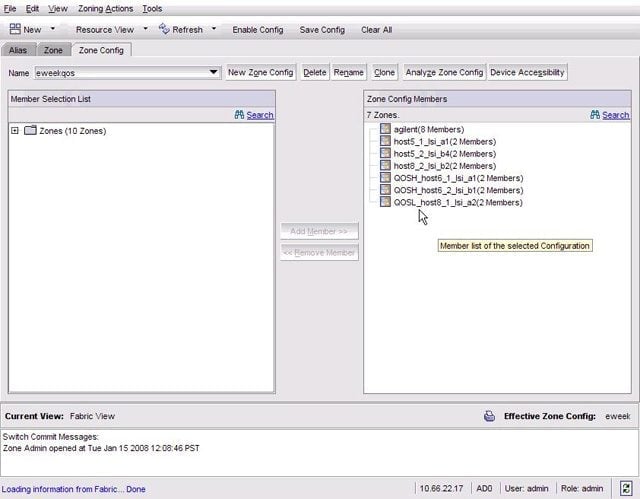
At right, several zones have been configured with QOS policies. When congestion occurs for any reason, zones with a high QOS level are allocated 60 percent of bandwidth, while zones with a low QOS level get 10 percent.