







If you ever feel like you’re stuck with a never-ending to-do list, AI apps can make your day a lot more productive. AI tools can simplify tasks like scheduling meetings, organizing emails, and managing remote work. You can also use AI apps for creative tasks like designing home decor, creating new recipes, and generating quick travel itineraries. The trick is to experiment a little until you find the right AI tool to match the job and make your everyday chores easier.
Here’s a quick rundown of clever ways you can use AI for everyday tasks.
Turn messy notes into clean text with ChatGPT
Have you ever stared at your piles of notes and not known where to start? Or do you keep switching between different note apps but still can’t find one that could organize your to-do list, receipts, reminders, and random bursts of creativity? If this is you, try using ChatGPT to turn your messy notes into clear, easy-to-organize text.
You can take a snap of your handwritten notes, receipts, or a page of a book you’re reading, and prompt ChatGPT to transcribe the image or extract the text. Its Projects feature lets you organize your notes, prompts, and conversations into a dedicated workspace; for instance, you can categorize notes for your next vacation, work project, and meal. If you’re unsure how to tackle each task, you can ask ChatGPT for recommendations and resources to assist you.
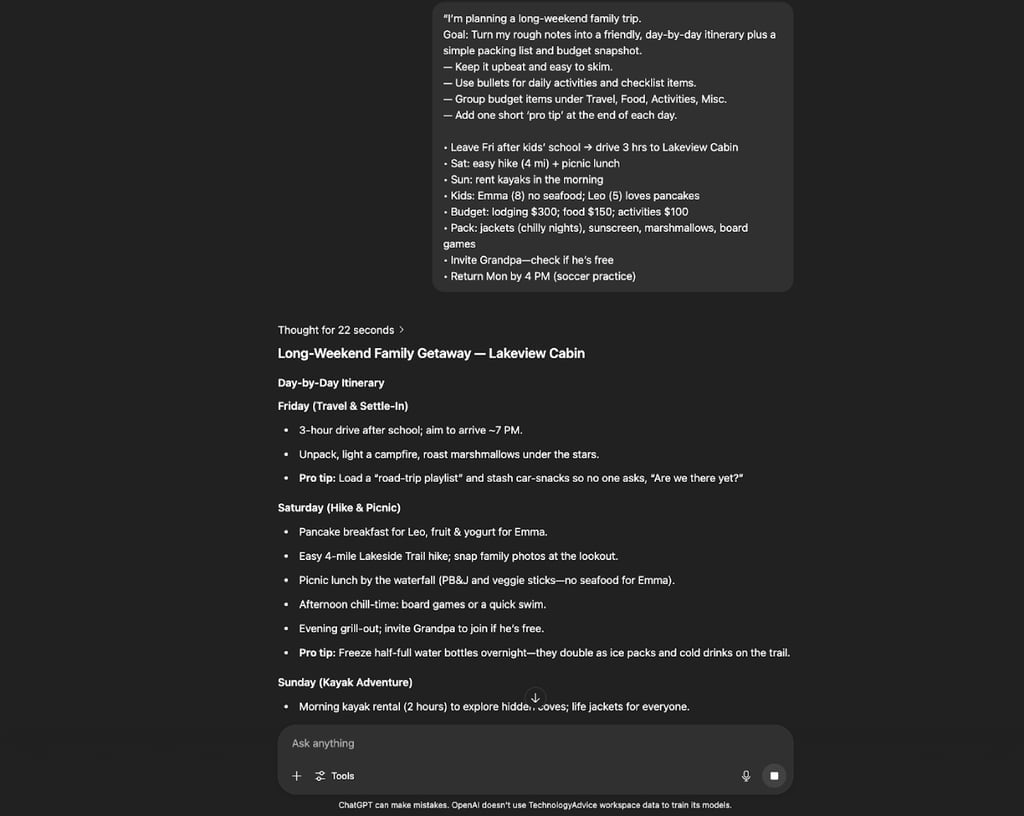
ChatGPT can turn jumbled trip notes into a detailed itinerary with activities, packing lists, and pro tips.
Design from scratch with Canva Magic Design
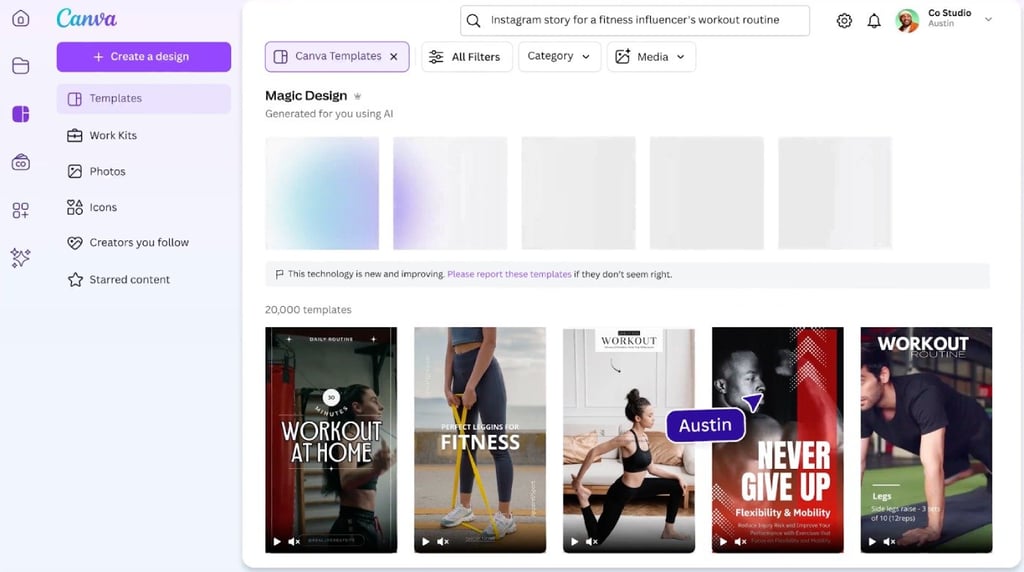
Whip up attractive AI-generated art you can use to decorate your home, design birthday cards, or find ideas to restyle your bedroom with Canva’s Magic Design feature. Whether you’re planning to create from scratch or take ideas from a wide range of templates, Canva has all these tools for you. Describe what you’d like to design, and Magic Design will craft it for you. You can also upload your media to make it uniquely yours, so drop in a family picture and create a custom greeting card for the holidays. Plus, Canva’s drag-and-drop design tool makes it easier for you to create any design in minutes, even if you’re an AI beginner.
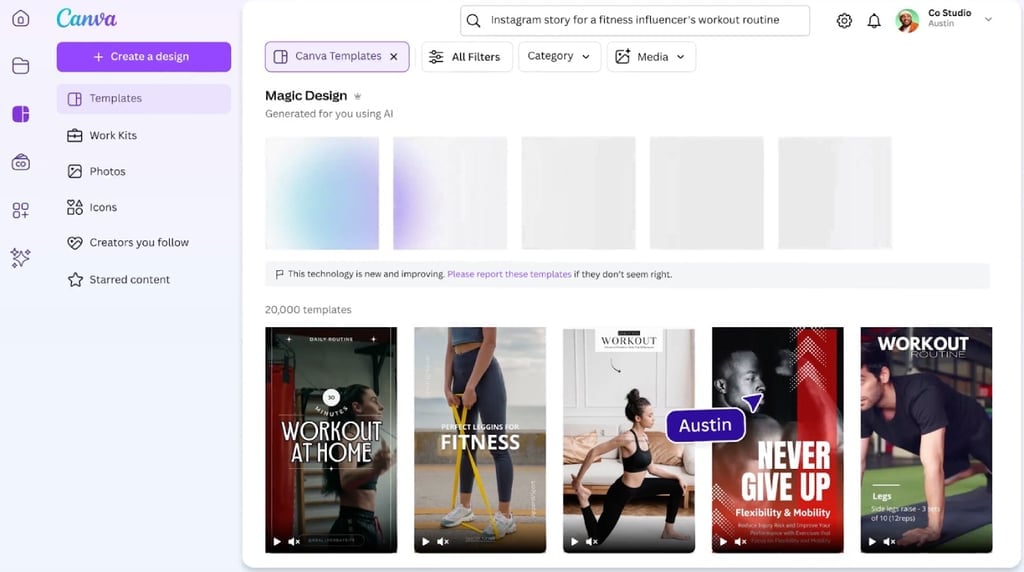
Choose from Canva’s wide range of templates or simply type a prompt to create designs for your social media posts, Pinterest pins, invitations, mugs, and more.
Connect remotely using Clockwise
If you’re working from home or anywhere around the world, Clockwise is one of the best AI tools for remote teams. Clockwise keeps you connected with your teammates, clients, and family members and helps you optimize your calendar.
Clockwise connects to your Google Calendar, adjusting meeting times based on time zones, and carves out focus blocks for deep work. It’s like having an AI calendar assistant that works 24/7 to help you manage your time better.
Quick tip: Sync Clockwise with Slack so it changes your status to “heads down” to automatically protect your blocks of uninterrupted time for focused work on your calendar.
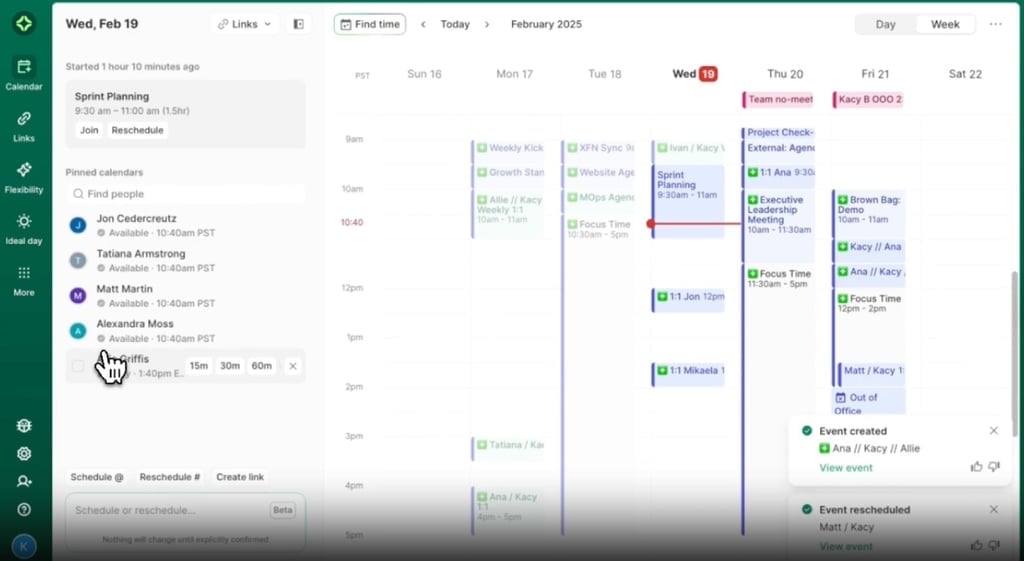
Clockwise helps you manage different schedules, whether you’re planning a meeting for your next reunion, setting aside focus time for deep work, or coordinating work sessions with your colleagues.
Draft encrypted emails with Proton Lumo
Are you looking for an AI tool that offers smart-reply suggestions without having to worry about data leaks? Proton Lumo is a privacy-first AI assistant from Proton, known for its zero-logs policy and end-to-end encryption. You can use this top AI tool to keep your conversations confidential and to keep your data fully under control, as it doesn’t keep any logs and keeps every chat encrypted. Whether you’re summarizing sensitive legal documents, asking private health questions, or rewriting personal emails, Proton Lumo will help you stay productive and private.
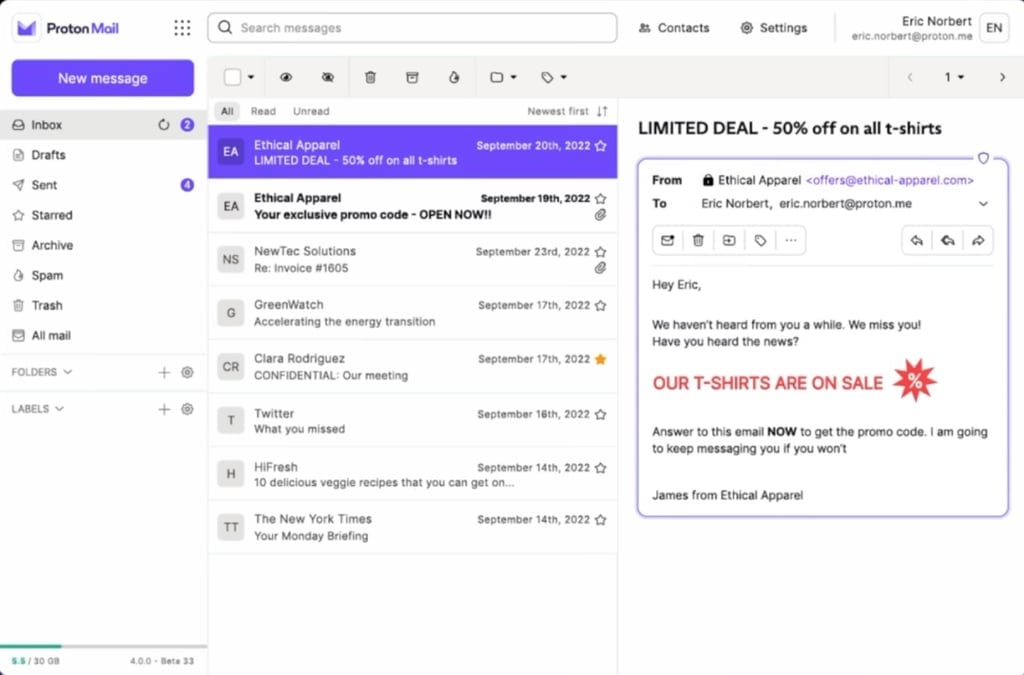
Proton uses AI-driven spam filtering to manage marketing emails and other unsolicited messages.
Bottom line: Get more done with AI
While AI can’t unload your dishwasher or fold your laundry, it can help you simplify your schedule, organize your messy notes, and keep your conversations secure. Think of AI as a sidekick that helps you make the most of your time.
Instead of stressing out about how to align everyone’s schedule for a high school reunion or organizing your receipts for home expenses, you can spend more time picking up a new hobby or bonding with family. Start by identifying what consumes most of your time, explore the AI tools available to you, and strategically match these tools to your specific tasks and goals.
Explore our list of powerful yet underrated AI tools that can help you become more productive every day.