







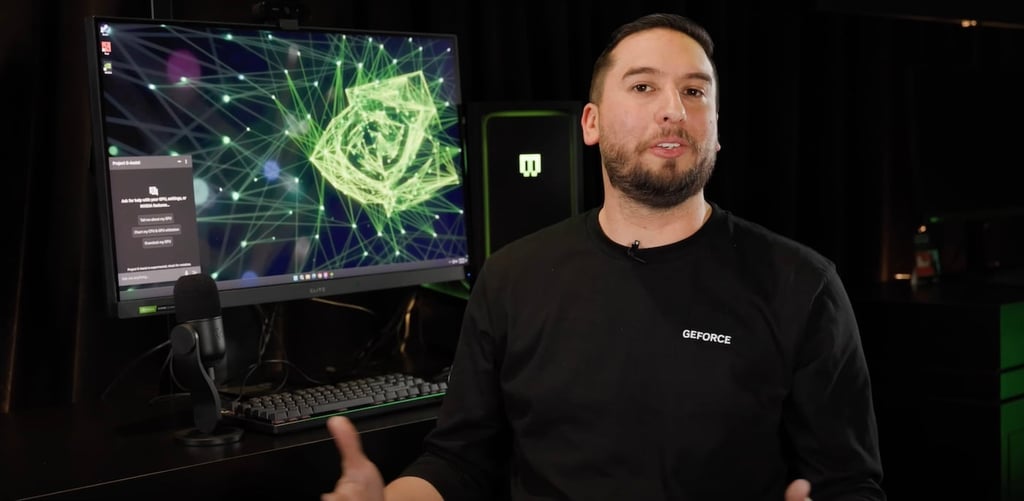
If you ever wanted to run an AI chatbot at the same time as a PC game to make the most of your experience, NVIDIA is hoping to make this a reality with its new G-Assist AI app. This NVIDIA app can help users control a range of PC settings to customize their gaming experience via simple voice or text comments. The app can run locally on the GPUs of GeForce RTX AI desktop PCs; this sets the G-Assist app apart from many consumer AI tools, which are designed to run in the cloud.
NVIDIA previously released another AI app that could run locally on GPUs — it was a ChatGPT-like app called ChatRTX. The G-Assist app is different because it’s designed specifically for gamers, who tend to own PCs with a higher GPU.
G-Assist AI app’s functionality is limited — for now
The first publicly available version of G-Assist has limited functionality for now. Some of the app’s current abilities include control peripheral settings such as lighting and charting key performance statistics such as frame rates.
When NVIDIA demoed the G-Assist app last year, it showed off more impressive capabilities. During the demo, G-Assist could track what the player was doing in the game and offer suggestions for reaching the next objective. This artificial intelligence integration is currently very limited, supporting only a handful of games; however, there is support for third-party integrations that give the G-Assist app control over other peripherals, like Logitech G and Corsair.
Requirements for using the G-Assist AI app
According to NVIDIA, the app uses a third-party small language model (SLM) — not to be confused with a large language model — that is optimized for local operation. The text-only installation requires 3 GB of space, while adding the voice control feature increases that to 6.5 GB. Users also must have a GeForce RTX 30, 40, or 50 series GPU with at least 12 GB of VRAM in order to install the app; more powerful GPUs will help the app run faster.NVIDIA says that support for laptop GPUs will be available in the future, though not all laptops will have enough GPUs and be fast enough to support G-Assist. For more information about the G-Assist app’s capabilities and requirements, read the entire release from NVIDIA.