







Microsoft’s Windows Mobile 6.5 Offers Mobile Office, Outlook, Calendar, More
by Nicholas Kolakowski
No Title
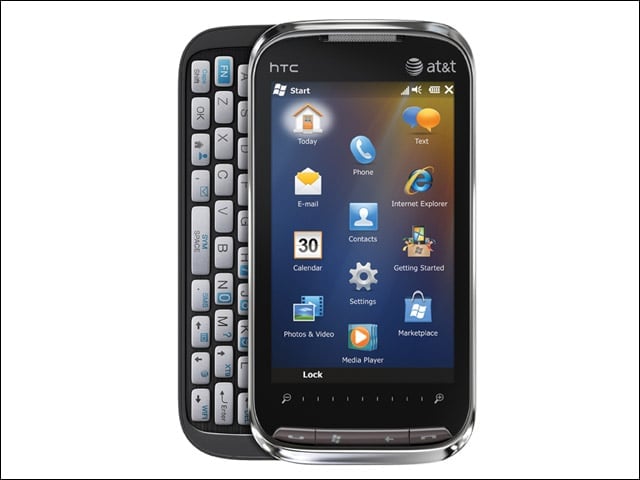
The opening screen of Mobile 6.5 offers quick access to phone and e-mail, as well as Marketplace, Mobiles equivalent of Apples App Store, and Internet Explorer Mobile, a mobile browser designed to bring desktop feel to Web crawling.
No Title
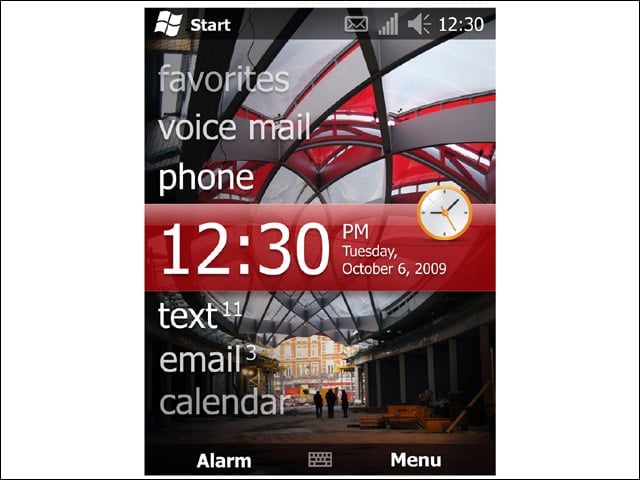
The Today screen (this one showing a Ron Arad design) lets the user not only see the date and time, but also e-mail, voicemail and text status.
No Title
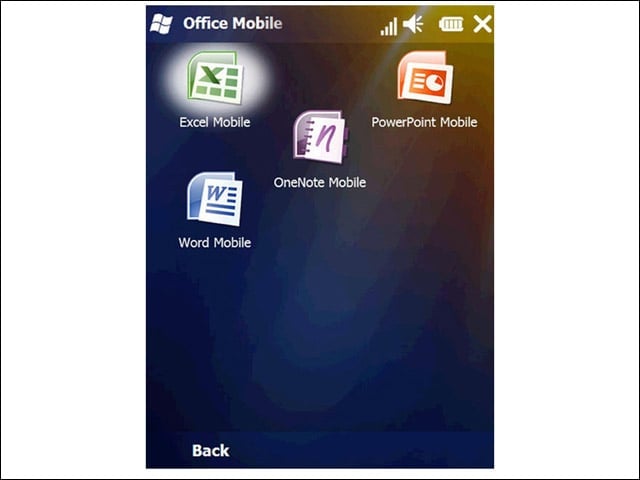
The opening Office Mobile screen currently provides access to four stripped-down applications: Excel Mobile, OneNote Mobile, PowerPoint Mobile and Word Mobile.
No Title
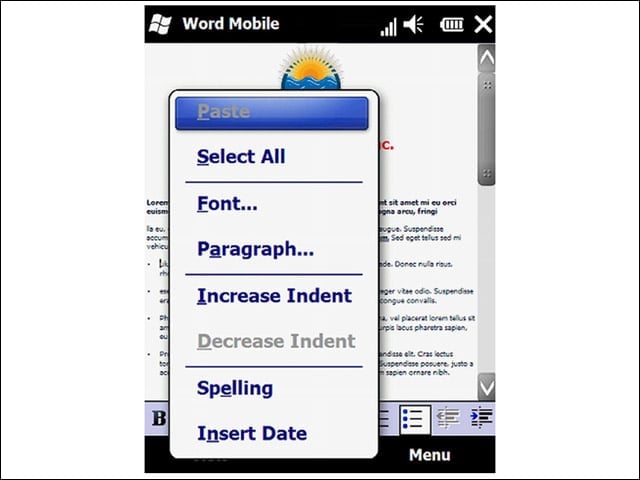
Word Mobile offers relatively limited functionality compared to the desktop version, but is useful for quick edits, deletions, as well as the ability to spell-check and view document word count.
No Title
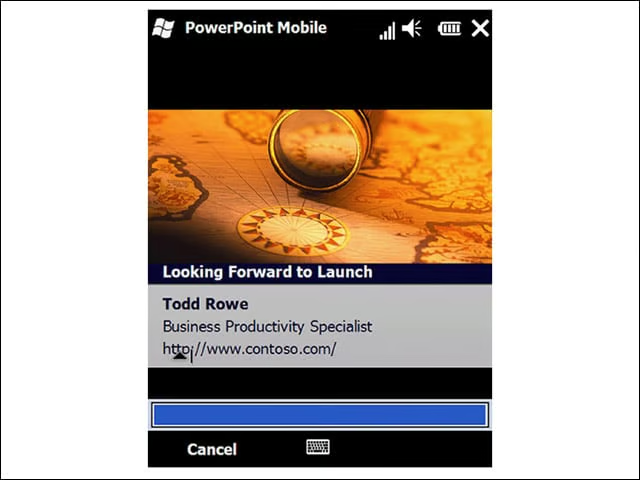
PowerPoint Mobile lets the user flip through presentation slides, although no editing functionality exists as yet.
No Title
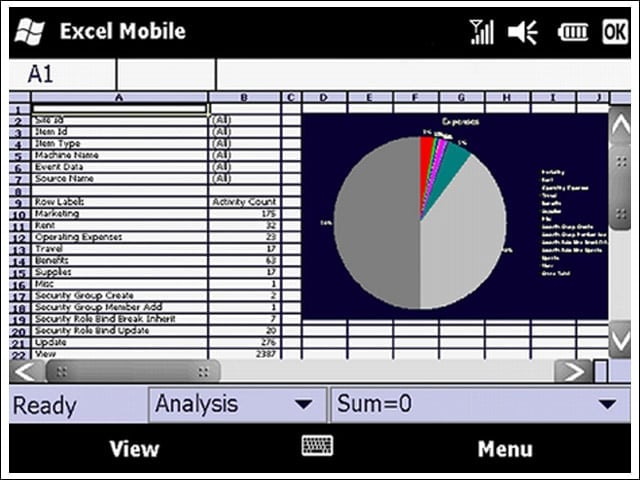
Excel Mobile lets road warriors make changes to spreadsheets, sort data and view an entire worksheet on one screen.
No Title
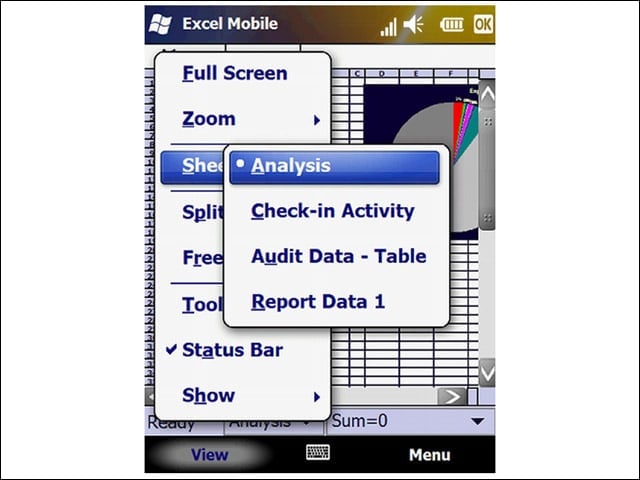
With a multitouch screen, Excel Mobile provides additional functionality for creating new spreadsheets and charts, and copying and pasting formulas.
No Title
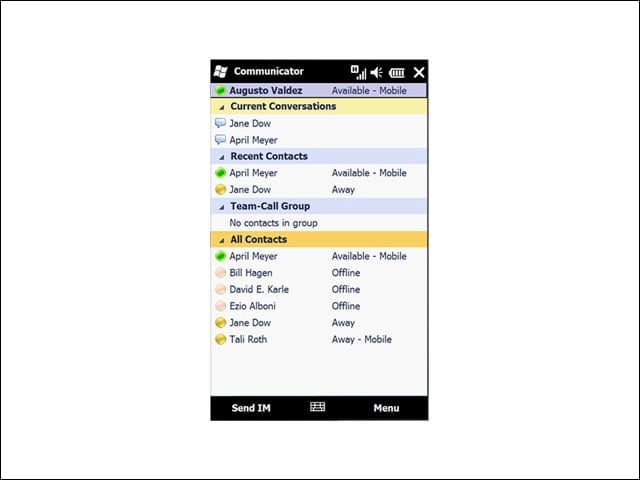
Office Communicator gives the on-the-road user access to recent contacts, the ability to navigate IM conversations, single-number reach support and join Unified Communications (UC) conference calls with a single button-click.
No Title
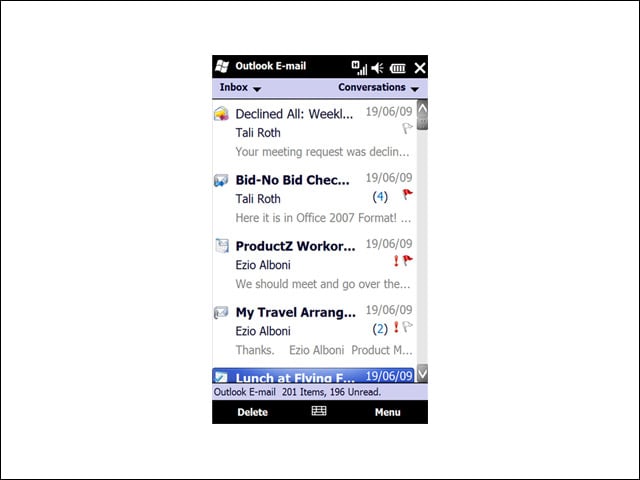
Windows Office Outlook Mobile lets users organize information in folders, send and receive e-mail, and manage multiple accounts from their devices.
No Title
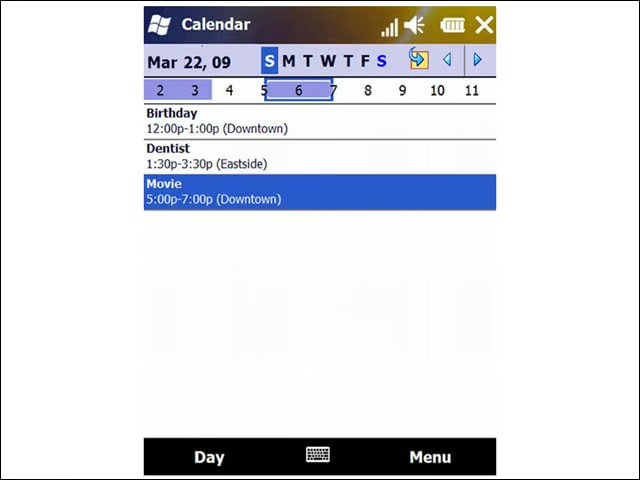
Outlook also will synchronize calendar and contacts with a PC and send meeting requests. Mobile 6.5 also features Exchange Server synchronization.
