








- 10 Factors That Make the Improved MacBook a Sound Notebook Pick
- Portability Is a Major Selling Point
- The 12-Inch Display Is Impressive
- Intel Processor Options Are Strong
- The Graphics Power Should Suffice
- The Full-Sized Keyboard Is Important
- Bring On the Force Touch
- The Appeal of USB-C
- The Battery Life Has Gotten a Boost
- Think Seriously About Adapters
- One of the More Affordable Macs
10 Factors That Make the Improved MacBook a Sound Notebook Pick
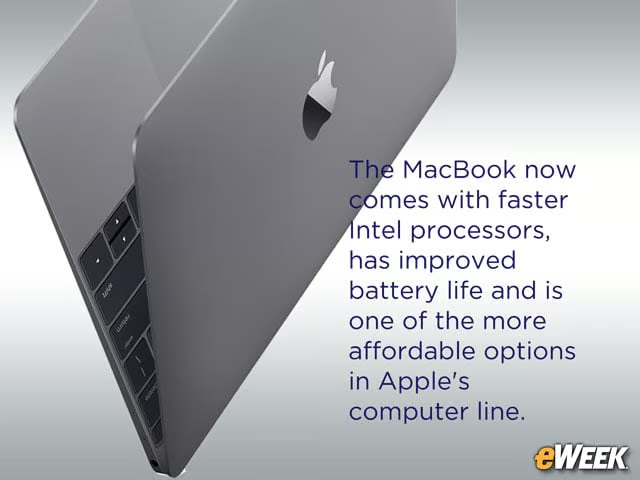
The MacBook now comes with faster Intel processors, has improved battery life and is one of the more affordable options in Apple’s computer line.
Portability Is a Major Selling Point
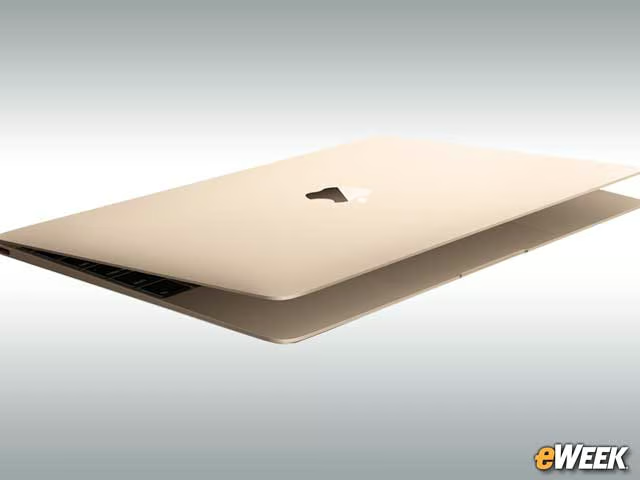
The whole point of offering the MacBook is to appeal to customers seeking portability. The MacBook weighs just 2 pounds and is 0.14 inches thick at its thinnest point. Those specs, combined with its 11-inch width and nearly 8-inch depth, make it easy to toss in a bag and carry around.
The 12-Inch Display Is Impressive
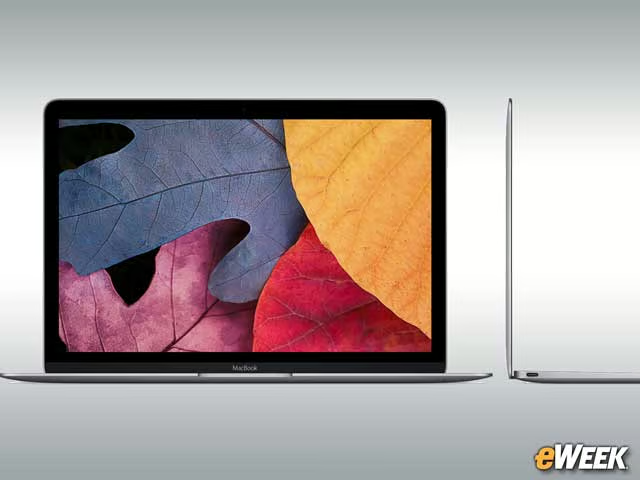
Customers will ultimately need to decide whether a 12-inch display will do the trick or if they’ll want something bigger. Regardless, the 12-inch screen is impressive, featuring a 16:10 aspect ratio and the ability to render more than 3 million pixels. The Retina display’s resolution comes in at 2,304-by-1,440.
Intel Processor Options Are Strong
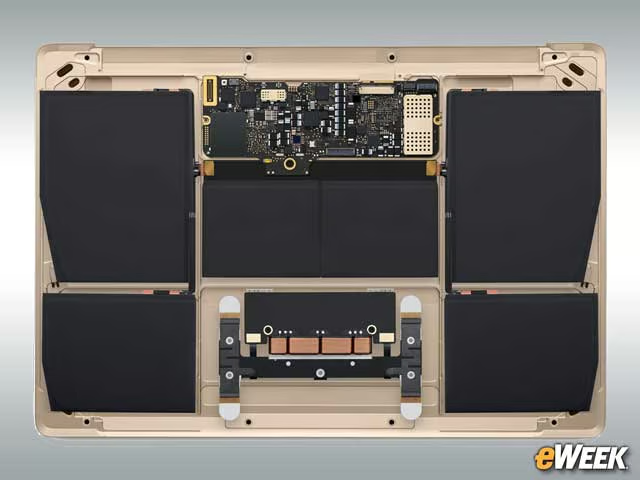
Now equipped with the sixth-generation Intel processor options, MacBook customers can choose the 1.1GHz Intel Core m3 or the 1.2GHz dual-core Intel Core m5 processor. That said, Apple is offering a customization option that lets users upgrade to the 1.3GHz dual-core Intel Core m7 for faster processing speed.
The Graphics Power Should Suffice
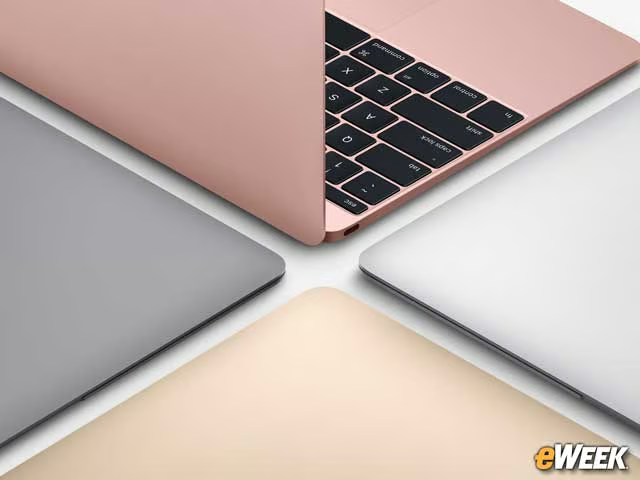
The MacBook now comes with the Intel HD Graphics 515 chip, which should be able to handle simple tasks in OS X and third-party apps. That said, Apple was quick to note that the graphics chip is up to 25 percent faster than the previous graphics processor offered in the MacBook.
The Full-Sized Keyboard Is Important
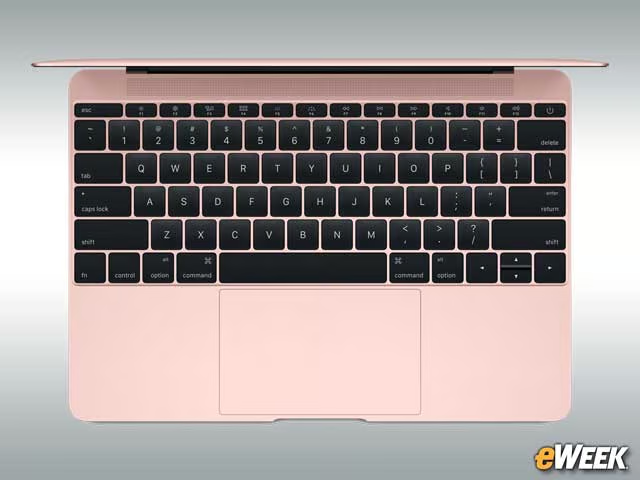
Although it’s a small device, Apple’s MacBook comes with a full-sized keyboard, making it a bit easier for users to type and get work done. That’s important. Most tiny, lightweight notebooks come with smaller keyboards that can be cramped for those with larger hands. Apple’s MacBook isn’t one of those notebooks.
Bring On the Force Touch

The trackpad built into the MacBook comes with full Force Touch capabilities. With that feature, users can vary how hard they press down on the trackpad. Based on the amount of registered pressure, OS X will respond with different software functions. It’s a neat feature the Apple also offers in its iPhone 6s line.
The Appeal of USB-C
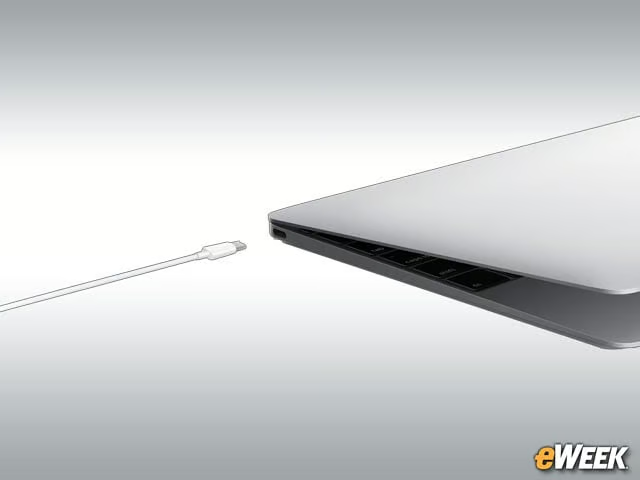
The MacBook might be light on ports, but that’s not necessarily a bad thing. The computer comes with a single USB-C port that’s capable of everything from charging the device to transferring data. In addition, the USB-C port delivers video output, making it one of the most important components in Apple’s MacBook line.
The Battery Life Has Gotten a Boost
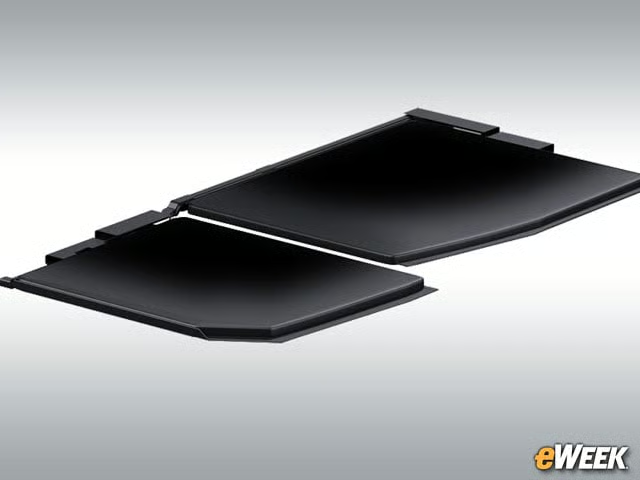
Apple said that its new MacBook has one additional hour of battery life compared to the previous model. Thanks to improved power usage of built-in components, the MacBook can now deliver up to 10 hours of battery life, according to Apple’s estimates. While that’s not best in class, the more battery life, the better.
Think Seriously About Adapters
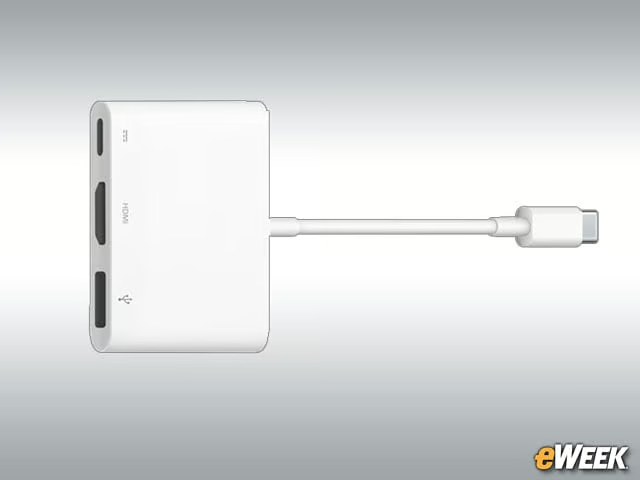
Due to the MacBook’s general lack of ports, adapters become all the more important. Realizing that, Apple sells several USB-C adapters to deliver additional functionality to its MacBook. One adapter in particular is capable of connecting to the USB-C port and then providing users with the ability to plug in a High-Definition Multimedia Interface (HDMI) device, USB accessory or other products. A simple adapter can go a long way in extending the MacBook’s features.
One of the More Affordable Macs
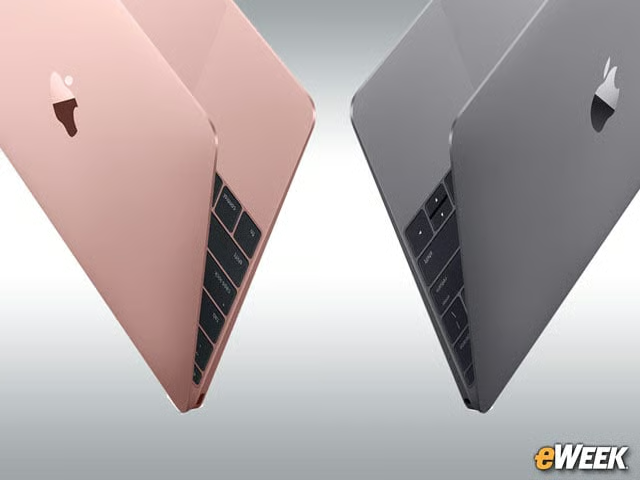
The MacBook isn’t the cheapest lightweight computer on the market, but in Apple’s world, it’s not a bad value. The device starts at $1,299 for the base model, though customers who want more storage will need to dole out $1,599. Boosting the device’s processor will also add to the price. For many users, though, sticking to Apple’s standard models should suffice.