







- 10 Factors to Consider When Selecting an Apple Mac Model
- Guessing When the Next Mac Update Is Coming
- It Doesn’t Hurt to Pay Attention to Market Rumors
- How Important Is Portability?
- Consider Notebook Screen Sizes
- Does an All-In-One Make Sense?
- How Much Processing Power Do You Need?
- Do You Really Want to Supply Your Own Display?
- Decide Whether to Update to macOS Sierra or Get the OS Bundled
- Think About Custom Options for Your New Mac
- Pricing Is Everything
10 Factors to Consider When Selecting an Apple Mac Model
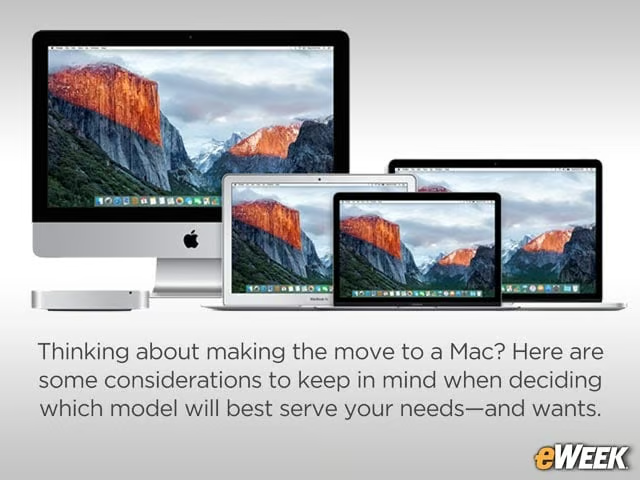
Thinking about making the move to a Mac? Here are some considerations to keep in mind when deciding which model will best serve your needs—and wants.
Guessing When the Next Mac Update Is Coming
One of the more important considerations in buying any Apple product is when the company might update its Mac product line. Too often, people buy current-generation models just weeks or even days before Apple unveils updated models. That’s why it’s always best to wait until the fall to buy a new iPhone. Already, market pundits are predicting that the company will introduce new Apple Watch and MacBook Pro models this fall.
It Doesn’t Hurt to Pay Attention to Market Rumors

A good way to know when those updates are coming is by analyzing rumors. Apple isn’t nearly as adept at keeping a secret as it once was, and nowadays, leaks often are accurate. Since some rumors can be counted on, consider their claims and decide whether the features they say are coming to Apple’s devices are compelling enough to wait to buy.
How Important Is Portability?
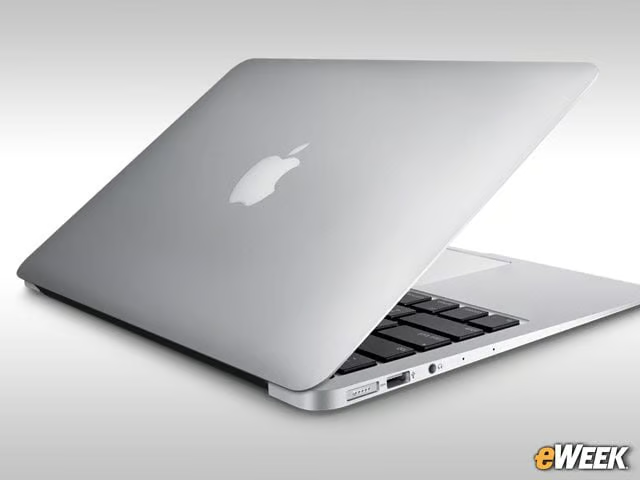
Portability arguably is one of the first places customers should start when deciding on an Apple product. The decision ultimately will determine whether customers end up with a notebook or desktop. More importantly, the decision will determine whether to buy the thin, lightweight MacBook Air or the heavier, thicker but more powerful MacBook Pro. Even on the desktop side, it’s much easier to haul around a Mac Pro or Mac Mini than an iMac.
Consider Notebook Screen Sizes
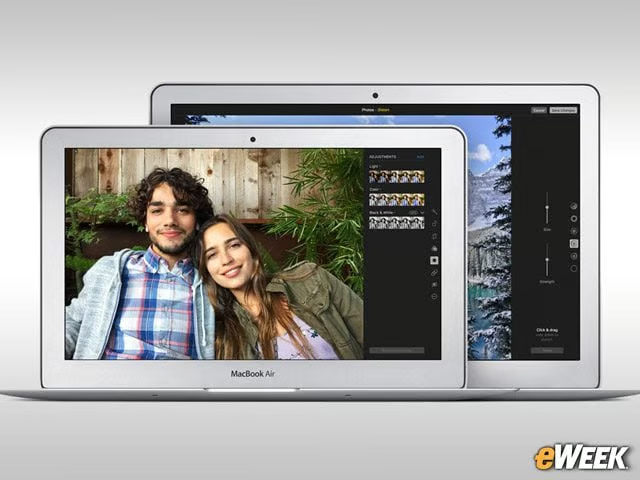
Screen size matters greatly when it comes to notebooks, so it’s perhaps no surprise Apple offers a wide variety. Customers can choose a device, such as the MacBook Air, that offers an 11-inch or 13-inch screen, or opt for the MacBook at 12 inches. The MacBook Pro tops out at 15 inches. Finding the right screen size will help narrow down notebook choices.
Does an All-In-One Make Sense?
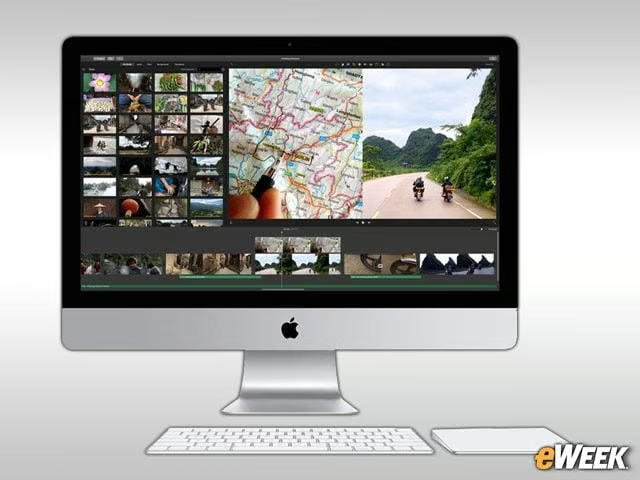
An all-in-one computer, such as the iMac, doesn’t necessarily make sense for everyone. The iMac, like its Windows-based counterparts, offers a cheaper price than Apple’s higher-end Mac Pro, is nice and thin to save space on the desk, and offers big screen sizes. It’s a fine product, but those who want portability should opt for a notebook, and those who want more power should look at the Mac Pro.
How Much Processing Power Do You Need?
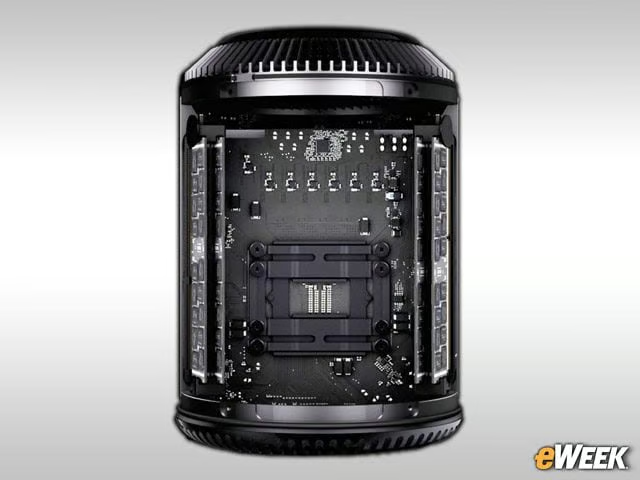
Speaking of power, not all Apple computers can deliver what customers want. On the desktop side, the Mac Pro is by far the most powerful option, complete with top-notch processors, outstanding graphics prowess and ports aplenty. If customers choose an Apple notebook, opting for the MacBook Pro is best for those seeking power. The MacBook and MacBook Air can’t quite compete on resource-heavy tasks.
Do You Really Want to Supply Your Own Display?
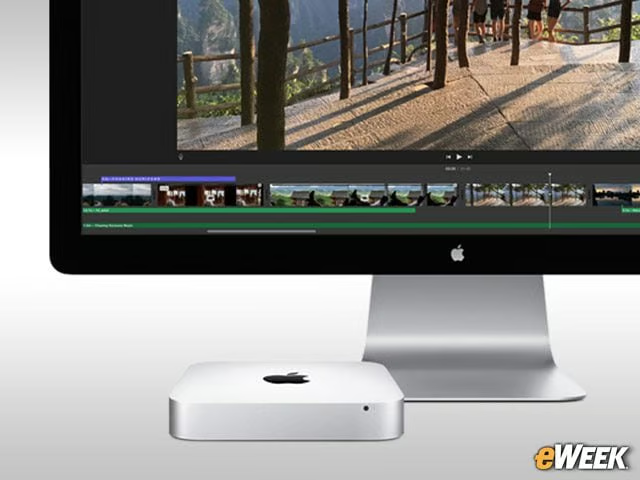
One of the nice things about the Mac Mini is that it’s cheap, starting at $499. However, it doesn’t have the kind of power customers would find in the Mac Pro, and it doesn’t ship with accessories, as the iMac does. So, customers will need to buy their own mouse, keyboard and display to connect to the computer. If that’s an issue, but the cost is attractive, consider an iMac instead.
Decide Whether to Update to macOS Sierra or Get the OS Bundled
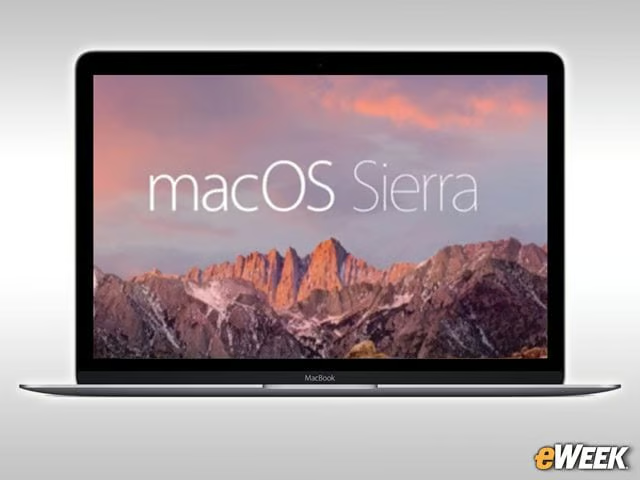
Don’t forget before buying a Mac that Apple’s macOS Sierra desktop operating system is slated to launch in the fall. And when it does, it will come standard on all the computers Apple sells. Since any new operating system can be subject to bugs and glitches, some might opt to buy now and decide for themselves when they want to upgrade to macOS Sierra. Others, however, might not care. It’s a personal choice, but it’s an important one.
Think About Custom Options for Your New Mac
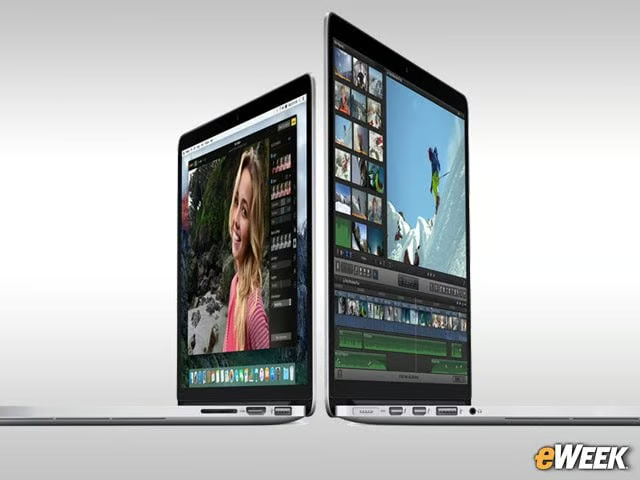
Apple has done a fine job of offering custom options across its Mac line. Customers are able to pick different processors, determine how much memory they want and choose their desired iMac screen resolution. Before buying a Mac, consider whether the standard build will do or if some internal tweaks should be made to get the best experience from an Apple computer.
Pricing Is Everything
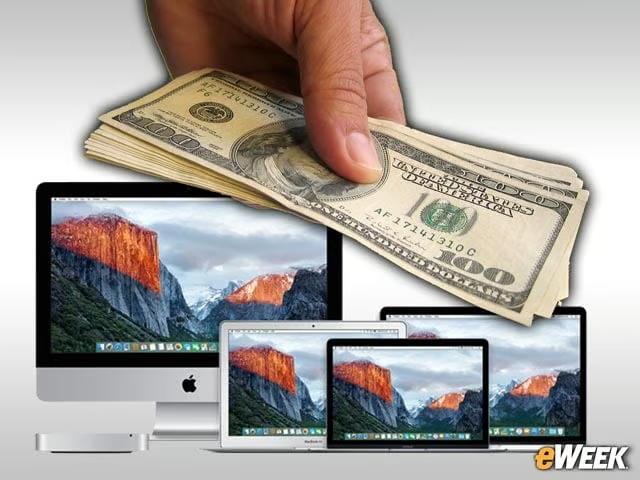
Apple’s Macs aren’t cheap. The company’s Mac Mini starts at $499, but that’s for a low-end computer. The company’s top-of-the-line Mac Pro starts at $2,999, and the best MacBook Pro starts at $1,999. Those hoping to save money won’t do so with a Mac. However, those who expect to spend some cash will find Apple offers several products across many price points.