








- 10 Reasons Today’s Chromebooks Look Like a Smart Mobile PC Buy
- They Appeal to Budget-Conscious Consumers
- The Apps Are in the Cloud
- Google Lovers Will Love Them
- More Offline Apps Are Coming Along
- They’re Perfect for Kids
- Security Is Quite Strong
- Sleek Hardware
- Bring On LTE
- It’s a Windows XP-less World
- Faster Access to the Stuff That Matters
10 Reasons Today’s Chromebooks Look Like a Smart Mobile PC Buy
By Don Reisinger
They Appeal to Budget-Conscious Consumers

One of the best things about Chromebooks is that they’re inexpensive. In fact, customers can get their hands on the devices for as little as a couple hundred dollars, and even some of the higher-end Chromebooks with such features as LTE are cheaper than the standard, low-end iPad. Budget-conscious shoppers love Chromebooks.
The Apps Are in the Cloud

Some criticize Chromebooks for their lack of native apps, but such an argument doesn’t quite hold water. The whole point of Chrome OS, a Web-based operating system, is that Websites themselves are the “apps” customers run on their computers. Sure, there’s an offline mode, but the Chromebook secret sauce is in the cloud, not third-party developer support like on Windows.
Google Lovers Will Love Them

There’s no doubt about it: Those who love Google services will love Chromebooks. Upon booting up a Chromebook for the first time, owners will input their Google credentials, and they’ll be off to the races. Everything from Gmail to Google Docs to Google Calendar is baked into Chrome OS, and the only people that bothers are those who don’t like Google. Those who love Google love Chrome OS.
More Offline Apps Are Coming Along
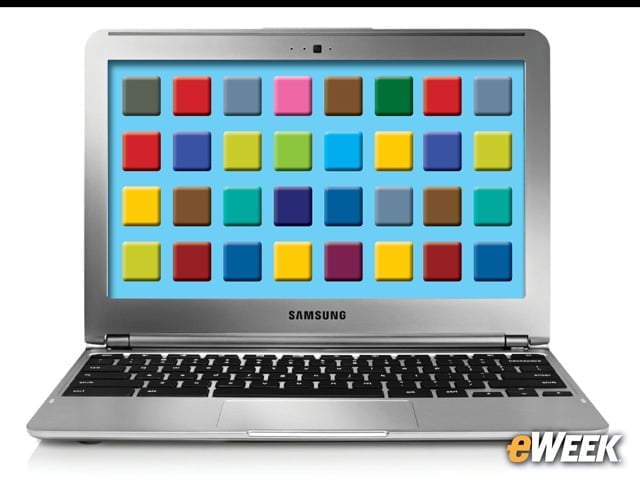
While the Internet is the most important “app” for Chrome OS, it’s worth noting that more offline apps are coming along. In fact, over the last several months, a number of major developers have realized that offline support is still important for Chromebooks. Google, of course, has been the first to make that leap, allowing for offline Gmail as just one of the many available apps.
They’re Perfect for Kids
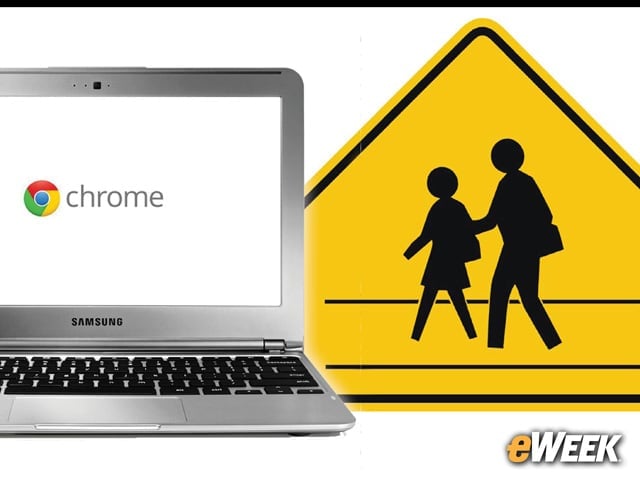
Google makes no secret that it’s trying to get Chromebooks into schools. The company believes that the cloud is the future and kids should have easy access to cheap computers that get them there. For parents, Chromebooks also make a lot of sense. The computers are cheap, they’re relatively secure, parental controls are readily available, and kids get to stream music and videos or surf the Web. It’s a win-win.
Security Is Quite Strong
Overall, Chromebook security is quite strong. The operating system itself is not a major one for cyber-criminals, which means users won’t need to worry about viruses or spyware. The only security threat is the Web, and as recent history has shown, perhaps there’s much to fear there. Still, every operating system faces the Web threat, and Chrome OS doesn’t have to deal with all the offline threats that impact operating systems like Windows. All in all, it’s a win for Chromebooks.
Sleek Hardware
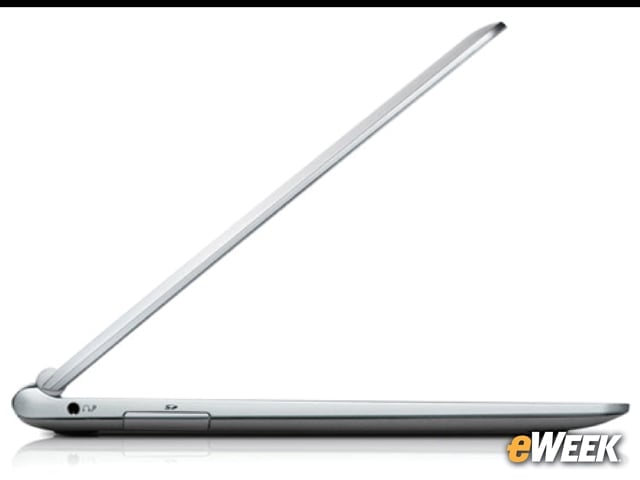
Chromebooks, whether they’re made by Samsung, HP or Acer, are actually quite good-looking. The devices are lightweight, thin and sleek, and they come with a Mac-like finish that people like. The best part is, they offer such a nice look for a cheap price. Not all Chromebooks are created equal, of course, but many come with designs that are really impressive.
Bring On LTE
The vast majority of Chromebooks now ship with LTE built-in. That’s important. Today’s MacBook Pros and MacBook Air don’t ship with LTE, and far too many PCs are still lacking in the wireless connectivity space. With Chromebooks shipping with LTE, Web accessibility is available nearly everywhere (depending on the carrier), and the full Chrome OS experience isn’t lost when traveling. It’s a key feature for those who are often on the road.
It’s a Windows XP-less World
Let’s not forget that we’re now living in a world where Windows XP is no longer supported. And for many people, the idea of switching to Windows 8 is unfathomable, as is spending a substantial sum on a new computer. Chromebooks seem to fill that void by offering high-quality products that are cheap and won’t be too jarring a software jump, since they rely on the Web for their user experience. Chromebooks might just be in the right place at the right time.
Faster Access to the Stuff That Matters

One of the nicest features about Chrome OS is that users can pin sites to the bottom taskbar, allowing for fast access to any Website. In addition, the devices themselves come with solid-state drives, delivering extremely fast performance. Those looking to get on the Web and get to a Website quickly will find no faster solution than a Chromebook.