- 20 Printer Features that Should Be Standard
- 20 Printer Features that Should Be Standard – Cancel Printing NOW
- 20 Printer Features that Should Be Standard – Direct E-mail (a.k.a. Digital Sending)
- 20 Printer Features that Should Be Standard – Require Personalized Cover Letter for Direct E-mail
- 20 Printer Features that Should Be Standard – Scan to and Launch a PCs E-mail Client
- 20 Printer Features that Should Be Standard – Duplex Scanning
- 20 Printer Features that Should Be Standard – Mix and Match Copying
- 20 Printer Features that Should Be Standard – Print from a USB key
- 20 Printer Features that Should Be Standard – Print N-Up from a USB key
- 20 Printer Features that Should Be Standard – Scan to a USB key
- 20 Printer Features that Should Be Standard – Fax by Printing
- 20 Printer Features that Should Be Standard – Fax from a Utility
- 20 Printer Features that Should Be Standard – Forward Incoming Faxes to another Number
- 20 Printer Features that Should Be Standard – Forward Faxes as E-mail
- 20 Printer Features that Should Be Standard – OCR before E-Mailing
- 20 Printer Features that Should Be Standard – Forward Faxes Based on Fax Sub-Codes
- 20 Printer Features that Should Be Standard – Scan to PCs Over a Network
- 20 Printer Features that Should Be Standard – Touch Screens, Yes. Buttons, No.
- 20 Printer Features that Should Be Standard – Big, Bright, Colorful Screens
- 20 Printer Features that Should Be Standard – Voice Commands
- 20 Printer Features that Should Be Standard – Preview from USB before printing
- 20 Printer Features that Should Be Standard – See More Slide Shows Like This One!
20 Printer Features that Should Be Standard
Some are available on some printers, some are available on most printers but are inexplicably missing from a few, and some are good ideas that we havent seen in any real products yet. Printer Editor M. David Stone pegs those that should find their way in
20 Printer Features that Should Be Standard – Cancel Printing NOW
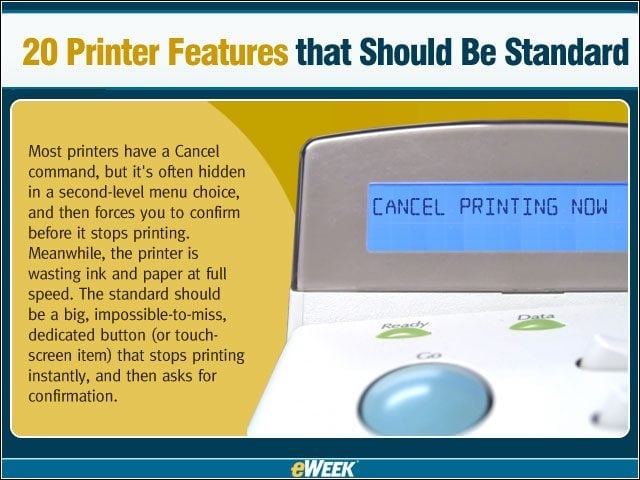
Most printers have a Cancel command, but its often hidden in a second-level menu choice, and then forces you to confirm before it stops printing. Meanwhile, the printer is wasting ink and paper at full speed. The standard should be a big, impossible-to-m
20 Printer Features that Should Be Standard – Direct E-mail (a.k.a. Digital Sending)
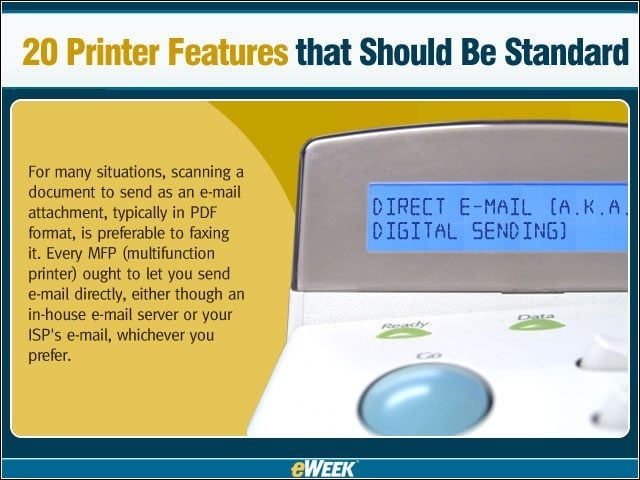
For many situations, scanning a document to send as an e-mail attachment, typically in PDF format, is preferable to faxing it. Every MFP (multifunction printer) ought to let you send e-mail directly, either though an in-house e-mail server or your ISPs e
20 Printer Features that Should Be Standard – Require Personalized Cover Letter for Direct E-mail
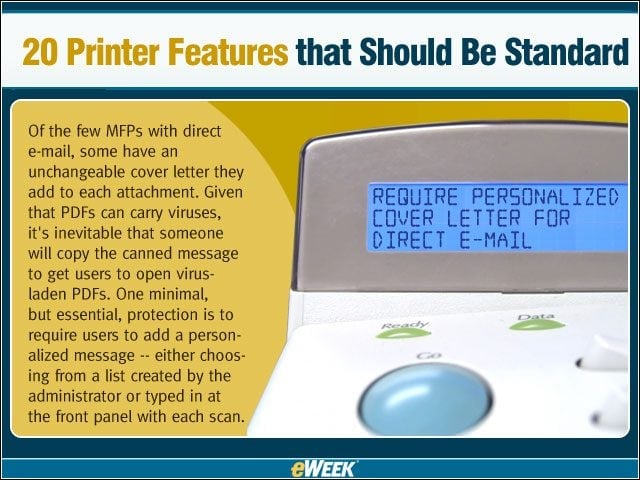
Of the few MFPs with direct e-mail, some have an unchangeable cover letter they add to each attachment. Given that PDFs can carry viruses, its inevitable that someone will copy the canned message to get users to open virus-laden PDFs. One minimal, but es
20 Printer Features that Should Be Standard – Scan to and Launch a PCs E-mail Client
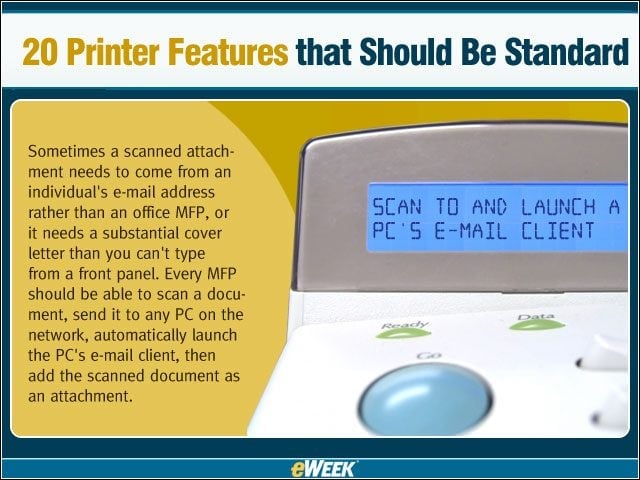
Sometimes a scanned attachment needs to come from an individuals e-mail address rather than an office MFP, or it needs a substantial cover letter than you cant type from a front panel. Every MFP should be able to scan a document, send it to any PC on th
20 Printer Features that Should Be Standard – Duplex Scanning
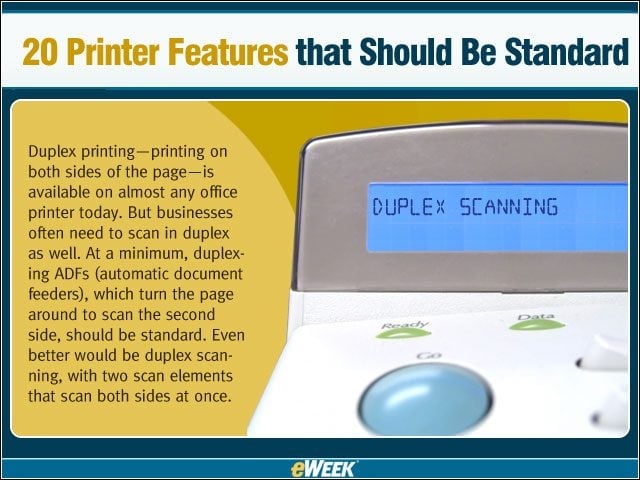
Duplex printing — printing on both sides of the page — is available on almost any office printer today. But businesses often need to scan in duplex as well. At a minimum, duplexing ADFs (automatic document feeders), which turn the page around to scan th
20 Printer Features that Should Be Standard – Mix and Match Copying
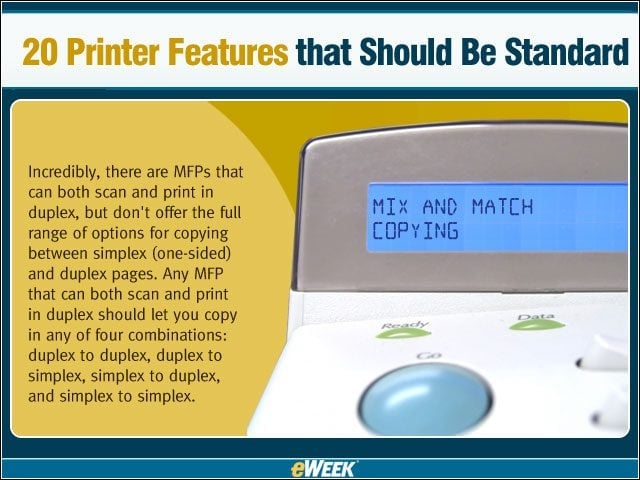
Incredibly, there are MFPs that can both scan and print in duplex, but dont offer the full range of options for copying between simplex (one-sided) and duplex pages. Any MFP that can both scan and print in duplex should let you copy in any of four combin
20 Printer Features that Should Be Standard – Print from a USB key
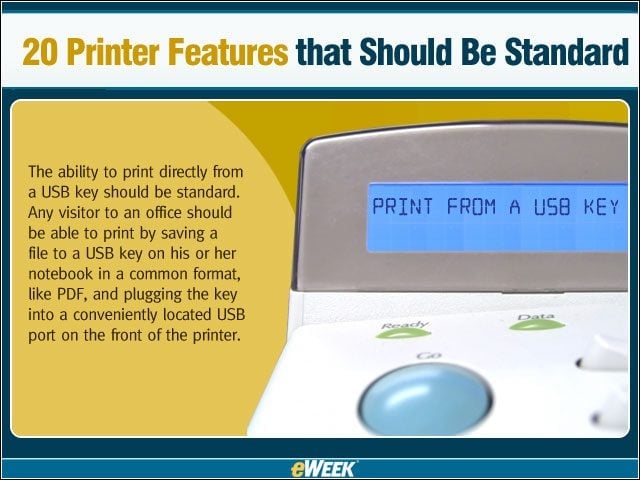
The ability to print directly from a USB key should be standard. Any visitor to an office should be able to print by saving a file to a USB key on his or her notebook in a common format, like PDF, and plugging the key into a conveniently located USB port
20 Printer Features that Should Be Standard – Print N-Up from a USB key
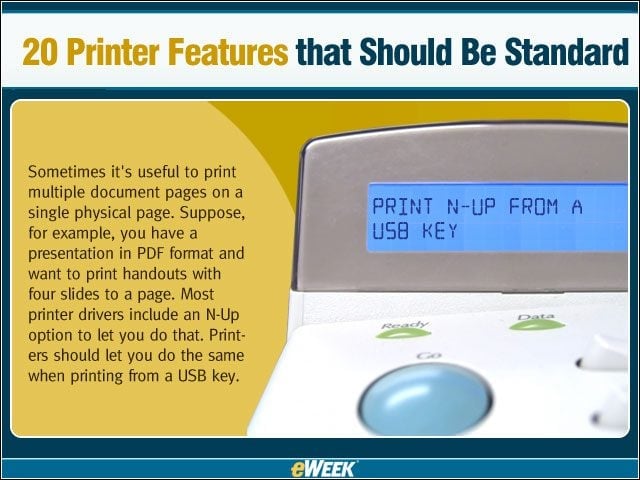
Sometimes its useful to print multiple document pages on a single physical page. Suppose, for example, you have a presentation in PDF format and want to print handouts with four slides to a page. Most printer drivers include an N-Up option to let you do
20 Printer Features that Should Be Standard – Scan to a USB key
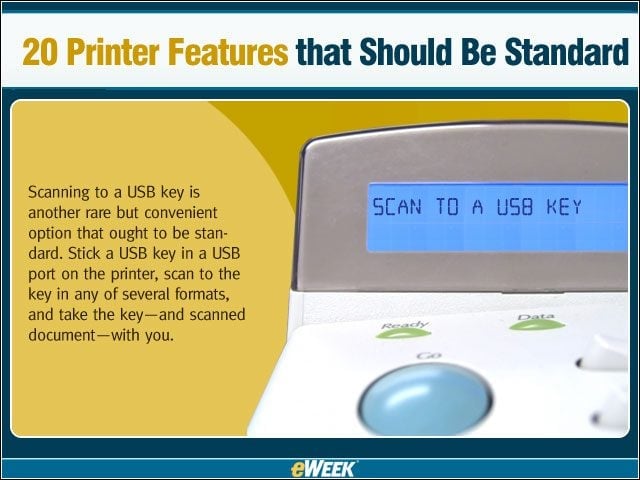
Scanning to a USB key is another rare but convenient option that ought to be standard. Stick a USB key in a USB port on the printer, scan to the key in any of several formats, and take the key — and scanned document — with you.
20 Printer Features that Should Be Standard – Fax by Printing
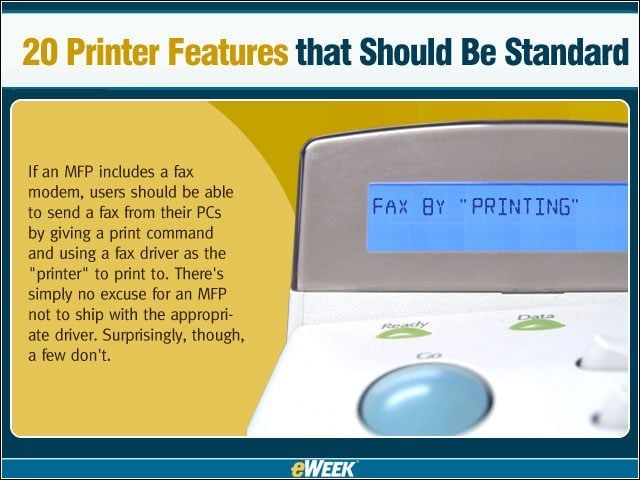
If an MFP includes a fax modem, users should be able to send a fax from their PCs by giving a print command and using a fax driver as the printer to print to. Theres simply no excuse for an MFP not to ship with the appropriate driver. Surpr
20 Printer Features that Should Be Standard – Fax from a Utility
A more common oversight for MFPs is to include a fax driver but no utility to let you create a fax from scratch, optionally including one or more files on disk as part of the fax. Having a fax driver gives you some of the same functionality, but its not
20 Printer Features that Should Be Standard – Forward Incoming Faxes to another Number
Its often useful to forward incoming faxes to another fax number, to let someone see the faxes during hours when the office is closed, for example. A fair number of MFPs include this feature, but again, it ought to be standard.
20 Printer Features that Should Be Standard – Forward Faxes as E-mail
Far less common than MFPs that can forward faxes as faxes are MFPs that can forward them as e-mail attachments. Aside from the convenience of letting you look in just one place for both fax and e-mail messages, forwarding to e-mail without printing can sa
20 Printer Features that Should Be Standard – OCR before E-Mailing
Even better than simply forwarding faxes as e-mail or scanning and e-mailing would be recognizing the document with an OCR feature first. The text should go in the body of the message — ideally fully formatted with graphics inserted — with an image file
20 Printer Features that Should Be Standard – Forward Faxes Based on Fax Sub-Codes
Although many people arent aware of it, and not all fax machines support it, you can include sub-codes with a fax in addition to the fax number. These work like phone extensions, to let the sender specify who the fax is for. Ideally, an MFP should not on
20 Printer Features that Should Be Standard – Scan to PCs Over a Network
This is such a basic function that its unbelievable that some MFPs cant do it. Some offer workarounds like scanning to an FTP site, but some actually limit their scanner to stand-alone copying and fax features. Theres simply no excuse for that.
20 Printer Features that Should Be Standard – Touch Screens, Yes. Buttons, No.
A few printers have eliminated most or all front panel buttons in favor of an LCD touch screen, with easy-to-understand menus to guide you through commands. This is another feature that should be far more widespread.
20 Printer Features that Should Be Standard – Big, Bright, Colorful Screens
Touch screens imply a relatively large screen thats bright enough to read in any lighting, but they dont require such a screen. Consider this a separate feature. And while were at it, lets insist on color as well. Color can carry information that make
20 Printer Features that Should Be Standard – Voice Commands
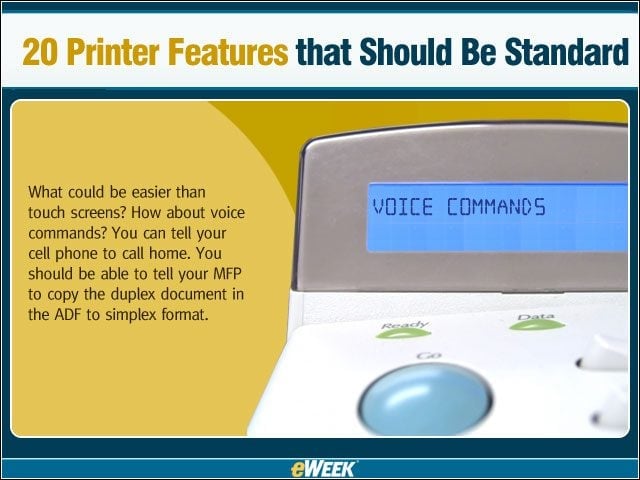
What could be easier than touch screens? How about voice commands? You can tell your cell phone to call home. You should be able to tell your MFP to copy the duplex document in the ADF to simplex format.
20 Printer Features that Should Be Standard – Preview from USB before printing
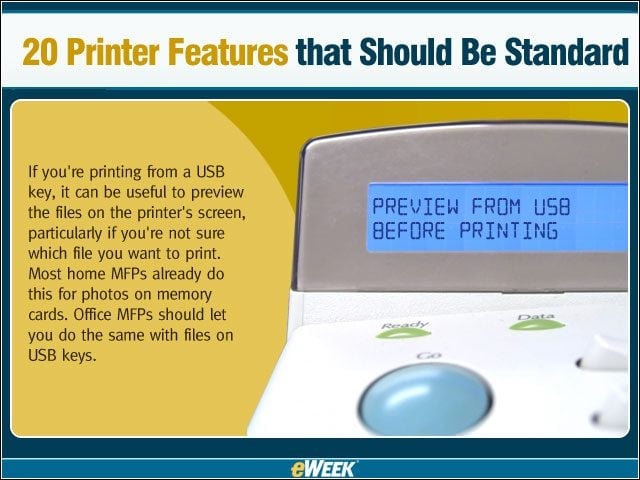
If youre printing from a USB key, it can be useful to preview the files on the printers screen, particularly if youre not sure which file you want to print. Most home MFPs already do this for photos on memory cards. Office MFPs should let you do the sa
20 Printer Features that Should Be Standard – See More Slide Shows Like This One!