







- Apple’s OS X 10.9 Mavericks Operating System: A Look Inside
- Apple Is Giving Mavericks Away Free
- Mavericks Will Run on Older Mac Hardware
- Proper Multiple Monitor Support Returns to OS X
- Energy Management Is a Key Focus in Mavericks
- Apple Helps Users Identify Energy-Hogging Apps
- How Much Bandwidth Is an App Using?
- Mavericks Squeezes More Memory Than Prior OS X Releases
- Finder Gets a New Tabbed View
- Tags Come to OS X
- Want to Read a Book on Mavericks?
- Apple Maps Land in Mavericks
- Safari 7 Speeds Up OS X Web Browsing
- Mavericks Safari Browser Locks Down Plug-Ins
- You Can Now Safely Save and Share Passwords in iCloud
Apple’s OS X 10.9 Mavericks Operating System: A Look Inside
by Sean Michael Kerner
Apple Is Giving Mavericks Away Free
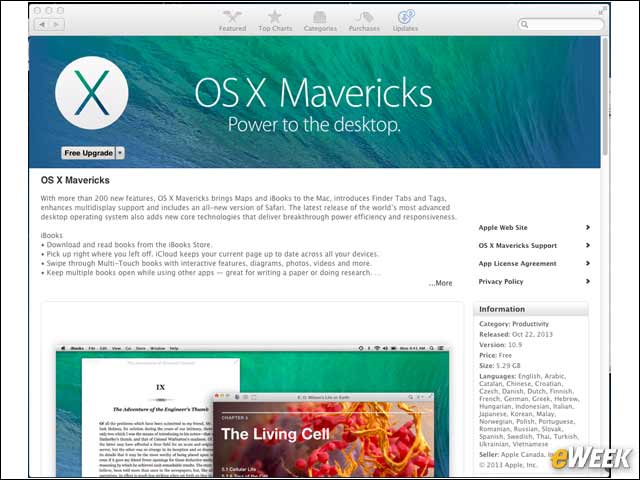
In contrast with every prior OS X release, Apple has decided to make Mavericks freely available. The new OS is available via the Apple Mac AppStore.
Mavericks Will Run on Older Mac Hardware
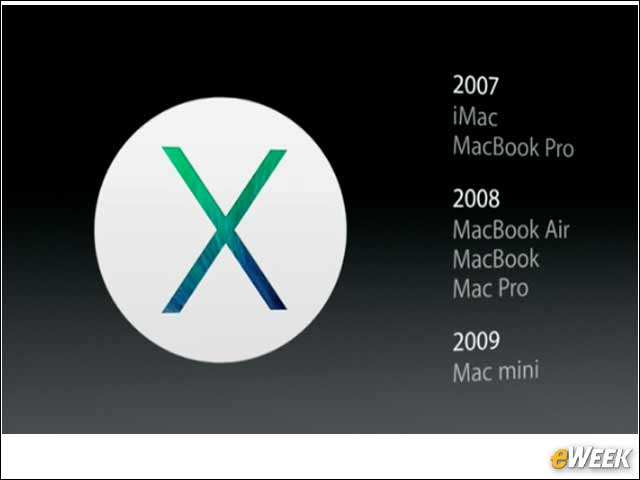
While Mavericks is a new operating system that can benefit from the latest hardware updates, Apple isn’t leaving its older systems behind. Mavericks can run on a MacBook Pro released in 2007.
Proper Multiple Monitor Support Returns to OS X

One of the most frustrating aspects of OS X in recent years has been the lack of proper multiple monitor support. In Mavericks, Apple has fixed the issue by offering menu bars across multiple screens and improved full-screen support.
Energy Management Is a Key Focus in Mavericks
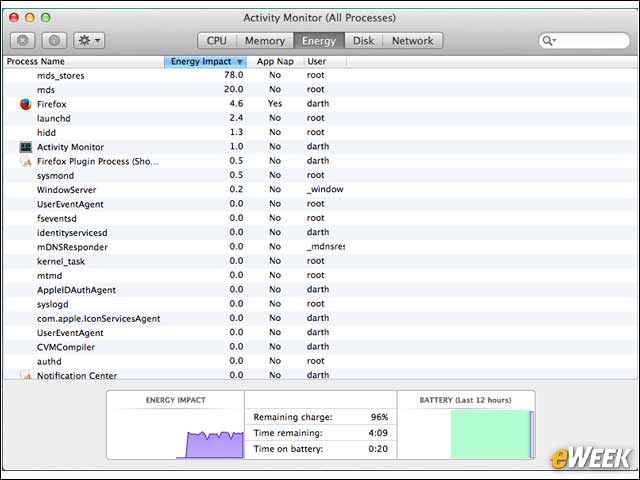
Apple wants its OS X users to be able to get every drop of battery life possible with Mavericks. The improved Activity Monitor details the energy impact of every running process.
Apple Helps Users Identify Energy-Hogging Apps
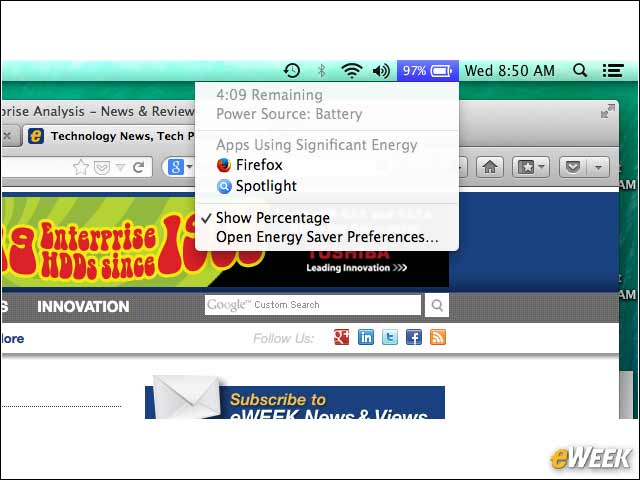
Going a step beyond the Activity Monitor, the Mavericks battery status indicator now identifies which apps are using significant amounts of power.
How Much Bandwidth Is an App Using?
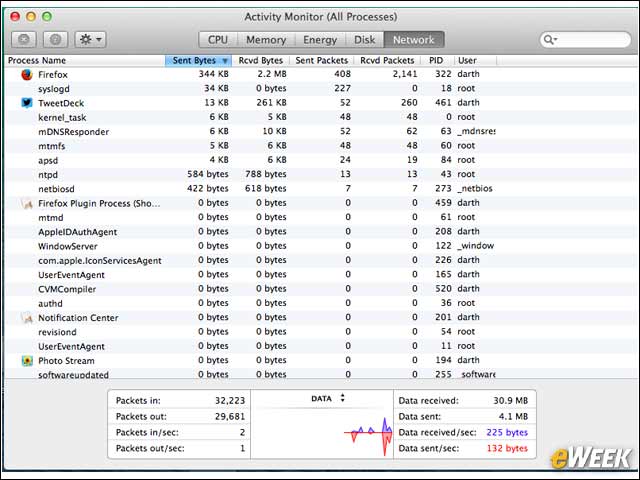
The Mavericks Activity Monitor now provides process-level detail on how much bandwidth a specific process is using.
Mavericks Squeezes More Memory Than Prior OS X Releases
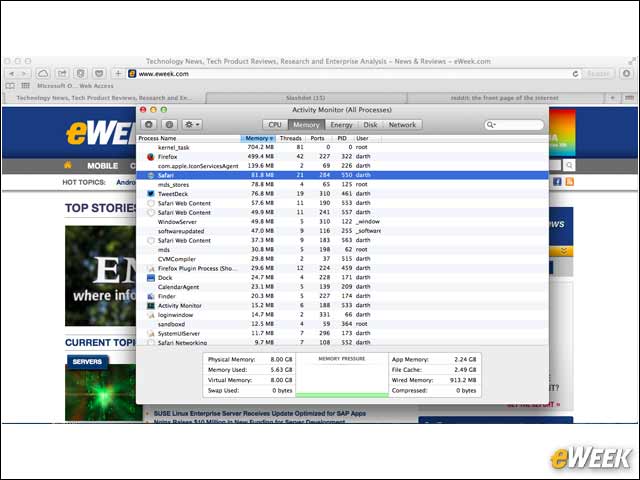
Mavericks provides a capability called “compressed memory,” which aims to squeeze more information into existing physical memory before the system needs to resort to disk-swap space for memory storage.
Finder Gets a New Tabbed View
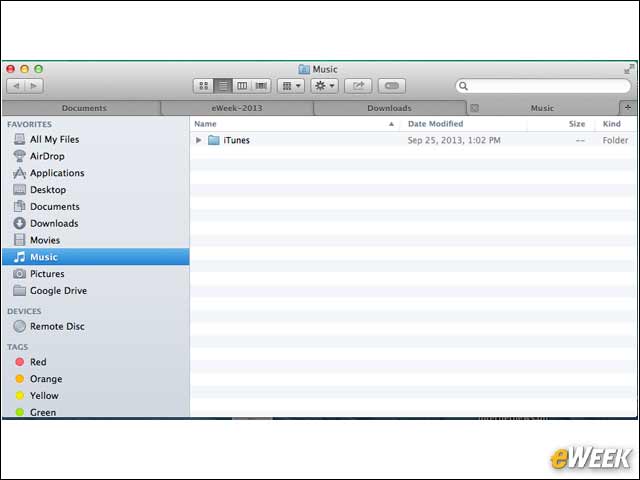
The OS X Finder system tool gets a much-needed update with tabbed folder viewing. So now with Mavericks, users don’t need to open multiple Finder windows, they can simply tab across multiple windows in the same way browser users have done for years.
Tags Come to OS X
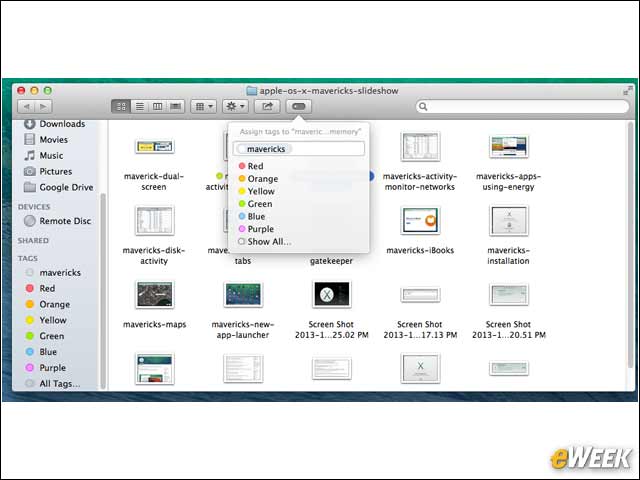
Finding files on OS X will now also benefit from a new Tags feature. Users can now tag individual files by name or color, making them easier to find and organize.
Want to Read a Book on Mavericks?
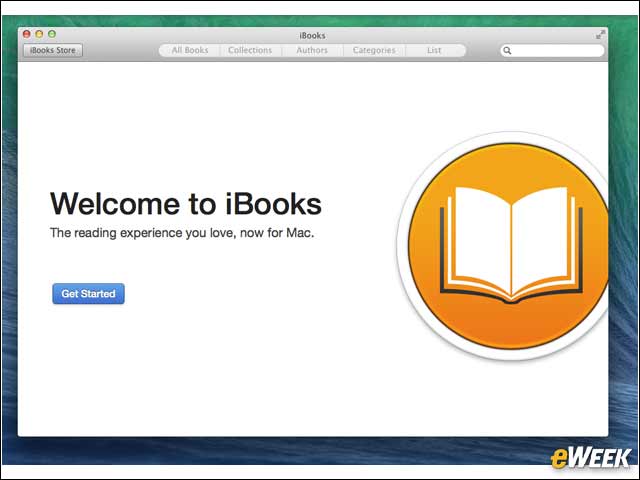
The Apple iBooks app is now finally available on OS X, after having been on iOS for the last three years.
Apple Maps Land in Mavericks
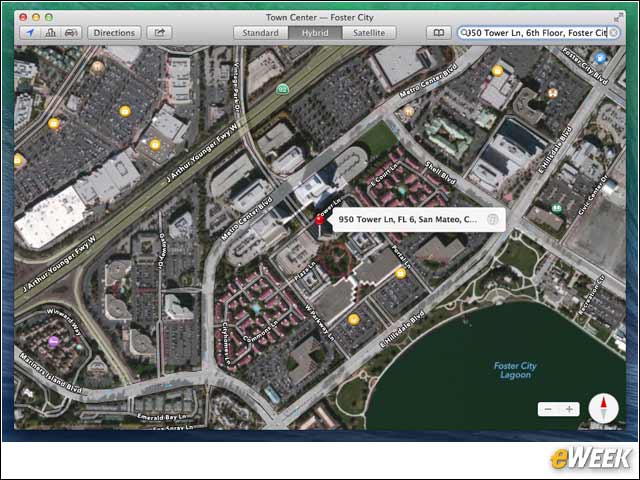
Apple’s much-maligned Maps application isn’t just for IOS mobile devices anymore. Like iBooks, Maps has now also migrated to the desktop.
Safari 7 Speeds Up OS X Web Browsing
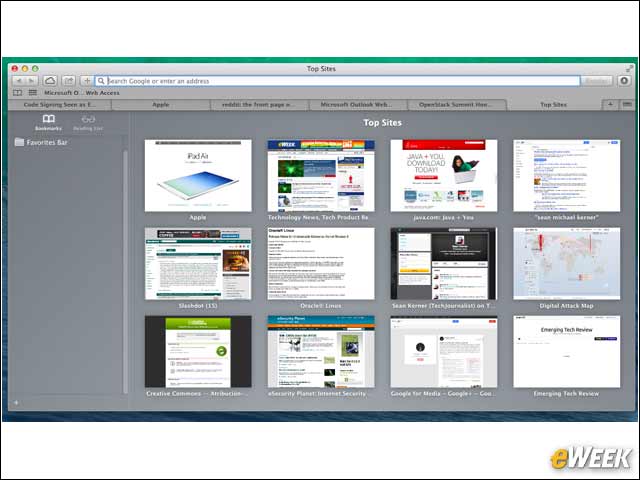
The Apple-developed Safari 7 Web browser is a key application in the Mavericks release. Apple has improved the browser’s power usage and simplified the new tab page.
Mavericks Safari Browser Locks Down Plug-Ins
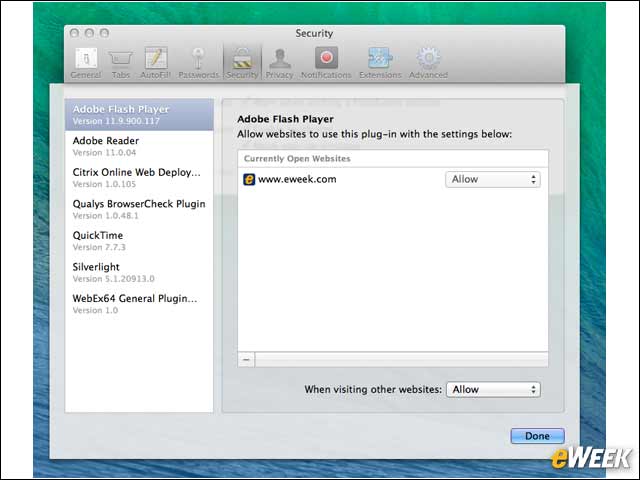
Plug-in security is highly detailed in Safari 7, and users are able to specify which sites are allowed to run specific technologies.
You Can Now Safely Save and Share Passwords in iCloud
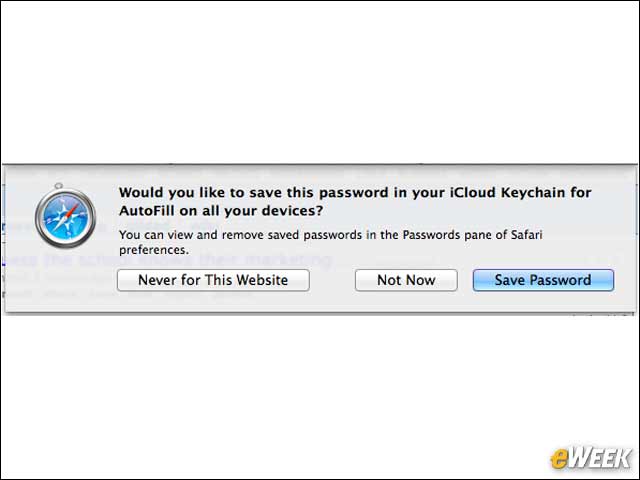
Mavericks includes the iCloud Keychain, which enables users to save Website passwords in the cloud and share them across authenticated Apple devices.