









- Chrome OS Features to Look for in Current Chromebook Crop
- You’ll Feel at Home If You’re a Chrome User
- Full Google Services Integration
- Security Is Quite Strong
- Apps Are Coming Inbound Fast
- It Boots in No Time
- Welcome to the World of Cloud Storage
- It Works Across All Platforms
- Yes, It Works Offline
- The User Interface Is Intuitive
- There Are No Odd Limitations
Chrome OS Features to Look for in Current Chromebook Crop
by Don Reisinger
You’ll Feel at Home If You’re a Chrome User
Google made the reasonable decision to make Chrome OS reflect the look and feel of the Chrome browser. That’s important. That means that the millions of people across the world who use Chrome will feel at home with the browser and have at the ready many of the extensions and bookmarks they already care about on other devices running Chrome. Chrome is a solid foundation for the operating system.
Full Google Services Integration
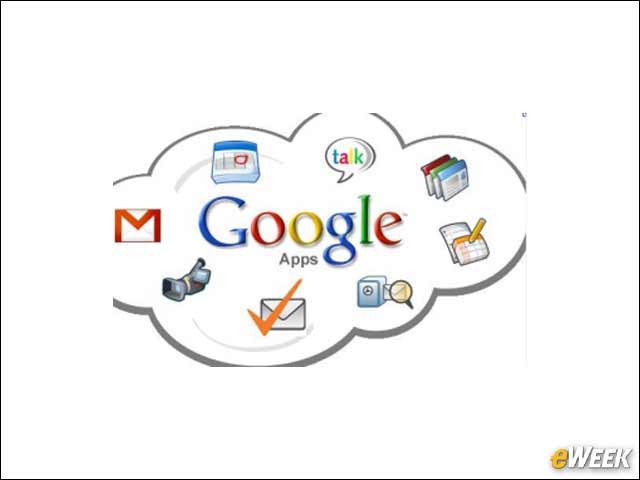
As one might expect, Google has built in full services integration into the operating system. What that means is users will have easy and immediate access to everything from Gmail to Google Docs to the company’s cloud storage locker. It’s an all-in-one solution that requires no extra apps out of the box.
Security Is Quite Strong
Chrome OS security is quite strong. Part of that, of course, is due to the fact that few hackers are targeting the operating system, but it’s also because Google has a rewards program in place that gives money to those who find bugs in its code. Some folks have earned a substantial sum for those efforts and secured the service at the same time.
Apps Are Coming Inbound Fast
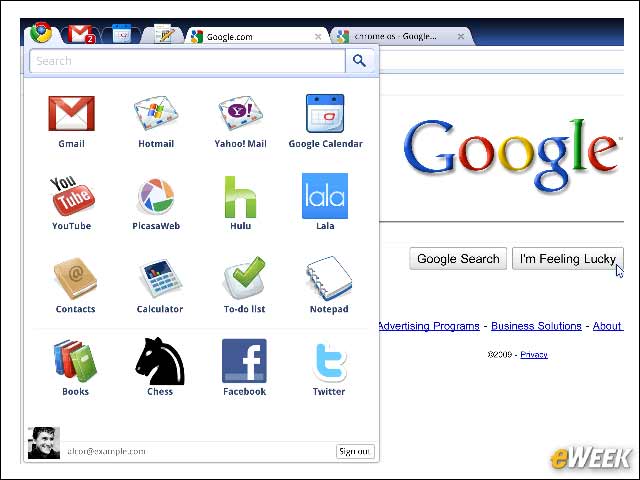
The Chrome Web Store is growing considerably. Many of the most popular apps and games are available on the service, and with developers noticing an uptick in Chromebook sales, it’s perhaps no surprise that they’re moving to the platform. There aren’t nearly as many programs on Chrome OS as one would find on Windows, and the complexity of those apps isn’t as sharp, but they’ll do the trick for most needs.
It Boots in No Time

Chrome OS comes with a Fast Boot feature that ensures the operating system loads in no time at all. In fact, when one opens the device from a closed state, they’ll find that the service is up and running and getting on the Web to check things out is a cinch. Speed is central to the value users see in Chromebooks.
Welcome to the World of Cloud Storage
Central to the overall value of the Chromebook experience is cloud storage. Since Chrome OS users will have a Google account when using the device, they’ll also be able to store content in Google Drive—the search company’s cloud storage platform. When customers buy the HP Chromebook 11, they’ll get 100GB of free storage. That should be more than enough for the average Chrome OS user.
It Works Across All Platforms
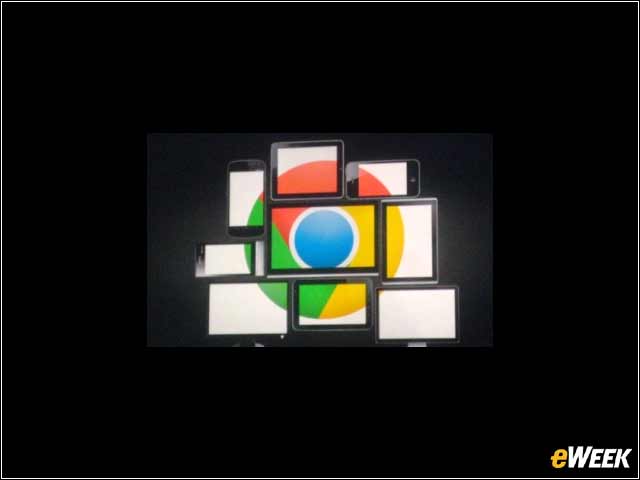
One of the nice things about Chrome OS is that it’s completely platform-agnostic. Since it’s based on Chrome, any and all data saved in the cloud or through the browser can be easily accessed from any other device by simply logging into a Google account or opening the Chrome browser with the user account and syncing it with the Chromebook’s username. Chrome OS is designed to share data across platforms.
Yes, It Works Offline
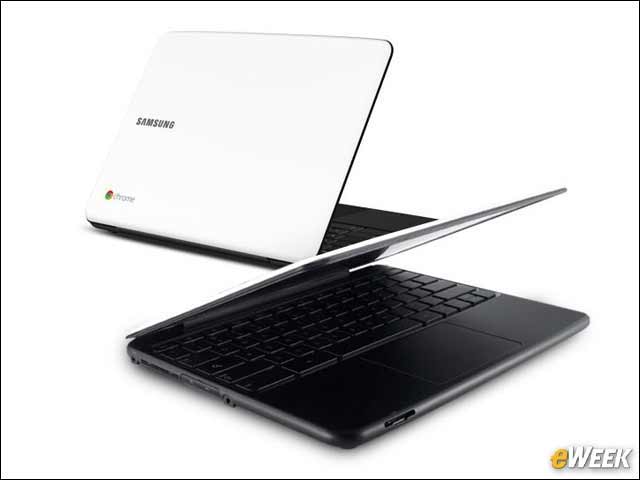
There has always been some concern over Web-based operating systems like Chrome OS because of the idea that they can’t work offline. However, Chrome OS does work offline and allows users to access their mail, use apps and more. The secret sauce in the Chrome OS experience is Web connectivity, but having offline support is an important feature.
The User Interface Is Intuitive
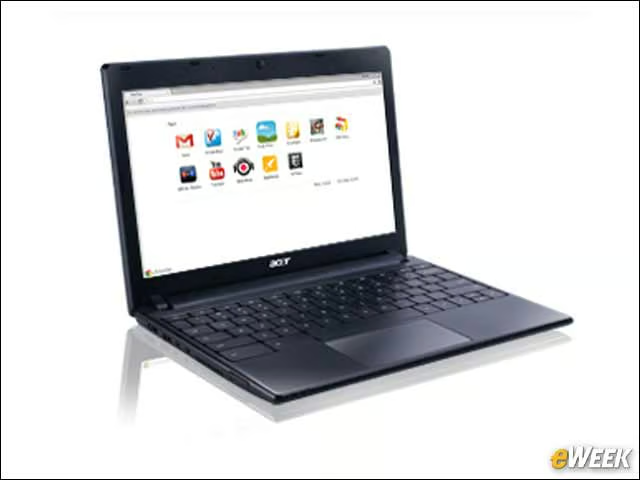
Looking at the user interface Google has built into Chrome OS, one should have no trouble accessing apps, finding out how to open the browser or Gmail, or simply getting work done. Chrome OS presents a clean design that enhances the experience of using the device, and does not detract from it.
There Are No Odd Limitations
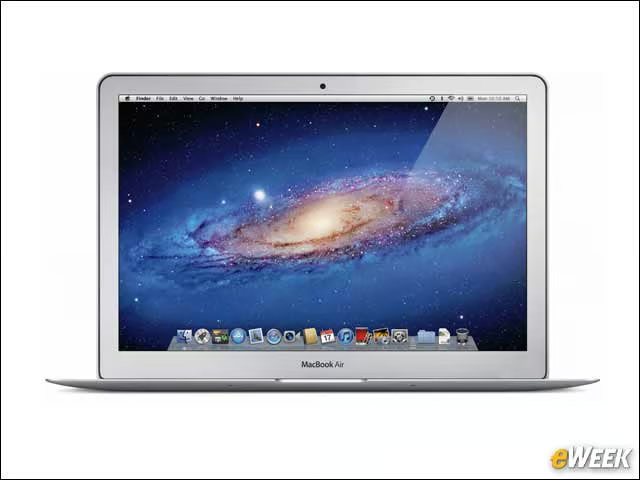
A major complaint consumers and enterprise users have about companies like Apple and Microsoft is that their operating systems have odd limitations that make porting data between them difficult. Google’s operating system doesn’t suffer from such issues and evades those problems by relying on the single most platform-agnostic computing environment we have: the Internet. Don’t expect any built-in limitations to hold you back from getting work done on a Chromebook.