







- eWEEK Labs Walk-Through: Central Desktop
- eWEEK Labs Walk-Through: Central Desktop – Notes
- eWEEK Labs Walk-Through: Central Desktop – Event Planning
- eWEEK Labs Walk-Through: Central Desktop – Milestones
- eWEEK Labs Walk-Through: Central Desktop – Personal Preferences
- eWEEK Labs Walk-Through: Central Desktop – Database Application
eWEEK Labs Walk-Through: Central Desktop
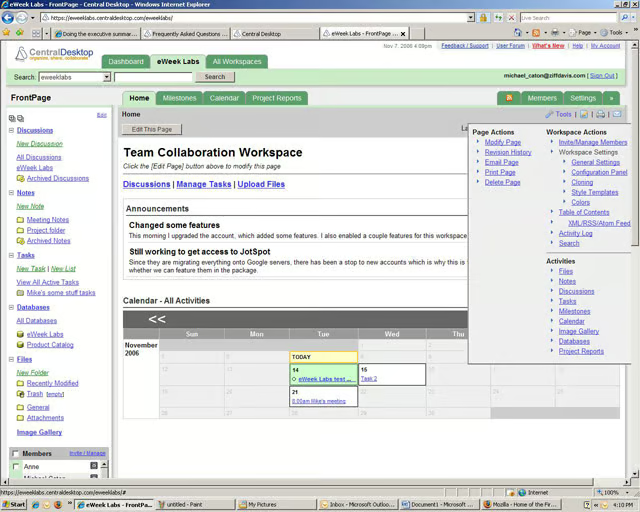
In the Central Desktop main view, users can see upcoming events and navigate elements through tabs and AJAX elements.
eWEEK Labs Walk-Through: Central Desktop – Notes
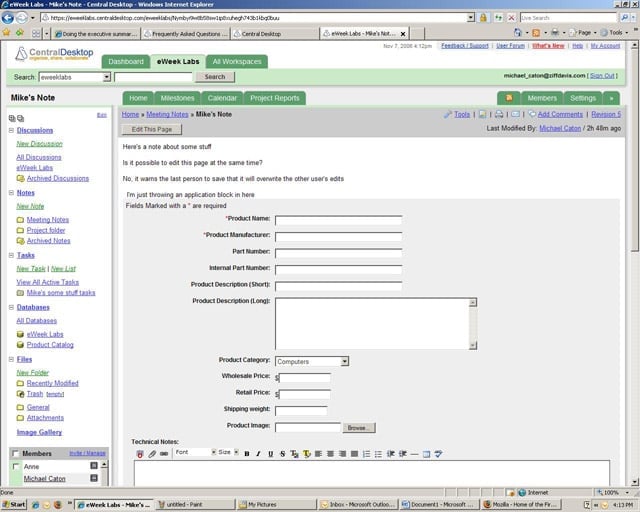
The service allows users to embed Central Desktop objects, such as database forms, directly in a Note.
eWEEK Labs Walk-Through: Central Desktop – Event Planning
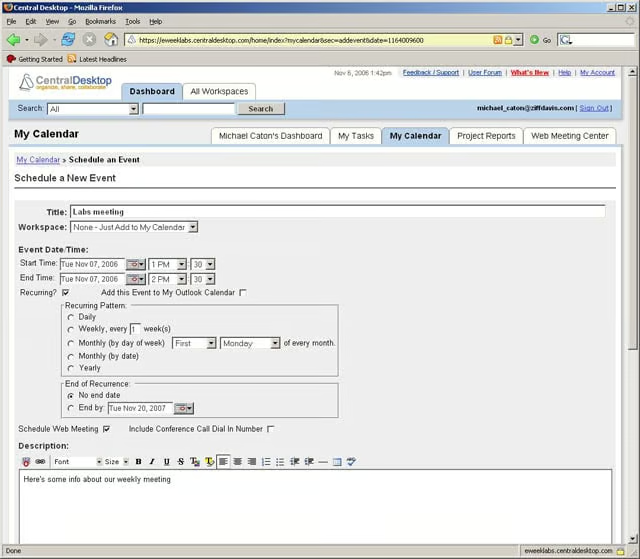
Events in Central Desktop can be meetings or due dates. Companies that purchase the web conferencing feature can schedule a web conference as part of an event.
eWEEK Labs Walk-Through: Central Desktop – Milestones
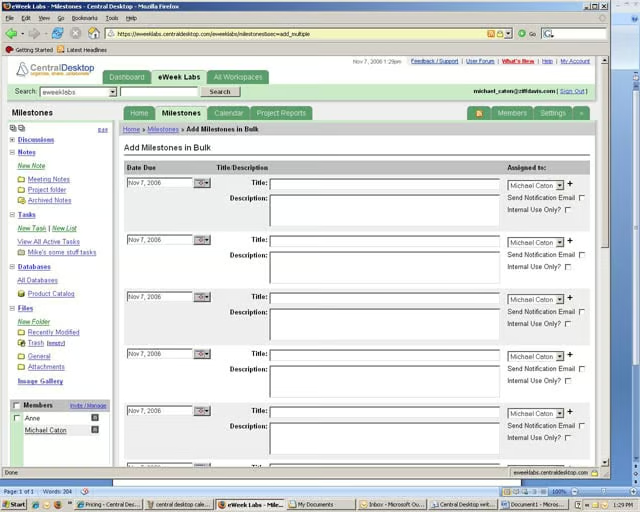
Central Desktop uses Milestones to manage task scheduling and project planning. The ability to create multiple Milestones in one form is a nice feature.
eWEEK Labs Walk-Through: Central Desktop – Personal Preferences
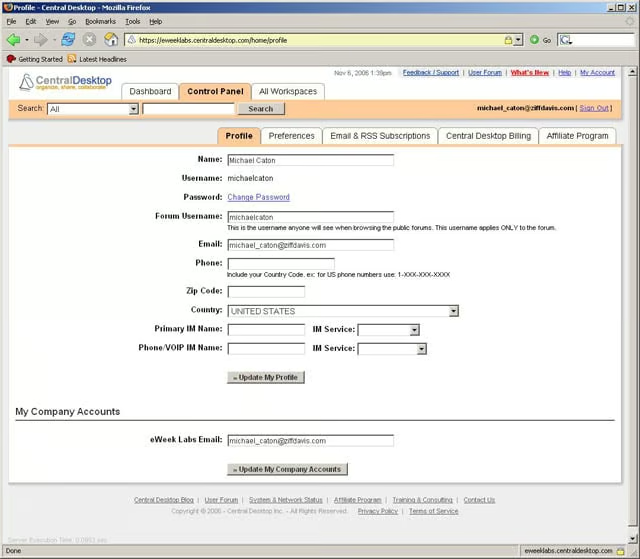
Integration with Skype and public instant messaging services allows Central Desktop to show if users are online and available for VOIP calls or IM chat.
eWEEK Labs Walk-Through: Central Desktop – Database Application
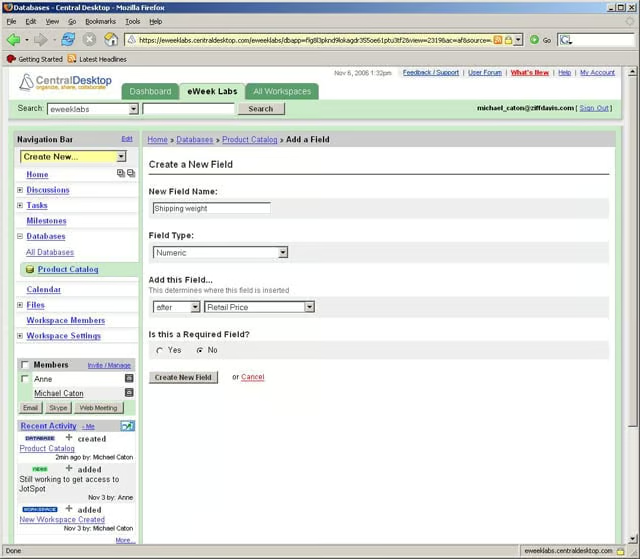
Central Desktops database application is basic, but users do have the ability to create new fields.