








- iMac or Mac Pro: Which Apple Computer Should Grace Your Desktop?
- The All-in-One vs. Typical Desktop Designs
- The Costly Monitor Add-On to Consider
- One’s Powerful, but the Other Is, Too
- The Mac Pro Is Costly
- There Are More Choices Across the iMac Line
- iMac Takes Up Some Desk Space
- New Consumers Can Sign On to the iMac
- The Internal Components Are Much Different
- iMac Is Typically Updated More Quickly
- The Port Face-Off Is No Contest
iMac or Mac Pro: Which Apple Computer Should Grace Your Desktop?
by Don Reisinger
The All-in-One vs. Typical Desktop Designs
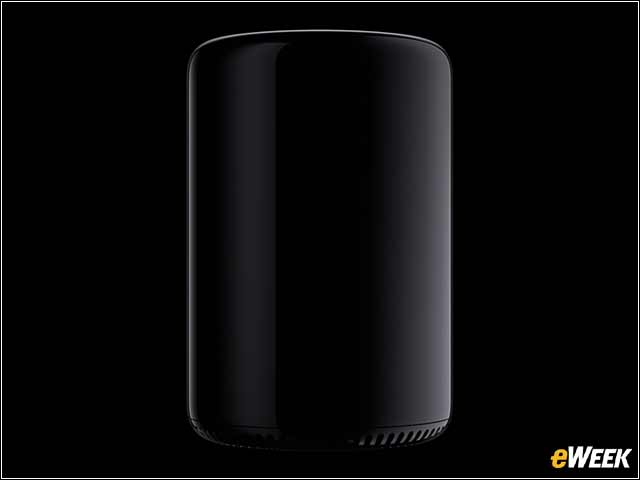
Choosing between the Mac Pro and iMac will require determining what a person’s needs are. The Mac Pro is more of a traditional tower desktop design that sits either on the desk or underneath it, and customers need a keyboard, monitor and mouse to use it. The iMac, however, is an all-in-one PC with a screen and components built into the same unit. It also comes with a keyboard and mouse.
The Costly Monitor Add-On to Consider
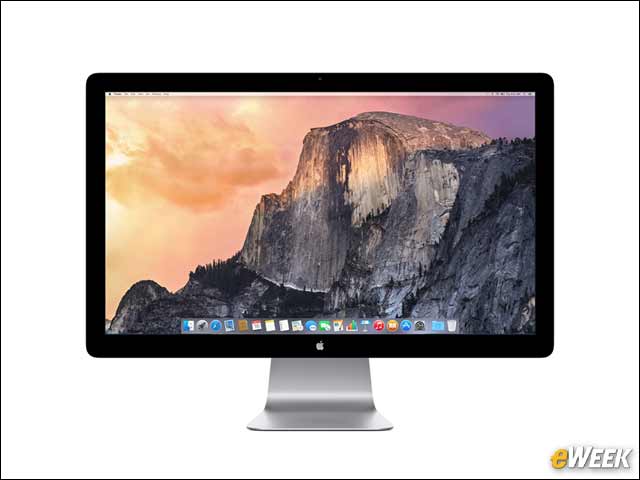
Since the Mac Pro is not an all-in-one, customers will need to get a separate display. Apple, of course, argues that they should opt for its own display, which will set customers back $999. However, a monitor from any company will work just fine, as long as it can connect to Thunderbolt 2 or High-Definition Multimedia Interface (HDMI). The Mac Pro can support up to six Thunderbolt displays and three 4K displays.
One’s Powerful, but the Other Is, Too
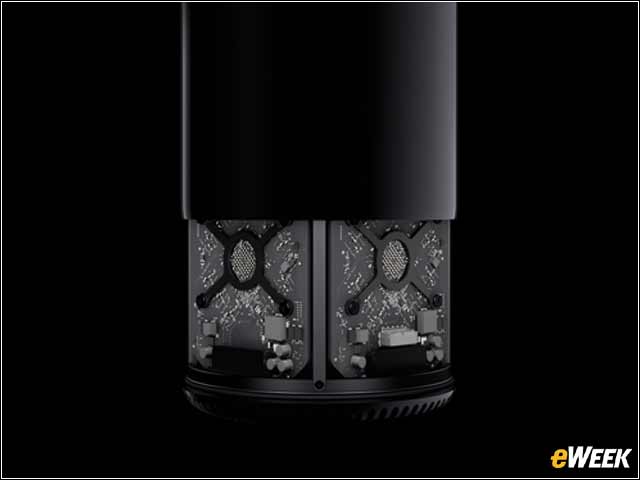
One might think that the Mac Pro is far more powerful than the iMac and, therefore, would be the only choice for resource-intensive tasks like video processing. While the Mac Pro will get it done more quickly, thanks to its better internal components, the iMac was designed to be powerful, as well. The iMac with Retina 5K display, in fact, would be just fine for video producers, as long as it’s configured with the 4GHz quad-core Intel Core i7 processor and the AMD Radeon R9 M295X. So, while the Mac Pro is the powerhouse in this roundup, the iMac is no slouch.
The Mac Pro Is Costly
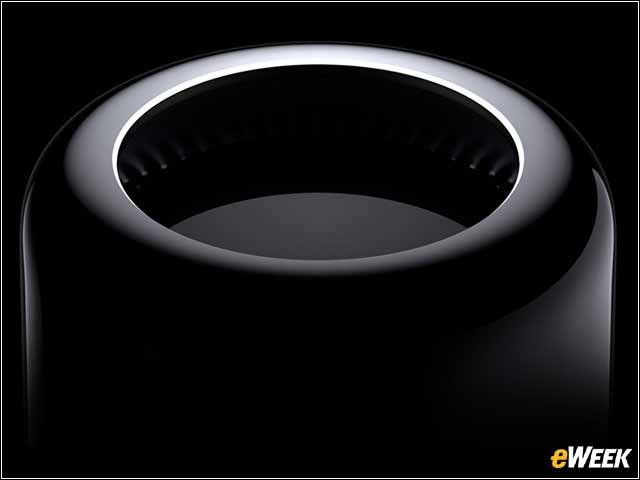
Apple’s Mac Pro starts at $2,999 for a quad-core computer that, for most companies looking for heavy-duty desktops, will find to be less than appealing. In the vast majority of cases, customization is required, or customers can opt for the other standard build, which comes with a six-core processor, at $3,999. Either way, customers can expect to pay several thousand dollars for the Mac Pro. Depending on the iMac, however, customers can get it for as little as $1,099.
There Are More Choices Across the iMac Line
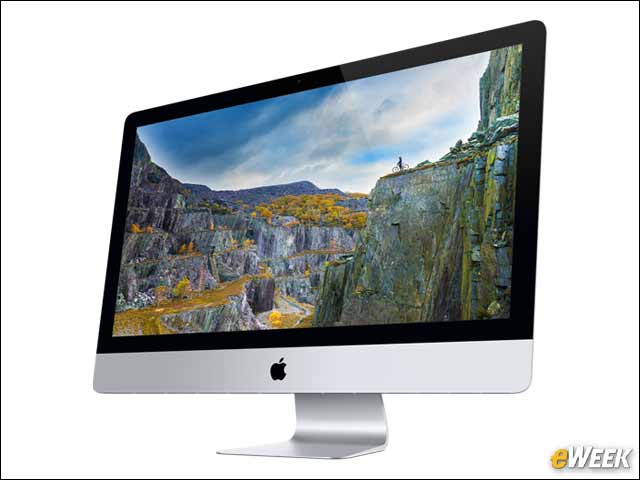
Apple offers two standard Mac Pro builds: one with a quad-core processor and another with a six-core processor. The iMac comes with a handful of options to consumers, including a 21.5-inch model, a 27-inch model and the most expensive version, which is the iMac with Retina 5K.
iMac Takes Up Some Desk Space
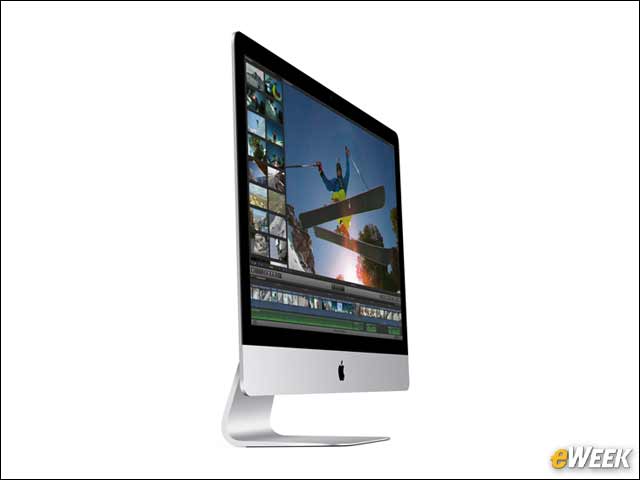
Apple has done a fine job of making the iMac as unobtrusive on the desktop as possible, but compared with the Mac Pro, it can’t compete. The 27-inch iMac, for instance, has an 8-inch depth with its stand and is nearly 26 inches wide, taking up considerable real estate on the desk. The Mac Pro is surprisingly small at 9.9 inches tall by 6.6 inches in diameter. A standard display next to it wouldn’t match the size of the iMac on its own.
New Consumers Can Sign On to the iMac
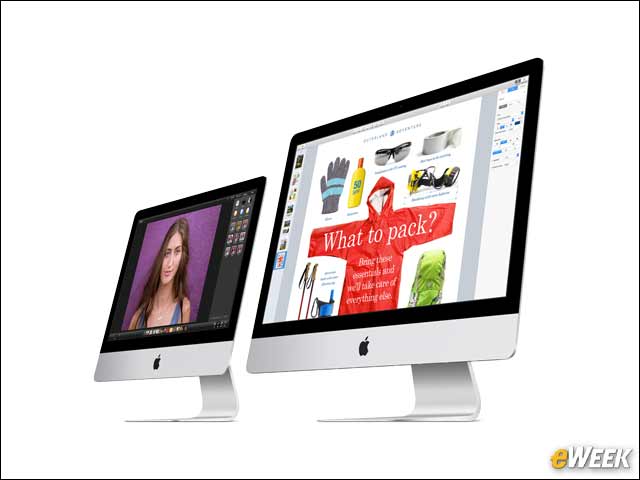
When examining the differences between the iMac and the Mac Pro, one might quickly discover that Apple’s all-in-one is likely the best choice for a Mac newbie who doesn’t need it for work. The iMac is cheaper and doesn’t require any add-ons. The device is the ultimate in what Apple stands for—simplicity. Customers need only to pay between $1,000 and $2,000, take out the keyboard and mouse, plug them all in, and the iMac is ready to use. The Mac Pro requires a bit more legwork, and its price tag might push some away who have been using Windows machines all their lives and see comparably equipped computers for far less.
The Internal Components Are Much Different
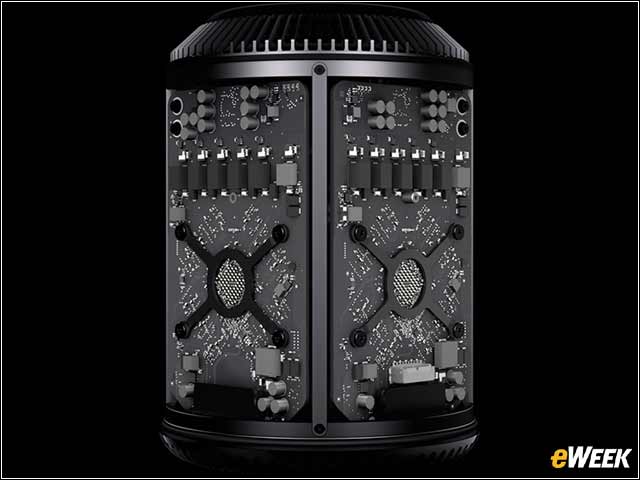
As noted, the iMac is no slouch when it comes to internal components, but it’s still no match for the Mac Pro. The standard iMac with Retina 5K comes with a 3.5GHz quad-core Intel Core i5 processor, 8GB of memory, an AMD Radeon R9 M290X graphics processor and a 1TB fusion storage drive. The lower-end Mac Pro has a 3.7GHz quad-core Intel Xeon E5 processor, 12GB of on-board memory, two AMD FirePro D300 graphics processors and flash storage. For the power-hungry among us, the Mac Pro is far ahead of Apple’s all-in-one.
iMac Is Typically Updated More Quickly
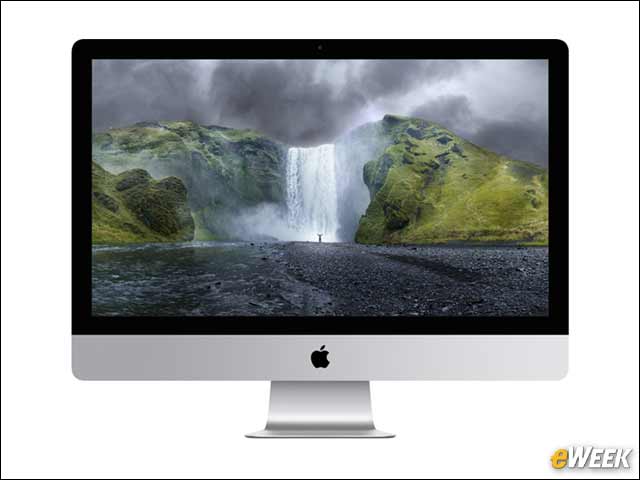
Each year, Apple updates its iMac with new internal components. The company also tends to update its design on a semi-regular basis. The Mac Pro, however, is an oddity. While the company will continue to boost its specs, over the years, the Mac Pro has been left alone for years at a time while customers wait for updates. There’s no telling whether that will continue with the latest Mac Pro, but if history is to be our guide, those looking for rapid updates (so they can buy new computers every few years) might have better luck with the iMac.
The Port Face-Off Is No Contest
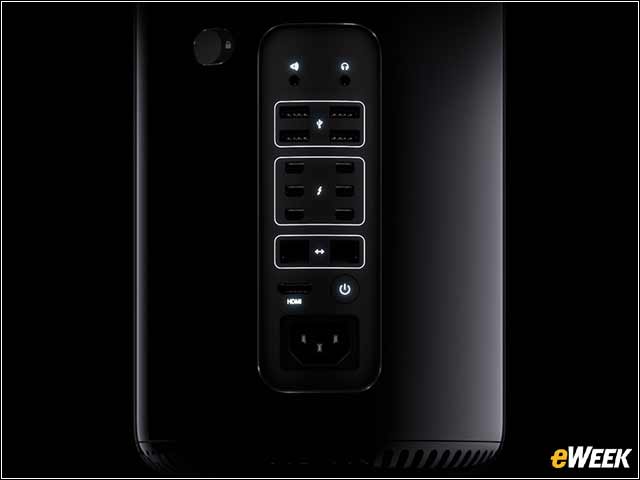
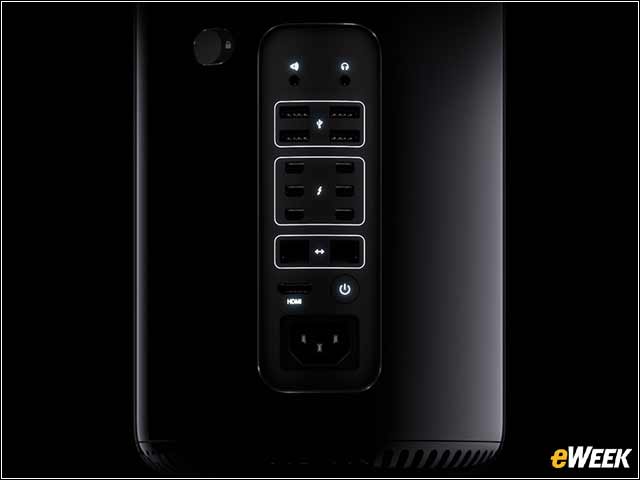
Ports matter greatly in the desktop market. Perhaps that’s why the Mac Pro comes with four USB 3 ports, six Thunderbolt 2 ports, two Gigabit Ethernet ports and an HDMI 1.4 UltraHD port. The iMac, meanwhile, has four USB 3 ports, two Thunderbolt 2 ports and one Gigabit Ethernet port. It also adds a Secure Digital Extended Capacity (SDXC) card slot. Customers looking for extra connectivity will find it in the Mac Pro.